|
Version 2017 R18 |
|
RELEASE DATE: 8/28/2017
RELEASE SUMMARY
The following is a table contains counts of the items affecting this release.
|
# |
Change Summary |
|
9 |
New Product Features |
|
0 |
Release Enhancements |
|
5 |
Release Fixes |
|
7 |
Schema Changes (# of database tables affected) |
|
3 |
Admin Changes |
|
1 |
Standard Reports Affected |
RELEASE LINKS
This section provides quick links to commonly referenced release subjects.
|
Link |
Description |
|
Watch a short video highlighting the changes we have made to MoversSuite at this version. | |
|
View current release information through a PDF document. | |
|
Read up on the requirements for this version of MoversSuite. | |
|
Check out our Support page to read about the latest MoversSuite release and find links to other useful information. | |
|
See what other MoversSuite customers are requesting for changes to the MoversSuite application and submit your own suggestions. | |
|
Past Versions Information |
Look through a list of changes made to all other versions of MoversSuite. |
|
This page provides a quick rundown of changes made at each version. | |
|
Access a list of overview videos for each release. | |
|
Pull up the database changes we made at various releases. |
RELEASE REQUIREMENTS
Please refer to the following information regarding the hardware and software required to support MoversSuite and related systems.
View the MoversSuite Compatibility topic for a list of products that are compatible with MoversSuite.
Refer to the System Requirements section for a complete list of hardware and software requirements.
Microsoft SQL Server 2008 and SQL Server 2008 R2 Compatibility
With version 2017 R11 of MoversSuite, the development environment of MoversSuite is no longer compatible with Microsoft SQL Server 2008 or SQL Server 2008 R2.
As of May 22, 2017, the lowest compatible database server hosting MoversSuite will be Microsoft SQL Server 2012. IMPORTANT: If you wish to upgrade to MoversSuite 2017 R11 or a later version of MoversSuite, your company must, at minimum, have Microsoft SQL Server 2012 or higher (see the Microsoft SQL Server 2016 Compatibility announcement).
Of note, being current on the latest versions of the hardware and software for our development environment allows us to provide better security, better support, and a better MoversSuite user experience. Please refer to our System Requirements for more information on the hardware and software compatible with MoversSuite.
Contact our EWS Support team to discuss migration options.
Windows Domain Authentication to log into MoversSuite
With the release of MoversSuite Version 2017 R08 is the ability to open MoversSuite by using the credentials you enter when logging into your Windows environment. MoversSuite references the user identity associated to your Windows account to retrieve your MoversSuite login information. Then, when you launch MoversSuite or MoversSuite Administration, it opens without you having to enter your MoversSuite username and password.
IMPORTANT: If your company is not utilizing Windows Domain Authentication, then you will be unable to upgrade to version 2017 R08 or later. (8638)
IBM MQ Client 8.0.0.5
For all UniGroup agents, UniGroup requires IBM MQ Client 8.0.0.5. If you upgrade on your own and want to download this latest version of IBM MQ Client, then you can do so through this link: http://www-01.ibm.com/support/docview.wss?uid=swg24037500#1.
Microsoft SQL Server 2016 Compatibility
As of MoversSuite 2017 R04, the MoversSuite development environment is compatible with Microsoft SQL Server 2016.
Refer to our System Requirements for more information on the hardware and software compatible with MoversSuite.
Please contact our EWS Sales team to discuss upgrade options.
Microsoft Windows Server 2016 Compatibility
As of MoversSuite 2017 R04, MoversSuite is compatible with Microsoft Windows Server 2016.
Refer to our System Requirements for more information on the hardware and software compatible with MoversSuite.
Please contact our EWS Sales team to discuss upgrade options.
Dynamics GP Requirements
MoversSuite is compatible with the following:
Microsoft Dynamics GP 2016
Microsoft Dynamics GP 2015 R2 (with ATIP Build 14.0.1)
Microsoft Dynamics GP 2013 R2 (with ATIP Build 12.0.23)
Refer to the following for information regarding additional requirements you may need to support Microsoft Dynamics GP:
System Requirements for Microsoft Dynamics GP 2016
System Requirements for Microsoft Dynamics GP 2015
KNOWN ISSUES
The following issues are problems that may affect your decision to upgrade to this version of MoversSuite. The following issue is not resolved for this release.
Citrix issue with phone number control
An issue that cannot be replicated is causing the phone numbers within the Shipper Contact Information section (Name, Address, Phone tab) to disappear and then reappear when you click on that section, however, the user cannot edit them until they press Cancel (on the order) and then attempt to Edit again. (6409)
RELEASE FEATURES
This section lists new functionality added to MoversSuite.
Combine Multiple Services
into a Single Work Ticket and Generate Multiple Work Tickets at One Time
A new option is available from the Dispatch Center in Local Dispatch allowing you to combine multiple services into a single Work Ticket. The Combine on Work Ticket option is available through the right-click menu when you select multiple services for the same order and for the same day.
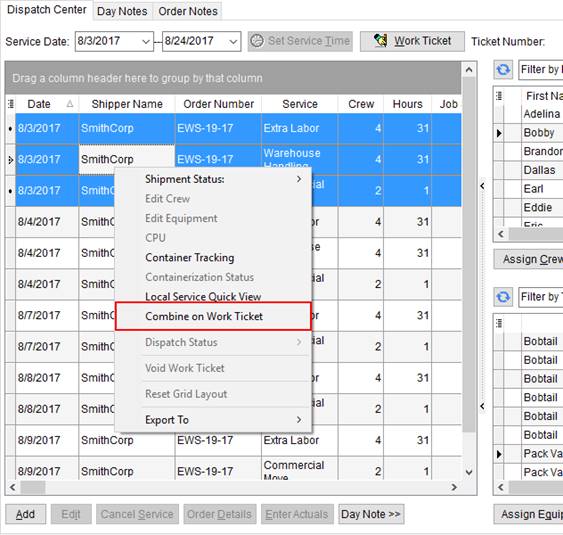
Figure 1: Right-click options within the Dispatch Center
When you choose this option, the application automatically assigns the services a Ticket Number but does not open the Report Viewer to view the report. However, anytime you press Work Ticket for any of the services associated to the ticket, the Report Viewer opens displaying the combined ticket report.
Alternatively, you can combine services without using the Combine on Work Ticket option. This is accomplished by selecting the services and pressing Work Ticket. The application combines all services for the same day and same order into a single ticket. So, you can select as many services as you like in the grid and the application automatically combines all those with the same order for the same date of service into a single ticket. It also opens the Report Viewer allowing you to view the report for all tickets generated, in other words, the Report Viewer has been updated to view multiple Work Tickets at a time.
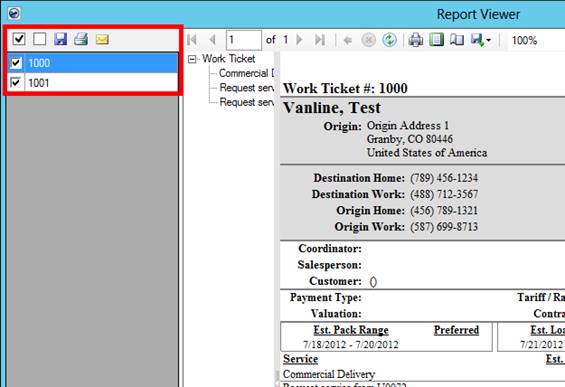
Figure 2: Sample Work Ticket report within the Report Viewer
Of note, if you include services that already have a Ticket Number, then the application simply displays the Work Ticket report.
View the Work Ticket topic for more information.
|
SUMMARY (3709, 3711) |
|
Combine on Work Ticket option add to Local Dispatch. |
|
Multiple work tickets can be viewed and managed through the Report Viewer. |
|
The following areas have been affected by this change: Right-Click Options (Local Dispatch)
|
Additional Work Ticket
Report Available
In addition to the standard Work Ticket Report, we now offer a specific report geared to the needs of an Office & Industrial move request.
The new report will be loaded automatically into your system when you upgrade. It will be available under the Menu Name of Work Ticket (O&I) within Report Setup. Administrators can assign this report to O&I user profiles through Report Profile Setup.
The new report is similar to the existing report, except for a few differences. The header includes the branch address and phone number. The Origin and Destination address pull from location set within the Contacts and Locations tab.
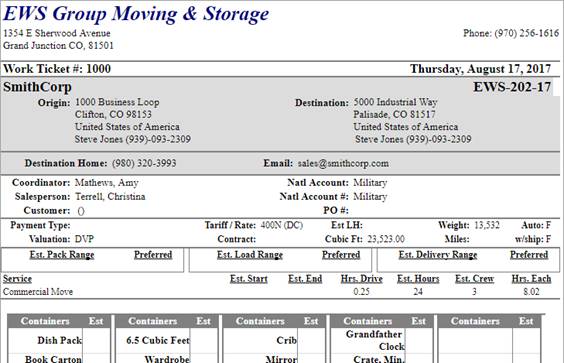
Figure 3: Work Ticket (O&I) Report
And, the crew lists on a second page with a few extra places to enter actual crew times.
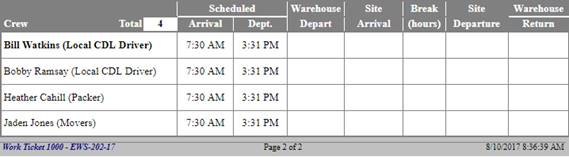
Figure 4: Crew listing within Work Ticket (O&I) Report
View the Work Ticket (O&I) Report topic for the details that list within this report.
In a related change, the ability to choose from multiple Work Ticket reports is now available to you.
When multiple Work Ticket reports are available to you through your Report Profile, then when you click on Work Ticket from within the Dispatch Center, each available report displays as an option.
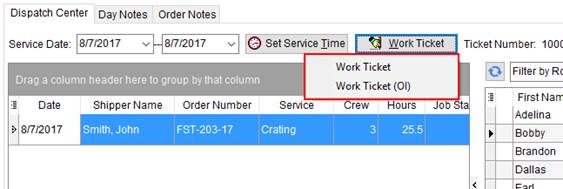
Figure 5: Work Ticket options within the Dispatch Center
Choose the report you wish to generate and the application opens the report in the Report Viewer.
Administrators can assign multiple Work Tickets to a profile through Report Profile Setup. Reports with a System Location of Work Ticket Report appear as an option through the Work Ticket function.
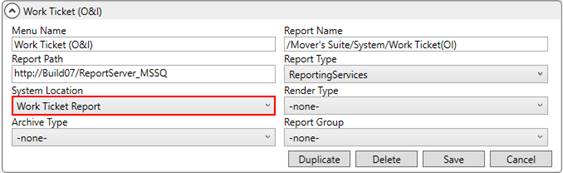
Figure 6: Report Setup
Of note, if only one report links your Report Profile, then the default Work Ticket automatically generates without requiring you to select it from a list.
|
SUMMARY (3597) |
|
Work Ticket (O&I) available through Report Setup. |
|
Multiple options available through the Work Ticket function. |
|
The following areas have been affected by this change: Right-Click Options (Local Dispatch)
|
Custom Sort Fields Added to
Local Dispatch grid 
Two custom sort fields are available within the Dispatch Center grid in Local Dispatch. Sort 1 and Sort 2 allow you to type a value directly into the grid cell (up to 16 characters). You can use this value to assist you in organizing services and your workflow.
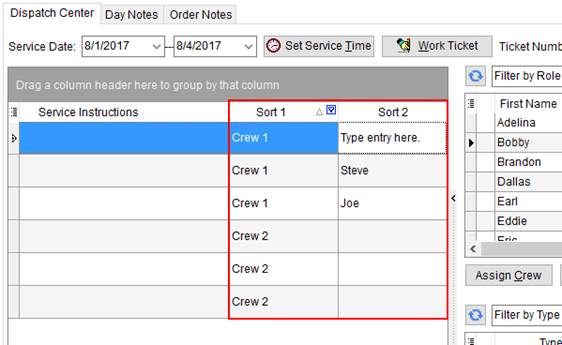
Figure 7: Sort columns within the Dispatch Center
The features available to other fields in the grid are available to these new fields as well, such as sorting, grouping, filtering, etc. For example, if you entered a Sort 1 of “Crew 1”, then you can filter the grid to just display Crew 1 entries.
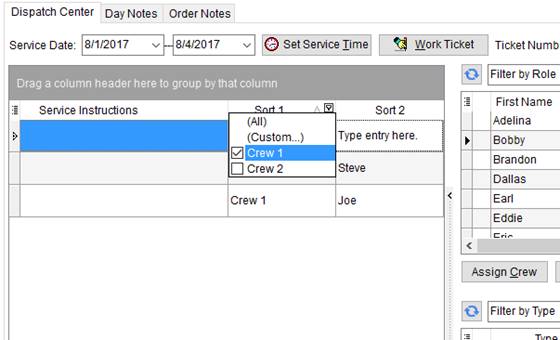
Figure 8: Filtering options on sort fields
In addition to typing directly into either field, you can utilize copy and paste features. Use CTRL+C to copy a text entry from just about any Windows source, including MoversSuite. Use the CTRL+V keyboard combination to paste the entry directly into one of the sort fields.
The data entered within Sort 1 or Sort 2 is only available within the Dispatch Center grid.
|
SUMMARY (4103) |
|
Sort 1 and Sort 2 columns added to the Dispatch Center data grid. |
|
The following areas have been affected by this change: Schema Changes Version 2017R18
|
List of Fields Tracked by
Order History Updated
The list of fields tracked by Order History now includes the following:
On the Military/Government tab:
|
Field |
Order History Field Name |
|
Original Weights > Gross |
Military Weight - Original Gross |
|
Original Weights > Net |
Military Weight - Original Net |
|
Re-Weigh Weights > Gross |
Military Weight - Reweigh Gross |
|
Re-Weigh Weights > Net |
Military Weight - Reweigh Net |
Within SIT Information:
|
Field |
Order History Field Name |
|
Destination > Out Date Actual |
Destination SIT - Actual Out Date |
|
Origin > Out Date Actual |
Origin SIT - Actual Out Date |
Refer to Order History for more information.
|
SUMMARY (4116, 4717) |
|
Order History data updated to include several fields from Military/Government and SIT Information. |
|
The following areas have been affected by this change: Schema Changes Version 2017R18
|
Building Constraints Now
Link to Buildings
For those of you utilizing the Office & Industrial module, you now have a feature allowing you to link defined building constraints directly to building records.
The constraints defined within Building Constraints Setup now link to Building Setup records, allowing you to provide specific constraint information for each building.
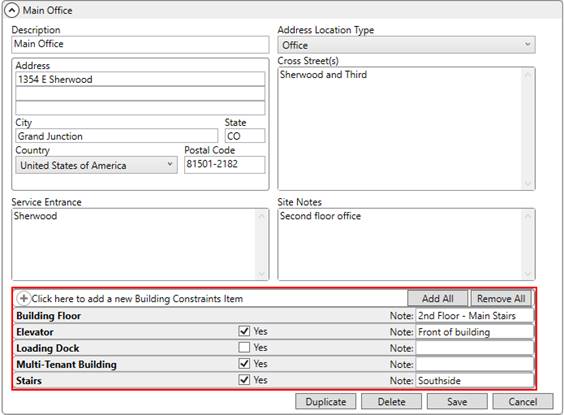
Figure 9: Building Setup
By default, all constraints defined within Building Constraints Setup display within the Job Information tab for all buildings. The constraints added within Building Setup records override those set within Building Constraints Setup. This allows you to automatically set Yes flag and to provide a Note pertaining to the specifics of the building record. In the above example (Figure 9), the Elevator constraint overrides the default Note set for the constraint below (Figure 10) and automatic shows the Yes flag as checked.

Figure 10: Building Constraint item
Again, all defined constraints appear for all buildings. The option to assign specifics for a building is what is now available through Building Setup.
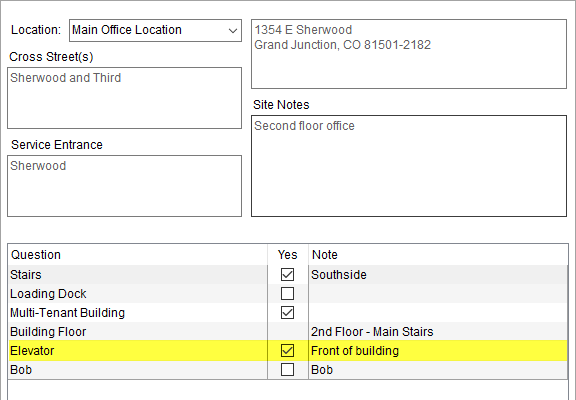
Figure 11:Building Constraints tab within Job Information
|
SUMMARY (4073) |
|
Building Constraints Setup items link to Building Setup records. |
|
The following areas have been affected by this change: Schema Changes Version 2017R18
|
Building Constraints
Available as Letter Management Bookmarks
The Building Constraints set within the Job Information tab on an Office & Industrial order are now available as Letter Management bookmarks.
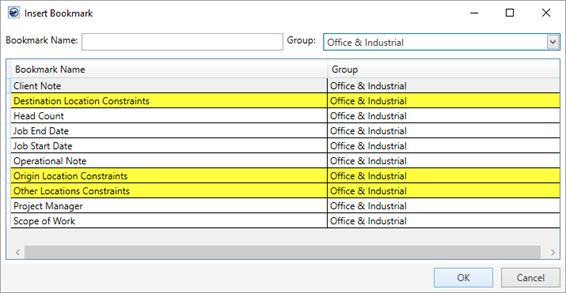
Figure 12: Insert Bookmark screen
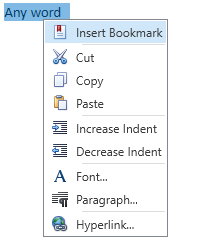
Three bookmarks have been added allowing you to display the constraints of the destination location, the origin location, and all the other locations specified within the Contacts and Locations section.
When a document generates with one of the new bookmarks, the application inserts it as a table with appropriate labeled sections and background color.
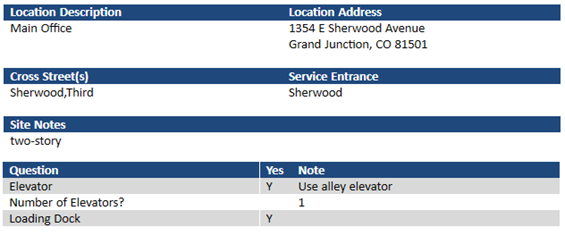
Figure 13: Sample bookmark for Building Constraints
You can modify the table by adjusting column width, removing rows, changing font and background color, and more.
Specifics of each new bookmark displays in the following table.
|
Bookmark |
Description |
|
Displays the constraints of the location marked as the Location Address Type of Destination (through Add/Edit Order Location). | |
|
Displays the constraints of the location marked as the Location Address Type of Origin (through Add/Edit Order Location). | |
|
Other Location Constraints |
Displays the constraints of all locations marked with the Location Address Type of Other (through Add/Edit Order Location). |
Refer to Letter Management and to Office & Industrial Bookmarks for further details.
|
SUMMARY (3954) |
|
Building Constraints Office & Industrial Bookmarks added. |
|
The following areas have been affected by this change:
|
Additional Bookmarks
Available 
We added several fields to the list of items available as Letter Management Bookmarks. You can now access the following to add to your custom documents and emails.
|
Bookmark Field |
Field Location |
|
Move Information > Discounted Linehaul | |
|
Billing Information > Estimate Amount | |
|
Estimated Weight |
Move Information > Estimated Weight |
|
Move Information > Miles | |
|
Billing Information > Purchase Order | |
|
Agents > Survey Date | |
|
Survey Time |
Agents > Survey Start Time and End Time |
|
Move Information > Type of Move |
All the new bookmarks list under Order Information Bookmarks, which are available under the Order Information group within the Insert Bookmark screen.
Of note, the Survey Time is one bookmark for two fields: Start Time and End Time. If both times are specified, then the bookmark renders the date as the time separated by a dash, e.g. 09:00 AM – 12:00 PM.
|
SUMMARY (4690) |
|
Order Information Bookmarks added. |
|
The following areas have been affected by this change:
|
UniGroup International
Download Sync Function Available 
When working on an UniGroup International order and you wish to manually sync the order to the data within UniGroup, then you can evoke the UniGroup International Download option. This option is available through the Tools Menu.
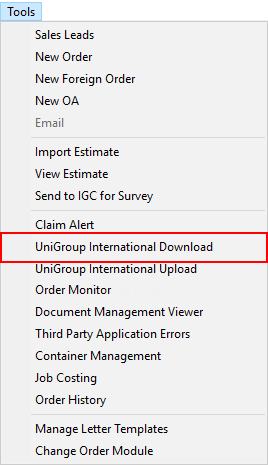
Figure 14: Tools Menu
When you select this option, the application all data associated to the order within the UniGroup International system and updates the corresponding data within MoversSuite.
This option is only available for UniGroup International orders viewed through the International Orders module.
Refer to UniGroup International Download for more information.
|
SUMMARY (4730) |
|
The UniGroup International Download option added to the Tools Menu. |
|
The following areas have been affected by this change: UniGroup International Download
|
RELEASE FIXES
This section lists any fixes made to MoversSuite.
Administration
User password rule change
When establishing a new MoversSuite user, the application now requires that the password be a minimum of six characters in length (as set through the Password field within the User tab in Personnel Setup).
This change only affects newly defined users. All existing users can change their password without needing to specify the new, six-character requirement. (4683)
Local Dispatch
Entering actuals for one service is not copied to another
When two requests are assigned to the same crew and actuals entered for one of the services, the application no longer copies the actual data to the other service. (4731)
Payment Management
Generic CSV Import invoice only updates
If the Customer or Service Code is not set within the Generic Import and only the Invoice Number is referenced to identify the order, then the application now set appropriate indicators to identify the needed customer and service codes. Prior to this release, if only the Invoice Number was set (no Order Number nor GBL Number), then the apply was unable to match on service code and a missing customer number resulted in an error when importing through the Statement Import Summary (Generic Import). (4720, 4722)
Revenue Entry
Multiple-session check for generated transactions
When editing revenue items, MoversSuite now checks to verify that transactions have not been generated prior to saving the changes. This check is to ensure that when the same revenue items are being edited concurrently by either another party or by a different session, that the edits made after the transaction give proper notice to the other party or session window. This change affects adding and editing of commissions, Revenue Item, Revenue Group, and third-party items. (4125)
SCHEMA CHANGES
Database changes for this release are visible through the following topic:
Schema Changes Version 2017R18
The following links allows you to navigate through all MoversSuite tables and data views and allows you to view field properties, such as type and maximum value size, etc.
MoversSuite Database Tables (2017R18)
MoversSuite Document Database Tables (2017R18)
MoversSuite Data Views (2017R18)
|
Version 2017 R17 |
|
RELEASE DATE: 8/14/2017
QUICK LINKS
You can find commonly requested links in this section:
|
Link |
Description |
|
Watch a short video highlighting the changes we have made to MoversSuite at this version. | |
|
View current release information through a PDF document. | |
|
Read up on the requirements for this version of MoversSuite. | |
|
Check out our Support page to read about the latest MoversSuite release and find links to other useful information. | |
|
See what other MoversSuite customers are requesting for changes to the MoversSuite application and submit your own suggestions. | |
|
Past Versions Information |
Look through a list of changes made to all other versions of MoversSuite. |
|
This page provides a quick rundown of changes made at each version. | |
|
Access a list of overview videos for each release. | |
|
Pull up the database changes we made at various releases. |
RELEASE SUMMARY
The following is a table contains counts of the items affecting this release.
|
# |
Change Summary |
|
2 |
New Product Features |
|
0 |
Release Enhancements |
|
2 |
Release Fixes |
|
0 |
Schema Changes (# of database tables affected) |
|
0 |
Admin Changes |
|
0 |
Standard Reports Affected |
RELEASE REQUIREMENTS
Please refer to the following information regarding the hardware and software required to support MoversSuite and related systems.
View the MoversSuite Compatibility topic for a list of products that are compatible with MoversSuite.
Refer to the System Requirements section for a complete list of hardware and software requirements.
Microsoft SQL Server 2008 and SQL Server 2008 R2 Compatibility
With version 2017 R11 of MoversSuite, the development environment of MoversSuite is no longer compatible with Microsoft SQL Server 2008 or SQL Server 2008 R2.
As of May 22, 2017, the lowest compatible database server hosting MoversSuite will be Microsoft SQL Server 2012. IMPORTANT: If you wish to upgrade to MoversSuite 2017 R11 or a later version of MoversSuite, your company must, at minimum, have Microsoft SQL Server 2012 or higher (see the Microsoft SQL Server 2016 Compatibility announcement).
Of note, being current on the latest versions of the hardware and software for our development environment allows us to provide better security, better support, and a better MoversSuite user experience. Please refer to our System Requirements for more information on the hardware and software compatible with MoversSuite.
Contact our EWS Support team to discuss migration options.
Windows Domain Authentication to log into MoversSuite
With the release of MoversSuite Version 2017 R08 is the ability to open MoversSuite by using the credentials you enter when logging into your Windows environment. MoversSuite references the user identity associated to your Windows account to retrieve your MoversSuite login information. Then, when you launch MoversSuite or MoversSuite Administration, it opens without you having to enter your MoversSuite username and password.
IMPORTANT: If your company is not utilizing Windows Domain Authentication, then you will be unable to upgrade to version 2017 R08 or later. (8638)
IBM MQ Client 8.0.0.5
For all UniGroup agents, UniGroup requires IBM MQ Client 8.0.0.5. If you upgrade on your own and want to download this latest version of IBM MQ Client, then you can do so through this link: http://www-01.ibm.com/support/docview.wss?uid=swg24037500#1.
Microsoft SQL Server 2016 Compatibility
As of MoversSuite 2017 R04, the MoversSuite development environment is compatible with Microsoft SQL Server 2016.
Refer to our System Requirements for more information on the hardware and software compatible with MoversSuite.
Please contact our EWS Sales team to discuss upgrade options.
Microsoft Windows Server 2016 Compatibility
As of MoversSuite 2017 R04, MoversSuite is compatible with Microsoft Windows Server 2016.
Refer to our System Requirements for more information on the hardware and software compatible with MoversSuite.
Please contact our EWS Sales team to discuss upgrade options.
Dynamics GP Requirements
MoversSuite is compatible with the following:
Microsoft Dynamics GP 2016
Microsoft Dynamics GP 2015 R2 (with ATIP Build 14.0.1)
Microsoft Dynamics GP 2013 R2 (with ATIP Build 12.0.23)
Refer to the following for information regarding additional requirements you may need to support Microsoft Dynamics GP:
System Requirements for Microsoft Dynamics GP 2016
System Requirements for Microsoft Dynamics GP 2015
KNOWN ISSUES
The following issues are problems that may affect your decision to upgrade to this version of MoversSuite. The following issue is not resolved for this release.
Invoice Number Only Generic CSV Import Not Working
If the Customer or Service Code is not set within the Generic Import and only the Invoice Number (no Order Number nor GBL Number included) is referenced to identify the order, then the application cannot determine the service codes when applying. Also, the process cannot determine the customer, therefore an error is received when importing the statement. NOTE: If the Order Number or GBL Number is supplied, then the import works as expected. (4720)
Citrix issue with phone number control
An issue that cannot be replicated is causing the phone numbers within the Shipper Contact Information section (Name, Address, Phone tab) to disappear and then reappear when you click on that section, however, the user cannot edit them until they press Cancel (on the order) and then attempt to Edit again. (6409)
RELEASE FEATURES
This section lists new functionality added to MoversSuite.
Scope of Work bookmark added

You can now capture the Scope of Work data of an Office & Industrial move as a Letter Management bookmark that you can insert into your documents and emails.
The Scope of Work bookmark lists under the Office & Industrial group from within the Insert Bookmark screen.
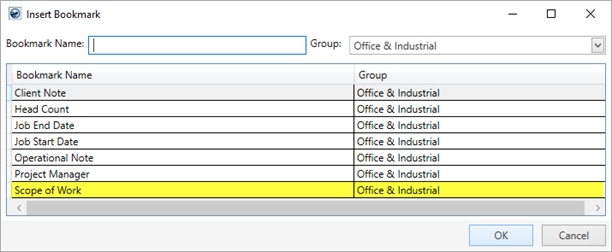
Figure 15: Insert Bookmark screen
This bookmark displays the contents of the Scope of Work data entered within the Job Information tab.
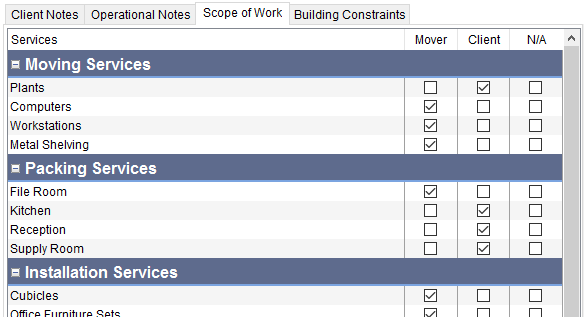
Figure 16: Scope of Work tab
When you generate a document using this bookmark, the output inserts as a table within the document and the content appears as it does within the Scope of Work tab.
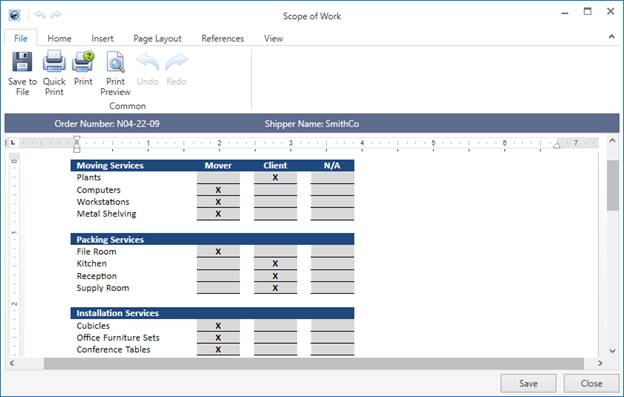
Figure 17: Generated Letter Management document example
A few editing features are available to you once the document generates. For example, you can resize the columns and the grid itself, change the background color of the cells, adjust the font size and font type, indent the text, and more.
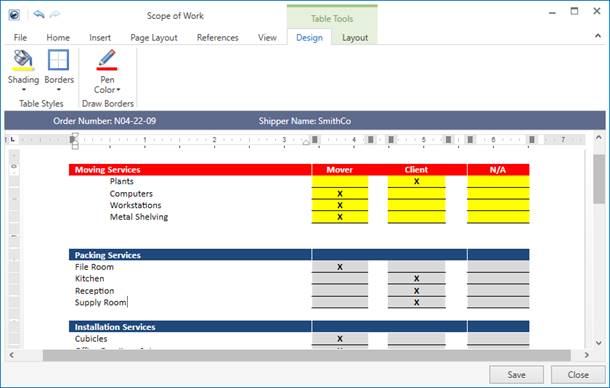
Figure 18: Updated Letter Management document example
View the Job Information, Letter Management, and Office & Industrial Bookmarks topics for more information.
|
SUMMARY (3953, 4712) |
|
Scope of Work added as Letter Management Bookmarks. |
|
The following areas have been affected by this change:
|
MSCrew Version 1.1

The MoversSuiteCrew Mobile Application has been improved and a new release of this version is available through the iTunes App Store.
Version 1.1 features improvements allowing crew leads to perform the following through their mobile device:
•Add order notes
•Add a Change Order request
•Add a Job Summary request
•Add an Internal Summary request
Additionally, the mobile application provides the ability to capture lead and client signatures of approval for the Change Order, Job Summary, and Internal Summary documents.
Also, users can now access contact information for Dispatcher and Project Manager through the Assistance listing on the Contacts screen.
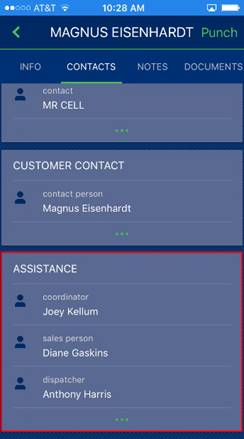
Figure 19: Contacts screen
Change Order, Job Summary, and Internal Summary
Crew leads can generate documents for Change Order request, a Job Summary, and Internal Summary through the mobile application that capture the signature of the lead as well as that of the client. The new options are available from the Info screen.
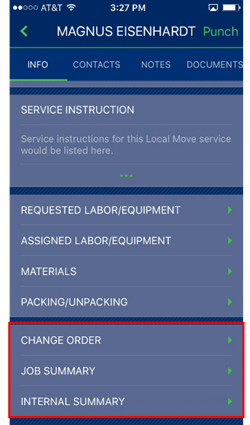
Figure 20: Info screen
The Change Order request results in a generated document that includes the signatures captured by the device, along with summary information of the service and the specifics of the request. Your company logo also displays on the output that is stored within the Document Management system and can be emailed directly from the device. You can also view the Change Order through the Documents screen within the mobile application.
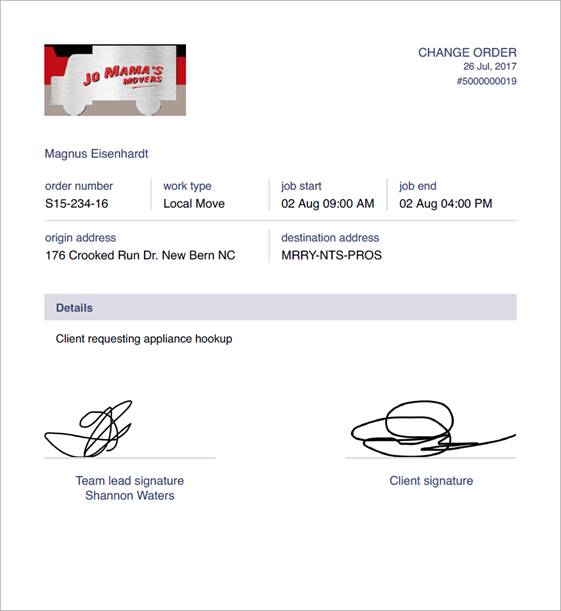
Figure 21: Change Order example
The Job Summary documents the specifics of the move by detailing the actuals submitted and approved by the client. There is also an Internal Summary document that reports the same information but includes the actual name of personnel assigned to the service.
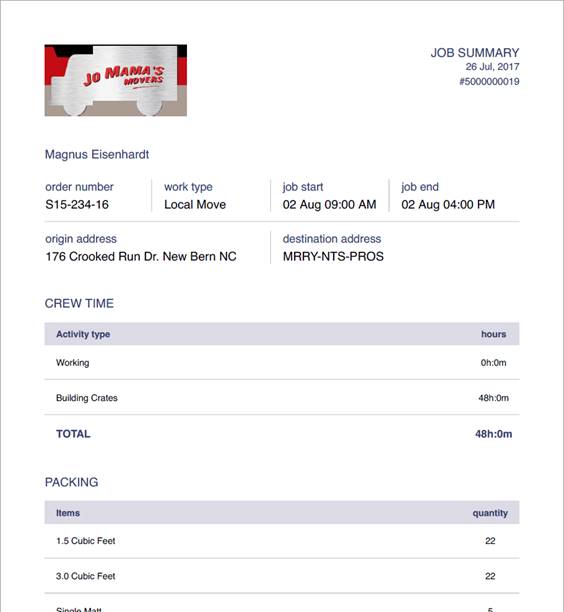
Figure 22: Job Summary example
You can specify the logo that appears on these documents through the Mobile Company Logo Setup.
The Signature screen appears automatically when generating a Change Order, Job Summary, or Internal Summary. It provides the lead the opportunity to record their signature along that of the client.
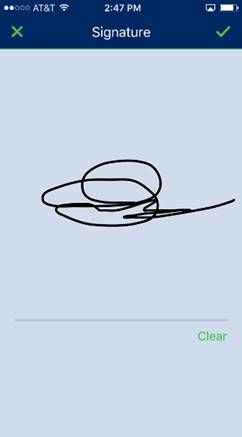
Figure 23: Signature capture
Add Order Note
Leads can add an order note through the Notes screen. The Add Note option prompts the lead to enter the subject and text of the note. The approved note is attached to the order and is visible through the Notes tab and through the Notes screen within the mobile application.
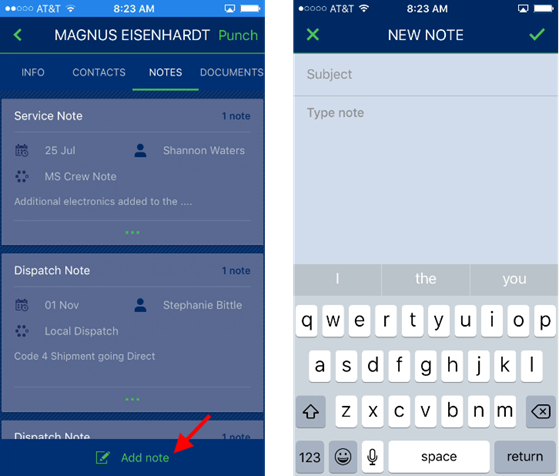
Figure 24: Adding a note through the mobile device
Administrative Changes
Utilize the Mobile Api Setup to establish default note and document types for the items generated through the mobile device.
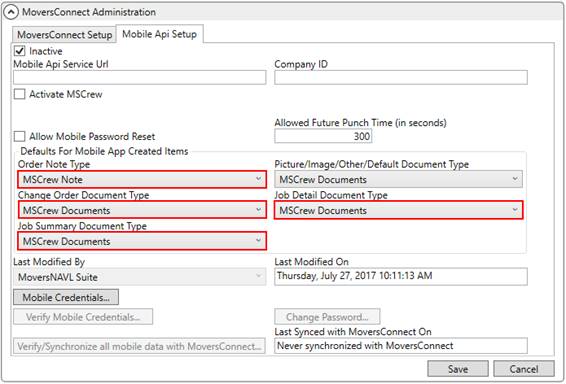
Figure 25: Mobile Api Setup
The default note type references values defined within the Note Type Setup. The document types available are from those found within Document Type Setup.
Learn more about the new features available to the MoversSuiteCrew Mobile Application through the following topics and by watching the overview video for this release:
MoversSuiteCrew Internal Summary
|
SUMMARY (4097) |
|
The ability to add a note, Change Order, Internal Summary, and Job Summary have been added to the MoversSuiteCrew Mobile Application. |
|
New administrative fields for Order Note Type, Change Order Document Type, Job Detail Document Type, Job Summary Document Type added to Mobile Api Setup. |
|
Signature capture screen added to the MoversSuiteCrew Mobile Application. |
|
Assistance types of Dispatcher and Project Manager added to the Contacts screen within the MoversSuiteCrew Mobile Application. |
|
The following areas have been affected by this change: MoversSuiteCrew Internal Summary
|
RELEASE FIXES
This section lists any fixes made to MoversSuite.
Connections
International data included when no Booking Agent specified
The UniGroup International Download now correctly identifies the Booking Agent on the order and downloads all appropriate international data. Prior to this release, if the booking information was not set (e.g. Booking Agent), then much of the international data was not included in the download. (4714)
Local Dispatch
New leads associate to the Order Information module
When you create a lead through the New option within Local Dispatch, the new lead links to the Order Information module and opens when the entry is saved. (4704)
SCHEMA CHANGES
Database changes for this release are visible through the following topic:
NO SCHEMA CHANGES FOR THIS RELEASE
The following links allows you to navigate through all MoversSuite tables and data views and allows you to view field properties, such as type and maximum value size, etc.
MoversSuite Database Tables (2017R17)
MoversSuite Document Database Tables (2017R17)
MoversSuite Data Views (2017R17)
|
Version 2017 R16 |
|
RELEASE DATE: 7/31/2017
QUICK LINKS
You can find commonly requested links in this section:
|
Link |
Description |
|
Watch a short video highlighting the changes we have made to MoversSuite at this version. | |
|
View current release information through a PDF document. | |
|
Read up on the requirements for this version of MoversSuite. | |
|
Check out our Support page to read about the latest MoversSuite release and find links to other useful information. | |
|
See what other MoversSuite customers are requesting for changes to the MoversSuite application and submit your own suggestions. | |
|
Past Versions Information |
Look through a list of changes made to all other versions of MoversSuite. |
|
This page provides a quick rundown of changes made at each version. | |
|
Access a list of overview videos for each release. | |
|
Pull up the database changes we made at various releases. |
RELEASE SUMMARY
The following is a table contains counts of the items affecting this release.
|
# |
Change Summary |
|
5 |
New Product Features |
|
1 |
Release Enhancements |
|
15 |
Release Fixes |
|
2 |
Schema Changes (# of database tables affected) |
|
4 |
Admin Changes |
|
1 |
Standard Reports Affected |
RELEASE REQUIREMENTS
Please refer to the following information regarding the hardware and software required to support MoversSuite and related systems.
View the MoversSuite Compatibility topic for a list of products compatible with MoversSuite.
Refer to the System Requirements section for a complete list of hardware and software requirements.
Microsoft SQL Server 2008 and SQL Server 2008 R2 Compatibility
With version 2017 R11 of MoversSuite, the development environment of MoversSuite is no longer compatible with Microsoft SQL Server 2008 or SQL Server 2008 R2.
As of May 22, 2017, the lowest compatible database server hosting MoversSuite will be Microsoft SQL Server 2012. IMPORTANT: If you wish to upgrade to MoversSuite 2017 R11 or a later version of MoversSuite, your company must, at minimum, have Microsoft SQL Server 2012 or higher (see the Microsoft SQL Server 2016 Compatibility announcement).
Of note, being current on the latest versions of the hardware and software for our development environment allows us to provide better security, better support, and a better MoversSuite user experience. Please refer to our System Requirements for more information on the hardware and software compatible with MoversSuite.
Contact our EWS Support team to discuss migration options.
Windows Domain Authentication to log into MoversSuite
With the release of MoversSuite Version 2017 R08 is the ability to open MoversSuite by using the credentials you enter when logging into your Windows environment. MoversSuite references the user identity associated to your Windows account to retrieve your MoversSuite login information. Then, when you launch MoversSuite or MoversSuite Administration, it opens without you having to enter your MoversSuite username and password.
IMPORTANT: If your company is not utilizing Windows Domain Authentication, then you will be unable to upgrade to version 2017 R08 or later. (8638)
IBM MQ Client 8.0.0.5
For all UniGroup agents, UniGroup requires IBM MQ Client 8.0.0.5. If you upgrade on your own and want to download this latest version of IBM MQ Client, then you can do so through this link: http://www-01.ibm.com/support/docview.wss?uid=swg24037500#1.
Microsoft SQL Server 2016 Compatibility
As of MoversSuite 2017 R04, the MoversSuite development environment is compatible with Microsoft SQL Server 2016.
Refer to our System Requirements for more information on the hardware and software compatible with MoversSuite.
Please contact our EWS Sales team to discuss upgrade options.
Microsoft Windows Server 2016 Compatibility
As of MoversSuite 2017 R04, MoversSuite is compatible with Microsoft Windows Server 2016.
Refer to our System Requirements for more information on the hardware and software compatible with MoversSuite.
Please contact our EWS Sales team to discuss upgrade options.
Dynamics GP Requirements
MoversSuite is compatible with the following:
Microsoft Dynamics GP 2016
Microsoft Dynamics GP 2015 R2 (with ATIP Build 14.0.1)
Microsoft Dynamics GP 2013 R2 (with ATIP Build 12.0.23)
Refer to the following for information regarding additional requirements you may need to support Microsoft Dynamics GP:
System Requirements for Microsoft Dynamics GP 2016
System Requirements for Microsoft Dynamics GP 2015
KNOWN ISSUES
The following issues are problems that may affect your decision to upgrade to this version of MoversSuite. The following issue is not resolved for this release.
Citrix issue with phone number control
An issue that cannot be replicated is causing the phone numbers within the Shipper Contact Information section (Name, Address, Phone tab) to disappear and then reappear when you click on that section, however, the user cannot edit them until they press Cancel (on the order) and then attempt to Edit again. (6409)
RELEASE FEATURES
This section lists new functionality added to MoversSuite.
Add a contact to a quote
When establishing a Quote, you now have the option to specify the person that the quote was prepared for. This person displays on the quote report and you can access their contact information through Letter Management Bookmarks.
The list of people available to the Quote prepared for field include those assigned as contacts on the order for Office & Industrial moves or those associated to the Account Profile on the order (for all non-Office & Industrial moves).
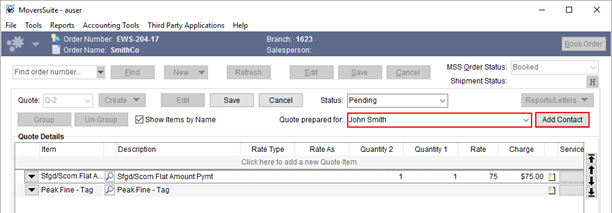
Figure 26: Quote tab
In addition to the contacts available to you, you can manually add a contact to the list through the Add Contact feature. This opens the Add/Edit Order Contact screen allowing you to define a new contact record for the order and, optionally, add the contact permanently to the Account Profile set on the order. Once the contact record is saved, it becomes available for assignment to any quote on the order through the Quote prepared for field.
On the standard Quote Form, when a contact is associated to the quote, the contact information displays in place of the customer.
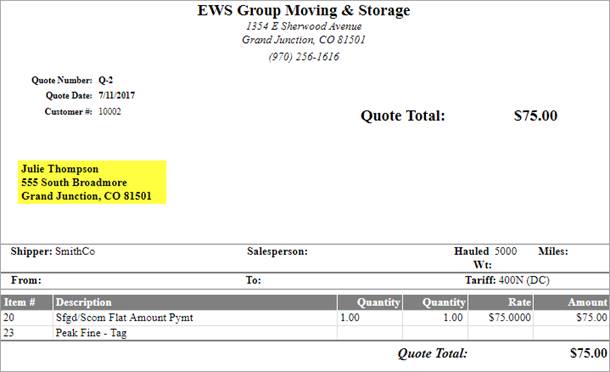
Figure 27: Quote Form
For Letter Management Bookmarks, you can access the following data set for the quote contact within your customized letter documents and emails.
Quote Prepared For Address Formatted
Quote Prepared For Address Line 1
Quote Prepared For Address Line 2
Quote Prepared For Address Line 3
Quote Prepared For City
Quote Prepared For Country Code
Quote Prepared For Country Name
Quote Prepared For Name
Quote Prepared For Postal Code
Quote Prepared For State
All the above items are found within the Quotes group within the Insert Bookmark screen. Refer to the Quote Bookmarks topic for details on the above bookmarks.
|
SUMMARY (3588) |
|
Quote prepared for and Add Contact added the Quote tab. |
|
Quote Prepared For items added to Quote Bookmarks. |
|
Quote contact now displays on the Quote Form. |
|
The following areas have been affected by this change: Schema Changes Version 2017R16
|
User login information
captured
Your company administrators have access to the date when a user last logged into MoversSuite. The Last logged into MoversSuite field is available through the User tab on each Personnel Setup record.
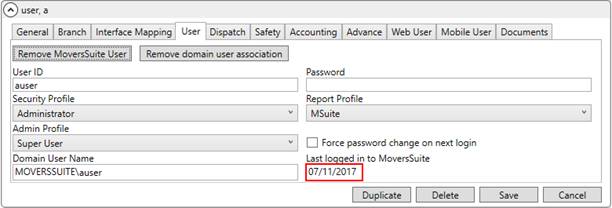
Figure 28: User tab within Personnel Setup
View the Last Logged In date for all active employees through the User Details List Report.
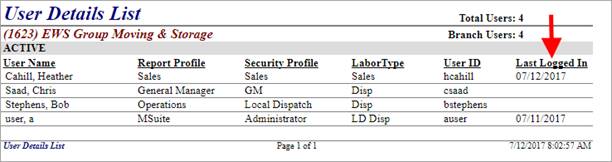
Figure 29: User Details List report
|
SUMMARY (4037) |
|
Last logged into MoversSuite added to the User tab within Personnel Setup. |
|
Last Logged In added to the User Details List Report. |
|
The following areas have been affected by this change: Schema Changes Version 2017R16
|
New Office & Industrial
Bookmarks
Two new Letter Management Bookmarks are available for Office & Industrial orders. They include the Client Note and Operational Note bookmarks and display data set within the Job Information tab. Both the Client Note and Operation Note are available through the Office & Industrial group when adding bookmarks to documents through the Insert Bookmark screen.
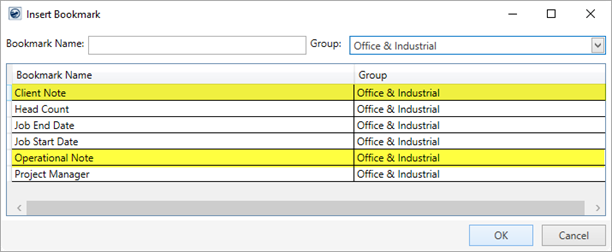
Figure 30: Insert Bookmark screen
The formatting specified on the note is retained when the output generates based on the template that includes the new bookmarks.
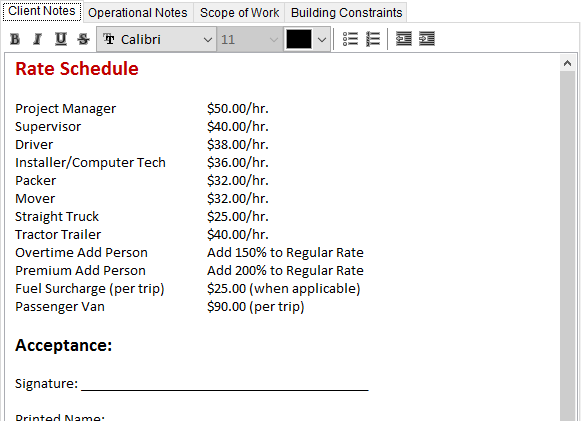
Figure 31: Client Notes example
The output associated to the Client Note above (Figure 31) displays automatically with the same format, when the document generates.
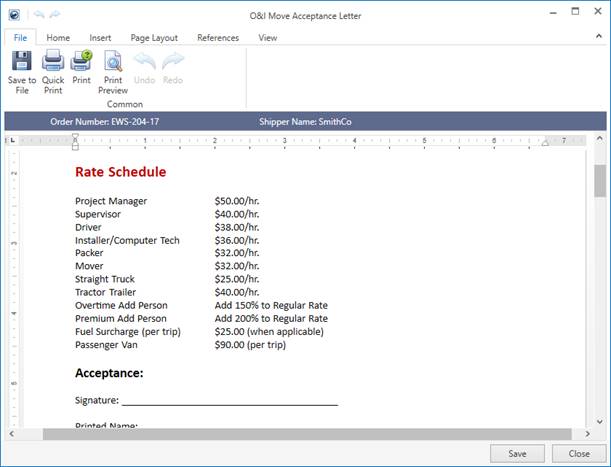
Figure 32: Output of Client Notes bookmark example
Refer to the Letter Management topic for more information on creating customized documents and emails.
|
SUMMARY (3951, 3952) |
|
Client Note and Operational Note added as Letter Management Bookmarks. |
|
The following areas have been affected by this change:
|
Atlas SUDS Interface XML Download
The Atlas SUDS Order Download process has been modified to now accept XML formatted requests from Atlas SUDS interface that add orders directly into MoversSuite while utilizing the Standard XML Pipeline. Prior to this feature, MoversSuite only accepted physical files and interpreted them based on their location on your system.
Only a few configuration changes are needed to begin utilizing direct XML through the Atlas SUDS Order Download process. You can view the Atlas SUDS XML Order Download Setup topic to see a full set of setup instructions.
|
SUMMARY (4101) |
|
XML format available for Atlas SUDS Order Download. |
|
The following areas have been affected by this change: Atlas SUDS Flat File Order Download Setup Atlas SUDS XML Order Download Setup Atlas Integration Initial Setup Atlas Integration Setup and Administration
|
RELEASE ENHANCEMENTS
This section lists improvements made to MoversSuite.
Generic Import can identify record based on Invoice Number
The Generic Import process can now identify a MoversSuite order based on the Invoice Number included in the file. Prior to this enhancement, the Order Number or GBL Number was needed to identify a MoversSuite record. Many of you utilize the Generic Import to process remittance information that may not necessarily include an Order Number or GBL Number.
If your file includes the Order Number or GBL Number, then the application attempts to locate the order by matching one of these values. Otherwise, if neither is specified, then the application attempts to locate the order based on what is specified for the Invoice Number in the file.
|
SUMMARY (4660) |
|
The Generic Import process can identify a MoversSuite record based on the Invoice Number. |
|
The following areas have been affected by this change:
|
RELEASE FIXES
This section lists any fixes made to MoversSuite.
General Application
Updated development tools to correct screen scaling
The DevExpress tool utilized to compile the MoversSuite application have been updated. The newly updated software and related VCL libraries are needed to address a scaling issue on some environments, most notably on the MoversSuite cloud-hosting environment (Microsoft Azure). (4129)
Related Orders accessing correct security information
The security around the Related Order functionality (Move Information tab) for the Find and Go To features has been improved to recognize user security access. Prior to this release, the Related Order functionality only worked inside the International Orders and Special Services modules if the person also had security access to Order Information. (4666)
Administration
Incorrect Rate Mask on Commissions
Although all calculations for commissions are correct, the Commission Amount displays as a dollar amount though the Commission Type is set to Percentage within the Commission Plan Setup.
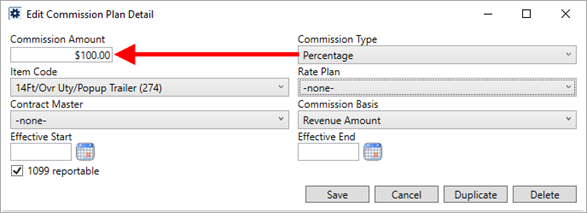
Figure 33: Commission Plan Detail within Commission Plan Setup
In the above example (Figure 34), the Commission Amount should read as “100%.” Again, the application calculates the commission amount correctly based on the type. With this release, no masking of the Commission Amount displays. (4687)
Atlas Statement Security Module
The upgrade process now inserts the Atlas Statement Integration module into the MoversSuite database. Prior to this release, the EWS Group Support Team manually added this module where needed. On systems that utilize this module, you can assign personnel to this module through their Security Profile Setup. Refer to the Atlas Statement Integration listing within Security Modules for more information. (1411)
MoversSuite API Service auto start after reboot
Options have been implemented to set the MoversSuite API Service to automatically start on a delay after an upgrade (which generally involves a system reboot). The option applied of Automatic (delayed start) gives the Microsoft SQL Server a chance to be up and running before the MoversSuite API Service is started. (1560)
Connections
SIRVA QLAB processes all imports based on UTC time
Time issues related to order notes downloaded through the SIRVA QLAB Integration system have been corrected by updating all processes to be based the UTC time. (3783)
Shipment Type converted correctly on upgrades
The upgrade process updates the mapping for Shipment Type Setup records to reference the correct XML Interface. Prior to this release, the upgrade process did not set the interface mapping on Shipment Type records which caused errors within the UniGroup HHG Upload. (4668)
Local Dispatch
Notification emails sent correctly
When multiple services are selected and the services cleared or declined within the Requested Services screen, individual email messages are sent out to each appropriate party on the order. Prior to this release, if multiple services were selected and cleared at the same time, a single email message was sent to potentially the wrong audience. (4075)
Payment Management
Auto Apply Options default to those set through Payment Application
The settings you save through the Import Auto Apply Options screen from within Payment Application are now available as the default settings when accessing this same screen from within Statement Import Summary. (3874)
Cleared Driver Number field no longer causing CSV statement import error
When a Driver Number is cleared (blanked-out) within the Dispatch tab on Personnel Setup records, the application sets the value to a NULL within the database. This prevents any confusion about whether the field is set or not. Prior to this release, it appeared that multiple drivers (all with blank Driver Number values) were attached to the same vendor account which prevented statements from importing through the CSV Import process. (4679)
No more error message when attempting to add a duplicate order to a payment
You can use the Quick Find and the Find available through the Payment Application screen to add an order to a payment. With this release, if you attempt to add an order that already exists on the payment, instead of receiving an error message, the application automatically expands the payment information for the specific order you were searching for. On previous releases, if you attempted to add an order that was already on the payment, you received the following error: “That order is on the current payment and will be ignored.” (4662)
Recurring Billing
Handling of archived orders on storage run
When storage billing is run in arrears, the application retrieves the original Order Number associated to an archived order for proper billing during the time the order was active during the billing period. Prior to this release, if the application encountered an archived order with active billing, it would halt the storage run with an error. (3716)
Field label correction within Payment Setup
The Payment Setup field label related to the email generated through Recurring Billing and Storage has been updated to indicate Email Recurring Billing Invoice to by default. Prior to this release, the label indicated AutoPay Cash Receipt, though no option was set for the AutoPay Setup option. (3493, 3532)
Reporting
Dispatching Services report runs without error
The Dispatching Services Report now runs without error. This report lists all cleared services for a given date range. Prior to this release, the report did not run due to an “invalid object name” error associated to recent changes related to the Local Service Unit Type Setup. (4700)
SCHEMA CHANGES
Database changes for this release are visible through the following topic:
Schema Changes Version 2017R16
The following links allows you to navigate through all MoversSuite tables and data views and allows you to view field properties, such as type and maximum value size, etc.
MoversSuite Database Tables (2017R16)
MoversSuite Document Database Tables (2017R16)
MoversSuite Data Views (2017R16)
|
Version 2017 R15 |
|
RELEASE DATE: 7/17/2017
QUICK LINKS
You can find commonly requested links in this section:
|
Link |
Description |
|
Watch a short video highlighting the changes we have made to MoversSuite at this version. | |
|
View current release information through a PDF document. | |
|
Read up on the requirements for this version of MoversSuite. | |
|
Check out our Support page to read about the latest MoversSuite release and find links to other useful information. | |
|
See what other MoversSuite customers are requesting for changes to the MoversSuite application and submit your own suggestions. | |
|
Past Versions Information |
Look through a list of changes made to all other versions of MoversSuite. |
|
This page provides a quick rundown of changes made at each version. | |
|
Access a list of overview videos for each release. | |
|
Pull up the database changes we made at various releases. |
RELEASE SUMMARY
The following is a table contains counts of the items affecting this release.
|
# |
Change Summary |
|
6 |
New Product Features |
|
2 |
Release Enhancements |
|
10 |
Release Fixes |
|
4 |
Schema Changes (# of database tables affected) |
|
3 |
Admin Changes |
|
|
Standard Reports Affected |
RELEASE REQUIREMENTS
Please refer to the following information regarding the hardware and software required to support MoversSuite and related systems.
View the MoversSuite Compatibility topic for a list of products compatible with MoversSuite.
Refer to the System Requirements section for a complete list of hardware and software requirements.
Microsoft SQL Server 2008 and SQL Server 2008 R2 Compatibility
With version 2017 R11 of MoversSuite, the development environment of MoversSuite is no longer compatible with Microsoft SQL Server 2008 or SQL Server 2008 R2.
As of May 22, 2017, the lowest compatible database server hosting MoversSuite will be Microsoft SQL Server 2012. IMPORTANT: If you wish to upgrade to MoversSuite 2017 R11 or a later version of MoversSuite, your company must, at minimum, have Microsoft SQL Server 2012 or higher (see the Microsoft SQL Server 2016 Compatibility announcement).
Of note, being current on the latest versions of the hardware and software for our development environment allows us to provide better security, better support, and a better MoversSuite user experience. Please refer to our System Requirements for more information on the hardware and software compatible with MoversSuite.
Contact our EWS Support team to discuss migration options.
Windows Domain Authentication to log into MoversSuite
With the release of MoversSuite Version 2017 R08 is the ability to open MoversSuite by using the credentials you enter when logging into your Windows environment. MoversSuite references the user identity associated to your Windows account to retrieve your MoversSuite login information. Then, when you launch MoversSuite or MoversSuite Administration, it opens without you having to enter your MoversSuite username and password.
IMPORTANT: If your company is not utilizing Windows Domain Authentication, then you will be unable to upgrade to version 2017 R08 or later. (8638)
IBM MQ Client 8.0.0.5
For all UniGroup agents, UniGroup requires IBM MQ Client 8.0.0.5. If you upgrade on your own and want to download this latest version of IBM MQ Client, then you can do so through this link: http://www-01.ibm.com/support/docview.wss?uid=swg24037500#1.
Microsoft SQL Server 2016 Compatibility
As of MoversSuite 2017 R04, the MoversSuite development environment is compatible with Microsoft SQL Server 2016.
Refer to our System Requirements for more information on the hardware and software compatible with MoversSuite.
Please contact our EWS Sales team to discuss upgrade options.
Microsoft Windows Server 2016 Compatibility
As of MoversSuite 2017 R04, MoversSuite is compatible with Microsoft Windows Server 2016.
Refer to our System Requirements for more information on the hardware and software compatible with MoversSuite.
Please contact our EWS Sales team to discuss upgrade options.
Dynamics GP Requirements
MoversSuite is compatible with the following:
Microsoft Dynamics GP 2016
Microsoft Dynamics GP 2015 R2 (with ATIP Build 14.0.1)
Microsoft Dynamics GP 2013 R2 (with ATIP Build 12.0.23)
Refer to the following for information regarding additional requirements you may need to support Microsoft Dynamics GP:
System Requirements for Microsoft Dynamics GP 2016
System Requirements for Microsoft Dynamics GP 2015
KNOWN ISSUES
The following issues are problems that may affect your decision to upgrade to this version of MoversSuite. The following issue is not resolved for this release.
NEW: Incorrect Rate Mask on Commissions
Although all calculations for commissions are correct, the Commission Amount displays as a dollar amount even though the Commission Type is set to Percentage within the Commission Plan Setup.
Figure 34: Commission Plan Detail within Commission Plan Setup
In the above example (Figure 34), the Commission Amount should read as “100%.” Again, the application calculates correct based on the type, i.e. the example amount is interpreted as 100%. (4687)
Citrix issue with phone number control
An issue that cannot be replicated is causing the phone numbers within the Shipper Contact Information section (Name, Address, Phone tab) to disappear and then reappear when you click on that section, however, the user cannot edit them until they press Cancel (on the order) and then attempt to Edit again. (6409)
RELEASE FEATURES
This section lists new functionality added to MoversSuite.
Local Service Unit
Standardization 
The administrative side of Local Services setup has been standardized to allow your company to define custom units for calculations of hourly crew needs. On prior releases, the options within System Wide Options allowed you to set the following:
•Minimum Number of Packers
•Minimum Number of Loaders
•Maximum Number of Cartons
•Number of Hours per Packer per Day
•Number of Hours per Mover per Day
•Maximum Load Weight
•Cartons per Hour
And in Local Service Type Setup you could specify the following:
•Average Cartons per Hour
•Average Weight per Hour
All nine of these options have been removed and replaced by settings within Local Service Type Setup and Local Service Type Setup. The following table provides a summary of the changes made to these settings.
|
Old Setting |
Replaced by |
|
Minimum Number of Packers Minimum Number of Loaders |
Minimum Crew within Local Service Unit Type Setup. |
|
Number of Hours per Packer per Day Number of Hours per Mover per Day |
Number of Hours per Crew within Local Service Unit Type Setup. |
|
Maximum Number of Cartons Maximum Load Weight |
No longer needed |
|
Cartons per Hour Average Cartons per Hour Average Weight per Hour |
Units per Hour within Local Service Type Setup. |
Additionally, the Units setting within Local Service Type Setup provided only two options for Weight and Cartons. These options are now part of the Local Service Unit Type Setup that allows you to define custom units assignable to a Local Service Type. Further, you can now specify a Field Label for the type that displays within the Add Local Service screen.
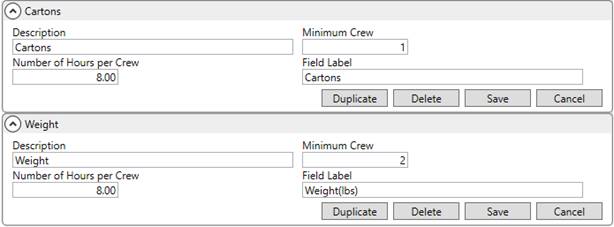
Figure 35: Local Service Type Setup defaults of Cartons and Weight options
Additionally, the average settings associated to a Local Service Type have been incorporated into a single Units per Hour setting within Local Service Type Setup (Figure 36).
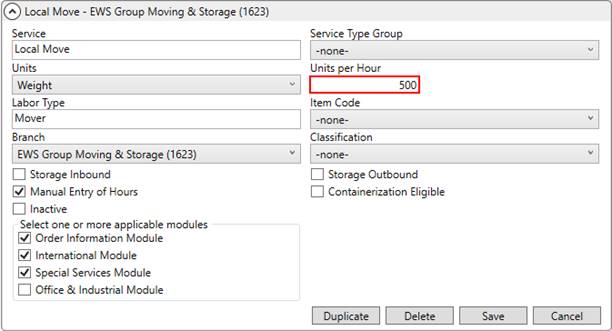
Figure 36: Local Service Type Setup
MoversSuite updates existing Local Service Types to reflect the new settings during the upgrade process. It utilizes the values within the prior settings along with what is set for the Labor Type field within Local Service Type Setup to determine values for the new fields.
In addition to the two default units for Cartons and Weight, your company can establish additional types to accommodate a variety of needs. For example, you can establish a type for packing computers within Local Service Unit Type Setup.

Figure 37: Local Service Unit Type Setup
Based on the example above, new Local Services requests would include at least one crew person and will assign an additional crew person once the total number of hours reaches 5.
This Unit Type is assigned to the Local Service Type through the Units field within Local Service Type Setup. Assuming that a typical person can pack ten computers per hour, set the Units per Hour to 10 (Figure 38).
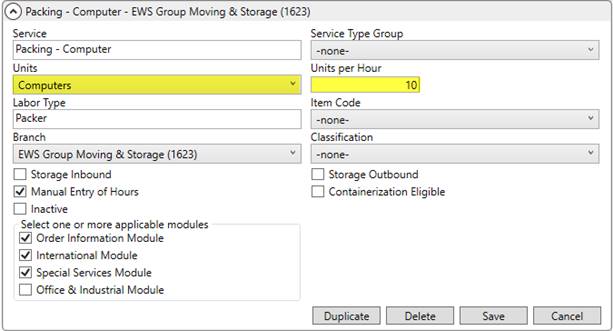
Figure 38: Local Service Type Setup
Continuing with these example settings, when a request is established within Add Local Service for 75 computers, the application computes Total Hours Required of 8.50. This includes 7.5 hours for labor (75 computers divided by 10 units per hour) plus an additional one hour for drive time. Since the time needed exceeded 5 (set as the Number of Hours per Crew), an additional person was added to the service request (Figure 39).
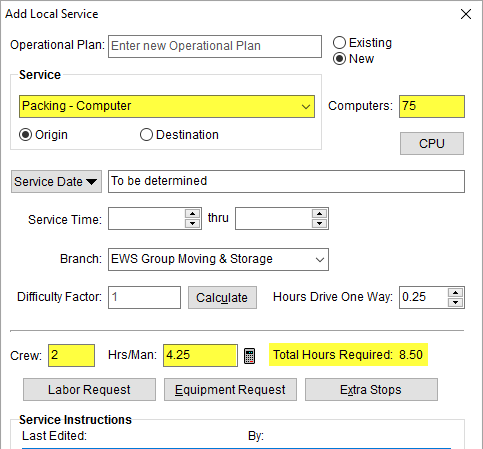
Figure 39: Add Local Service
Refer to Add Local Service, Local Service Type Setup, and to Local Service Unit Type Setup for more information.
|
SUMMARY (4119, 4670, 4672) |
|
Minimum Number of Packers, Minimum Number of Loaders, Maximum Number of Cartons, Number of Hours per Packer per Day, Number of Hours per Mover per Day, Maximum Load Weight, and Cartons per Hour removed from System Wide Options. |
|
Average Cartons per Hour and Average Weight per Hour removed from Local Service Type Setup. |
|
Units per Hour added to Local Service Type Setup. |
|
Minimum Crew, Number of Hours per Crew, and Field Label added to Local Service Unit Type Setup. |
|
The following areas have been affected by this change: Schema Changes Version 2017R15
|
Save Features Added to Day
Note
The Day Note functionality on the Dispatch Center tab has been improved to include a date selector; the additions of Auto Save, Save Note, and Cancel options; and functionality to manage concurrent note updates from multiple users.
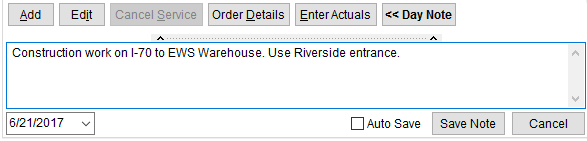
Figure 40: Day Note section within the Dispatch Center
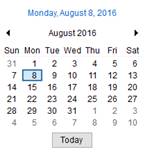
The date selector allows you to view a Day Note without having to navigate away from the Dispatch Center tab. The selector provides the ability to enter a date manually or choose one from the date menu. Once a selection is made, the Day Note for the corresponding date displays.
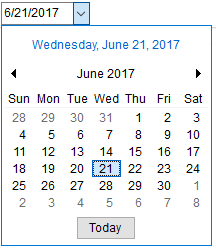
Figure 41: Calendar Control
Save options include the options to Save Note or Cancel your changes, and an Auto Save option that keeps any changes you make automatically without the need to press Save Note.
Changes made on the Day Notes tab include the ability to Save and to Delete the note altogether.
When changes are made and not saved, the application recognizes this and prompts you to save the updates or to disregard them.
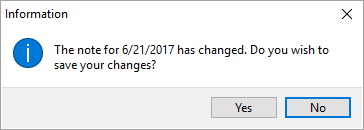
Figure 42: Note exists notification
The application also confirms any changes made by another user that may be updating the note for the same day at the same time. In the case that a note was updated while you were making changes, you receive a prompt requesting to append the Day Note with your changes.
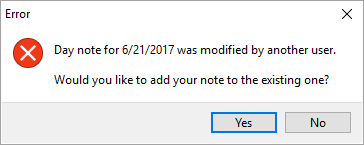
Figure 43: Concurrent note update warning
If you continue with adding the note, the application inserts the text of your note into the body of the one saved by a different user. The application also tags the addition with “—Appended” followed by the date and time the addition was made.
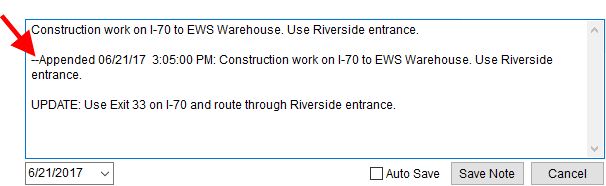
Figure 44: Day Note section within Dispatch Center
|
SUMMARY (3803, 4124, 4669) |
|
Updates made to the Day Note functionality. |
|
The following areas have been affected by this change:
|
Additional Job Costing
Fields
The Job Costing data available through the Single Order tab now includes the following data fields:
|
New Field |
Description |
|
Work Ticket |
The Work Ticket for the service displays. |
|
Crew Count |
Number of people assigned for a Labor expense type displays. |
|
Hours per Crew |
Number of hours anticipated for each person to work under the service displays. |
|
Hourly Rate |
Hourly rate for the service work displays. |
|
Rate Type |
Displays the type of rating applied to the service as one of the following: Regular Double Time Overtime
|
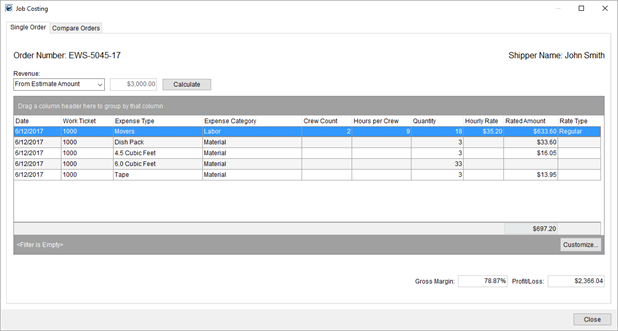
Figure 45: Single Order tab within Job Costing
View the Job
Costing topic for more information.
|
SUMMARY (4104) |
|
Fields added to the Single Order tab within the Job Costing screen. |
|
The following areas have been affected by this change: Schema Changes Version 2017R15
|
Work Ticket in Local
Dispatch Grid
You can now reference the Work Ticket number associated to a Local Services request within the Dispatch Center data grid.
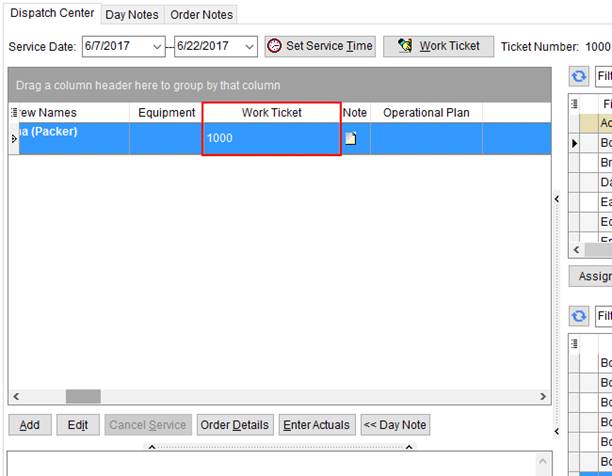
Figure 46: Dispatch Center tab
Refer to the Dispatch Center topic for more information.
|
SUMMARY (3804) |
|
Work Ticket number added to the Dispatch Center data grid. |
|
The following areas have been affected by this change:
|
Valuation added to the list of required
fields
Valuation set on the Move Information tab is now available as a required field.
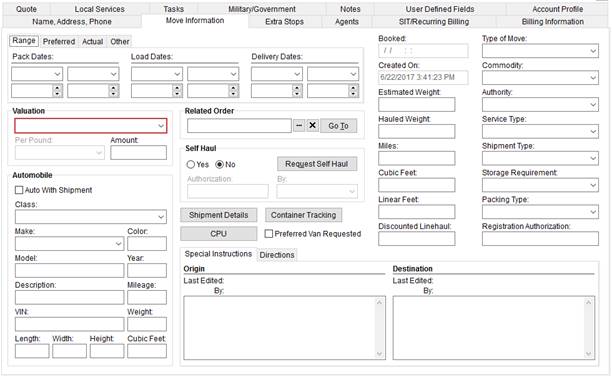
Figure 47: Move Information tab
You now have the Valuation option that you can assign to events within the Field Requirements Setup.

Figure 48: On Create event within Field Requirements Setup
Refer to the Field Requirements topic for more information.
|
SUMMARY (4078) |
|
Valuation added to the list of required fields within Field Requirements Setup. |
|
The following areas have been affected by this change:
|
RELEASE ENHANCEMENTS
This section lists improvements made to MoversSuite.
Rate Field Expansion
The rate amount field in MoversSuite has been expanded to accommodate additional places beyond two decimals. For example, you can now provide rate information for a sales tax with three or four places, e.g. 7.375.
This change affects rates assigned to a rate plan through Rate Plan Setup.
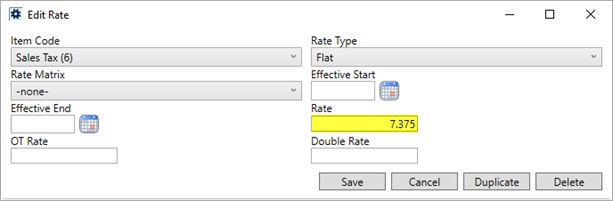
Figure 49: Add/Edit Rate section within Rate Plan Setup
This change also affects rates applied throughout the application, such as when adding revenue items and group.
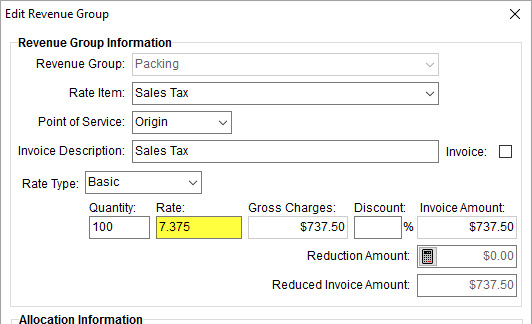
Figure 50: Add/Edit Revenue Group screen
Output, such as invoices, automatically display the expanded rate.
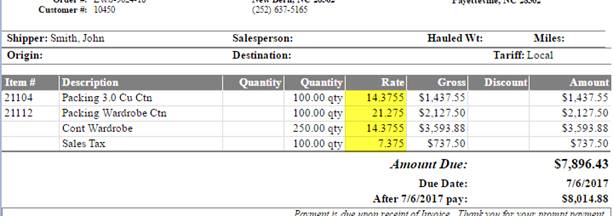
Figure 51: Invoice sample
This change affects all functions that utilize rates, which includes the following:
|
SUMMARY (3690) |
|
Rate within Rate Plan Setup expanded to accommodate up to four decimal places. |
|
The following areas have been affected by this change: Schema Changes Version 2017R15
|
Rearranged Tab Order in
Office & Industrial
The tab display order within the module has been modified.

Figure 52: Office & Industrial tabs
The tab order now lists in the following order:
The new tab order reflects the anticipated work flow through a typical order.
|
SUMMARY (4050) |
|
The tab order within the Office & Industrial module has been updated. |
|
The following areas have been affected by this change:
|
Destination tab active by
default in SIT Information
The Destination tab for SIT Information is now open (or active) by default when you open the SIT/Recurring Billing tab.
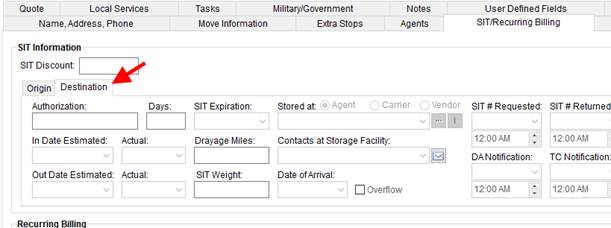
Figure 53: SIT/Recurring Billing tab
|
SUMMARY (4079) |
|
Destination tab is open by default when viewing the SIT Information tab. |
|
The following areas have been affected by this change:
|
RELEASE FIXES
This section lists any fixes made to MoversSuite.
General Application
Index added to AcctTransactions table
In order to increase runtime processing, an index has been added to the AcctTransactions table on a combination of Order Number, Item Description, and Source. This improves the efficiency of retrieving information related to accounting transactions stored within MoversSuite. (4100)
Connections
Document Management file path saved on Azure
The application now saves the last path you accessed when adding documents through Document Management on the MoversSuite hosted environment (Azure). (2501)
Time correct on SIRVA QLAB downloads
The application now adjusts based on UTC times for items imported through the SIRVA QLAB Integration. Prior to this fix, the time indicated when notes imported were incorrect. (3784)
International Orders changes no longer affect SIRVA QLAB requirements
The requirements for a user credentials now only affect UniGroup International orders. Prior to this fix, the requirement checks also affected SIRVA QLAB Integration. (4681)
Modifications for in-flight orders in UniGroup International
The UniGroup International system has been updated to recognize when an order exists in trafficking. In such cases, MoversSuite requests a download and provides a message regarding the status within Third Party Application Error Management. (4661)
UniGroup International orders prevented from being rebooking
If an International Orders record is booked and linked to the UniGroup International system, then MoversSuite does not allow the order to be rebooked. (4682)
Letter Management
“C” removed from Claim Items bookmark
The Claim Items bookmark within the Letter Management system no longer displays an extra letter “C” at the start of the first item listing. (4028)
Local Dispatch
Calculated service hours no longer being cleared
The number of hours anticipated for a service is no longer being cleared when the service is edited. Prior to this release, some events triggered the Hrs/Man field within Add Local Service to be cleared when the service was edited. (4065)
Office & Industrial
Required field updates for Office & Industrial orders
When Field Requirements logic is evoked for an Office & Industrial order, the application no longer attempts to validate fields that are not available through the Office & Industrial module. (4076)
Recurring Billing & Storage
Correct storage begin date displays on invoice items
Prior to this release, invoices for storage billing incorrectly displayed the Begin Billing Date of the entire billing record (set on the Billing Record tab) and not the start billing date for the specific item (set the Billing Items tab) when listing detail storage items. The application did calculate the storage amount correctly. And, with this release, now displays the starting date of the storage item correctly on invoices. (3802)
SCHEMA CHANGES
Database changes for this release are visible through the following topic:
Schema Changes Version 2017R15
The following links allows you to navigate through all MoversSuite tables and data views and allows you to view field properties, such as type and maximum value size, etc.
MoversSuite Database Tables (2017R15)
MoversSuite Document Database Tables (2017R15)
MoversSuite Data Views (2017R15)
|
Version 2017 R14 |
|
RELEASE DATE: 7/3/2017
QUICK LINKS
You can find commonly requested links in this section:
|
Link |
Description |
|
Watch a short video highlighting the changes we have made to MoversSuite at this version. | |
|
View current release information through a PDF document. | |
|
Read up on the requirements for this version of MoversSuite. | |
|
Check out our Support page to read about the latest MoversSuite release and find links to other useful information. | |
|
See what other MoversSuite customers are requesting for changes to the MoversSuite application and submit your own suggestions. | |
|
Past Versions Information |
Look through a list of changes made to all other versions of MoversSuite. |
|
This page provides a quick rundown of changes made at each version. | |
|
Access a list of overview videos for each release. | |
|
Pull up the database changes we made at various releases. |
RELEASE SUMMARY
The following is a table contains counts of the items affecting this release.
|
# |
Change Summary |
|
2 |
New Product Features |
|
1 |
Release Enhancements |
|
12 |
Release Fixes |
|
6 |
Schema Changes (# of database tables affected) |
|
7 |
Admin Changes |
|
|
Standard Reports Affected |
RELEASE REQUIREMENTS
Please refer to the following information regarding the hardware and software required to support MoversSuite and related systems.
View the MoversSuite Compatibility topic for a list of products compatible with MoversSuite.
Refer to the System Requirements section for a complete list of hardware and software requirements.
Microsoft SQL Server 2008 and SQL Server 2008 R2 Compatibility
With version 2017 R11 of MoversSuite, the development environment of MoversSuite is no longer compatible with Microsoft SQL Server 2008 or SQL Server 2008 R2.
As of May 22, 2017, the lowest compatible database server hosting MoversSuite will be Microsoft SQL Server 2012. IMPORTANT: If you wish to upgrade to MoversSuite 2017 R11 or a later version of MoversSuite, your company must, at minimum, have Microsoft SQL Server 2012 or higher (see the Microsoft SQL Server 2016 Compatibility announcement).
Of note, being current on the latest versions of the hardware and software for our development environment allows us to provide better security, better support, and a better MoversSuite user experience. Please refer to our System Requirements for more information on the hardware and software compatible with MoversSuite.
Contact our EWS Support team to discuss migration options.
Windows Domain Authentication to log into MoversSuite
With the release of MoversSuite Version 2017 R08 is the ability to open MoversSuite by using the credentials you enter when logging into your Windows environment. MoversSuite references the user identity associated to your Windows account to retrieve your MoversSuite login information. Then, when you launch MoversSuite or MoversSuite Administration, it opens without you having to enter your MoversSuite username and password.
IMPORTANT: If your company is not utilizing Windows Domain Authentication, then you will be unable to upgrade to version 2017 R08 or later. (8638)
IBM MQ Client 8.0.0.5
For all UniGroup agents, UniGroup requires IBM MQ Client 8.0.0.5. If you upgrade on your own and want to download this latest version of IBM MQ Client, then you can do so through this link: http://www-01.ibm.com/support/docview.wss?uid=swg24037500#1.
Microsoft SQL Server 2016 Compatibility
As of MoversSuite 2017 R04, the MoversSuite development environment is compatible with Microsoft SQL Server 2016.
Refer to our System Requirements for more information on the hardware and software compatible with MoversSuite.
Please contact our EWS Sales team to discuss upgrade options.
Microsoft Windows Server 2016 Compatibility
As of MoversSuite 2017 R04, MoversSuite is compatible with Microsoft Windows Server 2016.
Refer to our System Requirements for more information on the hardware and software compatible with MoversSuite.
Please contact our EWS Sales team to discuss upgrade options.
Dynamics GP Requirements
MoversSuite is compatible with the following:
Microsoft Dynamics GP 2016
Microsoft Dynamics GP 2015 R2 (with ATIP Build 14.0.1)
Microsoft Dynamics GP 2013 R2 (with ATIP Build 12.0.23)
Refer to the following for information regarding additional requirements you may need to support Microsoft Dynamics GP:
System Requirements for Microsoft Dynamics GP 2016
System Requirements for Microsoft Dynamics GP 2015
KNOWN ISSUES
The following issues are problems that may affect your decision to upgrade to this version of MoversSuite. The following issue is not resolved for this release.
Citrix issue with phone number control
An issue that cannot be replicated is causing the phone numbers within the Shipper Contact Information section (Name, Address, Phone tab) to disappear and then reappear when a user clicks on that section, however, the user cannot edit them until they press Cancel (on the order) and then attempt to Edit again. (6409)
RELEASE FEATURES
This section lists new functionality added to MoversSuite.
Customizable Unit Types for Local Service Types
Changes to the Local Service Type Setup allow your company to specify custom units for the labels and calculation of Local Services requests.
You can create values within the new Local Service Unit Type Setup.

Figure 54: Local Service Unit Type setup
And, assign them to the Units field within Local Service Type Setup.
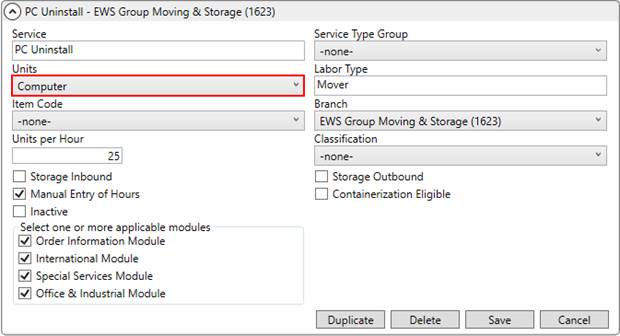
Figure 55: Local Service Type setup
There is no longer a need to specify separate unit of measurements by weight or carton count, so the Average Cartons per Hour and Average Weight per Hour fields have been incorporated into a single Units per Hour field.
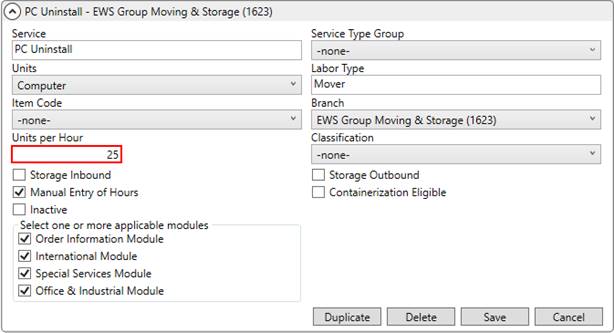
Figure 56: Local Service Type setup
MoversSuite automatically converts any existing Average Cartons per Hour and Average Weight per Hour value to corresponding Units per Hour value. For example, an Average Weight per Hour value of 600 before the release translates into 600 in the new Units per Hour field.
More changes related to this functionality are slated for the next release of MoversSuite.
|
SUMMARY (8348) |
|
Average Cartons per Hour and Average Weight per Hour fields replaced by Units per Hour within Local Service Type Setup. |
|
Units field references values pulled from the new Local Service Unit Type Setup. |
|
The following areas have been affected by this change: Schema Changes Version 2017R14
|
Several features are available through the MoversSuiteCrew Mobile Application. They include the ability to upload notes (memos), attach documents, and add contacts through the hand-held device. Additionally, a company logo can be established to display on documents generated through the MoversSuiteCrew Mobile Application.
In Mobile Api Setup, additional fields allow your company to define default types for the notes and documents generated through the MoversSuiteCrew Mobile Application.
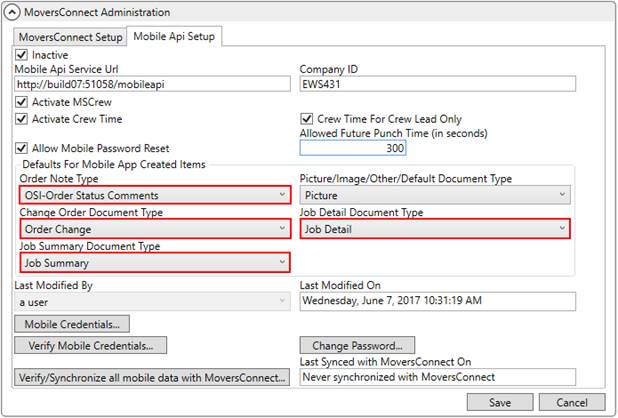
Figure 57: Mobile Api Setup
New Mobile Api Setup settings include the following:
•Order Note Type
•Change Order Document Type
•Job Detail Document Type
•Job Summary Document Type
The label for Mobile App Created Document Type has been changed to Picture/Image/Other/Default Document Type.
A new setup area is available through the MoversConnect group. The Mobile Company Logo Setup allows you to set the logo that displays on documents generated through the MoversSuiteCrew Mobile Application.
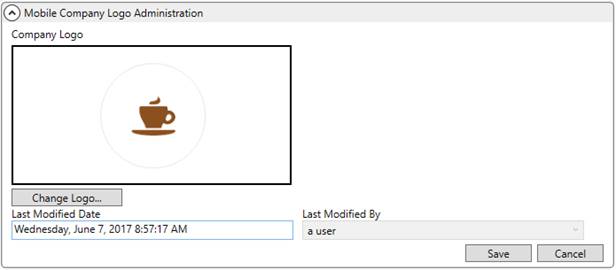
Figure 58: Mobile Company Logo Setup
Refer to the MoversSuiteCrew Mobile Application topic for usage information on these new features.
|
SUMMARY (8928) |
|
Fields added to Mobile Api Setup. |
|
Mobile Company Logo Setup Added. |
|
The following areas have been affected by this change: MoversSuiteCrew Mobile Application
|
RELEASE ENHANCEMENTS
This section lists improvements made to MoversSuite.
O&I Invoices display Origin and Destination
Addresses
You now have the option to specify an Origin and Destination address from the list of Locations found on the Contacts and Locations tab of an Office & Industrial order. The Location Address Type option is available when you add or edit a location through the Add/Edit Order Location screen and provides the choices of Origin, Destination, and Other.
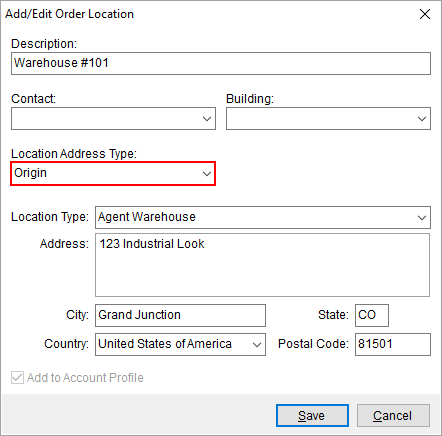
Figure 59: Add/Edit Order Location
The default is set to Other when you add a new location. Further, the system allows only one Origin and one Destination address. For example, if you add a new location and select Origin and there was already an Origin location, the application updates the new record to be the Origin and changes the existing one to Other; you do not receive a warning or error.
With this change, addresses associated to the Origin and Destination location of an Office & Industrial order display on invoices.
|
SUMMARY (8896) |
|
Location Address Type added to Add/Edit Order Location. |
|
The following areas have been affected by this change:
|
RELEASE FIXES
This section lists any fixes made to MoversSuite.
Connections
Country code for Extra Stops interpreted
The country code of each Extra Stops record is now interpreted and set correctly. Prior to this release the default country code set within the System Wide Options was referenced. This change affects all imports utilizing the Standard XML Pipeline, which include imports from Atlas and UniGroup. (4671)
No duplicate ports for International Order download
A check has been added to avoid duplicate ports within the Vessel/Voyage and Flight Information listing when an order downloads. Prior to this release, duplicate ports for different legs appeared after an import into the International Orders module. (4675)
Error handled for lift vans/containers on order but not on download
An issue has been corrected that caused an exception on an import from UniGroup International. Prior to this release, if an existing order in MoversSuite contained either a lift van or container and the import order did not, then an error state was encountered for the order import. (4677)
Local Dispatch
Improved security for Local Dispatch
The security around the Local Dispatch module is now independent from that of the Order Information module. On past releases, you could perform some functions through Local Dispatch without having proper security access. Now you can only view, edit, and add orders in Local Dispatch to which you have appropriate branch access through the Local Dispatch module. In other words, if you wish to add services through Local Dispatch for Branch A, then you must have FULL access to the Local Dispatch module for Branch A established within your Security Profile Setup record.
Related to this change is an update to the Open Order function within Local Dispatch. You now receive a warning if you attempt to open an order associated to a module that you cannot access (based on Security Profile Setup).
Figure 60: Information dialog
(8801, 8829)
Clear Service Times
You now have the option to clear service times not associated to crew or equipment assignments. To clear the times within the dialog, highlight the entry, press the Delete key (on your keyboard), and then click in a different field. The service time resets to its default of 12:00 AM but once you save the entry, this default clears out as well.
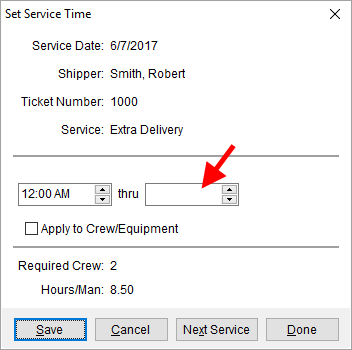
Figure 61: Set Service Time screen
The service times are required if the Apply to Crew/Equipment flag is set.
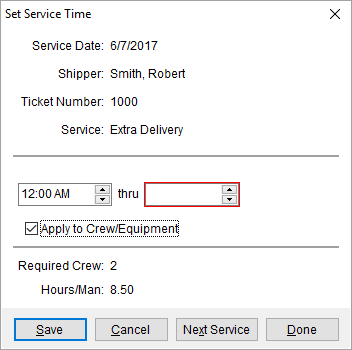
Figure 62: Set Service Time screen
Further, if you attempt to save a record without an appropriate time range and with this flag set, you receive a warning.
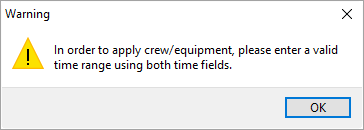
Figure 63: Warning dialog
(8859)
Local Services
Day Note displaying correctly on new services
The Day Note section appears correctly when adding a new service through Add Local Service. (4099)
MoversSuite Email
Outlook image handling
An image (e.g. picture) sent through the MoversSuite Email Service is now formatted to allow the image to be accessible and visible through Microsoft Outlook. (8899)
No errors on recurring storage run with automatic email messaging
MoversSuite Email Service no longer causes errors during a Recurring Billing storage run. Prior to this release, the storage billing run would produce an error when setup to automatically email invoices to storage accounts. (8953)
UniGroup International
Correct mapping for phone number types on download
An issue with the mapping of phone types has been fixed. This issue prevented origin and destination, along with affect phone numbers, to not download from UniGroup International. (4109)
Message regarding upload/download
When an upload or download occurs, a message is written to the Third Party Application Error Management log to provide information on when the last update occurred. Prior to this fix, only errors were written. (4108)
Updated mapping codes
The mapping codes associated to an order have been updated as follows:
•Added PERMANENT_STORAGE as a supported Service Type Setup record
•Changed GOVERNMENT_NON_MILITARY to GOVERNMENT_NONMILITARY within the mapped code for Shipment Type Setup records
(4676)
SCHEMA CHANGES
Database changes for this release are visible through the following topic:
Schema Changes Version 2017R14
The following links allows you to navigate through all MoversSuite tables and data views and allows you to view field properties, such as type and maximum value size, etc.
MoversSuite Database Tables (2017R14)
MoversSuite Document Database Tables (2017R14)
MoversSuite Data Views (2017R14)
|
Version 2017 R13 |
|
RELEASE DATE: 6/19/2017
QUICK LINKS
You can find commonly requested links in this section:
|
Link |
Description |
|
Watch a short video highlighting the changes we have made to MoversSuite at this version. | |
|
View current release information through a PDF document. | |
|
Read up on the requirements for this version of MoversSuite. | |
|
Check out our Support page to read about the latest MoversSuite release and find links to other useful information. | |
|
See what other MoversSuite customers are requesting for changes to the MoversSuite application and submit your own suggestions. | |
|
Past Versions Information |
Look through a list of changes made to all other versions of MoversSuite. |
|
This page provides a quick rundown of changes made at each version. | |
|
Access a list of overview videos for each release. | |
|
Pull up the database changes we made at various releases. |
RELEASE SUMMARY
The following is a table contains counts of the items affecting this release.
|
# |
Change Summary |
|
1 |
New Product Features |
|
|
Release Enhancements |
|
2 |
Release Fixes |
|
|
Schema Changes (# of database tables affected) |
|
|
Admin Changes |
|
|
Standard Reports Affected |
RELEASE REQUIREMENTS
Please refer to the following information regarding the hardware and software required to support MoversSuite and related systems.
View the MoversSuite Compatibility topic for a list of products compatible with MoversSuite.
Refer to the System Requirements section for a complete list of hardware and software requirements.
Microsoft SQL Server 2008 and SQL Server 2008 R2 Compatibility
With version 2017 R11 of MoversSuite, the development environment of MoversSuite is no longer compatible with Microsoft SQL Server 2008 or SQL Server 2008 R2.
As of May 22, 2017, the lowest compatible database server hosting MoversSuite will be Microsoft SQL Server 2012. IMPORTANT: If you wish to upgrade to MoversSuite 2017 R11 or a later version of MoversSuite, your company must, at minimum, have Microsoft SQL Server 2012 or higher (see the Microsoft SQL Server 2016 Compatibility announcement).
Of note, being current on the latest versions of the hardware and software for our development environment allows us to provide better security, better support, and a better MoversSuite user experience. Please refer to our System Requirements for more information on the hardware and software compatible with MoversSuite.
Contact our EWS Support team to discuss migration options.
Windows Domain Authentication to log into MoversSuite
With the release of MoversSuite Version 2017 R08 is the ability to open MoversSuite by using the credentials you enter when logging into your Windows environment. MoversSuite references the user identity associated to your Windows account to retrieve your MoversSuite login information. Then, when you launch MoversSuite or MoversSuite Administration, it opens without you having to enter your MoversSuite username and password.
IMPORTANT: If your company is not utilizing Windows Domain Authentication, then you will be unable to upgrade to version 2017 R08 or later. (8638)
IBM MQ Client 8.0.0.5
For all UniGroup agents, UniGroup requires IBM MQ Client 8.0.0.5. If you upgrade on your own and want to download this latest version of IBM MQ Client, then you can do so through this link: http://www-01.ibm.com/support/docview.wss?uid=swg24037500#1.
Microsoft SQL Server 2016 Compatibility
As of MoversSuite 2017 R04, the MoversSuite development environment is compatible with Microsoft SQL Server 2016.
Refer to our System Requirements for more information on the hardware and software compatible with MoversSuite.
Please contact our EWS Sales team to discuss upgrade options.
Microsoft Windows Server 2016 Compatibility
As of MoversSuite 2017 R04, MoversSuite is compatible with Microsoft Windows Server 2016.
Refer to our System Requirements for more information on the hardware and software compatible with MoversSuite.
Please contact our EWS Sales team to discuss upgrade options.
Dynamics GP Requirements
MoversSuite is compatible with the following:
Microsoft Dynamics GP 2016
Microsoft Dynamics GP 2015 R2 (with ATIP Build 14.0.1)
Microsoft Dynamics GP 2013 R2 (with ATIP Build 12.0.23)
Refer to the following for information regarding additional requirements you may need to support Microsoft Dynamics GP:
System Requirements for Microsoft Dynamics GP 2016
System Requirements for Microsoft Dynamics GP 2015
KNOWN ISSUES
The following issues are problems that may affect your decision to upgrade to this version of MoversSuite. The following issue is not resolved for this release.
Citrix issue with phone number control
An issue that cannot be replicated is causing the phone numbers within the Shipper Contact Information section (Name, Address, Phone tab) to disappear and then reappear when a user clicks on that section, however, the user cannot edit them until they press Cancel (on the order) and then attempt to Edit again. (6409)
RELEASE FEATURES
This section lists new functionality added to MoversSuite.
UniGroup International
Interface
The UniGroup International Interface is now available. With this interface, you can upload and register MoversSuite orders within the UniGroup International system. Once registered, data changes made within UniGroup International reflect automatically in MoversSuite. Likewise, changes made in MoversSuite reflect automatically within UniGroup International when an International Orders record is saved.
New Processes:
UniGroup International Download
Shared MoversSuite Content:
UniGroup International Upload and Download Content
Setup Information:
UniGroup International Setup and Administration
|
SUMMARY (8666) |
|
UniGroup International Interface is available. |
|
The following areas have been affected by this change: UniGroup International Interface
|
RELEASE FIXES
This section lists any fixes made to MoversSuite.
Long Distance Dispatch
Load Date included in Orders find
The application retrieves orders by comparing the Load Date of the order to the Load Date set within the Find on the Orders tab. This comparison now includes the Load Date itself along with any days into the future. For example, if the Load Date is set to the current day for the Find, then the system returns all orders with a Load Date equal to or greater than the current day. (8269)
Revenue Entry
Third Party Error now includes Order Number
When you attempt to Add Third Party Item for a vendor already referenced by an archived order, the error message returns now includes the Order Number. The text of this message displays as “This third party invoice has already been generated on order” followed by the actual Order Number. (8438)
SCHEMA CHANGES
NO SCHEMA CHANGES FOR THIS RELEASE
The following links allows you to navigate through all MoversSuite tables and data views and allows you to view field properties, such as type and maximum value size, etc.
MoversSuite Database Tables (2017R13)
MoversSuite Document Database Tables (2017R13)
MoversSuite Data Views (2017R13)
|
Version 2017 R12 |
|
RELEASE DATE: 6/5/2017
QUICK LINKS
You can find commonly requested links in this section:
|
Link |
Description |
|
Watch a short video highlighting the changes we have made to MoversSuite at this version. | |
|
View current release information through a PDF document. | |
|
Read up on the requirements for this version of MoversSuite. | |
|
Check out our Support page to read about the latest MoversSuite release and find links to other useful information. | |
|
See what other MoversSuite customers are requesting for changes to the MoversSuite application and submit your own suggestions. | |
|
Past Versions Information |
Look through a list of changes made to all other versions of MoversSuite. |
|
This page provides a quick rundown of changes made at each version. | |
|
Access a list of overview videos for each release. | |
|
Pull up the database changes we made at various releases. |
RELEASE SUMMARY
The following is a table contains counts of the items affecting this release.
|
# |
Change Summary |
|
3 |
New Product Features |
|
3 |
Release Enhancements |
|
1 |
Release Fixes |
|
11 |
Schema Changes (# of database tables affected) |
|
3 |
Admin Changes |
|
2 |
Standard Reports Affected |
RELEASE REQUIREMENTS
Please refer to the following information regarding the hardware and software required to support MoversSuite and related systems.
View the MoversSuite Compatibility topic for a list of products compatible with MoversSuite.
Refer to the System Requirements section for a complete list of hardware and software requirements.
Microsoft SQL Server 2008 and SQL Server 2008 R2 Compatibility
With version 2017 R11 of MoversSuite, the development environment of MoversSuite is no longer compatible with Microsoft SQL Server 2008 or SQL Server 2008 R2.
As of May 22, 2017, the lowest compatible database server hosting MoversSuite will be Microsoft SQL Server 2012. IMPORTANT: If you wish to upgrade to MoversSuite 2017 R11 or a later version of MoversSuite, your company must, at minimum, have Microsoft SQL Server 2012 or higher (see the Microsoft SQL Server 2016 Compatibility announcement).
Of note, being current on the latest versions of the hardware and software for our development environment allows us to provide better security, better support, and a better MoversSuite user experience. Please refer to our System Requirements for more information on the hardware and software compatible with MoversSuite.
Contact our EWS Support team to discuss migration options.
Windows Domain Authentication to log into MoversSuite
With the release of MoversSuite Version 2017 R08 is the ability to open MoversSuite by using the credentials you enter when logging into your Windows environment. MoversSuite references the user identity associated to your Windows account to retrieve your MoversSuite login information. Then, when you launch MoversSuite or MoversSuite Administration, it opens without you having to enter your MoversSuite username and password.
IMPORTANT: If your company is not utilizing Windows Domain Authentication, then you will be unable to upgrade to version 2017 R08 or later. (8638)
IBM MQ Client 8.0.0.5
For all UniGroup agents, UniGroup requires IBM MQ Client 8.0.0.5. If you upgrade on your own and want to download this latest version of IBM MQ Client, then you can do so through this link: http://www-01.ibm.com/support/docview.wss?uid=swg24037500#1.
Microsoft SQL Server 2016 Compatibility
As of MoversSuite 2017 R04, the MoversSuite development environment is compatible with Microsoft SQL Server 2016.
Refer to our System Requirements for more information on the hardware and software compatible with MoversSuite.
Please contact our EWS Sales team to discuss upgrade options.
Microsoft Windows Server 2016 Compatibility
As of MoversSuite 2017 R04, MoversSuite is compatible with Microsoft Windows Server 2016.
Refer to our System Requirements for more information on the hardware and software compatible with MoversSuite.
Please contact our EWS Sales team to discuss upgrade options.
Dynamics GP Requirements
MoversSuite is compatible with the following:
Microsoft Dynamics GP 2016
Microsoft Dynamics GP 2015 R2 (with ATIP Build 14.0.1)
Microsoft Dynamics GP 2013 R2 (with ATIP Build 12.0.23)
Refer to the following for information regarding additional requirements you may need to support Microsoft Dynamics GP:
System Requirements for Microsoft Dynamics GP 2016
System Requirements for Microsoft Dynamics GP 2015
KNOWN ISSUES
The following issues are problems that may affect your decision to upgrade to this version of MoversSuite. The following issue is not resolved for this release.
Citrix issue with phone number control
An issue that cannot be replicated is causing the phone numbers within the Shipper Contact Information section (Name, Address, Phone tab) to disappear and then reappear when a user clicks on that section, however, the user cannot edit them until they press Cancel (on the order) and then attempt to Edit again. (6409)
RELEASE FEATURES
This section lists new functionality added to MoversSuite.
Improved Options for Import
Revenue from Local Services 
When you import revenue for Local Services through the Import Actuals function, you now have two options to assist you in determining how the items import.
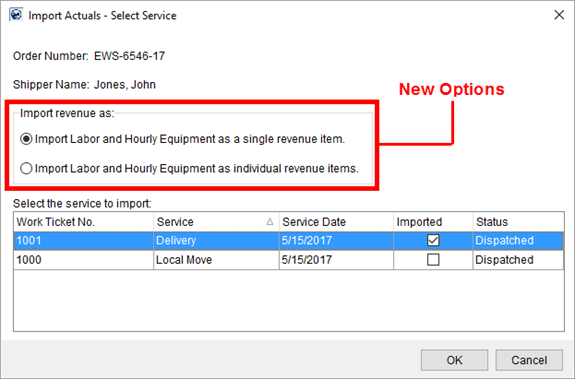
Figure 64: Import Actuals screen
Import Revenue As options:
Import Labor and Hourly Equipment as a single revenue item
Choose this option to bring in revenue associated to labor and/or hourly-based equipment as a single transaction item. When importing items, the application combines revenue for the same Service Code (Item Code) across multiple items into a single line entry. For example, if there are two items under Service Code 6016, then the application combines the amount into a single entry under the 6016 code. This is the default behavior of the import function, i.e. how it worked before this release.
Import Labor and Hourly Equipment as individual revenue items
Choose this option to import revenue items associated to labor and/or hourly-based equipment as separate revenue line items based on the rate amount applied, as either regular, overtime, or double time. For example, if multiple crew work the service and their time links to a single Service Code, then the application creates up to three separate revenue items under that same Service Code: One for regular time, one for overtime, and one for double time.
For example, if you have hourly charges to Service Code 6016 at a regular rate of $35 and an overtime rate of $52.50, then two items list for Service Code 6016 (Figure 65).
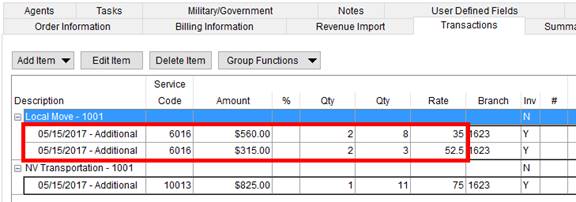
Figure 65: Transaction tab
Additionally, equipment resources charged on an hourly basis list separately.
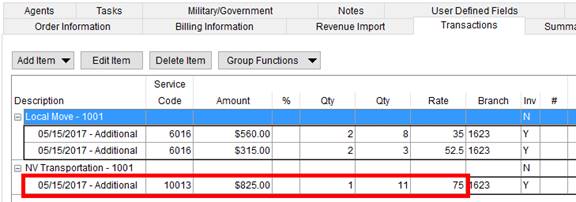
Figure 66: Transactions grid
In addition to the two import options, the application includes the work ticket number and date of service within the group and item description. In the above example (Figure 66), the work ticket number of 1001 is appended to the group name for “Local Move” and the service date of “05/15/2017” prepends the description for each imported item.
|
SUMMARY (8613) |
|
Options added to Import Actuals. |
|
Imported Local Services items display the work ticket number in the title of the revenue group along with the service date within the description for each imported item. |
|
The following areas have been affected by this change:
|
Additional Required Fields
Available
The list of Required Fields now includes the following items:
|
Required Field |
Location |
|
Discounted Linehaul |
Move Information > Discounted Linehaul |
|
Lead Source |
Name, Address, Phone > Lead Source |
|
Logistics Coordinator |
Name, Address, Phone > Logistics Coordinator |
|
Salesperson |
Name, Address, Phone > Salesperson |
|
Shipper Email |
Name, Address, Phone > Shipper Contact Information > Email |
|
Service Type |
Move Information > Service Type |
View the Field Requirements Setup topic for a complete list of required fields and events that trigger Required Fields functionality.
|
SUMMARY (8883) |
|
Additional Required Fields added to the system. |
|
The following areas have been affected by this change:
|
Sales Team Commission Split
Your company now has the option to automatically split commissions based on a sales team assigned to the Account Profile of an order.
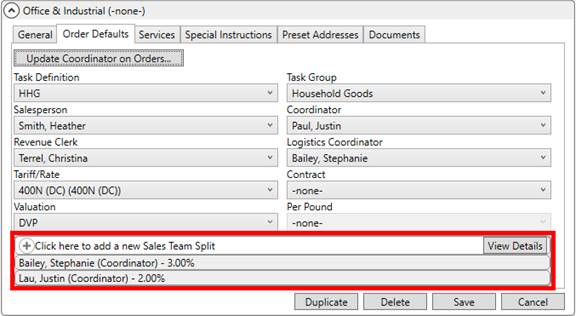
Figure 67: Order Defaults tab in Account Profile Setup
Within Account Profile Setup, you can now define a sales team comprising of Commissionable Employees that receive a share of the commission received by the Salesperson on the order. Use the Sales Team Split section on the Order Defaults tab to establish the person receiving the split along with their percentage.

Figure 68: Add Sales Team Split screen
In MoversSuite, the application auto-generates the split commissions based on the profile settings. Additionally, split commissions generate automatically when adding commissions manually through the Add Revenue Commission screen.
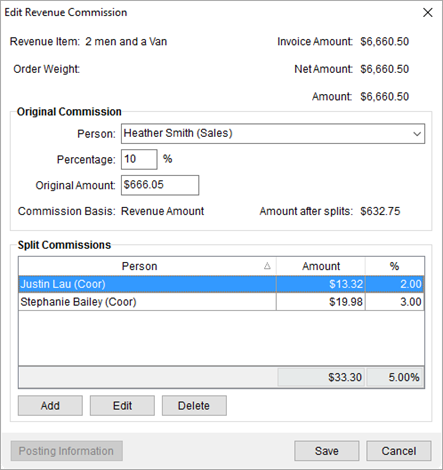
Figure 69: Add Revenue Commission screen
In order for the application to automatically generate the Sales Team Split, the Salesperson on the order must match the Salesperson set on the Account Profile assigned to the order. Personnel on the Sales Team must also be Commissionable Employees but do not need to be assigned to the order to receive the split.
|
SUMMARY (8788) |
|
Sales Team Split added to the Order Defaults within Account Profile Setup. |
|
The following areas have been affected by this change: Schema Changes Version 2017R12
|
RELEASE ENHANCEMENTS
This section lists improvements made to MoversSuite.
Add service in Local
Dispatch without selecting a date range
On prior releases, if there were no services listed in the main grid, then the Add button was disabled. The Add button allows you to create a new Local Services request that is already available for dispatching.
With this release, the Add button is enabled within the Dispatch Center at all times.
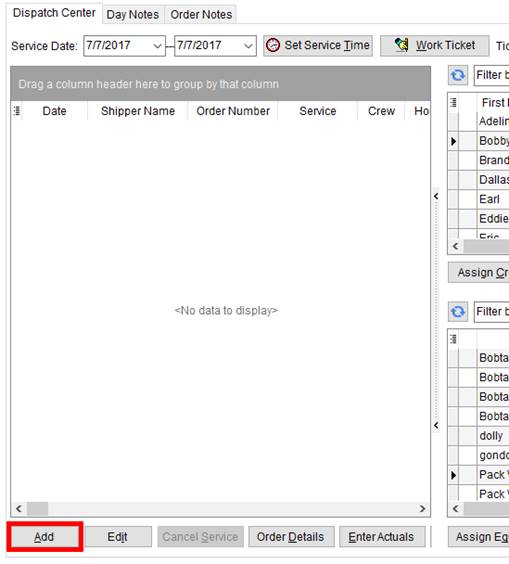
Figure 70: Dispatch Center tab
|
SUMMARY (8802) |
|
Add button enabled at all times within the Dispatch Center tab. |
|
The following areas have been affected by this change:
|
Work Ticket Report no longer
displays Dispatch Note
With the ability to display Service Instructions on the Work Ticket Report (MoversSuite 2016 R03), the need to display a Dispatch Note became superfluous. The Dispatch Note listed on the report under Service Note.
|
SUMMARY (8895) |
|
Service Note section removed from the Work Ticket Report. |
|
The following areas have been affected by this change:
|
Increased Branch Name for
Invoices and Reports
You can now specify up to 255 characters for the branch name that appears on invoices and work tickets.
The Title set for the various address types within Branch Setup has been increased in size from 50 characters to 255.
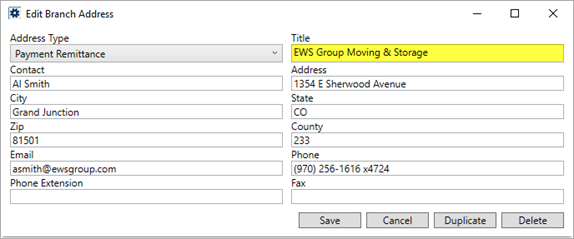
Figure 71: Add/Edit Branch Address within Branch Setup
This change affects what displays on Invoices and the Work Ticket Report.
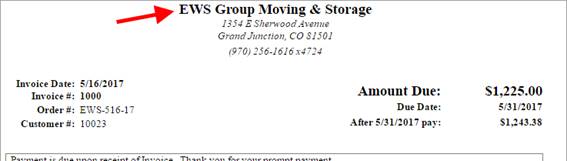
Figure 72: Invoice example
This change only applies to newly created reports and invoices. Invoices and reports already generated are not affected by this change.
|
SUMMARY (8892) |
|
Title field for each Branch Address within Branch Setup has been expanded to 255 characters. |
|
The following areas have been affected by this change: Schema Changes Version 2017R12
|
RELEASE FIXES
This section lists any fixes made to MoversSuite.
Local Dispatch
Clear Service email now references service branch
The email generated when a service clears in Local Dispatch is now sent to the personnel associated to the branch of the service instead of the branch of the order. Refer to Automatic Email Service for more information. (8562)
SCHEMA CHANGES
View the database changes that affect this release through the following link:
Schema Changes Version 2017R12
The following links allows you to navigate through all MoversSuite tables and data views and allows you to view field properties, such as type and maximum value size, etc.
MoversSuite Database Tables (2017R12)
MoversSuite Document Database Tables (2017R12)
MoversSuite Data Views (2017R12)
|
Version 2017 R11 |
|
RELEASE DATE: 5/22/2017
QUICK LINKS
Here is a table containing several commonly requested hyperlinks.
|
Link |
Description |
|
View current release information through a PDF document. | |
|
Read up on the requirements for this version of MoversSuite. | |
|
Check out our Support page to read about the latest MoversSuite release and find links to other useful information. | |
|
See what other MoversSuite customers are requesting for changes to the MoversSuite application and submit your own suggestions. | |
|
Past Versions Information |
Look through a list of changes made to all other versions of MoversSuite. |
|
Access a list of overview videos for each release. | |
|
Pull up the database changes we made at various releases. |
RELEASE SUMMARY
The following is a table contains counts of the items affecting this release.
|
# |
Change Summary |
|
|
New Product Features |
|
|
Release Enhancements |
|
2 |
Release Fixes |
|
|
Schema Changes (# of database tables affected) |
|
|
Admin Changes |
|
|
Standard Reports Affected |
RELEASE REQUIREMENTS
Please refer to the following information regarding the hardware and software required to support MoversSuite and related systems.
View the MoversSuite Compatibility topic for a list of products compatible with MoversSuite.
Refer to the System Requirements section for a complete list of hardware and software requirements.
Microsoft SQL Server 2008 and SQL Server 2008 R2 Compatibility
With version 2017 R11 of MoversSuite, the development environment of MoversSuite is no longer compatible with Microsoft SQL Server 2008 or SQL Server 2008 R2.
As of May 22, 2017, the lowest compatible database server hosting MoversSuite will be Microsoft SQL Server 2012. IMPORTANT: If you wish to upgrade to MoversSuite 2017 R11 or a later version of MoversSuite, your company must, at minimum, have Microsoft SQL Server 2012 or higher (see the Microsoft SQL Server 2016 Compatibility announcement).
Of note, being current on the latest versions of the hardware and software for our development environment allows us to provide better security, better support, and a better MoversSuite user experience. Please refer to our System Requirements for more information on the hardware and software compatible with MoversSuite.
Contact our EWS Support team to discuss migration options.
Windows Domain Authentication to log into MoversSuite
With the release of MoversSuite Version 2017 R08 is the ability to open MoversSuite by using the credentials you enter when logging into your Windows environment. MoversSuite references the user identity associated to your Windows account to retrieve your MoversSuite login information. Then, when you launch MoversSuite or MoversSuite Administration, it opens without you having to enter your MoversSuite username and password.
IMPORTANT: If your company is not utilizing Windows Domain Authentication, then you will be unable to upgrade to version 2017 R08 or later. (8638)
IBM MQ Client 8.0.0.5
For all UniGroup agents, UniGroup requires IBM MQ Client 8.0.0.5. If you upgrade on your own and want to download this latest version of IBM MQ Client, then you can do so through this link: http://www-01.ibm.com/support/docview.wss?uid=swg24037500#1.
Microsoft SQL Server 2016 Compatibility
As of MoversSuite 2017 R04, the MoversSuite development environment is compatible with Microsoft SQL Server 2016.
Refer to our System Requirements for more information on the hardware and software compatible with MoversSuite.
Please contact our EWS Sales team to discuss upgrade options.
Microsoft Windows Server 2016 Compatibility
As of MoversSuite 2017 R04, MoversSuite is compatible with Microsoft Windows Server 2016.
Refer to our System Requirements for more information on the hardware and software compatible with MoversSuite.
Please contact our EWS Sales team to discuss upgrade options.
Dynamics GP Requirements
MoversSuite is compatible with the following:
Microsoft Dynamics GP 2016
Microsoft Dynamics GP 2015 R2 (with ATIP Build 14.0.1)
Microsoft Dynamics GP 2013 R2 (with ATIP Build 12.0.23)
Refer to the following for information regarding additional requirements you may need to support Microsoft Dynamics GP:
System Requirements for Microsoft Dynamics GP 2016
System Requirements for Microsoft Dynamics GP 2015
KNOWN ISSUES
The following issues are problems that may affect your decision to upgrade to this version of MoversSuite. The following issue is not resolved for this release.
Citrix issue with phone number control
An issue that cannot be replicated is causing the phone numbers within the Shipper Contact Information section (Name, Address, Phone tab) to disappear and then reappear when a user clicks on that section, however, the user cannot edit them until they press Cancel (on the order) and then attempt to Edit again. (6409)
RELEASE FIXES
This section lists any fixes made to MoversSuite.
Office & Industrial
Scope of Work group sorting order corrected
The groupings within the Scope of Work section within the Job Information tab now sort based on the Sort Order assigned to the group within the Service Group Setup. (8878)
Local Dispatch
Cannot void Work Ticket with Actuals
MoversSuite now prevents you from voiding a work ticket if actuals are entered for the service. Now, to void a work ticket you must remove all associated actuals. (8621)
SCHEMA CHANGES
The following links allows you to navigate through all MoversSuite tables and data views and allows you to view field properties, such as type and maximum value size, etc.
MoversSuite Database Tables (2017R11)
MoversSuite Document Database Tables (2017R11)
MoversSuite Data Views (2017R11)
|
Version 2017 R10 |
|
RELEASE DATE: 5/8/2017
QUICK LINKS
Here is a table containing several commonly requested hyperlinks.
|
Link |
Description |
|
|
Watch a short video highlighting the changes we have made to MoversSuite at this version. |
|
View current release information through a PDF document. | |
|
Read up on the requirements for this version of MoversSuite. | |
|
Check out our Support page to read about the latest MoversSuite release and find links to other useful information. | |
|
See what other MoversSuite customers are requesting for changes to the MoversSuite application and submit your own suggestions. | |
|
Past Versions Information |
Look through a list of changes made to all other versions of MoversSuite. |
|
Access a list of overview videos for each release. | |
|
Pull up the database changes we made at various releases. |
RELEASE SUMMARY
The following is a table contains counts of the items affecting this release.
|
# |
Change Summary |
|
4 |
New Product Features |
|
1 |
Release Enhancements |
|
2 |
Release Fixes |
|
4 |
Schema Changes (# of database tables affected) |
|
5 |
Admin Changes |
|
|
Standard Reports Affected |
RELEASE REQUIREMENTS
Please refer to the following information regarding the hardware and software required to support MoversSuite and related systems.
View the MoversSuite Compatibility topic for a list of products compatible with MoversSuite.
Refer to the System Requirements section for a complete list of hardware and software requirements.
COMING SOON: Microsoft SQL Server 2008 and SQL Server 2008 R2 Compatibility
With version 2017 R11 of MoversSuite, scheduled for release on May 22, 2017, the development environment of MoversSuite will no longer be compatible with Microsoft SQL Server 2008 or SQL Server 2008 R2.
As of May 22, 2017, the lowest compatible database server hosting MoversSuite will be Microsoft SQL Server 2012. IMPORTANT: If you wish to upgrade to MoversSuite 2017 R11 or a later version of MoversSuite, your company must, at minimum, have Microsoft SQL Server 2012 or higher (see the Microsoft SQL Server 2016 Compatibility announcement).
Of note, being current on the latest versions of the hardware and software for our development environment allows us to provide better security, better support, and a better MoversSuite user experience. Please refer to our System Requirements for more information on the hardware and software compatible with MoversSuite.
Contact our EWS Support team to discuss migration options.
Windows Domain Authentication to log into MoversSuite
With the release of MoversSuite Version 2017 R08 is the ability to open MoversSuite by using the credentials you enter when logging into your Windows environment. MoversSuite references the user identity associated to your Windows account to retrieve your MoversSuite login information. Then, when you launch MoversSuite or MoversSuite Administration, it opens without you having to enter your MoversSuite username and password.
IMPORTANT: If your company is not utilizing Windows Domain Authentication, then you will be unable to upgrade to version 2017 R08 or later. (8638)
IBM MQ Client 8.0.0.5
For all UniGroup agents, UniGroup requires IBM MQ Client 8.0.0.5. If you upgrade on your own and want to download this latest version of IBM MQ Client, then you can do so through this link: http://www-01.ibm.com/support/docview.wss?uid=swg24037500#1.
Microsoft SQL Server 2016 Compatibility
As of MoversSuite 2017 R04, the MoversSuite development environment is compatible with Microsoft SQL Server 2016.
Refer to our System Requirements for more information on the hardware and software compatible with MoversSuite.
Please contact our EWS Sales team to discuss upgrade options.
Microsoft Windows Server 2016 Compatibility
As of MoversSuite 2017 R04, MoversSuite is compatible with Microsoft Windows Server 2016.
Refer to our System Requirements for more information on the hardware and software compatible with MoversSuite.
Please contact our EWS Sales team to discuss upgrade options.
Dynamics GP Requirements
MoversSuite is compatible with the following:
Microsoft Dynamics GP 2016
Microsoft Dynamics GP 2015 R2 (with ATIP Build 14.0.1)
Microsoft Dynamics GP 2013 R2 (with ATIP Build 12.0.23)
Refer to the following for information regarding additional requirements you may need to support Microsoft Dynamics GP:
System Requirements for Microsoft Dynamics GP 2016
System Requirements for Microsoft Dynamics GP 2015
KNOWN ISSUES
The following issues are problems that may affect your decision to upgrade to this version of MoversSuite. The following issue is not resolved for this release.
Citrix issue with phone number control
An issue that cannot be replicated is causing the phone numbers within the Shipper Contact Information section (Name, Address, Phone tab) to disappear and then reappear when a user clicks on that section, however, the user cannot edit them until they press Cancel (on the order) and then attempt to Edit again. (6409)
RELEASE FEATURES
This section lists any new features added to MoversSuite.
Remove multiple items from
an invoice
You now have the option to select multiple invoice items and remove them all at once from the invoice.
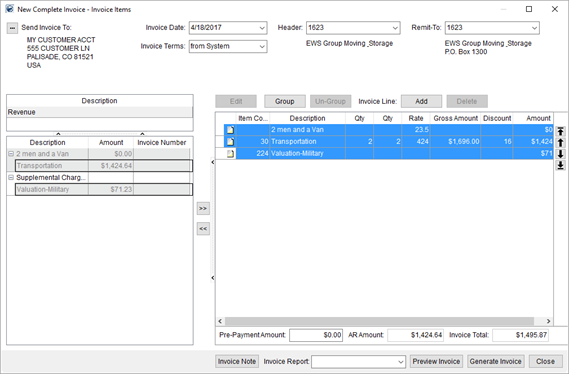
Figure 73: New Complete Invoice
To do so, select records by holding down the CTRL key
and clicking on records individually or by pressing and holding the SHIFT
key and selecting a range of records. Once your selection is made, press the
 key to remove items.
Of note, you can only remove items in this manner if they are not part of group nor an ad hoc entry. To remove items belonging to a group, you must un-group the items first.
Use the  button to remove any ad hoc line
items.
button to remove any ad hoc line
items.
|
SUMMARY (8672) |
|
Ability to remove multiple line items at a single time added to New Complete Invoice. |
|
The following areas have been affected by this change:
|
International Orders User
Interface Updates (Phase V)
Location Name and Location Code Added
Two new fields are available within the Customs Inspection Information screen allowing you to document the Location Code and Location Name of an inspection.
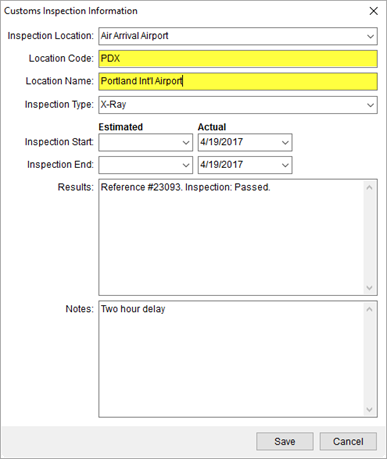
Figure 74: Customs Inspection Information
View the Customs Inspection Information topic for detailed information. (8834)
International Transportation Mode Updates
The External Codes associated to the Transportation Mode have been updated to reflect recent UniGroup changes. The supported codes are now included as default mappings to the UniGroup International interface. Transportation Mode Setup now offers the following default codes:
|
Transportation Mode |
UniGroup External Code |
|
Air |
AIR |
|
Full Container |
FULL_CONTAINER_LOAD |
|
Lift Van |
LESS_THAN_CONTAINER_LOAD |
|
Overland |
OVERLAND |
|
Vehicle |
VEHICLE |
The Transportation Mode is set for an International Orders record on the Shipping Information tab. (8848)
International Container Size Updates
The External Codes associated to the Container Size have been updated to reflect recent UniGroup changes. The supported codes are now included as default mappings to the UniGroup International interface. Container Size Setup now offers the following default codes:
|
Container Size |
UniGroup External Code |
|
20 |
CONTAINER_20_FOOT |
|
24 |
CONTAINER_24_FOOT |
|
24 High Cube |
HIGH_CUBE_CONTAINER_24_FOOT |
|
40 |
CONTAINER_40_FOOT |
|
40 High Cube |
HIGH_CUBE_CONTAINER_40_FOOT |
|
45 |
CONTAINER_45_FOOT |
|
53 |
CONTAINER_53_FOOT |
The container Size is set for an International Orders record within Add Container screen accessible through the Container/Lift Van/Airbox Information tab. (8849)
International Container Load Type Updates
The External Codes associated to the Container Load Type have been updated to reflect recent UniGroup changes. The supported codes are now included as default mappings to the UniGroup International interface. Container Load Type Setup now offers the following default codes:
|
Container Load Type |
UniGroup External Code |
|
Lift Van |
LIFT_VAN |
|
Looe |
LOOSE_LOADED |
The container Load Type is set for an International Orders record within Add Container screen accessible through the Container/Lift Van/Airbox Information tab. (8850)
|
SUMMARY (8834, 8848, 8849, 8850) |
|
Location Name and Location Code added to the Customs Inspection Information screen. |
|
External Code values updated within Container Load Type Setup, Container Size Setup, and Transportation Mode Setup. |
|
The following areas have been affected by this change: Customs Inspection Information Schema Changes Version 2017R10
|
Overtime rules applied to
Labor in Job Costing
You can now apply overtime rules to costing within Job Costing. The Overtime Hourly Wage and Double Time Hourly Wage settings are available to employees within the Accounting tab within Personnel Setup.
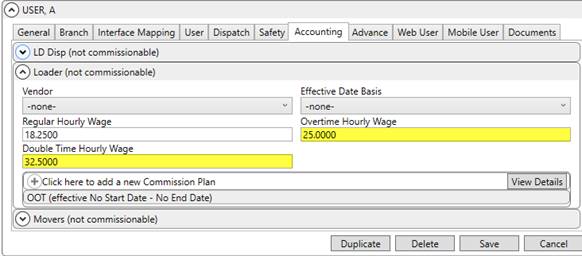
Figure 75: Accounting tab in Personnel Setup
MoversSuite now applies the overtime or double rate for the Cost amount in the same manner as it does when computing the Rated Amount. The rate applied from the Personnel Setup record is based on what is defined within the Rate Schedule for Labor to compute the Cost that displays within the Job Costing screen. Example: If an employee works two hours of overtime at $25/hr. (see Overtime Hourly Wage in Figure 75), then the Labor cost computes for the employee as $50.00.
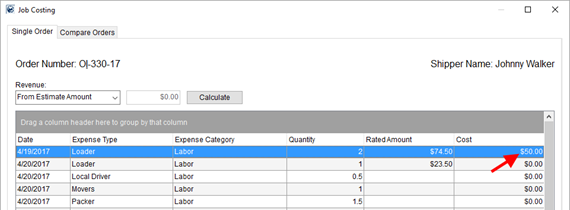
Figure 76: Single Order tab in Job Costing
Note: If the Overtime Hourly Wage or Double Time Hourly Wage are not set, yet the Regular Hourly Wage is, MoversSuite computes the overtime rate as 1.5 times the regular rate and the double rate at 2 times the regular rate. In other words, you can just set the Regular Hourly Wage and the application will automatically compute the overtime or double time for you (based on the 1.5 or 2 multiplier).
Read more about this subject within the Job Costing and Job Costing Rating topics.
|
SUMMARY (8674, 8675) |
|
Renamed Hourly Wage to Regular Hourly Wage and added Overtime Hourly Wage and Double Time Hourly Wage within the Accounting tab within Personnel Setup. |
|
Modified the Cost for Labor to utilize overtime or double rates set for an employee. |
|
The following areas have been affected by this change: Schema Changes Version 2017R10
|
ENHANCEMENTS
This section lists any enhancements made to MoversSuite.
Cost column visible only to
managers in Job Costing
The Cost column within the Job Costing screen is now visible only by those assigned as managers to the Job Costing security module. The reason for this change is to provide more security around employee compensation.
If you have manager access, you can view the Cost column for orders under any branch within the Single Order and Compare Orders tabs.
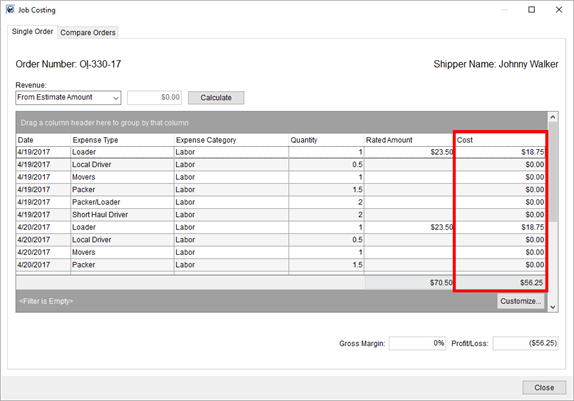
Figure 77: Job Costing
Likewise, without manager access, you can still view the Gross Margin and Profit/Loss information but you cannot see the specific cost data within either Job Costing tab.
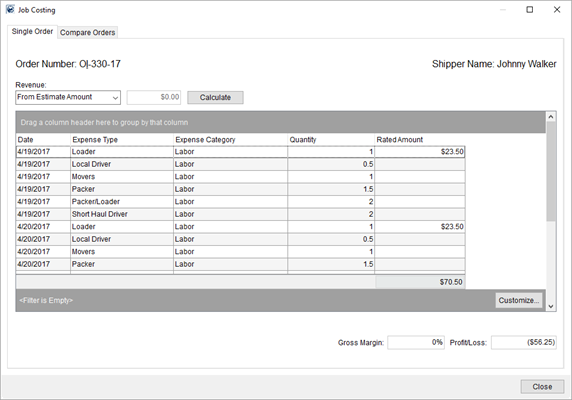
Figure 78: Job Costing
Set the manager access by checking the Allow Manager Privileges flag for the Job Costing Security Module within Security Profile Setup. Only one branch needs manager privileges to access the Cost information for orders under any branch of service.
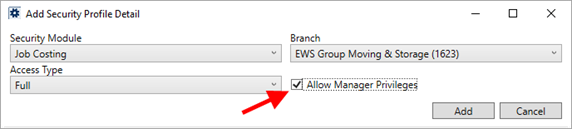
View the Job Costing topic for more information.
|
SUMMARY (8258) |
|
Cost column visible to only managers of the Job Costing security module. |
|
The following areas have been affected by this change: Job Costing Setup and Administration
|
RELEASE FIXES
This section lists any fixes made to MoversSuite.
Agents
Market removed for Booking Agent
The Market setting is deemed unnecessary for the booker, so it has been removed from the Booking Agent section within the Agents tab. (8856)
SIT Information
Agent/Carrier contact title added to Stored At selector
When associating a contact to an Agent or Carrier type for the Stored At setting within SIT Information, you now have the title of the person along with their name to assist you in making a selection.
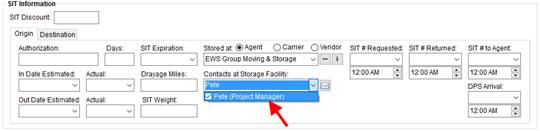
(8857)
SCHEMA CHANGES
View the database changes that affect this release through the following link:
Schema Changes Version 2017R10
The following links allows you to navigate through all MoversSuite tables and data views and allows you to view field properties, such as type and maximum value size, etc.
MoversSuite Database Tables (2017R10)
MoversSuite Document Database Tables (2017R10)
MoversSuite Data Views (2017R10)
|
Version 2017 R09 |
|
RELEASE DATE: 4/24/2017
QUICK LINKS
Here is a table containing several commonly requested hyperlinks.
|
Link |
Description |
|
|
Watch a short video highlighting the changes we have made to MoversSuite at this version. |
|
View current release information through a PDF document. | |
|
Read up on the requirements for this version of MoversSuite. | |
|
Check out our Support page to read about the latest MoversSuite release and find links to other useful information. | |
|
See what other MoversSuite customers are requesting for changes to the MoversSuite application and submit your own suggestions. | |
|
Past Versions Information |
Look through a list of changes made to all other versions of MoversSuite. |
|
Access a list of overview videos for each release. | |
|
Pull up the database changes we made at various releases. |
RELEASE SUMMARY
The following is a table contains counts of the items affecting this release.
|
# |
Change Summary |
|
10 |
New Product Features |
|
|
Release Enhancements |
|
6 |
Release Fixes |
|
14 |
Schema Changes (# of database tables affected) |
|
9 |
Admin Changes |
|
|
Standard Reports Affected |
RELEASE REQUIREMENTS
Please refer to the following information regarding the hardware and software required to support MoversSuite and related systems.
View the MoversSuite Compatibility topic for a list of products compatible with MoversSuite.
Refer to the System Requirements section for a complete list of hardware and software requirements.
COMING SOON: Microsoft SQL Server 2008 and SQL Server 2008 R2 Compatibility
With version 2017 R11 of MoversSuite, scheduled for release on May 22, 2017, the development environment of MoversSuite will no longer be compatible with Microsoft SQL Server 2008 or SQL Server 2008 R2.
As of May 22, 2017, the lowest compatible database server hosting MoversSuite will be Microsoft SQL Server 2012. IMPORTANT: If you wish to upgrade to MoversSuite 2017 R11 or a later version of MoversSuite, your company must, at minimum, have Microsoft SQL Server 2012 or higher (see the Microsoft SQL Server 2016 Compatibility announcement).
Of note, being current on the latest versions of the hardware and software for our development environment allows us to provide better security, better support, and a better MoversSuite user experience. Please refer to our System Requirements for more information on the hardware and software compatible with MoversSuite.
Contact our EWS Support team to discuss migration options.
Windows Domain Authentication to log into MoversSuite
With the release of MoversSuite Version 2017 R08 is the ability to open MoversSuite by using the credentials you enter when logging into your Windows environment. MoversSuite references the user identity associated to your Windows account to retrieve your MoversSuite login information. Then, when you launch MoversSuite or MoversSuite Administration, it opens without you having to enter your MoversSuite username and password.
IMPORTANT: If your company is not utilizing Windows Domain Authentication, then you will be unable to upgrade to version 2017 R08 or later. (8638)
IBM MQ Client 8.0.0.5
For all UniGroup agents, UniGroup requires IBM MQ Client 8.0.0.5. If you upgrade on your own and want to download this latest version of IBM MQ Client, then you can do so through this link: http://www-01.ibm.com/support/docview.wss?uid=swg24037500#1.
Microsoft SQL Server 2016 Compatibility
As of MoversSuite 2017 R04, the MoversSuite development environment is compatible with Microsoft SQL Server 2016.
Refer to our System Requirements for more information on the hardware and software compatible with MoversSuite.
Please contact our EWS Sales team to discuss upgrade options.
Microsoft Windows Server 2016 Compatibility
As of MoversSuite 2017 R04, MoversSuite is compatible with Microsoft Windows Server 2016.
Refer to our System Requirements for more information on the hardware and software compatible with MoversSuite.
Please contact our EWS Sales team to discuss upgrade options.
Dynamics GP Requirements
MoversSuite is compatible with the following:
Microsoft Dynamics GP 2016
Microsoft Dynamics GP 2015 R2 (with ATIP Build 14.0.1)
Microsoft Dynamics GP 2013 R2 (with ATIP Build 12.0.23)
Refer to the following for information regarding additional requirements you may need to support Microsoft Dynamics GP:
System Requirements for Microsoft Dynamics GP 2016
System Requirements for Microsoft Dynamics GP 2015
KNOWN ISSUES
The following issues are problems that may affect your decision to upgrade to this version of MoversSuite. The following issue is not resolved for this release.
Citrix issue with phone number control
An issue that cannot be replicated is causing the phone numbers within the Shipper Contact Information section (Name, Address, Phone tab) to disappear and then reappear when a user clicks on that section, however, the user cannot edit them until they press Cancel (on the order) and then attempt to Edit again. (6409)
RELEASE FEATURES
Import Quote into Invoice as
it Appears in Quotes
Two new options are available that allow you to copy an entire quote or just the detail items of the quote directly into an invoice as they appear on the quote. Both options are available through a right-click on a Quote revenue import item within the New Complete Invoice screen.
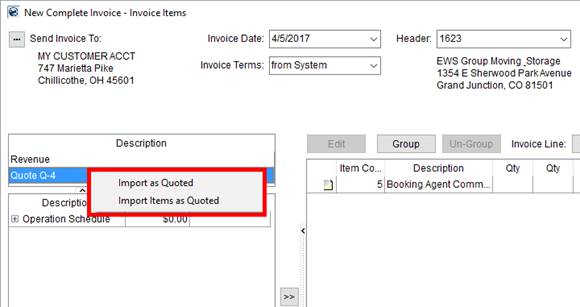
Figure 79: New Complete Invoice
Selecting Import as Quoted populates the invoice items with all items on the quote, including groups, directly as it appears on the quote.
The example below illustrates a Quote group that we wish to import as is into an invoice.
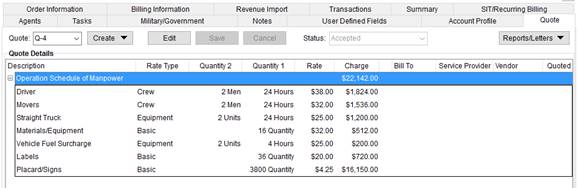
Figure 80: Quote tab
Choosing the Import as Quoted option adds the quote group and items in the same order.
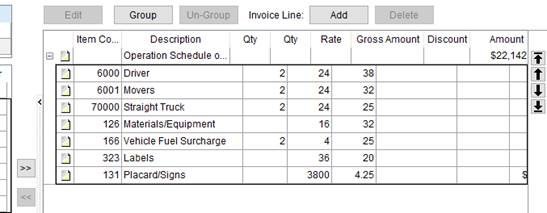
Figure 81: Invoice Items section within New Complete Invoice (example)
Selecting the Import Items as Quoted option also populates the invoice items but without the groupings that may be in effect.
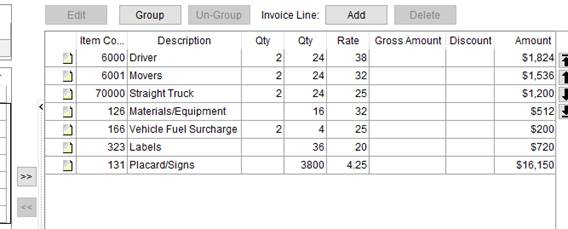
Figure 82: Invoice Items section within New Complete Invoice (example)
Refer to the Quotes item within the Source Description listing within the New Complete Invoice topic for more information.
|
SUMMARY (8670) |
|
Right-click options of Import as Quoted and Import Items as Quoted added to New Complete Invoice. |
|
The following areas have been affected by this change:
|
Capture Reason, Date, and
Person that Cancelled an Order
When you cancel an order, the application can be configured to also request a reason for the cancellation.
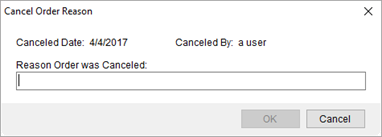
Figure 83: Cancel Order Reason
This feature is tied to a new flag set for the Order Status. Setting the Is Cancelled Status on any Order Status Setup record instructs MoversSuite to capture the reason through the new Cancel Order Reason dialog when the MSS Order Status is changed to the particular status value.

Figure 84: Order Status Setup (example)
The cancellation and reason are documented within Order History.
|
SUMMARY (8737) |
|
Is Cancelled Status flag added to Order Status Setup. |
|
New Cancel Order Reason dialog available when status is changed that has the Is Cancelled Status flag set. |
|
Order History documents the reason the order was cancelled through the Changed field item of Order Cancelled Reason. |
|
The following areas have been affected by this change: Schema Changes Version 2017R09
|
International Orders User
Interface Update (Phase IV)
Estimated Cutoff Dates Removed
Two unnecessary estimates for cutoff dates have been removed. Inland Departure Cutoff and Port of Sailing Cutoff within the Shipping Information tab no longer have an Estimated column (Actual only). These dates have been removed as Task Dependency Dates and as Create Duplicate Order fields.
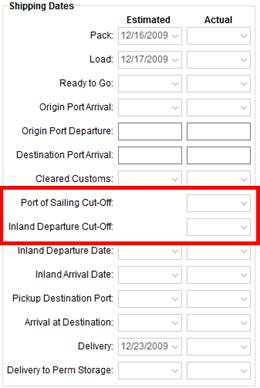
Figure 85: Shipping Dates section within the Shipping Information tab
(8831)
Origin Port added to Vessel/Voyage/Flight Information
The Origin Port is available through the Vessel/Voyage and Flight Information section on the Shipping Information tab.
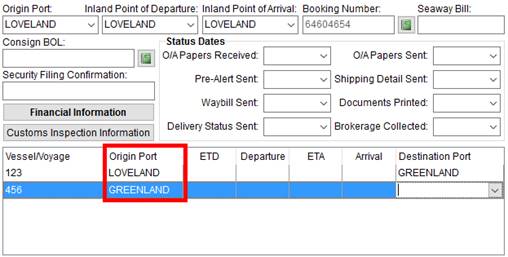
Figure 86: Shipping Information
When you add a line (leg) to this section, the Origin Port defaults to the value set for the Origin Port set for the order (located above the Status Dates). If you add additional legs to the voyage or flight, then the application defaults the Origin Port to what is set for the Destination Port on the leg above the line.
You also receive a warning if you happen to enter the same Origin Port twice. This is to assist you in avoiding a circular route.
Figure 87: Duplicate voyage/flight warning
(8824)
Estimated and Actual Pickup and Delivery Dates
You can now specify estimated and actual dates for Pickup and Delivery locations within the Pickup/Delivery Information screen.
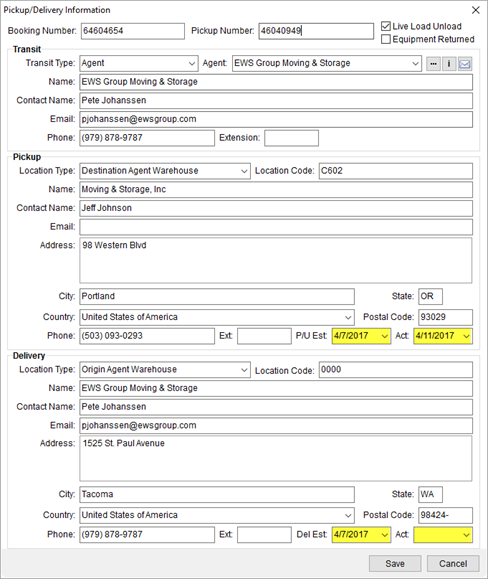
Figure 88: Pickup/Delivery Information
These dates are also available as the following Task Dependency Dates:
Booking Number Pickup Estimated Date
Booking Number Pickup Actual
Date
Booking Number Delivery Estimated Date
Booking Number Delivery Actual Date
(8829)
Customs Inspection Information
The ability to document customs inspection data is available through the Customs Inspection Information button on the Shipping Information tab.
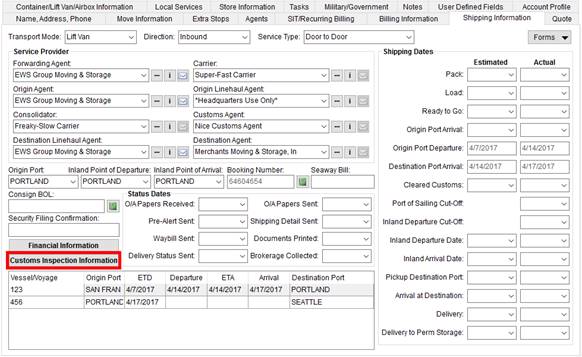
Figure 89: Shipping Information
Pressing this button opens the Customs Inspection Information screen, providing you an area to document the inspection.
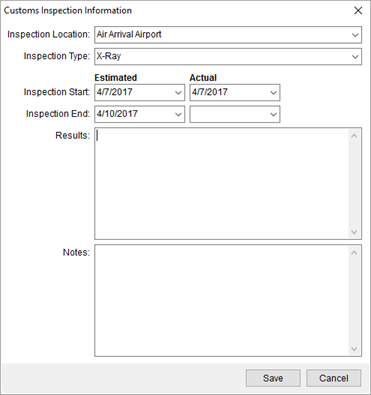
Figure 90: Customs Inspection Information
New setup areas are available allowing your company to customize the Inspection Location and Inspection Type. The International category within MoversSuite Administration now offers the Customs Inspection Location Setup to establish the values available through the Inspection Location setting and the Customs Inspection Location Setup to define Inspection Type values.
Both setup areas allow for you to map to codes supported by external systems. MoversSuite provides default values anticipated to support uploads and downloads from the UniGroup International system.
The inspection dates are also available as the following Task Dependency Dates:
Customs Inspection Start Estimated Date
Customs Inspection Start Actual Date
Customs Inspection End Estimated Date
Customs Inspection End Actual Date
The following new roles are available to Admin Profile Setup records:
International > Customs Inspection Location
International > Customs Inspection Type
(8731, 8744)
International Auto Register Flag
IMPORTANT: This feature is not yet fully implement and the auto upload of an international order is not yet available.
A new flag is available that is assignable to move types. The International Auto Register flag within Move Type Setup instructs MoversSuite, when checked, to automatically upload an UniGroup order when it is booked within the International Orders module.
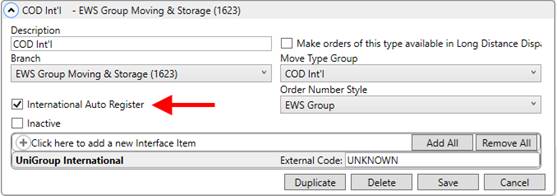
Figure 91: Move Type Setup
When this feature is available, in a future release of MoversSuite, the application will automatically upload the order when the following occurs:
International Auto Register flag set on the Type of Move
Authority on the order is Van Line
Order is booked through the International Orders module
More on this feature in a future release of MoversSuite. (8828)
Link Personnel Records to Credentials of an External Application
Administrators can associate the login credentials of an employee to those required by an upload process to an external application. These credentials are needed to identify the employee performing the upload.
An Interface section is available within the Interface Mapping in Personnel Setup that allows the administrator to link the credentials to a particular interface, such as those needed to access the UniGroup Trafficking System.
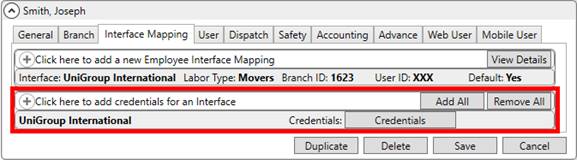
Figure 92: Interface Mapping tab within Personnel Setup
Once an interface is established, press the Credentials button to add the User Name and Password for the disparate system.
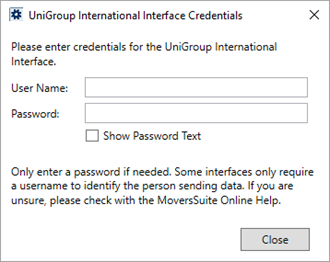
Figure 93: Credentials entry prompt
Credentials are encrypted within MoversSuite.
Administrators can access the Password option within the credentials of an employee if they are assigned to the XML Interface Credentials Passwords role in Admin Profile Setup. This role lists under the Personnel category. If they are not assigned to this role, the can still enter a User Name through the credentials prompt.
Refer to the Interface Mapping section within Personnel Setup for more information.
(8825)
|
SUMMARY (8731, 8744, 8824, 8825, 8828, 8829, 8831) |
|
Estimated cutoff dates removed from the Shipping Information tab. |
|
Origin Port added to Vessel/Voyage and Flight Information. |
|
International Auto Register flag added to Move Type Setup. |
|
Estimated and actual dates added to Pickup and Delivery locations within Pickup/Delivery Information. |
|
Customs Inspection Information screen added. |
|
Link employee to credentials on an external system within Personnel Setup. |
|
The following areas have been affected by this change: Customs Inspection Information Vessel/Voyage and Flight Information Schema Changes Version 2017R09
|
SIRVA QPD Integration
MoversConnect communicates directly with the SIRVA QPD system using a RESTful service that allows event monitoring to automatically update information in MoversSuite. Refer to the SIRVA QPD Integration topic for more information.
Additionally, two system phone types have been added to the list available within Shipper Phone Type Setup. Destination Other and Origin Other are available for assignment within MoversSuite, such as through the contact information found within the Name, Address, Phone tab. These two types are also included in the data utilized by the Pass Thru Connector and by the SIRVA QPD Integration.
|
SUMMARY (8746) |
|
SIRVA QPD Integration implemented. |
|
Destination Other and Origin Other options added to the list of those supported by Pass Thru Connector, Shipper Phone Type Setup, and SIRVA QPD Integration. |
|
The following areas have been affected by this change: Pass Thru Connector XML Database Schema (XSD) Pass Thru Connector Upload Format SIRVA QPD Integration Setup and Administration
|
RELEASE FIXES
This section lists any fixes made to MoversSuite for this release.
Administration
Timeout error on Data Warehouse Refresh
You no longer receive an error when performing a manual Data Warehouse Refresh. This issue appears to have only occur when MoversSuite Administration is opened through the Tools Menu. (8837)
Local Services
Remove Extra Stops on Voided or Cancelled Services
If a service is set to Void or Cancelled, you can now remove any stop associated to the service by deleting the record through the Extra Stops tab. Prior to this release, the application prevented you from removing stops associated to the voided or cancelled services. (8595)
Local Dispatch
Remove Crew from Services with Actuals
Crew can be removed from a service with actuals provided the specific assignment the person is assigned does not have any actuals. Prior to this release, if there were any actuals set for the service, whether they tie directly to the employee or not, the application prevents you from removing this employee. (8231)
Payment Management
Payment Application Timeout Issue
Using Payment Application no longer produces an error. An error indicating that “The timeout period elapsed prior to completion of the operation…” has been addressed by updating the table structure of the RM20201 table to include an index, making searching more efficient on the Dynamics GP database. (8745)
MoversSuite Crew Mobile Application
Auto Synchronization of Crew Settings
Mobile API Setup now auto synchronizes with MoversConnect when one of the following flags change:
Activate MSCrew
Activate Crew Time
Crew Time for Crew Lead Only
This function can be performed manually through the Verify/Synchronize all mobile data with MoversConnect function.
When the Mobile API Setup data is synchronized with MoversConnect, either manually or automatically, then the date and time of the sync displays within the Last Synced with MoversConnect On field (also within the Mobile API Setup screen).
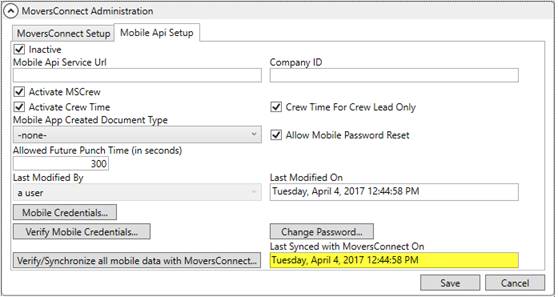
Figure 94: Mobile API Setup tab within MoversConnect Setup
(8803)
Revenue Entry
Third party invoice no longer duplicated
An issue was occurring when multiple reversals spread out over time were lumped together into a single third party invoice transaction. Now the application locates the correct transaction and creates new documents for any transaction that is not already assigned a Dynamics GP document number. (8552)
SCHEMA CHANGES
View the database changes that affect this release through the following link:
Schema Changes Version 2017R09
The following links allows you to navigate through all MoversSuite tables and data views and allows you to view field properties, such as type and maximum value size, etc.
MoversSuite Database Tables (2017R09)
MoversSuite Document Database Tables (2017R09)
MoversSuite Data Views (2017R09)
|
Version 2017 R08 |
|
RELEASE DATE: 4/10/2017
QUICK LINKS
Here is a table containing several commonly requested hyperlinks.
|
Link |
Description |
|
|
Watch a short video highlighting the changes we have made to MoversSuite at this version. |
|
View current release information through a PDF document. | |
|
Read up on the requirements for this version of MoversSuite. | |
|
Check out our Support page to read about the latest MoversSuite release and find links to other useful information. | |
|
See what other MoversSuite customers are requesting for changes to the MoversSuite application and submit your own suggestions. | |
|
Past Versions Information |
Look through a list of changes made to all other versions of MoversSuite. |
|
Access a list of overview videos for each release. | |
|
Pull up the database changes we made at various releases. |
RELEASE SUMMARY
The following is a table contains counts of the items affecting this release.
|
# |
Change Summary |
|
10 |
New Product Features |
|
2 |
Release Enhancements |
|
4 |
Release Fixes |
|
29 |
Schema Changes (# of database tables affected) |
|
9 |
Admin Changes |
|
|
Standard Reports Affected |
RELEASE REQUIREMENTS
Please refer to the following information regarding the hardware and software required to support MoversSuite and related systems.
View the MoversSuite Compatibility topic for a list of products compatible with MoversSuite.
Refer to the System Requirements section for a complete list of hardware and software requirements.
Windows Domain Authentication to log into MoversSuite
With the release of MoversSuite Version 2017 R08 is the ability to open MoversSuite by using the credentials you enter when logging into your Windows environment. MoversSuite references the user identity associated to your Windows account to retrieve your MoversSuite login information. Then, when you launch MoversSuite or MoversSuite Administration, it opens without you having to enter your MoversSuite username and password.
IMPORTANT: If your company is not utilizing Windows Domain Authentication, then you will be unable to upgrade to version 2017 R08 or later. (8638)
IBM MQ Client 8.0.0.5
For all UniGroup agents, UniGroup requires IBM MQ Client 8.0.0.5. If you upgrade on your own and want to download this latest version of IBM MQ Client, then you can do so through this link: http://www-01.ibm.com/support/docview.wss?uid=swg24037500#1.
COMING SOON: Microsoft SQL Server 2008 and SQL Server 2008 R2 Compatibility
With version 2017 R11 of MoversSuite, scheduled for release on May 22, 2017, the development environment of MoversSuite will no longer be compatible with Microsoft SQL Server 2008 or SQL Server 2008 R2.
As of May 22, 2017, the lowest compatible database server hosting MoversSuite will be Microsoft SQL Server 2012. IMPORTANT: If you wish to upgrade to MoversSuite 2017 R11 or a later version of MoversSuite, your company must, at minimum, have Microsoft SQL Server 2012 or higher (see the Microsoft SQL Server 2016 Compatibility announcement).
Of note, being current on the latest versions of the hardware and software for our development environment allows us to provide better security, better support, and a better MoversSuite user experience. Please refer to our System Requirements for more information on the hardware and software compatible with MoversSuite.
Contact our EWS Support team to discuss migration options.
Microsoft SQL Server 2016 Compatibility
As of MoversSuite 2017 R04, the MoversSuite development environment is compatible with Microsoft SQL Server 2016.
Refer to our System Requirements for more information on the hardware and software compatible with MoversSuite.
Please contact our EWS Sales team to discuss upgrade options.
Microsoft Windows Server 2016 Compatibility
As of MoversSuite 2017 R04, MoversSuite is compatible with Microsoft Windows Server 2016.
Refer to our System Requirements for more information on the hardware and software compatible with MoversSuite.
Please contact our EWS Sales team to discuss upgrade options.
Dynamics GP Requirements
MoversSuite is compatible with the following:
Microsoft Dynamics GP 2016
Microsoft Dynamics GP 2015 R2 (with ATIP Build 14.0.1)
Microsoft Dynamics GP 2013 R2 (with ATIP Build 12.0.23)
Refer to the following for information regarding additional requirements you may need to support Microsoft Dynamics GP:
System Requirements for Microsoft Dynamics GP 2016
System Requirements for Microsoft Dynamics GP 2015
KNOWN ISSUES
The following issues are problems that may affect your decision to upgrade to this version of MoversSuite. The following issue is not resolved for this release.
Timeout error on Data Warehouse Refresh
Users noticed an error when performing a manual Data Warehouse Refresh. The refresh occurs however a timeout error ensued. This issue appears to only occur when MoversSuite Administration is opened through the Tools Menu. (8837)
Citrix issue with phone number control
An issue that cannot be replicated is causing the phone numbers within the Shipper Contact Information section (Name, Address, Phone tab) to disappear and then reappear when a user clicks on that section, however, the user cannot edit them until they press Cancel (on the order) and then attempt to Edit again. (6409)
RELEASE FEATURES
Log into MoversSuite via
Windows Authentication
IMPORTANT: If your company is not utilizing Windows Domain Authentication, then you will be unable to upgrade to version 2017 R08 or later.
With this release is the ability to open MoversSuite or MoversSuite Administration without login by using the account information you use when logging into your Windows environment.
The first time you log into MoversSuite after upgrading to this release, the application captures your credentials and associates them to your Windows domain user. The next time you log into MoversSuite, the credentials are passed along to MoversSuite automatically without the need for you to enter your MoversSuite username and password.
Logging into MoversSuite Administration is under Windows Authentication as well.
This features works everywhere you reference your Windows domain account. For example, if you switch to a different computer but log into Windows with the same credentials, then you are automatically logged into MoversSuite or MoversSuite Administration.
Administrators can see which Domain User Name is associated to a Personnel Setup record through the User tab. They also have the option to Remove domain user association for any user through this setup. This option provides the ability to remove the Windows Domain User Name associated to the record. This is useful if a person needs to change their domain affiliation, i.e. change their user name.
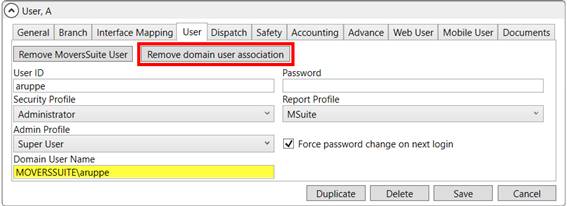
Figure 95: Personnel Setup
There can be only one user record associated to a domain user. If you attempt to log into MoversSuite on an environment associated to a different domain user, you receive the following error: “The provided user is already mapped to a different Windows Domain User account. Please see your system administrator.”
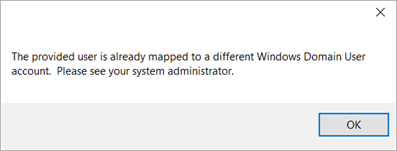
Figure 96: Existing map for a domain user error
Refer to the Windows Authentication topic for more information.
|
SUMMARY (8638) |
|
Remove domain user association and Windows Domain User added to Personnel Setup. |
|
Windows Authentication implemented. |
|
The following areas have been affected by this change: Schema Changes Version 2017R08
|
International Orders User
Interface Update (Phase III)
More fields and features are available to support an upload for UniGroup international forwarders. Many of these fields and features are available for usage outside of the International Orders module, as well.
Auto Information Update
The Move Information tab now features fields to capture the Color, Mileage, and Cubic Feet of an auto.
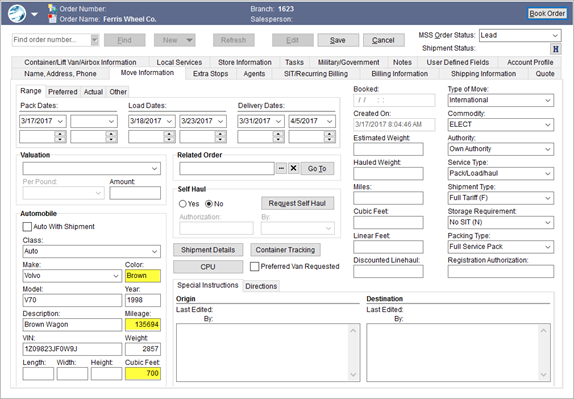
Figure 97: Move Information tab
Additionally, the Auto Class field now maps to an external interface. Refer to the Interface Item section within Auto Class Setup. (8725)
Quote Connected to Van Line
If an accepted quote connects to an external interface, e.g. van line, through an upload or download process, then a caption of “Connected” display in the header section of the Quote tab. This status indicates that the quote can be updated through the external interface.

Figure 98: Quote tab
Only one quote per order can be connected per order. This feature is only available from the Quote tab within International Orders. (8754)
Bill To added to Quote
You can now specify a Bill To as either Agent, National Account, or Shipper under the Service Provider information on a Quote. This feature allows you to designate the entity being billed for service.
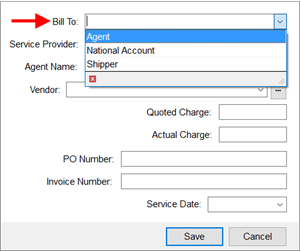
Figure 99: Service Provider section within the details of a quote
Refer to the Service Provider section within the Quote topic for more information. (8752)
International Financial Information added
A new screen is available allowing you to capture financial data specific to an International Orders record. The new Financial Information screen is available through the Financial Information button on the Shipping Information tab.
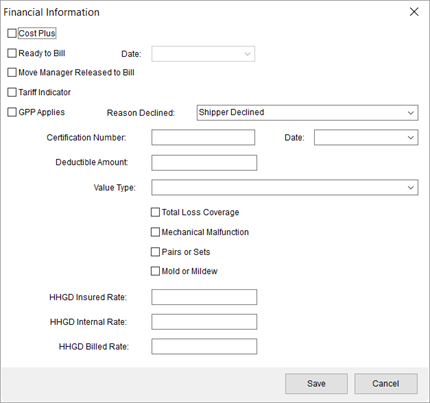
Figure 100: Financial Information screen
Two new setup areas have been added to support data within the Financial Information screen. The Valuation Declined Reason Setup allows you to define which options are available within the Reason Declined field and the Value Type Setup provides options for the Value Type setting. Both are found under the International category within MoversSuite Administration.
Both new setup areas allow you to map to external interface codes.
The following new roles are available to Admin Profile Setup records:
International > Valuation Declined Reason
International > Value Type
See the Financial Information topic for more information. (8750)
XML Mapping added to Container Load Type
The Container Load Type Setup now offers the ability to link types to External Codes supported by an external interface. Refer to the Interface Item section within the Container Load Type Setup. (8749)
Redesigned Booking Number Screen
The Booking Number screen has been renamed to Pickup/Delivery Information and is available for both types of Transportation Mode: Air and Sea. The redesigned screen features the following additions:
•Live Load Unload flag
•Equipment Returned flag
•Transit section
•Location Type and Location Code added to Pickup and Delivery sections
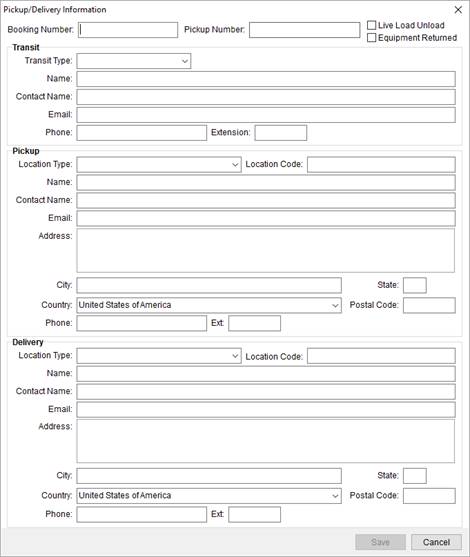
Figure 101: Pickup/Delivery Information screen
Access this screen through the icon adjacent the Booking Number/HWAB field.
Figure 102: Access to the Pickup/Delivery Information screen
See the Pickup/Delivery Information topic for more information. (8741)
|
SUMMARY (8725, 8728, 8729, 8741, 8749, 8750, 8752, 8754, 8814) |
|
Fields added to the Move Information tab. |
|
Interface mapping added to Auto Class Setup. |
|
“Connected” indicator added to the Quote tab. |
|
Bill To added to the Service Provider on a Quote. |
|
Financial Information added to the Shipping Information tab. |
|
Interface mapping added to Container Load Type Setup. |
|
Booking Number screen redesigned and renamed to Pickup/Delivery Information. |
|
Value Type Setup added. |
|
The following areas have been affected by this change: Schema Changes Version 2017R08
|
Building Constraints
available for Office & Industrial orders
Available within the Job Information tab of an Office & Industrial order is the ability to specify Building Constraints.
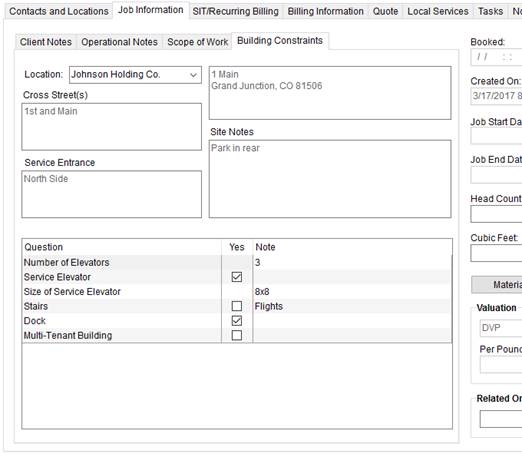
Figure 103: Building Constraints within the Job Information tab
Selecting a Location from those established within the Contacts and Locations tab populates the data initially. You can then edit what displays within the Cross Street, Service Entrance and Site Notes sections.
A constraints section allows you to clarify any requirements that display for the site. Editing options here include the ability to confirm the constraint by placing a check in the Yes column and by entering any needed notes.
The application stores the constraints for each Location set within the Contacts and Locations tab.
New Office & Industrial Setup Areas for Building Constraints
Two new setup areas are available under the Office & Industrial category in MoversSuite Administration. These setup areas allow you to define preset data that can link to Locations that feed Building Constraints.
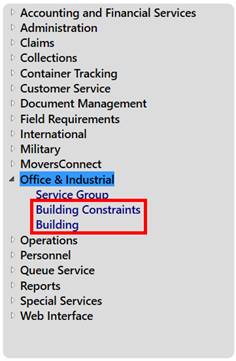
Figure 104: Category listing within MoversSuite Administration
Setup areas allow you to provide the list of constraints. Options within the Building Constraints Setup allow you to define the text of the constraint, indicate whether you want a checkbox for the item, sort order placement of the item, and provide any default notes.

Figure 105: Sample Building Constraints record
Under the Building Setup, you can define records for each building involved in your O&I operations. Provide detailed site information using this setup.
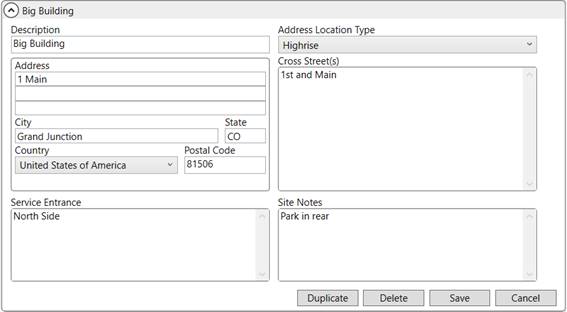
Figure 106: Sample Building record
Link buildings to locations through the Building option within Add/Edit Order Location available through the Contacts and Locations tab. The data set within Building Setup is referenced as the default site information within the Building Constraints tab, when the corresponding Location is selected. This information can be updated for each order.
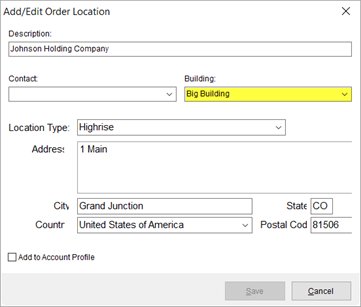
Figure 107: Add/Edit Order Location screen
You can also link buildings to locations tied to Account Profile Setup records through the Add Account Profile Preset screen.
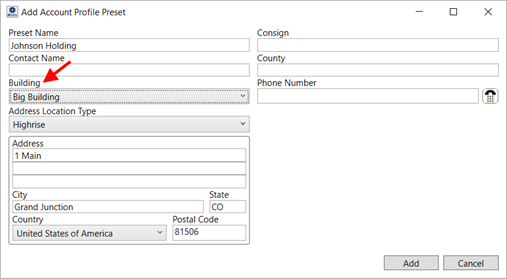
Figure 108: Sample Preset Address within Account Profile Setup
Refer to the Office & Industrial topic and to the Building Constraints section within the Job Information topic for more information.
The following new roles are available to Admin Profile Setup records:
Office & Industrial > Building Constraints
Office & Industrial > Buildings
|
SUMMARY (8337) |
|
Building Constraints functionality added to the Job Information tab. |
|
Building Setup added. |
|
Building Constraints Setup added. |
|
Admin Profile Setup roles added. |
|
Building setting added to the Add/Edit Order Location screen and to Add Account Profile Preset. |
|
The following areas have been affected by this change: Schema Changes Version 2017R08
|
RELEASE ENHANCEMENTS
Reorder invoice items by
description
A right-click option is available within the New Complete Invoice screen that allows you to automatically reorder the items based on the description.
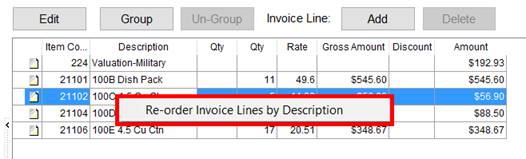
Figure 109: Invoice details section within New Complete Invoice
The right-click option of Re-order Invoice Lines by Description allows you to change the sorting on items and groups based on the description. The function sorts all items and groups by the Description column in descending alphanumeric order. Items belong to a group cannot be reordered.
|
SUMMARY (8671) |
|
Right-click option of Re-order Invoice Lines by Description added to the line item listing within the New Complete Invoice screen. |
|
The following areas have been affected by this change:
|
Enable/disable Duplicate
Order functionality
An option is now available within the System Wide Options that allows you to turn on or off the ability to duplicate an order. The Enable Duplicate Order option, when checked, provides you with the ability to select Duplicate Order from the New menu. When this option is not checked, the option is not available.
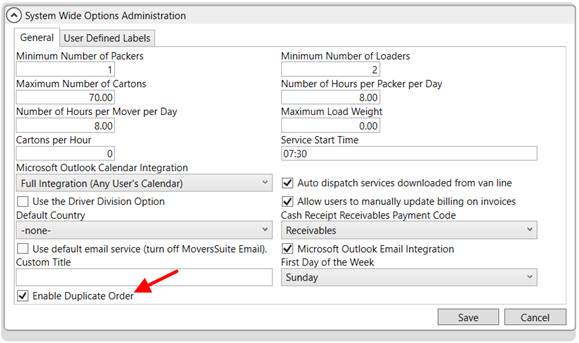
Figure 110: System Wide Options
The Enable Duplicate Order option applies to all users. Refer to Create Duplicate Order for related information.
|
SUMMARY (8656) |
|
Right-click option of Re-order Invoice Lines by Description added to the line item listing within the New Complete Invoice screen. |
|
Enable Duplicate Order option added to the System Wide Options. |
|
The following areas have been affected by this change: Schema Changes Version 2017R08
|
RELEASE FIXES
This section lists any fixes made to MoversSuite for this release.
Agents
Agent Find dialog no longer resizable
The Agent Find no longer allows you to resize the screen. Prior to this change, if you changed the size of the screen (using click and drag), then OK and Cancel buttons did not resize and caused confusion. (8793)
Field Requirements
Field Requirements recognize Customer Number
The system now recognizes the Customer Number for field within Field Requirements on the On Book requirement. Prior to this release, if the Customer Number was required and set on the order, you still received the “Unable to book the order until the following fields are set” error. (8815)
Office & Industrial
Enable Estimate and Actual Amount fields
The Estimate Amount and Actual Amount fields on the Billing Information tab are now visible and can be updated for Office & Industrial moves. Prior to this change, these two fields were not available for O&I orders. (8785)
Quotes
Quote Number width expanded in drop-down selector
The column that displays the quote number when choosing a quote from the list of existing ones has been expanded to allow viewing of larger quote numbers. (8636)
SCHEMA CHANGES
View the database changes that affect this release through the following link:
Schema Changes Version 2017R08
The following links allows you to navigate through all MoversSuite tables and data views and allows you to view field properties, such as type and maximum value size, etc.
MoversSuite Database Tables (2017R08)
MoversSuite Document Database Tables (2017R08)
MoversSuite Data Views (2017R08)
|
Version 2017 R07 |
|
RELEASE DATE: 3/27/2017
QUICK LINKS
Here is a table containing several commonly requested hyperlinks.
|
Link |
Description |
|
|
Watch a short video highlighting the changes we have made to MoversSuite at this version. |
|
View current release information through a PDF document. | |
|
Read up on the requirements for this version of MoversSuite. | |
|
Check out our Support page to read about the latest MoversSuite release and find links to other useful information. | |
|
See what other MoversSuite customers are requesting for changes to the MoversSuite application and submit your own suggestions. | |
|
Past Versions Information |
Look through a list of changes made to all other versions of MoversSuite. |
|
Access a list of overview videos for each release. | |
|
Pull up the database changes we made at various releases. |
RELEASE SUMMARY
The following is a table contains counts of the items affecting this release.
|
# |
Change Summary |
|
6 |
New Product Features |
|
|
Release Enhancements |
|
2 |
Release Fixes |
|
11 |
Schema Changes (# of database tables affected) |
|
5 |
Admin Changes |
|
|
Standard Reports Affected |
RELEASE REQUIREMENTS
Please refer to the following information regarding the hardware and software required to support MoversSuite and related systems.
View the MoversSuite Compatibility topic for a list of products compatible with MoversSuite.
Refer to the System Requirements section for a complete list of hardware and software requirements.
Coming soon: Windows Domain Authentication to log into MoversSuite
Anticipated for release in MoversSuite version 2017 R08 is the ability to open MoversSuite by using the credentials you enter when logging into your Windows environment. MoversSuite references the user identity associated to your Windows account to retrieve your MoversSuite login information. Then, when you launch MoversSuite, it opens without you having to enter your MoversSuite username and password.
IMPORTANT: If your company is not utilizing Windows Domain Authentication, then you will be unable to upgrade to version 2017 R07 or later. (8638)
Microsoft SQL Server 2016 Compatibility
As of MoversSuite 2017 R04, the MoversSuite development environment is compatible with Microsoft SQL Server 2016.
Refer to our System Requirements for more information on the hardware and software compatible with MoversSuite.
Please contact our EWS Sales team to discuss upgrade options.
Microsoft Windows Server 2016 Compatibility
As of MoversSuite 2017 R04, MoversSuite is compatible with Microsoft Windows Server 2016.
Refer to our System Requirements for more information on the hardware and software compatible with MoversSuite.
Please contact our EWS Sales team to discuss upgrade options.
Coming soon: Microsoft SQL Server 2008 and SQL Server 2008 R2 Compatibility
With version 2017 R11 of MoversSuite, scheduled for release on May 22, 2017, the development environment of MoversSuite will no longer be compatible with Microsoft SQL Server 2008 or SQL Server 2008 R2.
As of May 22, 2017, the lowest compatible database server hosting MoversSuite will be Microsoft SQL Server 2012. IMPORTANT: If you wish to upgrade to MoversSuite 2017 R11 or a later version of MoversSuite, your company must, at minimum, have Microsoft SQL Server 2012 or higher (see the Microsoft SQL Server 2016 Compatibility announcement).
Of note, being current on the latest versions of the hardware and software for our development environment allows us to provide better security, better support, and a better MoversSuite user experience. Please refer to our System Requirements for more information on the hardware and software compatible with MoversSuite.
Contact our EWS Support team to discuss migration options.
Dynamics GP Requirements
MoversSuite is compatible with the following:
Microsoft Dynamics GP 2016
Microsoft Dynamics GP 2015 R2 (with ATIP Build 14.0.1)
Microsoft Dynamics GP 2013 R2 (with ATIP Build 12.0.23)
Refer to the following for information regarding additional requirements you may need to support Microsoft Dynamics GP:
System Requirements for Microsoft Dynamics GP 2016
System Requirements for Microsoft Dynamics GP 2015
KNOWN ISSUES
The following issues are problems that may affect your decision to upgrade to this version of MoversSuite. The following issue is not resolved for this release.
Citrix issue with phone number control
An issue that cannot be replicated is causing the phone numbers within the Shipper Contact Information section (Name, Address, Phone tab) to disappear and then reappear when a user clicks on that section, however, the user cannot edit them until they press Cancel (on the order) and then attempt to Edit again. (6409)
RELEASE FEATURES
International Orders User
Interface Updates (Phase II)
Several new fields, along with new setup options, have been added to MoversSuite with this, our second, installment of the changes to support an upload for UniGroup international forwarders. The changes revolve around the Shipping Information and Container/Lift Van/Airbox Information tabs. These changes are needed to support an UniGroup International Upload.
Shipping Information updates
New fields are available within the Shipping Information tab, which was also reorganized to accommodate the new fields.
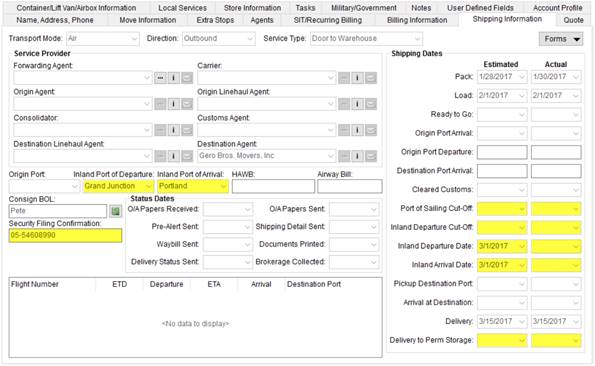
Figure 111: Shipping Information tab
The following fields are now available through the Shipping Information tab:
Inland Port of Departure
Inland Port of Arrival
Security Filing Confirmation
Port of Sailing Cut-Off (Estimated/Actual Dates)
Inland Departure Cut-Off (Estimated/Actual Dates)
Inland Departure Date (Estimated/Actual Dates)
Inland Arrival Date (Estimated/Actual Dates)
Delivery to Perm Storage (Estimated/Actual Dates)
New date fields are available as Task Dependency Dates as well. The following dependency dates have been added to the system:
Delivery to Perm Stg Actual Date
Delivery to Perm Stg Estimated Date
Inland Arrival Actual Date
Inland Arrival Estimated Date
Inland Departure Actual Date
Inland Departure Estimated Date
Inland Departure Cut-Off Actual Date
Inland Departure Cut-Off Estimated Date
Port of Sailing Cut-Off Actual Date
Port of Sailing Cut-Off Estimated Date
Additionally, the now Bill of Lading Consignee data includes the
company name (either Agency Company, or Shipper) and
Email of the contact person. This screen is available by pressing the
 icon next to the
Consign BOL.
icon next to the
Consign BOL.
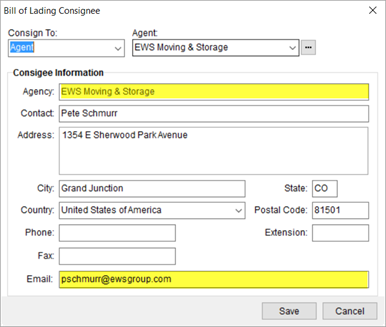
Figure 112: Bill of Lading Consignee screen
The following fields are now available through the Bill of Lading Consignee screen:
Agency, Company, or Shipper (depending on the Consign To type)
Two new Letter Management Bookmarks are available for these two new fields, both referenced under the International bookmark group:
Consignee Company
Consignee Email
Container/Lift Van/Airbox Information updates
Added to the list of items captured when adding a container include a second seal number and an Auto in Container flag. Additionally, the Size field no allows you to select from predefined values.
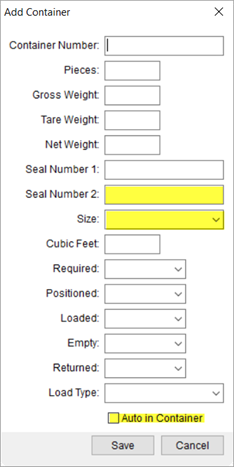
Figure 113: Add Container screen
The following fields are now available through the Add Container screen:
Seal Number 2
Auto in Container
Seal Number has been renamed to Seal Number 1.
Size has been changed from a text entry field to a drop-down selector displaying options defined within Container Size Setup. Please note that if your company utilized the Size setting on prior releases, then MoversSuite matches them to those set as standard sizes offered by UniGroup. If no match is made, then the non-matching Size type is saved to the Container Size Setup but will be marked as Inactive; Inactive Size values will continue to show for existing orders and, if you feel you still need these Size values, you can turn off the Inactive flag and they will be available within the Add Container screen.
You can find detailed field information within the Add Container, Bill of Lading Consignee, and Shipping Information topics.
Look for additional support for the UniGroup International Upload in future releases of MoversSuite.
|
SUMMARY (8723, 8763, 8733, 8734) |
|
Fields added to the Shipping Information tab. |
|
Fields added to the Bill of Lading Consignee screen. |
|
Fields added to the Add Container screen. |
|
Container Size Setup added. |
|
Letter Management Bookmarks added. |
|
Task Dependency Dates added. |
|
Interface mappings added to Direction Setup and Transportation Mode Setup. |
|
The following areas have been affected by this change: Schema Changes Version 2017R07
|
Office & Industrial
Scope of Work
Available to Office & Industrial orders is the Scope of Work setting within the Job Information tab. This setting is available through the like-named tab. In Edit mode, you can check the appropriate items needed for the move as it applies to either Mover, Client, or if the service does not apply (N/A).
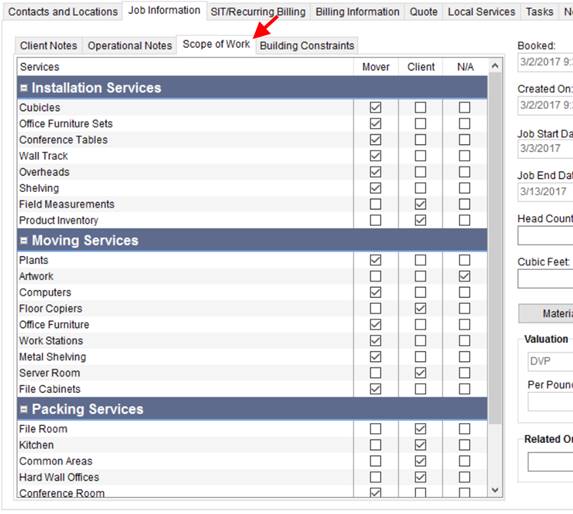
Figure 114: Scope of Work section within Job Information tab
The Scope of Work is customized through the Service Group Setup, which lists under a new category titled Office & Industrial within MoversSuite Administration. Note: A new category (Office & Industrial) and role (Service Group) are available within Admin Profile Setup to assign to admin personnel to grant them access to the Office & Industrial > Service Group.
Within Service Group Setup, you can establish the groups that display along with each item within that group. Sorting options allow you to customize the order in which the groups and service items appear within the Scope of Work tab.
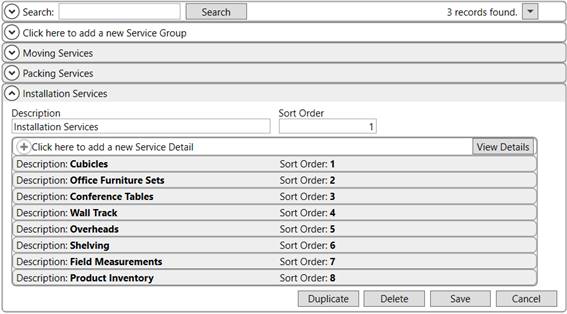
Figure 115: Service Group setup
A Scope of Work Letter Management Bookmarks item will be available along with additional support for Office & Industrial move in an upcoming release of MoversSuite.
|
SUMMARY (8338) |
|
Scope of Work added to the Job Information tab. |
|
Service Group Setup added a new Office & Industrial category within MoversSuite Administration. |
|
The following areas have been affected by this change: Schema Changes Version 2017R07
|
SIT Information User
Interface Updates
The SIT Information section, as part of the SIT/Recurring Billing tab, has been updated to allow the addition of several fields.
The SIT Information section now offers two tabs for Origin and Destination.
New field available to both the Origin and Destination tabs includes the following:
Contacts at Storage Facility (along with email option)
SIT # Requested (date and time)
SIT # Returned (date and time)
SIT # to Agent (date and time)
DPS Arrival (date and time)
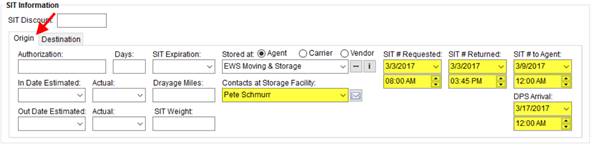
Figure 116: SIT Information - Origin tab
New field available to just the Destination tab includes the following:
Date of Arrival (along with Overflow flag)
DA Notification (date and time)
TC Notification (date and time)
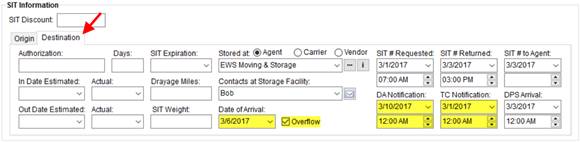
Figure 117: SIT Information - Destination tab
Refer to the SIT Information topic for details on these new fields.
This data is part of the effort to supply more information when exchanging data with external systems, such as Suddath.
|
SUMMARY (8685) |
|
Fields and tabs added to the SIT Information. |
|
The following areas have been affected by this change: Schema Changes Version 2017R07
|
RELEASE FIXES
This section lists any fixes made to MoversSuite for this release.
MSCrew Mobile Application
Applied correct time zone conversion for crew date selection
The correct time zone conversion process is now applied within the MoversConnect API Service for the service date selection available to MoversSuiteCrew Mobile Application users. Prior to this fix, the punch times available were off approximately one day. (8791)
Crew lead can approve mobile user punches
Crew leads no longer receive an exception error when approving MoversSuiteCrew Mobile Application user time. (8792)
SCHEMA CHANGES
View the database changes that affect this release through the following link:
Schema Changes Version 2017R07
The following links allows you to navigate through all MoversSuite tables and data views and allows you to view field properties, such as type and maximum value size, etc.
MoversSuite Database Tables (2017R07)
MoversSuite Document Database Tables (2017R07)
MoversSuite Data Views (2017R07)
|
Version 2017 R06 |
|
RELEASE DATE: 3/13/2017
QUICK LINKS
Here is a table containing several commonly requested hyperlinks.
|
Link |
Description |
|
|
Watch a short video highlighting the changes we have made to MoversSuite at this version. |
|
View current release information through a PDF document. | |
|
Read up on the requirements for this version of MoversSuite. | |
|
Check out our Support page to read about the latest MoversSuite release and find links to other useful information. | |
|
See what other MoversSuite customers are requesting for changes to the MoversSuite application and submit your own suggestions. | |
|
Past Versions Information |
Look through a list of changes made to all other versions of MoversSuite. |
|
Access a list of overview videos for each release. | |
|
Pull up the database changes we made at various releases. |
RELEASE SUMMARY
The following is a table contains counts of the items affecting this release.
|
# |
Change Summary |
|
7 |
New Product Features |
|
|
Release Enhancements |
|
5 |
Release Fixes |
|
14 |
Schema Changes (# of database tables affected) |
|
5 |
Admin Changes |
|
|
Standard Reports Affected |
RELEASE REQUIREMENTS
Please refer to the following information regarding the hardware and software required to support MoversSuite and related systems.
View the MoversSuite Compatibility topic for a list of products compatible with MoversSuite.
Refer to the System Requirements section for a complete list of hardware and software requirements.
Coming soon: Windows Domain Authentication to log into MoversSuite
Anticipated for release in MoversSuite version 2017 R08 is the ability to open MoversSuite by using the credentials you enter when logging into your Windows environment. MoversSuite references the user identity associated to your Windows account to retrieve your MoversSuite login information. Then, when you launch MoversSuite, it opens without you having to enter your MoversSuite username and password.
IMPORTANT: If your company is not utilizing Windows Domain Authentication, then you will be unable to upgrade to version 2017 R07 or later. (8638)
Microsoft SQL Server 2016 Compatibility
As of MoversSuite 2017 R04, the MoversSuite development environment is compatible with Microsoft SQL Server 2016.
Refer to our System Requirements for more information on the hardware and software compatible with MoversSuite.
Please contact our EWS Sales team to discuss upgrade options.
Microsoft Windows Server 2016 Compatibility
As of MoversSuite 2017 R04, MoversSuite is compatible with Microsoft Windows Server 2016.
Refer to our System Requirements for more information on the hardware and software compatible with MoversSuite.
Please contact our EWS Sales team to discuss upgrade options.
Coming soon: Microsoft SQL Server 2008 and SQL Server 2008 R2 Compatibility
With version 2017 R11 of MoversSuite, scheduled for release on May 22, 2017, the development environment of MoversSuite will no longer be compatible with Microsoft SQL Server 2008 or SQL Server 2008 R2.
As of May 22, 2017, the lowest compatible database server hosting MoversSuite will be Microsoft SQL Server 2012. IMPORTANT: If you wish to upgrade to MoversSuite 2017 R11 or a later version of MoversSuite, your company must, at minimum, have Microsoft SQL Server 2012 or higher (see the Microsoft SQL Server 2016 Compatibility announcement).
Of note, being current on the latest versions of the hardware and software for our development environment allows us to provide better security, better support, and a better MoversSuite user experience. Please refer to our System Requirements for more information on the hardware and software compatible with MoversSuite.
Contact our EWS Support team to discuss migration options.
Dynamics GP Requirements
MoversSuite is compatible with the following:
Microsoft Dynamics GP 2016
Microsoft Dynamics GP 2015 R2 (with ATIP Build 14.0.1)
Microsoft Dynamics GP 2013 R2 (with ATIP Build 12.0.23)
Refer to the following for information regarding additional requirements you may need to support Microsoft Dynamics GP:
System Requirements for Microsoft Dynamics GP 2016
System Requirements for Microsoft Dynamics GP 2015
KNOWN ISSUES
The following issues are problems that may affect your decision to upgrade to this version of MoversSuite. The following issue is not resolved for this release.
Citrix issue with phone number control
An issue that cannot be replicated is causing the phone numbers within the Shipper Contact Information section (Name, Address, Phone tab) to disappear and then reappear when a user clicks on that section, however, the user cannot edit them until they press Cancel (on the order) and then attempt to Edit again. (6409)
RELEASE FEATURES
International Orders User
Interface Updates (Phase I)
As part of the initial changes to support a shipment information upload from UniGroup for international forwarders, this version includes additional fields to the International Orders module and to MoversSuite Administration.
Bill To fields added
The Billing Information tab now includes the Bill International To and Bill To Agent fields. The two fields are available when viewing the order through the International Orders module.
Figure 118: Billing Information tab through International Orders
Bill International To allows you to assign either Agent or National Account to determine which to include in an UniGroup International Upload; Agent refers to the Bill To Agent and National Account references the National Account on the order (also set within the Billing Information tab).
Options for the Bill To Agent are the same options available when assigning a party through the Agents tab. The list of available agents is from those defined within Agent Setup.
Bill International To and Bill To agent are included in the UniGroup International Upload scheduled to be available in an upcoming release of MoversSuite.
Fields added to Shipping Information
Service Type and Forwarding Agent are available from the Shipping Information tab.
Figure 119: Shipping Information tab
The Service Type documents the type of movement expected on the order. The values available are defined within the new Service Type Setup (International Orders). The setup area includes the ability to map types to codes supported by UniGroup.
Document the Forwarding Agent of the order by choosing one from the list defined within Agent Setup.
Service Type is included in the UniGroup International Upload scheduled to be available in an upcoming release of MoversSuite.
International Region added
The new Region Setup allows you link coordinators to a region which is mapped to codes support by UniGroup.
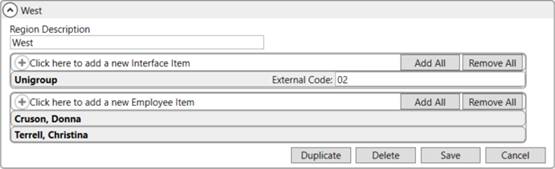
Figure 120: Region Setup
The upload process identifies a region based on the assigned coordinator. Link coordinators to the supported region by adding new Employee Items. Only those with a Labor Type of “coor” on their Personnel Setup record are available for assignment.
Look for additional support for the UniGroup International Upload in future releases of MoversSuite.
|
SUMMARY (8706, 8707, 8708, 8709) |
|
Bill International To and Bill To Agent added to the Billing Information tab on an International Orders record. |
|
Service Type and Forwarding Agent added to the Shipment Information tab. |
|
Region Setup added. |
|
The following areas have been affected by this change: Schema Changes Version 2017R06 UniGroup International Interface
|
Agent Markets now available
A new Agent Market Setup is available allowing your company to define markets serviced by agents and link the market to an external application for data exchange through the Standard XML Pipeline. The service areas are established within the Agent Market Setup.
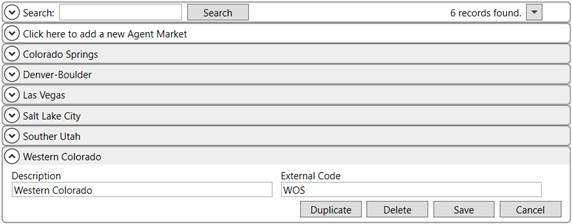
Figure 121: Agent Market Setup
The types set within Agent Market Setup can link to Agent Setup records. Manage these markets through the new Agent Market Item section within Agent Setup.
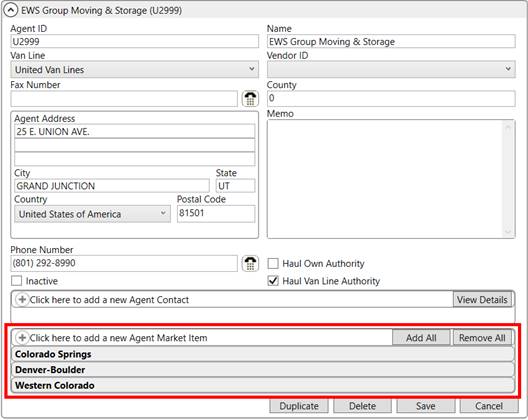
Figure 122: Agent Setup
The list of markets associated to an agent are available as options within the new Market field on the Agents tab. If only one market is assigned to the agent record, then the application automatically set this market by default.
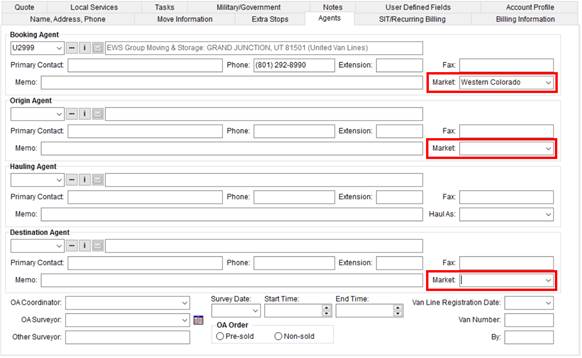
Figure 123: Agents tab
There is no functionality within MoversSuite that utilizes the Agent Market assignments. These changes were added to support functionality in disparate systems, such as Suddath Van Lines. In such, MoversSuite has made available several new MoversSuite API Service methods that all companies can utilize to add, update, and remove Agent Market records, refer to the Agent Market API methods section (below).
Agent Market API methods
Six new methods are available through MoversSuite API Service allowing you to make changes to Agent and Agent Market records via the Standard XML Pipeline. The new methods list below and are described within the Agent API topic:
The Get Agent By ID or PriKey Request now includes any markets associated to an Agent Setup record.
|
SUMMARY (8682, 8683) |
|
Haul Own Authority and Haul Van Line Authority flags added to the Agent Setup. |
|
Added Agent Market Setup. |
|
Added Agent Market Item section to Agent Setup. |
|
Added Market field to the Agents tab. |
|
New and updated Agent API methods are now available. |
|
The following areas have been affected by this change: Get Agent By ID or PriKey Request Schema Changes Version 2017R06
|
Set Haul As option
automatically 
The application now sets the Haul As option on the Hauling Agent of an order based on what is set within administration. The application compares new flags within the Haul As Setup to similar flags set within Agent Setup.
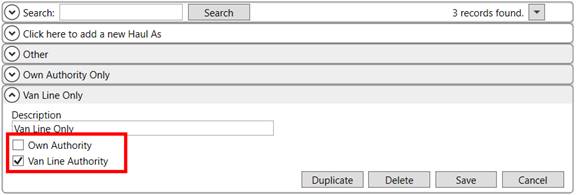
Figure 124: Haul As Setup
The application compares what is set on the new fields of Own Authority and Van Line Authority within the Haul As Setup record to the Haul Own Authority and Haul Van Line Authority flags now available within Agent Setup.
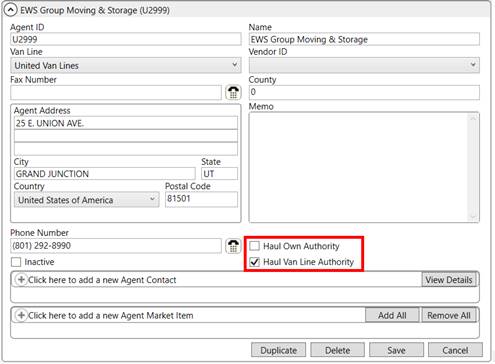
Figure 125: Agent Setup
Once you select a Hauling Agent within the Agents tab, the application produces a list of available Haul As options based on what is matched. For example, if the agent has the Haul Van Line Authority flag set, then Haul As records with the Van Line Authority flag are available as Haul As options.

Figure 126: Hauling Agent section within the Agents tab
Similarly, if both Haul options are checked for the agent, then all Haul As options are available.
Please note that if there is only one Haul As Setup record available that qualifies for the agent, then this one record defaults for the Haul As within the Agents tab.
The impetus behind this change is to include the Haul As as part of van line download (Suddath Van Lines). Any van line download that includes the Hauling Agent now includes the Haul As identifier as well.
The Get Agent By ID or PriKey Request now includes the Haul Own Authority and Haul Van Line Authority flags along with any markets associated to an Agent Setup record. View the Agent API topic for more information.
Additionally, if the download updates the shipment status (Shipment Status History) to reflect that the driver is removed from the order, then Haul As setting is cleared.
|
SUMMARY (8684) |
|
Own Authority and Van Line Authority flags added to the Haul As Setup. |
|
The following areas have been affected by this change: Get Agent By ID or PriKey Request Schema Changes Version 2017R06
|
RELEASE FIXES
This section lists any fixes made to MoversSuite for this release.
Office & Industrial
Email function disabled when no contact address present
If a contact on an Office & Industrial order does not have an email address associated to their record, then the email option available through a right-click menu is disabled. Additionally, if a new contact is added to the order and no email address links to the person, then selecting the Email option opens a new mail message but does not set the recipient. Refer to the Contacts and Locations topic for more information. (8713)
Recurring Billing
Emails sent during Recurring Billing run
The correct identifier has been added to the email address of emails sent out as part of a Recurring Billing run. Utilizing a standard email system, such as Microsoft Outlook, the SMTP identifier is now included with the email address. (8619)
Report Viewer
Email options added for multiple-record reports
The Email option within the Report Viewer now offers three choices for sending out emails when multiple reports list:

Send all selected reports as a single email
This option creates one email message that includes all selected reports as an attachment to the message.
Send each selected report out as a separate email (review each email)
Choosing this option produces separate emails for each selected report. It opens a window for you to review the message and the attached report before sending it out. Once you press Send, the next email window opens. This continues until emails are sent for all selected reports. Note: With this option a blind copy (BCC) of the email is sent to the person sending the email (you).
Send each selected report out as a separate email in silent mode (no review)
This option instructs the viewer to send out separate emails for each selected report. It runs this operation in the background and updates the progress bar to provide you an indication of when all emails are sent. You will not be able to review the email message with the report attached prior to it being sent out. Note: With this option, no blind copy (BCC) of the email is sent.
(8720, 8773)
Revenue Entry
Apply correct discount to UniGroup Rating downloads
Accessorials (storage items) that come in with a “long mile drayage” indicator (asrl_drayage_long_indt set to “Y”) are now discounted by the Transportation discount rather than the Storage discount. (8544)
SCHEMA CHANGES
View the database changes that affect this release through the following link:
Schema Changes Version 2017R06
The following links allows you to navigate through all MoversSuite tables and data views and allows you to view field properties, such as type and maximum value size, etc.
MoversSuite Database Tables (2017R06)
MoversSuite Document Database Tables (2017R06)
MoversSuite Data Views (2017R06)
|
Version 2017 R05 |
|
RELEASE DATE: 2/27/2017
QUICK LINKS
Here is a table containing several commonly requested hyperlinks.
|
Link |
Description |
|
|
Watch a short video highlighting the changes we have made to MoversSuite at this version. |
|
View current release information through a PDF document. | |
|
Read up on the requirements for this version of MoversSuite. | |
|
Check out our Support page to read about the latest MoversSuite release and find links to other useful information. | |
|
See what other MoversSuite customers are requesting for changes to the MoversSuite application and submit your own suggestions. | |
|
Past Versions Information |
Look through a list of changes made to all other versions of MoversSuite. |
|
Access a list of overview videos for each release. | |
|
Pull up the database changes we made at various releases. |
RELEASE SUMMARY
The following is a table contains counts of the items affecting this release.
|
# |
Change Summary |
|
4 |
New Product Features |
|
1 |
Release Enhancements |
|
8 |
Release Fixes |
|
2 |
Schema Changes (# of database tables affected) |
|
1 |
Admin Changes |
|
- |
Standard Reports Affected |
RELEASE REQUIREMENTS
Please refer to the following information regarding the hardware and software required to support MoversSuite and related systems.
View the MoversSuite Compatibility topic for a list of products compatible with MoversSuite.
Refer to the System Requirements section for a complete list of hardware and software requirements.
Microsoft SQL Server 2016 Compatibility
As of MoversSuite 2017 R04, the MoversSuite development environment is compatible with Microsoft SQL Server 2016.
Refer to our System Requirements for more information on the hardware and software compatible with MoversSuite.
Please contact our EWS Sales team to discuss upgrade options.
Microsoft Windows Server 2016 Compatibility
As of MoversSuite 2017 R04, MoversSuite is compatible with Microsoft Windows Server 2016.
Refer to our System Requirements for more information on the hardware and software compatible with MoversSuite.
Please contact our EWS Sales team to discuss upgrade options.
Coming soon: Microsoft SQL Server 2008 and SQL Server 2008 R2 Compatibility
With version 2017 R11 of MoversSuite, scheduled for release on May 22, 2017, the development environment of MoversSuite will no longer be compatible with Microsoft SQL Server 2008 or SQL Server 2008 R2.
As of May 22, 2017, the lowest compatible database server hosting MoversSuite will be Microsoft SQL Server 2012. IMPORTANT: If you wish to upgrade to MoversSuite 2017 R11 or a later version of MoversSuite, your company must, at minimum, have Microsoft SQL Server 2012 or higher (see the Microsoft SQL Server 2016 Compatibility announcement).
Of note, being current on the latest versions of the hardware and software for our development environment allows us to provide better security, better support, and a better MoversSuite user experience. Please refer to our System Requirements for more information on the hardware and software compatible with MoversSuite.
Contact our EWS Support team to discuss migration options.
Coming soon: Windows Domain Authentication to log into MoversSuite
Anticipated for release in MoversSuite version 2017 R06 is the ability to open MoversSuite by using the credentials you enter when logging into your Windows environment. MoversSuite references the user identity associated to your Windows account to retrieve your MoversSuite login information. Then, when you launch MoversSuite, it opens without you having to enter your MoversSuite username and password.
IMPORTANT: If your company is not utilizing Windows Domain Authentication, then you will be unable to upgrade to version 2017 R06 or later. (8638)
Dynamics GP Requirements
MoversSuite is compatible with the following:
Microsoft Dynamics GP 2016
Microsoft Dynamics GP 2015 R2 (with ATIP Build 14.0.1)
Microsoft Dynamics GP 2013 R2 (with ATIP Build 12.0.23)
Refer to the following for information regarding additional requirements you may need to support Microsoft Dynamics GP:
System Requirements for Microsoft Dynamics GP 2016
System Requirements for Microsoft Dynamics GP 2015
KNOWN ISSUES
The following issues are problems that may affect your decision to upgrade to this version of MoversSuite. The following issue is not resolved for this release.
Citrix issue with phone number control
An issue that cannot be replicated is causing the phone numbers within the Shipper Contact Information section (Name, Address, Phone tab) to disappear and then reappear when a user clicks on that section, however, the user cannot edit them until they press Cancel (on the order) and then attempt to Edit again. (6409)
RELEASE FEATURES
Assign “to be determined” dates on Local Service requests
The option to select a “to be determined” (TBD) date is now available to Local Services. The date range setting is now a Service Date selector that defaults to the date of “To be determined.”
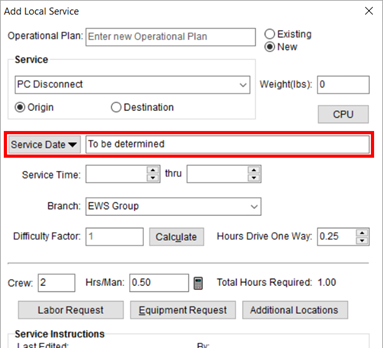
Figure 127: Add Local Service screen
Pressing the new Service Date button produces a dialog providing you several date options to choose from.
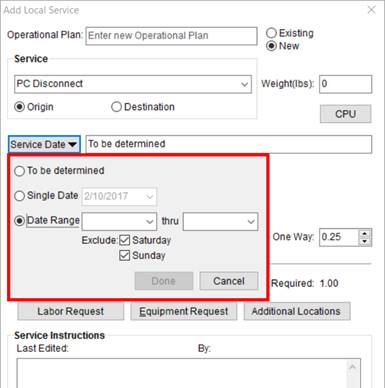
Figure 128: Service selector within the Add Local Service screen
Available to you is the To be determined option. This setting is for a date not yet specified. Services assigned to this value cannot be sent to Local Dispatch. In fact, the Send to Dispatch option is disabled when the service date is set to TBD.
The Local Services grid displays “To be determined” for the service date column within the main data grid.
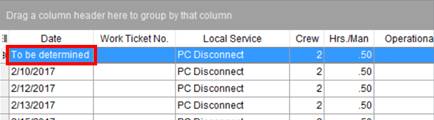
Figure 129: Local Services data grid
Selecting Single Date allows you to enter or choose a date for non-recurring service.
For recurring services, you can specify a Date Range and provide the beginning and ending dates along with specifying whether you wish to exclude the service from Saturday and/or Sunday. Note: Prior to this feature, the option was to Exclude Weekends; now you have the options to choose which day or days you wish to exclude.
Once Done is pressed within the Service Date selector, the application confirms the dates requested adjacent to the button.
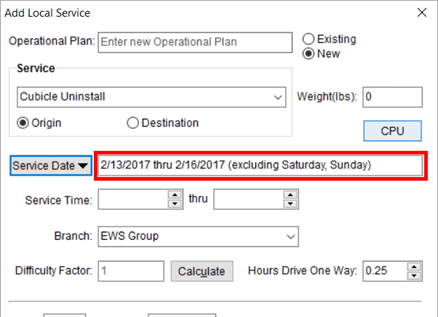
Figure 130: Updated service date information within Add Local Service
The Service Date selector is available when you add a service from within Local Dispatch. However, the To be determined option is not available.
Refer to Add Local Service for more information.
|
SUMMARY (8416) |
|
Added Service Date selector to Add Local Service. |
|
The following areas have been affected by this change: Schema Changes Version 2017R05
|
Job costing and rating for
planned services
Job Costing now includes planned services when it computes costing and rating for Labor and Equipment. During the Planning Phase of Job Costing, services that have not been dispatched (assignments made in Local Dispatch) now compute a Rated Amount and Cost amount for Labor and Equipment items. The application bases the calculation on what is set within the Equipment Request and Labor Request dialogs, which are available through the Add Local Service screen.
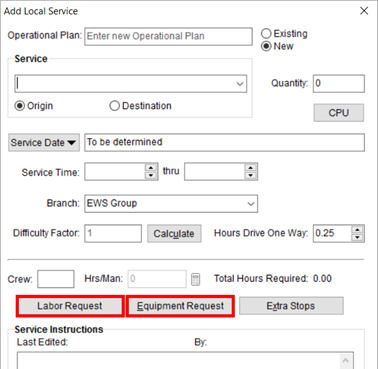
Figure 131: Add Local Service screen
Read more about this subject within the Job Costing Rating topic.
|
SUMMARY (8417) |
|
Job Costing includes Labor and Equipment request during the Planned Phase. |
|
The following areas have been affected by this change:
|
Activity Type assignment to crew within Enter Actuals
When entering actuals for Local Services, there is now setting allowing you to associate an Activity Type to one or more crew person. The new setting within the Crew tab on the Enter Actuals screen is primarily for MoversSuiteCrew Mobile Application usage.
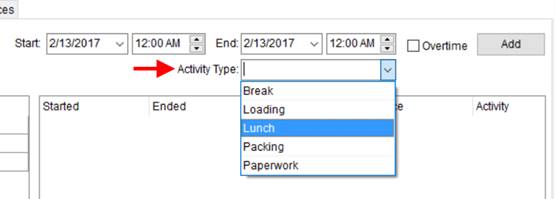
Figure 132: Crew tab in Enter Actuals
The values available for the Activity Type are defined within Crew Activity Setup which is under the Operations category within MoversSuite Administration. Prior to this release, this setup was labeled Mobile Crew Time Activity Setup and listed under the MoversConnect category.
|
SUMMARY (8463, 8660) |
|
Activity Type added to the Crew tab within Enter Actuals. |
|
Added Crew Activity Setup. |
|
The following areas have been affected by this change:
|
Shipment Details available through Revenue Entry
Those of you working in can now access the Shipment Information screen directly from the Order Information tab by pressing Shipment Details.
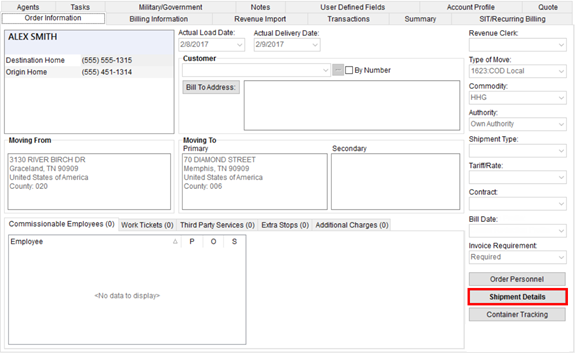
Figure 133: Order Information (Revenue Entry) tab
Related to this is change is that if data exists behind the Trade Show Information button within the Shipment Information screen, then the text of the button is in bold font.
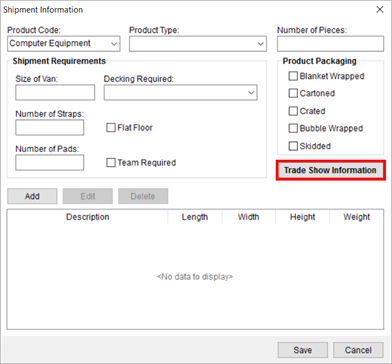
Figure 134: Shipment Details screen
|
SUMMARY (8570) |
|
Added Shipment Details option to Revenue Entry. |
|
The following areas have been affected by this change: Order Information (Office & Industrial) Order Information (Revenue Entry)
|
RELEASE ENHANCEMENTS
New and updated data views
Four new values have been added to the vOrderInformation Data View. They include the following:
Origin Country
Destination Country
Customer Number
Customer Name
The MoversSuite Data Views is now what is considered a dynamic view that integrates with the Microsoft Dynamics GP database. From this, a new view is available that can be utilized to retrieve the Customer Name when you supply the view the Customer Number. This new view is titled vCustomerInformation Data View.
|
SUMMARY (8424) |
|
Fields added to vOrderInformation Data View. |
|
The following areas have been affected by this change: vCustomerInformation Data View
|
RELEASE FIXES
This section lists any fixes made to MoversSuite for this release.
Connections
Atlas Revenue Download has the correct transportation amounts
A recent change that made the allocation amounts equal 100% caused the transportation amounts to calculate incorrectly. Now the gross transportation calculates correctly on an Atlas Revenue Import. (8718)
Document Management
Open multiple email windows from the Document Management Viewer
The Document Management Viewer allows you to open multiple mail windows at a time. Prior to this change, the application produced an error when opening multiple Outlook windows for multiple email messages. This change affects all document types (images, PDFs, etc.), not just email messages. (8648)
Attach/email documents without error
An error related to the availability flag added for MoversSuiteCrew Mobile Application (8606) is now fixed. (8714)
Job Costing
Services with “To be determined” dates excluded from Job Costing
The application now excludes services with Service Date of “To be determined” from Job Costing calculations. This fix is related to the recent addition of the TDB services added as a feature to this release. (8715)
Local Services
Equipment Type column locked from changes
The Equipment Type within Equipment Request is locked from allowing you to select the text within the column. Prior to this release, it appeared that you could change the text of the Equipment Type, however, the changes were not saved; the Equipment Type can only be changed through Equipment Type Setup. (8642)
Local Services for Office & Industrial require Origin Location
When adding a service through Add Local Service for an Office & Industrial order, the application requires that you set the Origin Location before you can save the service. (8662)
Payment Management
Customer number included on Atlas Statement Import
When processing an Atlas Settlement Statement Import, the application includes the customer number associated to the van line attached to the agent on the statement to all payments imported. Prior to this release, the missing customer number caused an incorrect payment balance when auto applying on the imported statements. (8673)
Revenue Entry
Manager can override user conflict on shared invoice
Users with manager access to Revenue Entry can now continue generating an invoice if they receive an error indicating that a draft of the invoice is being worked on by another user. When this error occurs, those with manager access will have the option to continue or cancel generating the invoice. Manger access is established by setting the Allow Manager Privileges flag on the Revenue Entry module for all appropriate branches within Security Profile Setup. (8360)
SCHEMA CHANGES
View the database changes that affect this release through the following link:
Schema Changes Version 2017R05
The following links allows you to navigate through all MoversSuite tables and data views and allows you to view field properties, such as type and maximum value size, etc.
MoversSuite Database Tables (2017R05)
MoversSuite Document Database Tables (2017R05)
MoversSuite Data Views (2017R05)
|
Version 2017 R04 |
|
RELEASE DATE: 2/13/2017
QUICK LINKS
Here is a table containing several commonly requested hyperlinks.
|
Link |
Description |
|
|
Watch a short video highlighting the changes we have made to MoversSuite at this version. |
|
View current release information through a PDF document. | |
|
Read up on the requirements for this version of MoversSuite. | |
|
Check out our Support page to read about the latest MoversSuite release and find links to other useful information. | |
|
See what other MoversSuite customers are requesting for changes to the MoversSuite application and submit your own suggestions. | |
|
Past Versions Information |
Look through a list of changes made to all other versions of MoversSuite. |
|
Access a list of overview videos for each release. | |
|
Pull up the database changes we made at various releases. |
RELEASE SUMMARY
The following is a table contains counts of the items affecting this release.
|
# |
Change Summary |
|
5 |
New Product Features |
|
1 |
Release Enhancements |
|
10 |
Release Fixes |
|
14 |
Schema Changes (# of database tables affected) |
|
6 |
Admin Changes |
|
- |
Standard Reports Affected |
RELEASE REQUIREMENTS
Please refer to the following information regarding the hardware and software required to support MoversSuite and related systems.
View the MoversSuite Compatibility topic for a list of products compatible with MoversSuite.
Refer to the System Requirements section for a complete list of hardware and software requirements.
Microsoft SQL Server 2016 Compatibility
As of MoversSuite 2017 R04, the MoversSuite development environment is compatible with Microsoft SQL Server 2016.
Refer to our System Requirements for more information on the hardware and software compatible with MoversSuite.
Please contact our EWS Sales team to discuss upgrade options.
Microsoft Windows Server 2016 Compatibility
As of MoversSuite 2017 R04, MoversSuite is compatible with Microsoft Windows Server 2016.
Refer to our System Requirements for more information on the hardware and software compatible with MoversSuite.
Please contact our EWS Sales team to discuss upgrade options.
Coming soon: Microsoft SQL Server 2008 and SQL Server 2008 R2 Compatibility
With version 2017 R11 of MoversSuite, scheduled for release on May 22, 2017, the development environment of MoversSuite will no longer be compatible with Microsoft SQL Server 2008 or SQL Server 2008 R2.
As of May 22, 2017, the lowest compatible database server hosting MoversSuite will be Microsoft SQL Server 2012. IMPORTANT: If you wish to upgrade to MoversSuite 2017 R11 or a later version of MoversSuite, your company must, at minimum, have Microsoft SQL Server 2012 or higher (see the Microsoft SQL Server 2016 Compatibility announcement).
Of note, being current on the latest versions of the hardware and software for our development environment allows us to provide better security, better support, and a better MoversSuite user experience. Please refer to our System Requirements for more information on the hardware and software compatible with MoversSuite.
Contact our EWS Support team to discuss migration options.
Coming soon: Windows Domain Authentication to log into MoversSuite
Anticipated for release in MoversSuite version 2017 R06 is the ability to open MoversSuite by using the credentials you enter when logging into your Windows environment. MoversSuite references the user identity associated to your Windows account to retrieve your MoversSuite login information. Then, when you launch MoversSuite, it opens without you having to enter your MoversSuite username and password.
IMPORTANT: If your company is not utilizing Windows Domain Authentication, then you will be unable to upgrade to version 2017 R06 or later. (8638)
SendAs Permission in Office 365
In order for MoversSuite users to send email through Office 365 (Microsoft Exchange Online) they must have SendAs permission on their mailbox. View the Office 365 Email Integration topic for information and instructions.
Dynamics GP Requirements
MoversSuite is compatible with the following:
Microsoft Dynamics GP 2016
Microsoft Dynamics GP 2015 R2 (with ATIP Build 14.0.1)
Microsoft Dynamics GP 2013 R2 (with ATIP Build 12.0.23)
Refer to the following for information regarding additional requirements you may need to support Microsoft Dynamics GP:
System Requirements for Microsoft Dynamics GP 2016
System Requirements for Microsoft Dynamics GP 2015
KNOWN ISSUES
The following issues are problems that may affect your decision to upgrade to this version of MoversSuite. The following issue is not resolved for this release.
Citrix issue with phone number control
An issue that cannot be replicated is causing the phone numbers within the Shipper Contact Information section (Name, Address, Phone tab) to disappear and then reappear when a user clicks on that section, however, the user cannot edit them until they press Cancel (on the order) and then attempt to Edit again. (6409)
RELEASE FEATURES
Standalone Office &
Industrial Module is Available
Now available within MoversSuite is the ability to capture and manage an Office & Industrial move request within its own standalone module.
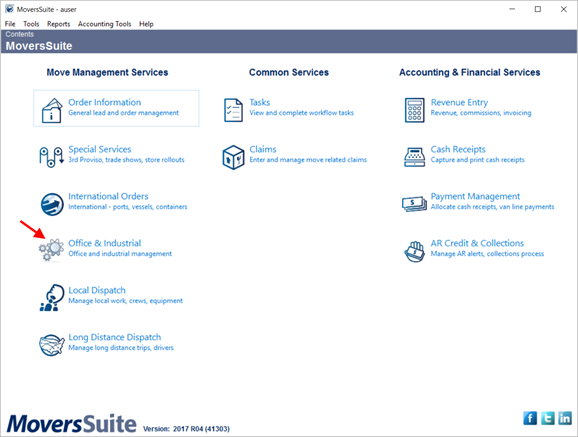
Figure 135: Contents page
The Office & Industrial module provides a home Contacts and Locations tab that allows you to organize contacts along with the anticipated locations available to the move. You can also specify salesperson, coordinator, and project manager.
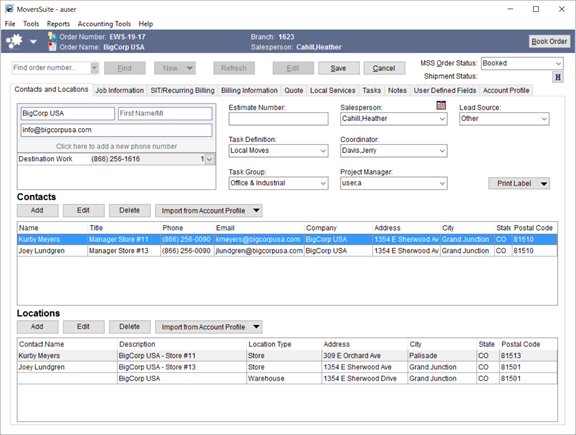
Figure 136: Contacts and Locations tab
By design, the Office & Industrial module pulls in key order information from the assigned Account Profile, which you can assign to the record when creating the order through the New menu. The information from the profile includes a list of contacts and locations that you can import into the order and utilize when establishing Local Services requests.
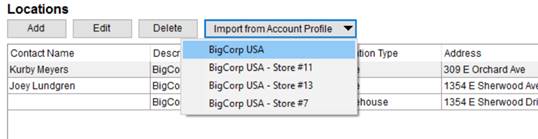
Figure 137: Import feature on Locations within Contacts and Locations
Open the Job Information tab to detail specifics of the project including client and operational notes, job starting and stopping date, materials requested, and more. You can document additional data through the Materials and Shipment Details functions and quickly lookup Order Personnel.
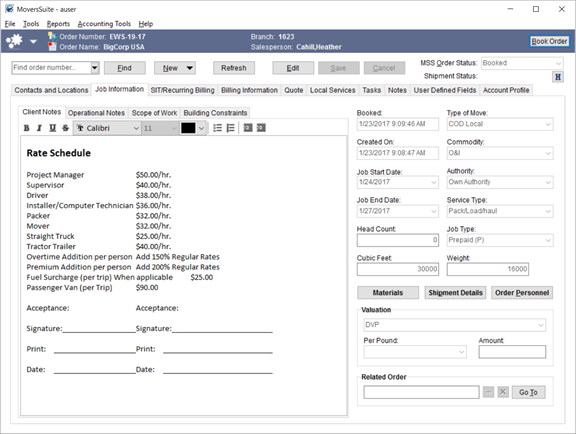
Figure 138: Job Information tab
Other tabs available to Office & Industrial moves include the following:
Order Information (Office & Industrial)
Requests for Local Services within the Office & Industrial module include specifics on the locations involved in the project, along with other needed service information.
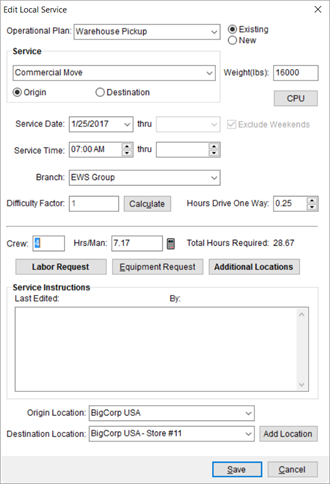
Figure 139: Add/Edit Local Service dialog
Locations available for services include those specified within the Job Information tab. You define the two main locations through the Origin Location and Destination Location settings and link to any Additional Locations through the Select Locations screen.
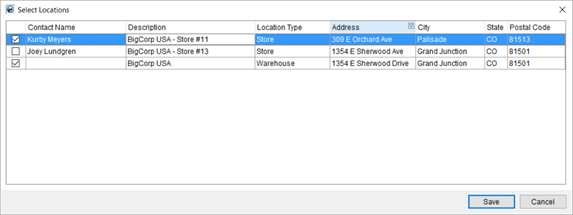
Figure 140: Select Locations screen
Utilize Operational Plan features to dispatch the requests in an efficient manner.
Take advantage of Job Costing, Quote, Billing Information, and Enter Actuals functionality to record and bill revenue correctly and effectively.
In Revenue Entry, the Order Information (Office & Industrial) tab also displays the Locations and includes Contacts in its own tab. This tab also features the Job Start Date and Job End Date fields as well.
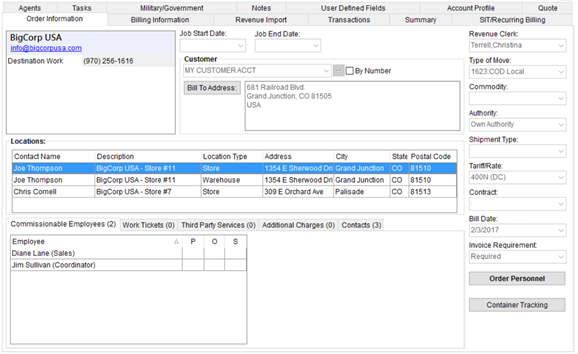
Figure 141: Order Information (Office & Industrial) tab
Order Details (Office & Industrial) is available when viewing an Office & Industrial order that displays data specific to an Office & Industrial move request. This screen features the Account Profile tab along with the Order Information.
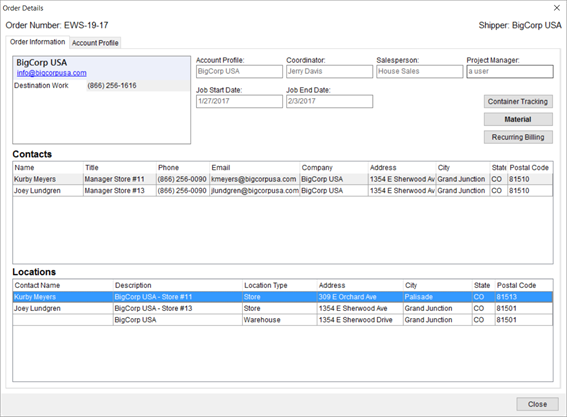
Figure 142: Order Details (Office & Industrial)
Office & Industrial Specifications
Specific changes relating to the Office & Industrial module include the following:
Project Manager Role
New Labor Type of Project Manager is available. This role allows you to populate the Project Manager field on the Contacts and Locations tab. Manage the Labor Type through Labor Type Setup and set it for employees within the General tab in Personnel Setup.
Office & Industrial Security Module
New Security Profile module of Office & Industrial that grants access to Office & Industrial functionality based on branch. Access Type of Full allows users to create, update, and view Office & Industrial orders. Read Only access grants users the ability to view Office & Industrial orders only. The Office & Industrial module is branch specific and must be setup for each branch accordingly. Refer to Security Profile Setup.
Task Dependency Dates
Task Dependency Dates are available for the Job Start Date and Job End Date. These two fields are available through the Dependency Date and Dependency Task settings within Tasks Setup and within Add Task from the Tasks tab.
Letter Management Bookmarks
An addition bookmark group is available to Letter Management titled Office & Industrial that includes the Head Count, Job End Date, Job Start Date, and Project Manager that can be inserted into a Letter Management template.
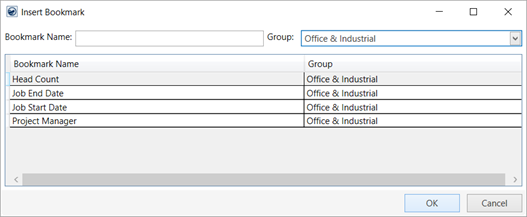
Figure 143: Insert Bookmark dialog
Module-specific Editing
MoversSuite disables the New, Edit, Save, and Cancel buttons when you open an Office & Industrial order in a different module. In fact, the Edit, Save, and Cancel buttons are replaced with a caption that reads, “Edit through Office & Industrial only.”
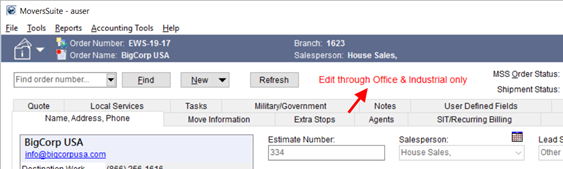
Figure 144: Edit through... caption within Order Information
Conversely, if you open an Order Information module within Office & Industrial, then a similar message appears along with the disabling of the New, Edit, Save, and Cancel buttons. Note: You can now change the module affiliation of an order through the new Change Order Module option.
Locations display on Work Ticket
Locations set for an Office & Industrial service display within their own section on the Work Ticket Report. Data included on the listing is pulled from what is associated to the service through the Add Local Service screen.
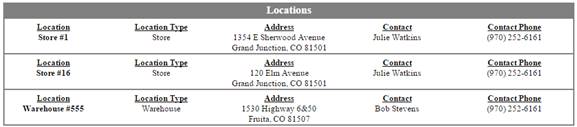
Figure 145: Locations section from the Work Ticket Report
Refer to the Office & Industrial Moves video and Office & Industrial topic for more information on this product.
|
SUMMARY (8336, 8300, 8414, 8301, 8325, 8339, 8351, 8641, 8643, 8644, 8645, 8654, 8646, 8664) |
|
New Office & Industrial module available. |
|
The following areas have been affected by this change: Order Details (Office & Industrial) Order Information (Office & Industrial) Schema Changes Version 2017R04
|
Change the module of an
order
You can now switch the module of an order. The ability to switch and order to be associated to a different module is available with proper security access through the Tools Menu. Selecting the new option of Change Order Module opens the Change Order Module dialog allowing you to choose a module to associate to the order.
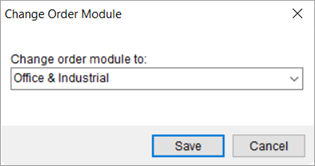
Figure 146: Change Order Module dialog
Options when choosing different module include Order Information, Special Services, International Orders, and Office & Industrial.
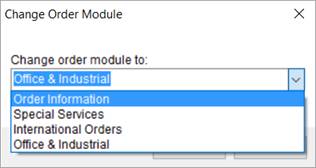
Figure 147: Change Order Module dialog selection options
A good example of usage for this feature is if you started entering information in the Order Information module and realized that the order falls under Office & Industrial, you can go Tools > Change Order Module and pick Office & Industrial. The application makes the association change and automatically saves the order to the new module.
The change is recorded within Order History.
A new security module of Change Order Module is available that can be assigned to personnel. The new module is not branch-specific, so a person only needs Full access to Change Order Module to access the feature for any order under any branch. Refer to Security Profile Setup for more information.
On a related change, the Open Order functions in MoversSuite now open the order in its associated module. For example, if you are working in Local Dispatch on an Office & Industrial order and press the Open Order button, the application opens the order within the Office & Industrial module. This change affects the following buttons:
Tasks > Open Order in Module
Local Dispatch > Open Order
Long Distance Dispatch > Open Order
|
SUMMARY (8363, 8655) |
|
Updated functionality behind Open Order buttons. |
|
Added Change Order Module to Security Profile Setup. |
|
Added Change Order Module option to the Tools Menu. |
|
Go To Module option removed from Tasks Setup and from the Workflow tab. |
|
New Change Order Module dialog available. |
|
The following areas have been affected by this change:
|
Default Branch on Equipment
You can now specify a default on your equipment resources available in Local Dispatch. A new Default Branch setting on the Branch tab within Equipment Setup allows your company to specify which branch you want associated to a resource by default.
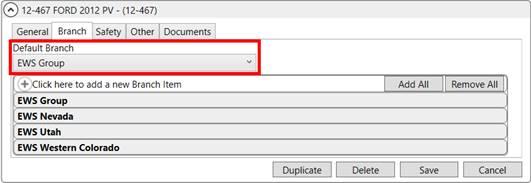
Figure 148: Equipment Setup
You can identify the Default Branch for each resource through the assignment grid within the Dispatch Center.
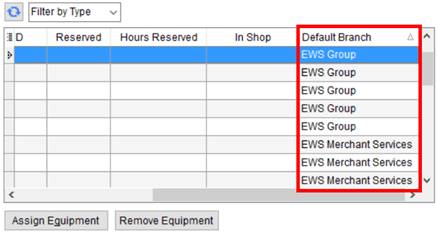
Figure 149: Equipment assignment grid within the Dispatch Center
The Default Branch is referenced for informational usage only. Branches assigned to the resource through Equipment Setup are available for assignment to services associated to the same branch.
|
SUMMARY (8384) |
|
Default Branch added to Personnel Setup and to the equipment assignment grid in Local Dispatch. |
|
The following areas have been affected by this change: Schema Changes Version 2017R04
|
Quantity Based Rating for
Job Costing
Your company now has the option to setup rating on dispatched equipment for inclusion into Job Costing.
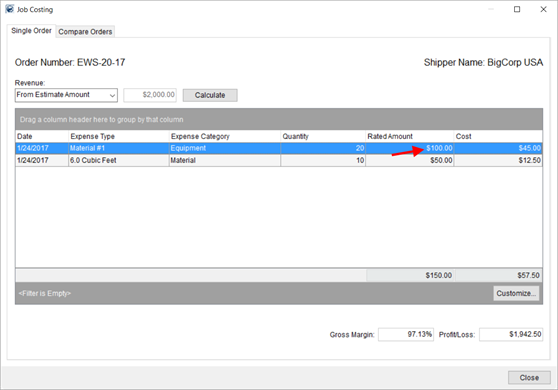
Figure 150: Job Costing
MoversSuite computes the Rated Amount for Equipment in Job Costing based on the dispatched quantity or by the number of hours the item is in service.
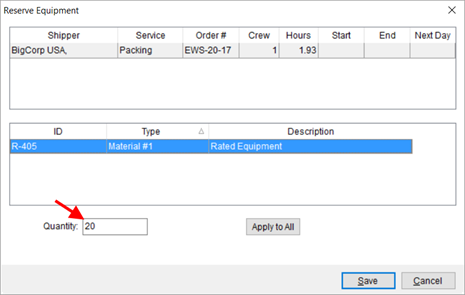
Figure 151: Reserve Equipment
Note: The quantity rated in is not updated when actuals are entered. For example, if only 15 of 20 items returned, continues to rate only on the initial 20 items dispatched.
Refer to Job Costing and to Job Costing Rating for more information.
|
SUMMARY (8586) |
|
Job Costing now includes Rated Amount for dispatched equipment. |
|
The following areas have been affected by this change:
|
Control which modules Local
Services are available
You can now control which Local Services types are available to certain MoversSuite modules. A new Select one or more applicable modules section is available within Local Service Type Setup.
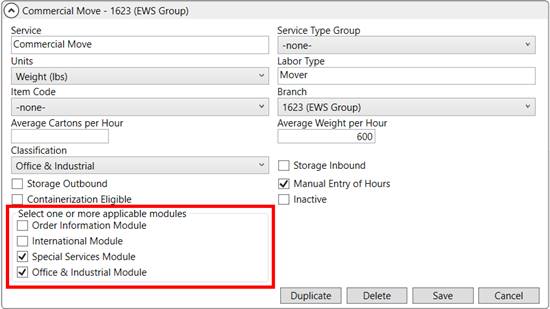
Figure 152: Local Service Type Setup
The service is available in each of the flagged modules. In the above example (Figure 18), the Commercial Move service is only available to Local Services within the Office & Industrial and Special Services modules.
Refer to Add Local Service and Local Service Type Setup for more information.
|
SUMMARY (8349) |
|
Select one or more applicable modules options added to Local Service Type Setup. |
|
The following areas have been affected by this change: Schema Changes Version 2017R04
|
RELEASE ENHANCEMENTS
Creation of new users not allowed if maximum reached
Prior to this enhancement, MoversSuite allowed you to define users beyond the number of licenses available to your company. This caused an issue when anyone attempted to login in; in fact, users were prevented from logging in until the number of users established did not exceed the maximum.
Now, the application prevents you from adding users beyond the number of a licensed user allowed. When administrators attempt to add a user through the User tab in Personnel Setup and you are currently at your licensed amount, they receive the following error.
The number of permitted MoversSuite user licenses has been reached. No additional MoversSuite users can be added. Click the 'Remove MoversSuite User' button to remove MoversSuite access for this user so that you can save your other personnel changes.
View Licensing Setup to see a count of established users as well as the maximum number of licensed users allowed on your system.
|
SUMMARY (6895) |
|
New error message and handling added to Personnel Setup that prevents user records being added if already at the maximum number of licensed users. |
|
The following areas have been affected by this change:
|
RELEASE FIXES
This section lists any fixes made to MoversSuite for this release.
Administration
Run installer as Administrator
The client installer for MoversSuite must be run as administrator, i.e. right-click on the installer application and choose Run as Administrator. With these elevated permissions, the application installs without a run-time error. (4389)
Updated text of database and application out-of-sync error
If a version of MoversSuite is not synchronized with the correct database version, then attempts to login to MoversSuite result in an error. The new error message reads, “The MoversSuite client needs to be updated to the current version. License verification error (Source = [SOURCE], Error = [ERROR].” Where the [SOURCE] is the error source (or specific product that is not synchronized) and [ERROR] is the numeric error code returned. In general, this error indicates that the database may have been updated during an upgrade but not the MoversSuite application. (8532)
Flag value displays for Rate Schedule for Labor
The state of the Regular time over 8 hours rated as OT flag is now displaying correctly within Rate Schedule for Labor. (8677)
Connections
Send to IGC for Survey option not visible by default
The Send to IGC for Survey option is no longer visible within the Third Party Applications Menu unless the module is enabled. (8509)
Fields added to the revenue allocations routine for TechMate Imports
The identifiers for the agent, branch, AR branch, and AR division are now included in the TechMate Import. (8717)
Customer Statements
Credit applied to other documents on the invoice lists once on the customer statement
If a credit is included on an invoice to a customer and then the credit is applied to some other document not included on the invoice, then this credit is not included on the customer statement. Prior to this change, the application counted this credit on the customer statement, causing the amount due from the customer to be off the amount of the credit. (7858)
Local Dispatch
Reserved and Hours Reserved displaying correctly
The Reserved flag setting along with the number of Hours Reserved now display correctly within the equipment assignment grid within the Dispatch Center. (8661, 8659)
Local Services
Edit information stored for Local Services
If you make changes to the sub-dialog of a Local Services request, such as updating CPU counts and entering Labor Requests, etc. through the Add Local Service screen, MoversSuite records who and when these edits occurred and documents this through the Last Edited On and Last Edit By fields (available through the Local Services grid and within Local Dispatch). (8632)
Tasks
Copy Task working correctly
The Copy Task function evoked through the Tasks and Workflow tabs now works without an error. With changes made in version 2017 R04 for the Office & Industrial module, the Copy Task function was unable to locate the correct module to pull data from and produced a “DBGetToDoByID: Field ‘OpenOrderInModule’ not found” error. (8719)
SCHEMA CHANGES
View the database changes that affect this release through the following link:
Schema Changes Version 2017R04
The following links allows you to navigate through all MoversSuite tables and data views and allows you to view field properties, such as type and maximum value size, etc.
MoversSuite Database Tables (2017R04)
MoversSuite Document Database Tables (2017R04)
MoversSuite Data Views (2017R04)
|
Version 2017 R03 |
|
RELEASE DATE: 1/30/2017
QUICK LINKS
Here is a table containing several commonly requested hyperlinks.
|
Link |
Description |
|
|
Watch a short video highlighting the changes we have made to MoversSuite at this version. |
|
View current release information through a PDF document. | |
|
Read up on the requirements for this version of MoversSuite. | |
|
Check out our Support page to read about the latest MoversSuite release and find links to other useful information. | |
|
See what other MoversSuite customers are requesting for changes to the MoversSuite application and submit your own suggestions. | |
|
Past Versions Information |
Look through a list of changes made to all other versions of MoversSuite. |
|
Access a list of overview videos for each release. | |
|
Pull up the database changes we made at various releases. |
RELEASE SUMMARY
The following is a table contains counts of the items affecting this release.
|
# |
Change Summary |
|
2 |
New Product Features |
|
|
Release Enhancements |
|
6 |
Release Fixes |
|
6 |
Schema Changes (# of database tables affected) |
|
3 |
Admin Changes |
|
|
Standard Reports Affected |
RELEASE REQUIREMENTS
Please refer to the following information regarding the hardware and software required to support MoversSuite and related systems.
View the MoversSuite Compatibility topic for a list of products compatible with MoversSuite.
Refer to the System Requirements section for a complete list of hardware and software requirements.
SendAs Permission in Office 365
In order for MoversSuite users to send email through Office 365 (Microsoft Exchange Online) they must have SendAs permission on their mailbox. View the Office 365 Email Integration topic for information and instructions.
Dynamics GP Requirements
MoversSuite is compatible with the following:
Microsoft Dynamics GP 2016
Microsoft Dynamics GP 2015 R2 (with ATIP Build 14.0.1)
Microsoft Dynamics GP 2013 R2 (with ATIP Build 12.0.23)
Refer to the following for information regarding additional requirements you may need to support Microsoft Dynamics GP:
System Requirements for Microsoft Dynamics GP 2016
System Requirements for Microsoft Dynamics GP 2015
KNOWN ISSUES
The following issues are problems that may affect your decision to upgrade to this version of MoversSuite. The following issue is not resolved for this release.
Citrix issue with phone number control
An issue that cannot be replicated is causing the phone numbers within the Shipper Contact Information section (Name, Address, Phone tab) to disappear and then reappear when a user clicks on that section, however, the user cannot edit them until they press Cancel (on the order) and then attempt to Edit again. (6409)
RELEASE FEATURES
Overtime over eight hours
for Rate Schedule for Labor
You now have the option to apply an overtime rate to personnel for regular time exceeding eight hours for any given day. A new flag is available that, when set, instructs the application to automatically apply an overtime rate to any time exceeding eight hours of regular time for all services a person works on a particular day.
The Regular time over 8 hours rated as OT flag is available for Rate Schedule for Labor records and is designed to provide a more accurate Job Costing assessment. When this flag is set and a person works over eight hours of Regular Rate for all services worked on a day, then costing automatically rates them at the Overtime Rate for the additional time.
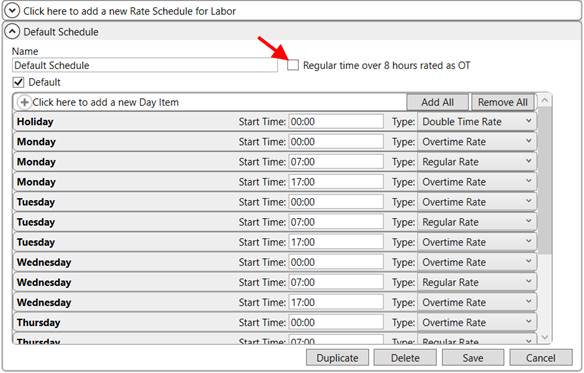
Figure 153: Rate Schedule for Labor screen
The Rate Schedule for Labor in effect is based on the Branch or Account Profile affiliated to the order.
Refer to Job Costing Rating for more information.
|
SUMMARY (8604) |
|
Added Regular time over 8 hours rated as OT setting to Rate Schedule for Labor records. |
|
The following areas have been affected by this feature: Schema Changes Version 2017R03
|
Manage Operational Plan
options added
The option to change the name of an Operational Plan is available to you through a right-click option within the Local Services data grid.
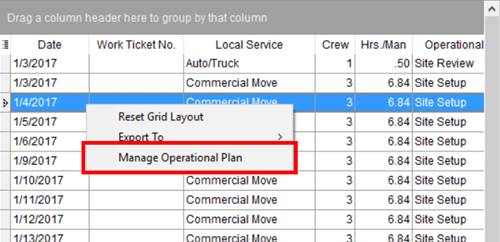
Figure 154: Right-click options within Local Services
Choosing the Manage Operational Plan option opens the Manage Operational Plan dialog allowing you to change the name of the plan and to provide any needed proposal notes (up to 1,024 characters).
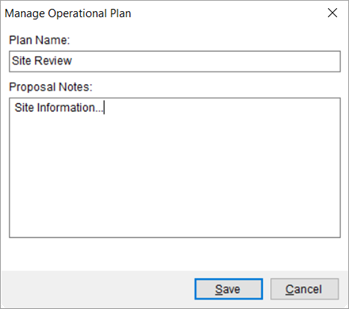
Figure 155: Manage Operational Plan dialog
Making changes through the Manage Operational Plan dialog updates the plan information for all services assigned to the plan. For example, changing the Plan Name through this option updates the Plan Name on all services assigned to that particular plan.
Proposal Notes will eventually be available for quotes in an upcoming release of MoversSuite.
If you wish to update the plan for a single service or create a new plan, then use the Add or Edit Service options (see Add Local Service).
|
SUMMARY (8212, 8634) |
|
Added Manage Operational Plan to the right-click options available within Local Services. |
|
Added Manage Operational Plan dialog. |
|
The following areas have been affected by this feature: Schema Changes Version 2017R03
|
RELEASE FIXES
This section lists any fixes made to MoversSuite for this release.
Administration
Task Dependency Dates name change
The following name changes have been made that affect Task Dependency Dates:
SIT Orig To Perm Date is now SIT Orig Expiration
SIT Dest To Perm Date is now SIT Dest Expiration
These two dependency dates reference the SIT Expiration fields for the Origin and Destination sections, respectively, within the SIT/Recurring Billing tab and are referenced through the Dependency Date setting within Tasks Setup. (7579)
MoversSuite Development Docs database available
An empty Docs is now included in the MoversSuite installation package provided to our Developer Community. The instructions provided to users through our Developer Community have been updated to reference the Docs database. (8405)
Map interfaces to Rate Types
The ability to link a Rate Type to one or more external interfaces is available. The Rate Type mapping is primarily used for the UniGroup Rating Download. Refer to the Interface Item section within Labor Type Setup for more information. (8468)
Job Costing
Job Cost rating accounts for all scheduled labor
Rating amounts included in Job Costing now include all hours set for an order through the Rate Schedule for Labor. (8639, 8633)
Local Dispatch
Auto-selected role when assigning crew
When assigning crew to a service and the person only has one Labor Type available, the application now auto selects this type for the role. Prior to this fix, you had to manually select the role when the person had only one Labor Type accessible to Local Dispatch that was not set as their default. (8217)
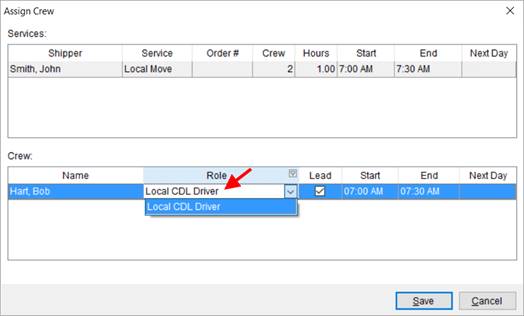
Figure 156: Assign Crew screen
Quotes
Enter negative amount with decimal
The application allows you to enter a negative amount containing a decimal (e.g. -7.25) for the Rate and other amounts for a Quote. Prior to this release, the application allowed only whole number negative amounts within these fields. (8472)
Revenue Entry
Transactions highlighted correctly
Only the last accessed or selected record within the Transactions grid highlights in blue. Prior to this release, adding or removing an item caused two records to show highlighted in the grid. (8310)
SCHEMA CHANGES
View the database changes that affect this release through the following link:
Schema Changes Version 2017R03
The following links allows you to navigate through all MoversSuite tables and data views and allows you to view field properties, such as type and maximum value size, etc.
MoversSuite Database Tables (2017R03)
MoversSuite Document Database Tables (2017R03)
MoversSuite Data Views (2017R03)
|
Version 2017 R02 |
|
RELEASE DATE: 1/16/2017
QUICK LINKS
Here is a table containing several commonly requested hyperlinks.
|
Link |
Description |
|
|
Watch a short video highlighting the changes we have made to MoversSuite at this version. |
|
View current release information through a PDF document. | |
|
Read up on the requirements for this version of MoversSuite. | |
|
Check out our Support page to read about the latest MoversSuite release and find links to other useful information. | |
|
See what other MoversSuite customers are requesting for changes to the MoversSuite application and submit your own suggestions. | |
|
Past Versions Information |
Look through a list of changes made to all other versions of MoversSuite. |
|
Access a list of overview videos for each release. | |
|
Pull up the database changes we made at various releases. |
RELEASE SUMMARY
The following is a table contains counts of the items affecting this release.
|
# |
Change Summary |
|
2 |
New Product Features |
|
- |
Release Enhancements |
|
12 |
Release Fixes |
|
6 |
Schema Changes (# of database tables affected) |
|
2 |
Admin Changes |
|
- |
Standard Reports Affected |
RELEASE REQUIREMENTS
Please refer to the following information regarding the hardware and software required to support MoversSuite and related systems.
View the MoversSuite Compatibility topic for a list of products compatible with MoversSuite.
Refer to the System Requirements section for a complete list of hardware and software requirements.
Microsoft Dynamics GP 2016 Compatibility
As of MoversSuite 2017 R02, MoversSuite is compatible with Microsoft Dynamics GP 2016. Please refer to our System Requirements for more information on the hardware and software compatible with MoversSuite.
Please contact our EWS Support team to discuss upgrade options.
SendAs Permission in Office 365
In order for MoversSuite users to send email through Office 365 (Microsoft Exchange Online) they must have SendAs permission on their mailbox. View the Office 365 Email Integration topic for information and instructions.
Dynamics GP Requirements
MoversSuite is compatible with the following:
Microsoft Dynamics GP 2016
Microsoft Dynamics GP 2015 R2 (with ATIP Build 14.0.1)
Microsoft Dynamics GP 2013 R2 (with ATIP Build 12.0.23)
Refer to the following for information regarding additional requirements you may need to support Microsoft Dynamics GP:
System Requirements for Microsoft Dynamics GP 2016
System Requirements for Microsoft Dynamics GP 2015
KNOWN ISSUES
The following issues are problems that may affect your decision to upgrade to this version of MoversSuite. The following issue is not resolved for this release.
Citrix issue with phone number control
An issue that cannot be replicated is causing the phone numbers within the Shipper Contact Information section (Name, Address, Phone tab) to disappear and then reappear when a user clicks on that section, however, the user cannot edit them until they press Cancel (on the order) and then attempt to Edit again. (6409)
RELEASE FEATURES
Local service job times can
cross midnight boundary
Service times for Local Services can cross over the midnight boundary. So, if your company has work done at night and goes into the morning of the next day, you can account for this time accordingly within MoversSuite.
The places in MoversSuite where the service time is set now allow you to enter an ending time that is beyond 12:00 AM. This includes the Add Local Service screen. When you enter a time past midnight, the application indicates this by tagging the entry with Ends Next Day in bold, red font.
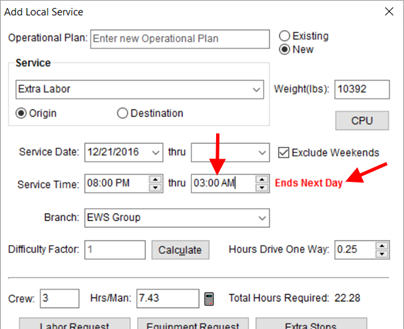
Figure 157: Add Local Service screen
Data grids that display the service time now display the Next Day caption next to an ending time that crosses into the next day. This includes the Request Time Range within the Dispatch Center, Requested Services, and Local Services data grids.
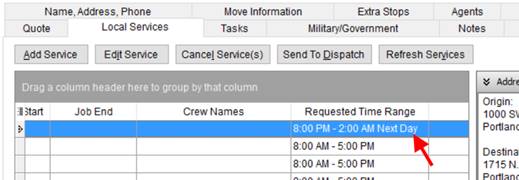
Figure 158: Local Services data grid
In Local Dispatch, you have the option to set service times that also cross the midnight boundary. The Set Service Time screen allows for the times to cross over 12:00 AM and provides the Ends Next Day caption.
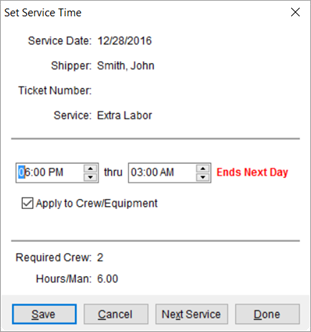
Figure 159: Set Service Time dialog
You can assign times to equipment resources that cross midnight as well.
Times set for crew and equipment that end in the following day display YES within the Next Day column. The Next Day column is available within the Assign Crew and Reserve Equipment screens.
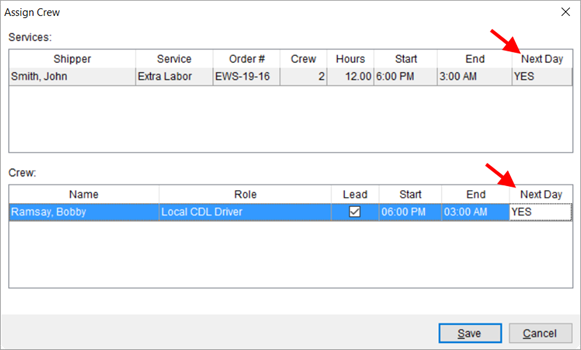
Figure 160: Assign Crew screen
To assist you in viewing the times assigned to personnel, you
can access a new Scheduled
Times screen. This screen is available through an ellipses button  within the crew assignment
grid, which is available when the person is assigned to one or more services on
the Selected Date.
within the crew assignment
grid, which is available when the person is assigned to one or more services on
the Selected Date.
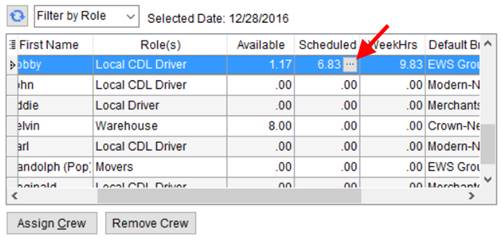
Figure 161: Crew Assignment grid
The Scheduled Times screen displays the service information for all services the person is assigned to for the Selected Date.
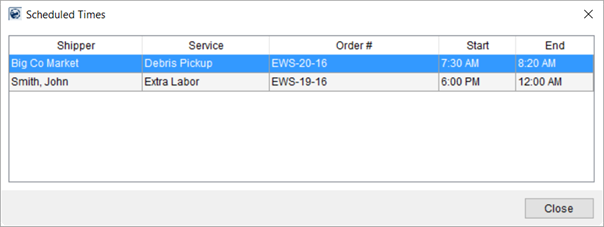
Figure 162: Scheduled Times screen
Another indicator that a service times crosses into the next day is that the Job End time field within the Dispatch Center and Local Services grids is highlighted in blue.
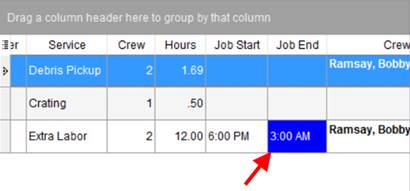
Figure 163: Dispatch Center tab
Watch the overview video for this release and reference the Add Local Service and Set Service Time topics for more information.
|
SUMMARY (8491, 8450, 8451) |
|
Option to cross the midnight boundary has been added to the following:
|
|
You can view Next Day or Ends Next Day captions in data grids within the following:
|
|
Added the option to view Scheduled Times for a person for the Selected Date within the crew assignment grid. |
|
The following areas have been affected by this feature:
|
RELEASE FIXES
This section lists any fixes made to MoversSuite for this release.
Administration
Only one default Labor Type can be assigned to personnel
MoversSuite only allows one Labor Type to be marked as the Default within a Personnel Setup record. Prior to this change, the application was not disposing of memory captured by continuous views of different records. This fix allows the application to clear the memory buffer and allow the screen to respond more efficiently. (8573)
No change of description for system type Labor Types allowed
MoversSuite no longer allows you to update the description set for a Labor Type that is defined as a system type. A new Is System Type field exists as a read-only flag within Labor Type Setup that allows you to identify which records are a system type (checked) or not. When the Is System Type flag is set, you are not allowed to update the Labor Type setting. (6742)
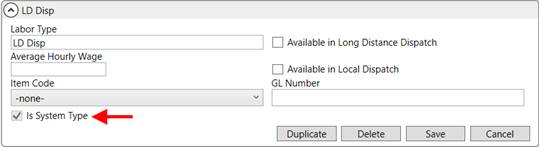
Figure 164: Sample Labor Type Setup record
Collections
Refined working for the Customer Credit Warning options
The text of the options within the have been updated to clarify their meaning. (8267)
Commissions
Commission Statement no longer shows duplicate orders
MoversSuite now marks the First Name/MI as not set (null) anytime that this field is cleared/blanked out by a user. On prior releases, clearing this field caused the application to not match correctly when Commissions were generated, which resulted in duplicate order errors. (8577)
Connections
Survey End Time cannot come before Start Time
We modified the End Time field associated to the Survey Date set within the Agents tab to return an error if you attempt set an End Time that is before the Start Time.
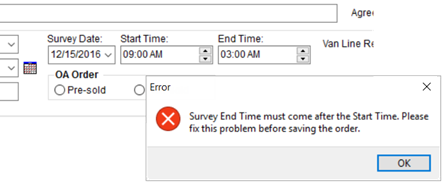
Figure 165: Agents tab with error
Prior to this release, if the survey End Time was earlier than the Start Time, then a negative appointment duration was set for leads sent to QLAB, which caused errors within the QLAB system. (8592)
GP Data Warehouse Refresh works with multiple instances running concurrently
The Data Warehouse Refresh now runs automatically for customers hosted on the Azure Cloud. An issue with running this process on multiple instances has been corrected. (8582)
General
Username/password combination issue
An issue that prevented users from logging into the application based on a certain combination of username and password has been fixed. (8616)
Letter Management
Letter name displays in Document Management
A generated Letter Management document shows up in the Document Management system under the name of the document, such as Thank You Letter. Prior to this change, the document listed within the Document Management Viewer with the name associated to the Document Type, such as “Letter,” which was not enough information to readily identify the document or discern it from other such categorized files. (8435)
Local Services
Certain Local Services data not saving
When you edit a Local Services record and set certain fields not previously set, then the application is not saving these changes. For example, if the service times are not set when the service was added and you edit the service by setting the time, the application is not saving what you entered.
Additionally, changes made to sub-dialogs (CPU, Labor Request, etc.) within the Add Local Service screen are saved, however the Last Edited On and Last Edited By data within the Local Services grid does not reflect the updates. (8615)
Long Distance Dispatch
CPU data displays within Long Distance Dispatch
The Current Driver Activity and Orders tabs within Long Distance Dispatch now display the total count of Container, Packing, and Unpacking items set for the order through the Move Information tab. (8557)
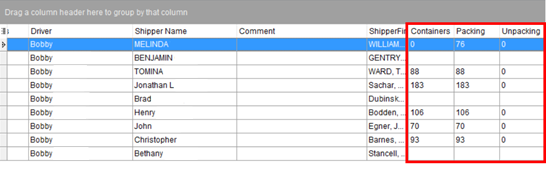
Figure 166: Current Driver Activity data grid
MoversSuite Email Service
Email Service runs without error
The cannot communicate when one or more of the applications it communicates with is “Run As Administrator.” For example, if Microsoft Outlook or MoversSuite is ran as an administrator, then the cannot communicate and produces an “Operation unavailable” error. Avoid running MoversSuite or Microsoft Outlook as administrator.
A fix was made that allows the MoversSuite Email to process as part of a recurring processing, such as through Recurring Billing Management. A message of “An outgoing call cannot be made” was received when producing recurring email and the integration with Microsoft Outlook is enabled. You should no longer receive this error. (8545)
Default email signature now appears automatically
The default signature that you create through the Signatures dialog now automatically appears on any new email message, including emails generated for Letter Management documents. (8600)
SCHEMA CHANGES
View the database changes that affect this release through the following link:
Schema Changes Version 2017R02
The following links allows you to navigate through all MoversSuite tables and data views and allows you to view field properties, such as type and maximum value size, etc.
MoversSuite Database Tables (2017R02)
MoversSuite Document Database Tables (2017R02)
MoversSuite Data Views (2017R02)
|
Version 2017 R01 |
|
RELEASE DATE: 1/3/2017
QUICK LINKS
Here is a table containing several commonly requested hyperlinks.
|
Link |
Description |
|
|
Watch a short video highlighting the changes we have made to MoversSuite at this version. |
|
View current release information through a PDF document. | |
|
Read up on the requirements for this version of MoversSuite. | |
|
Check out our Support page to read about the latest MoversSuite release and find links to other useful information. | |
|
See what other MoversSuite customers are requesting for changes to the MoversSuite application and submit your own suggestions. | |
|
Past Versions Information |
Look through a list of changes made to all other versions of MoversSuite. |
|
Access a list of overview videos for each release. | |
|
Pull up the database changes we made at various releases. |
RELEASE SUMMARY
The following is a table contains counts of the items affecting this release.
|
# |
Change Summary |
|
0 |
New Product Features |
|
2 |
Release Enhancements |
|
3 |
Release Fixes |
|
2 |
Schema Changes (# of database tables affected) |
|
2 |
Admin Changes |
|
0 |
Standard Reports Affected |
RELEASE REQUIREMENTS
Please refer to the following information regarding the hardware and software required to support MoversSuite and related systems.
View the MoversSuite Compatibility topic for a list of products compatible with MoversSuite.
Refer to the System Requirements section for a complete list of hardware and software requirements.
SendAs Permission in Office 365
In order for MoversSuite users to send email through Office 365 (Microsoft Exchange Online) they must have SendAs permission on their mailbox. View the Office 365 Email Integration topic for information and instructions.
Dynamics GP Requirements
MoversSuite is compatible with the following:
Microsoft Dynamics GP 2015 R2 (with ATIP Build 14.0.1)
Microsoft Dynamics GP 2013 R2 (with ATIP Build 12.0.23)
Refer to the following for information regarding additional requirements you may need to support Microsoft Dynamics GP 2015:
System Requirements for Microsoft Dynamics GP 2015
KNOWN ISSUES
The following issues are problems that may affect your decision to upgrade to this version of MoversSuite. The following issue is not resolved for this release.
Certain Local Services data not saving
When you edit a Local Services record and set certain fields not previously set, then the application is not saving these changes. For example, if the service times are not set when the service was added and you edit the service by setting the time, the application is not saving what you entered.
Additionally, changes made to sub-dialogs (CPU, Labor Request, etc.) within the Add Local Service screen are saved, however the Last Edited On and Last Edited By data within the Local Services grid does not reflect the updates. (8615)
Citrix issue with phone number control
An issue that cannot be replicated is causing the phone numbers within the Shipper Contact Information section (Name, Address, Phone tab) to disappear and then reappear when a user clicks on that section, however, the user cannot edit them until they press Cancel (on the order) and then attempt to Edit again. (6409)
RELEASE ENHANCEMENTS
Base task due date on the
completion of another task
Administrators can create tasks that have a due date that is computed based on the completion date of another task.
Within Tasks Setup, a new Dependency Date option of Completion of Other Task is available that, when selected, allows you to select a separate task within the new Dependency Task field.
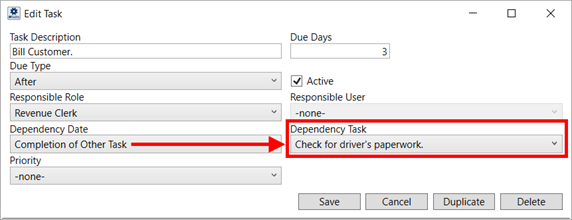
Figure 167: Add/Edit Task Item within Tasks Setup
In MoversSuite, when the Dependency Task is completed, then the completion date of that task is referenced to set the date of the dependent task.
Referencing the setup above (Figure 167), including the Due Days and Due Type settings, if the Check for driver’s paperwork task is completed on 12/9/2016, then the application computes a due date for the Bill Customer task as 3 days after, or 12/12/2016.

Figure 168: Task items within the Tasks tab
The task selected for the Dependency Task can also be dependent on the completion of another task; you can stagger all related tasks together in a similar fashion.
You can utilize the Completion of Other Task option and the related Dependency Task setting within the Add Task dialog when adding tasks through the Add Task dialog available within the Tasks tab and within the Workflow tab within the Tasks module.
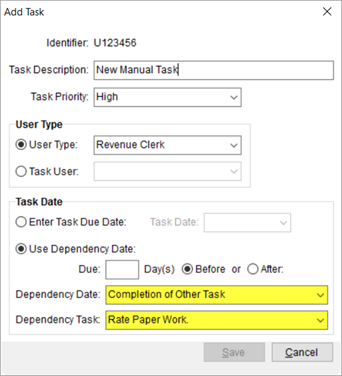
Figure 169: Add Task dialog
The Dependency Task list includes all active and open tasks. Tasks marked as complete or not applicable are not available when choosing a Dependency Task.
MoversSuite does not update the due date once it is set. So, if a task containing a Dependency Task has the due date set and the dependency task is marked as completed or not applicable or if its due date changes, then the due date of the dependent task is not affected. Continuing with the example, if the Check for driver’s paperwork is marked as complete and the date manually updated to 12/20/2016, then the Bill Customer task remains as 12/12/2016 (see Figure 170 below). Note: An undo of a completed task does not affect the due date of dependent tasks.

Figure 170: Task items within the Tasks tab
If you attempt to edit a task that is dependent on another, then you may encounter that the Postpone feature is unavailable (see Figure 171). For dependency tasks, this results from the date not being set on the dependent task or that the dependent task is not complete or is marked as not applicable.
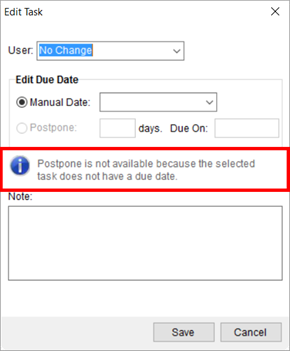
Figure 171: Edit Task dialog
Tip: Viewing Dependency Task
You can view the Dependency Date and/or Dependency Task set for a task item by choosing Copy Task. Additionally, you can view the Task List Report to see which tasks are marked with Completion of Other Task.
View the Tasks System topic for more information.
|
SUMMARY (8331) |
|
Completion of Other Task option available through Dependency Date when adding or copying a task. This option triggers the availability of the Dependency Task setting. |
|
Dependency Task setting added to Add Task and to Tasks Setup. |
|
The following areas have been affected by this enhancement: Schema Changes Version 2017R01
|
Overlapping actual times for
crew
A new option is available that allows you to assign overlapping service times to individuals through the Enter Actuals screen.
The new option is set for crew within the Dispatch tab of their Personnel Setup record.
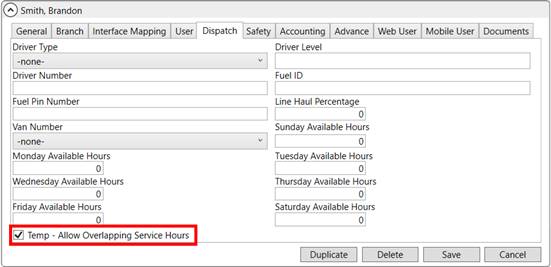
Figure 172: Dispatch tab within Personnel Setup
Setting the Temp – Allow Overlapping Service Hours flag instructs MoversSuite to allow you to enter overlapping times for the person. This overlap can occur over one or multiple services on one or more orders. In the example below, the mover named Brandon Smith has two, time block entries: one from 6:00 AM to 3:00 PM and a second one from 2:00 PM to 6:00 PM. The overlap between 2:00 and 3:00 is allowed when this new flag is set. If Brandon is also scheduled on a different service for the same day, then potentially another overlap of time can occur across the multiple services.
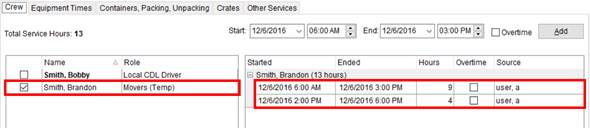
Figure 173: Enter Actuals Screen
The application only allows overlapping times if all selected employees have the flag set. The Role column within Enter Actuals includes a (Temp) distinction within the Crew tab selector allowing you to identify which employees have the Temp - Allow Overlapping Service Hours flag set. You can add overlapping times for all “Temp” crew members.
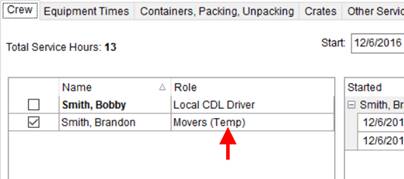
Figure 174: Personnel selector within Enter Actuals
View the Add Task topic for more information.
|
SUMMARY (8540) |
|
Temp – Allow Overlapping Service Hours setting added to the Dispatch tab within Personnel Setup. |
|
The following areas have been affected by this enhancement: Schema Changes Version 2017R01
|
RELEASE FIXES
This section lists any fixes made to MoversSuite for this release.
Administration
Restrictions on changing or deleting the Labor Type
If a Labor Type on a Personnel Setup record ties to generated commissions for the employee, MoversSuite no longer allows an administrator to remove this Labor Type (General tab) or the dependent commission set within the Accounting tab. For example, if a person is setup as an LD Driver and receives commission under this type, then it cannot be removed from the Personnel Setup record.
If you wish to not reference the Labor Type at all for the employee, then a new Personnel Setup record can be setup (using the Duplicate functionality) and the old record marked as inactive (Status flag on the General tab). (8547)
Connections
UniGroup AOM Registration update
The UniGroup AOM Registration import now translates the Shipment Type of G (for Government) to instruct the application to set the GBL Number to what is set for the imported UniGroup PO Number. Refer to UniGroup Registration Downloads for a listing of downloads from Unigroup. (8490)
Revenue Entry
Rates based on Rate Matrix do not affect quantity
If you update the quantity associated to a rate tied to a Rate Matrix within the Edit Advanced Rating Basis dialog, the application does not update the quantity that may be set for the revenue item.
For example, if you have a quantity of 7,500 set for the weight on a Revenue Item and wish to view the advanced setting to see what a rate computes for a 7,000 mile move, then the application updates only the rate and not the weight quantity set for the item.
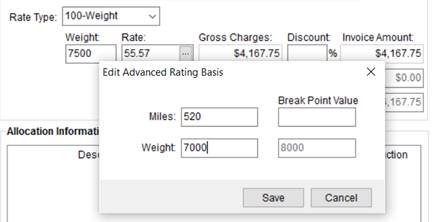
Figure 175: Add Revenue Item with open Edit Advanced Rating Basis dialog
On prior releases, the quantity changes made within the dialog did update the quantity on an revenue, recurring billing, and invoice item. (8530)
SCHEMA CHANGES
View the database changes that affect this release through the following link:
Schema Changes Version 2017R01
The following links allows you to navigate through all MoversSuite tables and data views and allows you to view field properties, such as type and maximum value size, etc.
MoversSuite Database Tables (2017R01)
MoversSuite Document Database Tables (2017R01)
MoversSuite Data Views (2017R01)
|
Version 2016 R26 |
|
RELEASE DATE: 12/19/2016
QUICK LINKS
Here is a table containing several commonly requested hyperlinks.
|
Link |
Description |
|
|
Watch a short video highlighting the changes we have made to MoversSuite at this version. |
|
View current release information through a PDF document. | |
|
Read up on the requirements for this version of MoversSuite. | |
|
Check out our Support page to read about the latest MoversSuite release and find links to other useful information. | |
|
See what other MoversSuite customers are requesting for changes to the MoversSuite application and submit your own suggestions. | |
|
Past Versions Information |
Look through a list of changes made to all other versions of MoversSuite. |
|
Access a list of overview videos for each release. | |
|
Pull up the database changes we made at various releases. |
RELEASE SUMMARY
The following is a table contains counts of the items affecting this release.
|
# |
Change Summary |
|
0 |
New Product Features |
|
2 |
Release Enhancements |
|
5 |
Release Fixes |
|
1 |
Schema Changes (# of database tables affected) |
|
0 |
Admin Changes |
|
0 |
Standard Reports Affected |
RELEASE REQUIREMENTS
Please refer to the following information regarding the hardware and software required to support MoversSuite and related systems.
View the MoversSuite Compatibility topic for a list of products compatible with MoversSuite.
Refer to the System Requirements section for a complete list of hardware and software requirements.
SendAs Permission in Office 365
In order for MoversSuite users to send email through Office 365 (Microsoft Exchange Online) they must have SendAs permission on their mailbox. View the Office 365 Email Integration topic for information and instructions.
Dynamics GP Requirements
MoversSuite is compatible with the following:
Microsoft Dynamics GP 2015 R2 (with ATIP Build 14.0.1)
Microsoft Dynamics GP 2013 R2 (with ATIP Build 12.0.23)
Refer to the following for information regarding additional requirements you may need to support Microsoft Dynamics GP 2015:
System Requirements for Microsoft Dynamics GP 2015
KNOWN ISSUES
The following issues are problems that may affect your decision to upgrade to this version of MoversSuite. The following issue is not resolved for this release.
Citrix issue with phone number control
An issue that cannot be replicated is causing the phone numbers within the Shipper Contact Information section (Name, Address, Phone tab) to disappear and then reappear when a user clicks on that section, however, the user cannot edit them until they press Cancel (on the order) and then attempt to Edit again. (6409)
RELEASE ENHANCEMENTS
Work Ticket and Difficulty
Factor integrate better within Local Services
The Work Tickets and Difficulty Factor menu options are removed from the Local Dispatch tab.
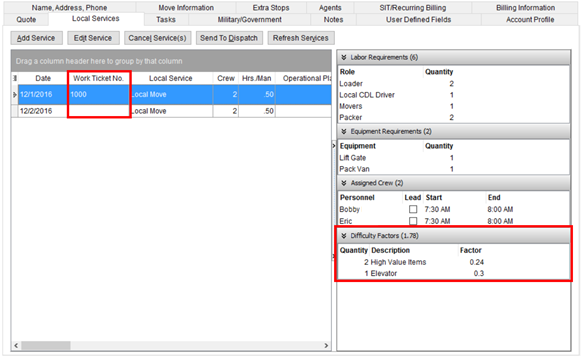
Figure 176: Local Services tab
The Work Tickets button allowed you to see a list of work tickets associated to the order along with the ability to view the Work Ticket Report. The Work Ticket Number column is available within the Local Services data grid and therefore can be referenced to see the ticket associated to a paricular service.
We did add a new right-click option that allows you to view the Work Ticket Report for the selected service.
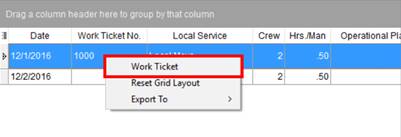
Figure 177: Right-click options within Local Services
The Difficulty Factors button displayed any factors set for a selected service. You can now view this information through the Local Service Quick View.
Figure 178: Difficulty Factors section within the Local Service Quick View
|
SUMMARY (8388, 8389) |
|
Work Tickets and Difficulty Factors buttons removed from the Local Services tab. |
|
Work Ticket option added to the right-click options within the Local Services data grid allowing you to view the Work Ticket Report. The Work Ticket No. column can be referenced to identify any work ticket associated to the order. |
|
Difficult Factors section added to the Local Service Quick View. |
|
The following areas have been affected by this enhancement:
|
RELEASE FIXES
This section lists any fixes made to MoversSuite for this release.
Administration
All Rate Schedule for Labor tiers recognized
The application now interprets all Rate Schedule for Labor when calculating the Rated Amounts associated to the Labor expense within Job Costing. This was a Known Issue for MoversSuite 2016 R25. (8588)
Default Labor Type setting is saved on personnel records
When checking the Default flag for a Labor Type on the General tab within Personnel Setup and you navigate to another tab, the changes you made to the Labor Type assignments are now saved. Prior to this release, if you changed the Default flag for a new Labor Type assignment and went to a different tab in the setup, the change Default state was not being saved. (8566)
Setup name change for Rate Schedule for Labor
The name of the setup to support labor rating within Job Costing is now titled Rate Schedule for Labor. On the prior release, this setup area was titled Labor Rating Schedule. (8454)
Label change within Rate Schedule for Labor
The “Over Time Rate” type has been changed to read as “Overtime Rate” within the Rate Schedule for Labor. This setup is part of Job Costing. (8455)
Order Information
Modified branch access to quotes
Users must have Full security access to the Quote module for a branch in in order add or edit quote for that particular branch. Refer to the Security Modules topic for more information. (8528)
Agent contacts available as email recipients
There is now the ability to add agent contacts quickly to a MoversSuite Email message. The Add Email Address dialog displays the email address for contacts listed for the agents assigned to the order through the Agents tab. The list of agent emails pulls from the contacts information established within the Agent Setup. (8569)
SCHEMA CHANGES
View the database changes that affect this release through the following link:
Schema Changes Version 2016R26
The following links allows you to navigate through all MoversSuite tables and data views and allows you to view field properties, such as type and maximum value size, etc.
MoversSuite Database Tables (2016R26)
MoversSuite Document Database Tables (2016R26)
MoversSuite Data Views (2016R26)
|
Version 2016 R25 |
|
RELEASE DATE: 12/5/2016
QUICK LINKS
Here is a table containing several commonly requested hyperlinks.
|
Link |
Description |
|
|
Watch a short video highlighting the changes we have made to MoversSuite at this version. |
|
View current release information through a PDF document. | |
|
Read up on the requirements for this version of MoversSuite. | |
|
Check out our Support page to read about the latest MoversSuite release and find links to other useful information. | |
|
See what other MoversSuite customers are requesting for changes to the MoversSuite application and submit your own suggestions. | |
|
Past Versions Information |
Look through a list of changes made to all other versions of MoversSuite. |
|
Access a list of overview videos for each release. | |
|
Pull up the database changes we made at various releases. |
RELEASE SUMMARY
The following is a table contains counts of the items affecting this release.
|
# |
Change Summary |
|
2 |
New Product Features |
|
1 |
Release Enhancements |
|
1 |
Release Fixes |
|
16 |
Schema Changes (# of database tables affected) |
|
11 |
Admin Changes |
|
0 |
Standard Reports Affected |
RELEASE REQUIREMENTS
Please refer to the following information regarding the hardware and software required to support MoversSuite and related systems.
View the MoversSuite Compatibility topic for a list of products compatible with MoversSuite.
Refer to the System Requirements section for a complete list of hardware and software requirements.
SendAs Permission in Office 365
In order for MoversSuite users to send email through Office 365 (Microsoft Exchange Online) they must have SendAs permission on their mailbox. View the Office 365 Email Integration topic for information and instructions.
Dynamics GP Requirements
MoversSuite is compatible with the following:
Microsoft Dynamics GP 2015 R2 (with ATIP Build 14.0.1)
Microsoft Dynamics GP 2013 R2 (with ATIP Build 12.0.23)
Refer to the following for information regarding additional requirements you may need to support Microsoft Dynamics GP 2015:
System Requirements for Microsoft Dynamics GP 2015
KNOWN ISSUES
The following issues are problems that may affect your decision to upgrade to this version of MoversSuite. The following issues are not resolved for this release.
Rate Schedule for Labor recognizes only one tier per day
If your company utilizes Job Costing Rating, then an issue with the 2016 R25 release is causing the application to only compute the Rated Amount of Labor based on the first tier listed for the day of the week within Rate Schedule for Labor. (8588)
Citrix issue with phone number control
An issue that cannot be replicated is causing the phone numbers within the Shipper Contact Information section (Name, Address, Phone tab) to disappear and then reappear when a user clicks on that section, however, the user cannot edit them until they press Cancel (on the order) and then attempt to Edit again. (6409)
RELEASE FEATURES
Attach Documents to
Equipment Records
Your company can take advantage of a new feature that allows you to link documents to an equipment resource. Such documents may include registration information and inspection reports. These documents are visible to through Local Dispatch through the Equipment Information screen (right-click within the equipment assignment grid and choose View Equipment Information).
Figure 179: Documents tab within the Equipment Information screen
From this new tab within the Equipment Information screen, you can view the contents of a document and add a document to a resource as well.
Additional features include document security that entails allowing only certain individuals access to secured documents. Refer to the Equipment Documents and Equipment Documents Setup topics for setup and usage information.
|
SUMMARY (8382) |
|
Replaced View Safety Information with View Equipment Information which now opens the Equipment Information screen. |
|
New Documents tab available through Equipment Information and through Equipment Setup display documents linked to a resource. |
|
New administrative setup and security roles (Admin Profile Setup) for Equipment Document Group Setup, Equipment Document Type Setup, and Equipment Document Type Security Setup. |
|
The following areas have been affected by this enhancement: Equipment Document Group Setup Equipment Document Type Security Setup Right-Click Options (Local Dispatch) Safety Information (Equipment) Schema Changes Version 2016R25
|
Attach Documents to Account
Profiles
You can link documents to Account Profiles which are visible through the Account Profile tab.
Figure 180: Account Profiles tab
The new Documents section lists all documents linked to the profile.
Figure 181: Document section within Account Profile tab
You can view the contents of a document through the right-click option of View Document.
Figure 182: Right-click option within the Documents section
Administrative features allow your company to define document types and groups. Refer to the Account Profile Documents and Account Profile Documents Setup topics for setup and usage information.
|
SUMMARY (8381) |
|
You can now view documents through a new Documents section within the Account Profile tab. |
|
New administrative setup and security roles (Admin Profile Setup) for Account Profile Document Group Setup, and Account Profile Document Type Setup. |
|
The following areas have been affected by this enhancement: Account Profile Documents Setup Account Profile Document Group Setup Account Profile Document Type Setup Schema Changes Version 2016R25
|
RELEASE ENHANCEMENTS
Anticipated rated expense
added to Job Costing
Job Costing now features the ability to view the rated amount of expense items. This allows you to gain a more realistic picture of the revenue associated to the move as it relates to the expense items involved.
The new Rated Amount column displays the amount computed for items associated to one of the expense categories, e.g. Material. The actual rate used in the calculation is pulled from the Rate Plan set for the order.
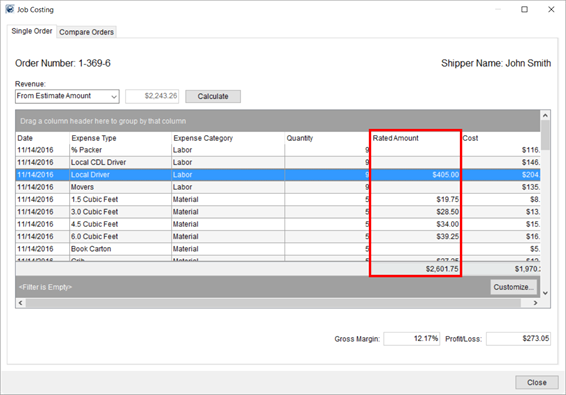
Figure 183: Job Costing screen
Rating calculates on Equipment, Labor, and Material items on the service. Additionally, you can define a Rate Schedule for Labor to determine whether to apply regular, double, or overtime rates when computing Labor. The schedule in effect is based on the Account Profile assigned to the order or Branch of the order, or if not set in either place, the default Rate Schedule for Labor record is referenced to determine the rate type for labor.
Administrators can assign a Rate Schedule for Labor to profiles through Account Profile Setup and/or for a braches within Branch Setup.
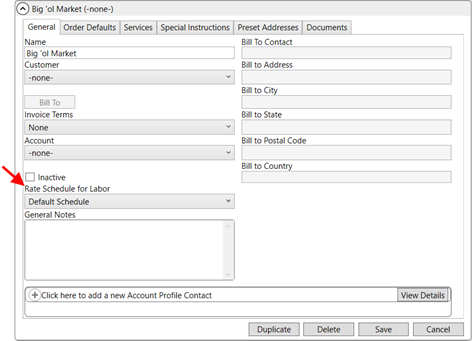
Figure 184: Rate Schedule for Labor within Account Profile Setup
Read more about utilizing the rating feature within Job Costing Rating.
|
SUMMARY (8371, 8372, 8449, 8549) |
|
Rated Amount column added to the Single Order tab within Job Costing. |
|
Rate Schedule for Labor setting added to Account Profile Setup and to Branch Setup. |
|
The following areas have been affected by this enhancement: Schema Changes Version 2016R25
|
RELEASE FIXES
This section lists any fixes made to MoversSuite for this release.
Administration
Order Archiving without permissions error
You no longer receive a permissions error when performing an Order Archive. (7563)
SCHEMA CHANGES
View the database changes that affect this release through the following link:
Schema Changes Version 2016R25
The following links allows you to navigate through all MoversSuite tables and data views and allows you to view field properties, such as type and maximum value size, etc.
MoversSuite Database Tables (2016R25)
MoversSuite Document Database Tables (2016R25)
MoversSuite Data Views (2016R25)
|
Version 2016 R24 |
|
RELEASE DATE: 11/21/2016
QUICK LINKS
Here is a table containing several commonly requested hyperlinks.
|
Link |
Description |
|
|
Watch a short video highlighting the changes we have made to MoversSuite at this version. |
|
View current release information through a PDF document. | |
|
Read up on the requirements for this version of MoversSuite. | |
|
Check out our Support page to read about the latest MoversSuite release and find links to other useful information. | |
|
See what other MoversSuite customers are requesting for changes to the MoversSuite application and submit your own suggestions. | |
|
Past Versions Information |
Look through a list of changes made to all other versions of MoversSuite. |
|
Access a list of overview videos for each release. | |
|
Pull up the database changes we made at various releases. |
RELEASE SUMMARY
The following is a table contains counts of the items affecting this release.
|
# |
Change Summary |
|
1 |
Release Requirements |
|
1 |
Known Issues |
|
1 |
New Product Features |
|
0 |
Release Enhancements |
|
4 |
Release Fixes |
|
8 |
Schema Changes (# of database tables affected) |
|
0 |
Admin Changes |
|
0 |
Standard Reports Affected |
RELEASE REQUIREMENTS
Please read the following announcements regarding functionality and hardware/software changes for this release of MoversSuite.
IMPORTANT DYNAMICS GP REQUIREMENTS
Refer to the System Requirements section for a complete list of hardware and software requirements.
MoversSuite is compatible with the following:
Microsoft Dynamics GP 2015 R2 (with ATIP Build 14.0.1)
Microsoft Dynamics GP ATIP Build 14.0.1
Microsoft Dynamics GP 2013 R2 (with ATIP Build 12.0.23)
Microsoft Dynamics GP ATIP Build 12.0.23
Refer to the following for information regarding additional requirements you may need to support Microsoft Dynamics GP 2015:
System Requirements for Microsoft Dynamics GP 2015
View the MoversSuite Compatibility topic for a list of products compatible with MoversSuite.
Refer to the System Requirements section for a complete list of hardware and software requirements.
KNOWN ISSUES
The following issues are problems that may affect your decision to upgrade to this version of MoversSuite. The following issue is not resolved for this release.
Citrix issue with phone number control
An issue that cannot be replicated is causing the phone numbers within the Shipper Contact Information section (Name, Address, Phone tab) to disappear and then reappear when a user clicks on that section, however, the user cannot edit them until they press Cancel (on the order) and then attempt to Edit again. (6409)
RELEASE FEATURES
Attach Documents to
Personnel Records
Your company can take advantage of a new feature that allows you to link documents to an employee. Such documents may include a copy of a driver’s license, driver logs, and performance reviews. These documents are visible to through both dispatching modules through the Personnel Information screen.
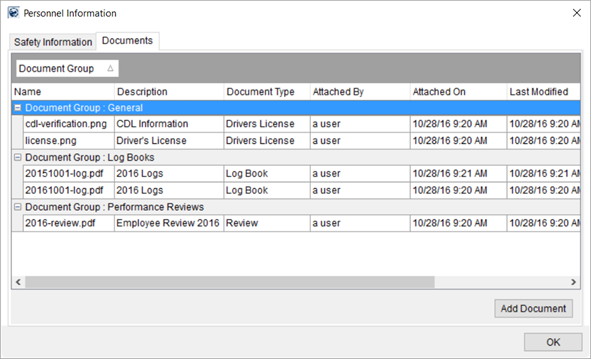
Figure 185: Personnel Information screen
From this new tab within the Personnel Information screen, you can view the contents of a document and add a document to a resource.
Additional features include document security that entails allowing only certain individuals access to secured documents. Refer to the Personnel Documents and Personnel Documents Setup topics for setup and usage information.
Look for the ability to attach documents to equipment and to Account Profiles in upcoming releases of MoversSuite.
|
SUMMARY (8380) |
|
Replaced View Safety Information with View Personnel Information which now opens the Personnel Information screen. |
|
New Security Modules option titled Personnel Document Management is available. |
|
New Documents tab available through Personnel Information and through Personnel Setup display documents linked to a person. |
|
New administrative setup and security roles for Personnel Document Group Setup, Personnel Document Type Setup, and Personnel Document Type Security Setup. |
|
The following areas have been affected by this enhancement: Personnel Document Group Setup Personnel Document Type Security Setup Right-Click Options (Local Dispatch) Right-Click Options (Long Distance Dispatch) Safety Information (Personnel) Schema Changes Version 2016R24
|
RELEASE FIXES
This section lists any fixes made to MoversSuite for this release.
Connections
Atlas linehaul revenue importing correctly
Items marked for a basis of Linehaul but have a percentage of 0 are now treated as standalone items. Prior to this release, these items were bringing in the entire amount of transportation. (8453)
Order Information
Closing Ratio Report showing all leads
The Closing Ratios Report now displays all leads regardless of whether they link to a foreign or direct order. Prior to this report, MoversSuite excluded orders marked as a foreign order. (8423)
Replacement font based on first character of placeholder text
When replacing the placeholder text of Letter Management Bookmarks, the application references the font applied to the first character of the text to determine the font of the data inserted into the document. For example, if you have an Arial font style on the ‘S’ of a bookmark you named, “Shipper,” then the entire text of the replaced text (“John Smith”) is in Arial font. Prior to this release, the application referenced the last character. (8513)
O&I Master Invoice Report now shows all detail information
The OI Master Invoice Report now displays sub-orders and invoice details within the body of the report. (8510)
SCHEMA CHANGES
View the database changes that affect this release through the following link:
Schema Changes Version 2016R24
The following links allows you to navigate through all MoversSuite tables and data views and allows you to view field properties, such as type and maximum value size, etc.
MoversSuite Database Tables (2016R24)
MoversSuite Document Database Tables (2016R24)
MoversSuite Data Views (2016R24)
|
Version 2016 R23 |
|
RELEASE DATE: 11/7/2016
QUICK LINKS
Here is a table containing several commonly requested hyperlinks.
|
Link |
Description |
|
|
Watch a short video highlighting the changes we have made to MoversSuite at this version. |
|
View current release information through a PDF document. | |
|
Read up on the requirements for this version of MoversSuite. | |
|
Check out our Support page to read about the latest MoversSuite release and find links to other useful information. | |
|
See what other MoversSuite customers are requesting for changes to the MoversSuite application and submit your own suggestions. | |
|
Past Versions Information |
Look through a list of changes made to all other versions of MoversSuite. |
|
Access a list of overview videos for each release. | |
|
Pull up the database changes we made at various releases. |
RELEASE SUMMARY
The following is a table contains counts of the items affecting this release.
|
# |
Change Summary |
|
1 |
Release Requirements |
|
1 |
Known Issues |
|
0 |
New Product Features |
|
1 |
Release Enhancements |
|
0 |
Release Fixes |
|
4 |
Schema Changes (# of database tables affected) |
|
0 |
Admin Changes |
|
0 |
Standard Reports Affected |
RELEASE REQUIREMENTS
Please read the following announcements regarding functionality and hardware/software changes for this release of MoversSuite.
IMPORTANT DYNAMICS GP REQUIREMENTS
Refer to the System Requirements section for a complete list of hardware and software requirements.
MoversSuite is compatible with the following:
Microsoft Dynamics GP 2015 R2 (with ATIP Build 14.0.1)
Microsoft Dynamics GP ATIP Build 14.0.1
Microsoft Dynamics GP 2013 R2 (with ATIP Build 12.0.23)
Microsoft Dynamics GP ATIP Build 12.0.23
Refer to the following for information regarding additional requirements you may need to support Microsoft Dynamics GP 2015:
System Requirements for Microsoft Dynamics GP 2015
View the MoversSuite Compatibility topic for a list of products compatible with MoversSuite.
Refer to the System Requirements section for a complete list of hardware and software requirements.
KNOWN ISSUES
The following issues are problems that may affect your decision to upgrade to this version of MoversSuite. The following issue is not resolved for this release.
Citrix issue with phone number control
An issue that cannot be replicated is causing the phone numbers within the Shipper Contact Information section (Name, Address, Phone tab) to disappear and then reappear when a user clicks on that section, however, the user cannot edit them until they press Cancel (on the order) and then attempt to Edit again. (6409)
RELEASE ENHANCEMENTS
Letter Management Email
Integration
You now have an option to generate a Letter Management template directly into the body of a MoversSuite Email.
If your company utilizes the Letter Management system, you now see an additional option through the Reports Menu. If you hover your mouse over a Letter Management template document, you receive the option to open the letter as a document or as an email.
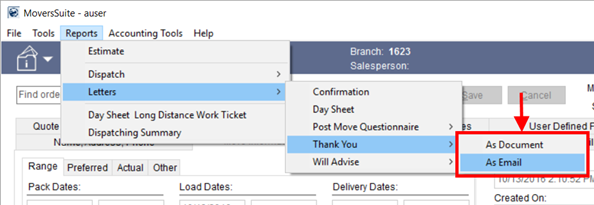
Figure 186: Reports Menu
Choosing As Document opens the letter through the Letter Management system.
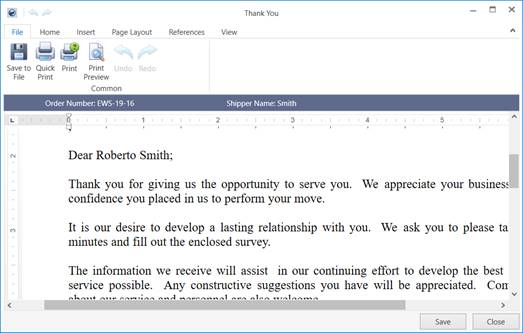
Figure 187: Sample Letter Management document
Choosing As Email opens the letter within a new MoversSuite Email window.
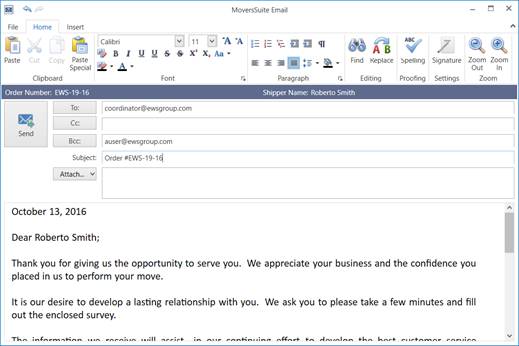
Figure 188: Sample Letter Management email
The ability to render a Letter Management template as a document or email is available through the Reports/Letters menus within the Quote tab and within Claims.
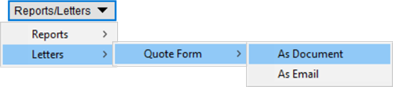
Figure 189: Reports/Letters menu on the Quote tab
This change is part of our ongoing effort to create useful tools through our Productivity Pack.
|
SUMMARY (8162) |
|
As Documents and As Email options added to the Reports Menu and to the Reports/Letters menus within the Claims module and on the Quote tab. |
|
The following areas have been affected by this enhancement:
|
RELEASE FIXES
This section lists any fixes made to MoversSuite for this release.
NO RELEASE FIXES
SCHEMA CHANGES
View the database changes that affect this release through the following link:
Schema Changes Version 2016R23
The following links allows you to navigate through all MoversSuite tables and data views and allows you to view field properties, such as type and maximum value size, etc.
MoversSuite Database Tables (2016R23)
MoversSuite Document Database Tables (2016R23)
MoversSuite Data Views (2016R23)
|
Version 2016 R22 |
|
RELEASE DATE: 10/24/2016
QUICK LINKS
Here is a table containing several commonly requested hyperlinks.
|
Link |
Description |
|
|
Watch a short video highlighting the changes we have made to MoversSuite at this version. |
|
View current release information through a PDF document. | |
|
Read up on the requirements for this version of MoversSuite. | |
|
Check out our Support page to read about the latest MoversSuite release and find links to other useful information. | |
|
See what other MoversSuite customers are requesting for changes to the MoversSuite application and submit your own suggestions. | |
|
Past Versions Information |
Look through a list of changes made to all other versions of MoversSuite. |
|
Access a list of overview videos for each release. | |
|
Pull up the database changes we made at various releases. |
RELEASE SUMMARY
The following is a table contains counts of the items affecting this release.
|
# |
Change Summary |
|
1 |
Release Requirements |
|
1 |
Known Issues |
|
0 |
New Product Features |
|
2 |
Release Enhancements |
|
0 |
Release Fixes |
|
22 |
Schema Changes (# of database tables affected) |
|
2 |
Admin Changes |
|
0 |
Standard Reports Affected |
RELEASE REQUIREMENTS
Please read the following announcements regarding functionality and hardware/software changes for this release of MoversSuite.
IMPORTANT DYNAMICS GP REQUIREMENTS
Refer to the System Requirements section for a complete list of hardware and software requirements.
MoversSuite is compatible with the following:
Microsoft Dynamics GP 2015 R2 (with ATIP Build 14.0.1)
Microsoft Dynamics GP ATIP Build 14.0.1
Microsoft Dynamics GP 2013 R2 (with ATIP Build 12.0.23)
Microsoft Dynamics GP ATIP Build 12.0.23
Refer to the following for information regarding additional requirements you may need to support Microsoft Dynamics GP 2015:
System Requirements for Microsoft Dynamics GP 2015
View the MoversSuite Compatibility topic for a list of products compatible with MoversSuite.
Refer to the System Requirements section for a complete list of hardware and software requirements.
KNOWN ISSUES
The following issues are problems that may affect your decision to upgrade to this version of MoversSuite. The following issue is not resolved for this release.
Citrix issue with phone number control
An issue that cannot be replicated is causing the phone numbers within the Shipper Contact Information section (Name, Address, Phone tab) to disappear and then reappear when a user clicks on that section, however, the user cannot edit them until they press Cancel (on the order) and then attempt to Edit again. (6409)
RELEASE ENHANCEMENTS
Updated Enter Actuals Screen
The screen that captures actual times and quantities associated to a Local Services request has been updated. The new Enter Actuals screen provides a streamline approach to entering times for crew and equipment along with tallying the quantities used.
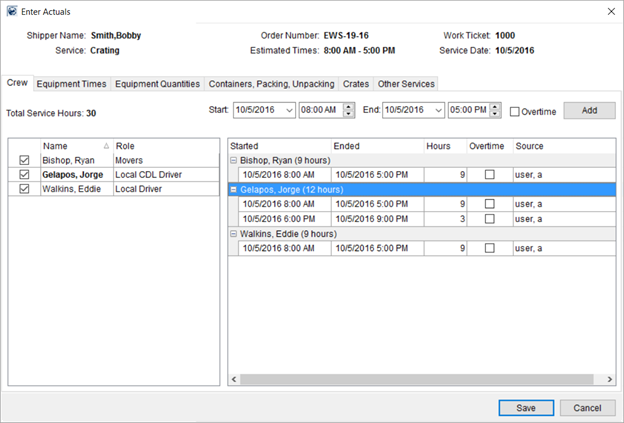
Figure 190: Enter Actuals screen
The Enter Actuals screen replaces the Release Work Ticket screen that many of you may be acquainted with. Instead of having multiple dialogs to update the crew, equipment, CPU counts, etc. we placed this functionality with a single form for entering and displaying actuals. The screen divides functionality into tabbed categories.
The following table describes the changes made that affect entering counts and hours for Local Services requests.
|
Key Changes |
|
Release Work Ticket screen replaced by Enter Actuals screen. This new screen integrates data functionality within the screen itself instead forcing user to open dialogs. |
|
Crew tab in the new Enter Actuals screen replaces crew listing and Update Crew screen. The Crew tab allows you to select one or more employee and add times quickly using the Add button. Additionally, remove crew times through a right-click option. |
|
Actual times for crew can be entered up to one day after the date of service. |
|
Overlapping crew times are not allowed. The system verifies that the date and times entered do not conflict for the employee on the open service as well as all other service the person is assigned. |
|
Equipment Times in the Enter Actuals screen replaces the Update Equipment functionality. Similar changes were made to the Equipment Times tab as were made to the Crew tab. |
|
The Equipment Quantities tab is new functionality that allows you to set counts for equipment resources set up to dispatch by quantity. |
|
Containers, Packing and Unpacking, Crates, and Other Services tabs within the Enter Actuals screen replace existing functionality that was evoked through dialogs within the Release Work Ticket. |
The Enter Actuals topic contains more information on this functionality including an overview of suggested usage.
This change is part of our ongoing effort to support Office & Industrial moves.
|
SUMMARY (8244, 8446, 8445, 8474, 8469) |
|
New Enter Actuals screen replacing the Release Work Ticket screen. |
|
Actual times for crew can be entered for a date that is after the service date (8445, 8474). |
|
Overlapping crew times not allowed (8446). |
|
The following areas have been affected by this enhancement: Schema Changes Version 2016R22
|
Support for regular, overtime, and double rates
You can now set regular, overtime, and double rates for crew when creating revenue, quote, and invoice items. A new Rate As option appears when the Apply Regular, OT and Double Rates flag is set for the Rate Type. The application pulls default rates assigned to the Rate Plan on the order based on the Item Code.
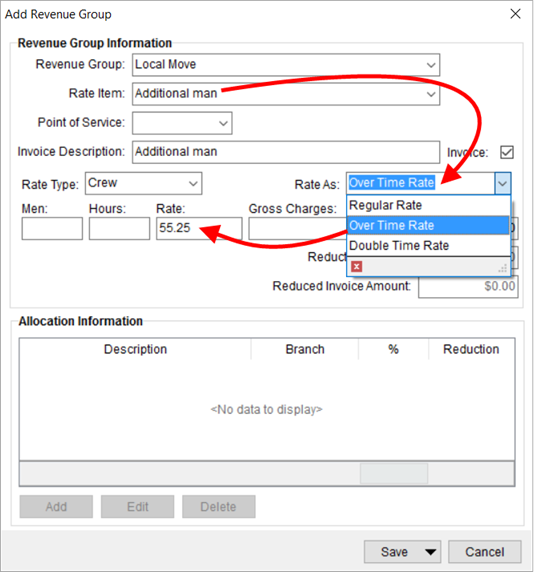
Figure 191: Add Revenue Group screen
Set the Apply Regular, OT and Double Rates flag within Rate Type Setup to turn on the rating feature.
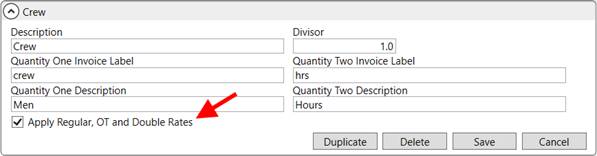
Figure 192: Rate Type Setup
Prior to this release, only the application only utilized the Rate field, which is considered the regular rate. Now, you can specify an overtime and double rate to apply to your rate type calculations. Set all three values through the Rate items associated to a Rate Plan Setup record.
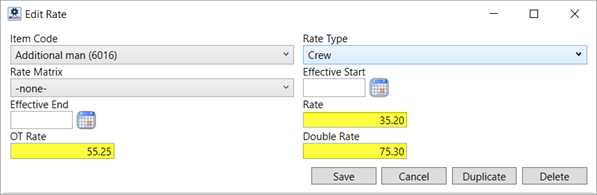
Figure 193: Rate item screen within Rate Plan Setup
Many companies created additional rate records to establish overtime rates. Now, you can specify the overtime rate along with the regular rate on the plan. Then instruct the application to reference the overtime rate through the Rate As feature.
You can utilize the Rate As feature when creating revenue groups and items, when manually adding items to an invoice, on quotes, and on storage billing through the following:
This change is part of our ongoing effort to support Office & Industrial moves and we foresee using this functionality more when we implement changes that affect Job Costing.
|
SUMMARY (8256) |
|
Rate As option added to Add Billing Item, Add Revenue Group, Add Revenue Item, New Complete Invoice, and the Quote tab. |
|
Apply Regular, OT and Double Rates flag added to Rate Type Setup. |
|
OT Rate and Double Rate added to the Rate items definition within Rate Plan Setup. |
|
The following areas have been affected by this enhancement: Schema Changes Version 2016R22
|
RELEASE FIXES
This section lists any fixes made to MoversSuite for this release.
NO RELEASE FIXES
SCHEMA CHANGES
View the database changes that affect this release through the following link:
Schema Changes Version 2016R22
The following links allows you to navigate through all MoversSuite tables and data views and allows you to view field properties, such as type and maximum value size, etc.
MoversSuite Database Tables (2016R22)
MoversSuite Document Database Tables (2016R22)
MoversSuite Data Views (2016R22)
|
Version 2016 R21 |
|
RELEASE DATE: 10/10/2016
QUICK LINKS
Here is a table containing several commonly requested hyperlinks.
|
Link |
Description |
|
View current release information through a PDF document. | |
|
Read up on the requirements for this version of MoversSuite. | |
|
Check out our Support page to read about the latest MoversSuite release and find links to other useful information. | |
|
See what other MoversSuite customers are requesting for changes to the MoversSuite application and submit your own suggestions. | |
|
Past Versions Information |
Look through a list of changes made to all other versions of MoversSuite. |
|
Access a list of overview videos for each release. | |
|
Pull up the database changes we made at various releases. |
RELEASE SUMMARY
The following is a table contains counts of the items affecting this release.
|
# |
Change Summary |
|
1 |
Release Requirements |
|
1 |
Known Issues |
|
0 |
New Product Features |
|
1 |
Release Enhancements |
|
5 |
Release Fixes |
|
5 |
Schema Changes (# of database tables affected) |
|
2 |
Admin Changes |
|
0 |
Standard Reports Affected |
RELEASE REQUIREMENTS
Please read the following announcements regarding functionality and hardware/software changes for this release of MoversSuite.
IMPORTANT DYNAMICS GP REQUIREMENTS
Refer to the System Requirements section for a complete list of hardware and software requirements.
MoversSuite is compatible with the following:
Microsoft Dynamics GP 2015 R2 (with ATIP Build 14.0.1)
Microsoft Dynamics GP ATIP Build 14.0.1
Microsoft Dynamics GP 2013 R2 (with ATIP Build 12.0.23)
Microsoft Dynamics GP ATIP Build 12.0.23
Refer to the following for information regarding additional requirements you may need to support Microsoft Dynamics GP 2015:
System Requirements for Microsoft Dynamics GP 2015
View the MoversSuite Compatibility topic for a list of products compatible with MoversSuite.
Refer to the System Requirements section for a complete list of hardware and software requirements.
KNOWN ISSUES
The following issues are problems that may affect your decision to upgrade to this version of MoversSuite. The following issue is not resolved for this release.
Citrix issue with phone number control
An issue that cannot be replicated is causing the phone numbers within the Shipper Contact Information section (Name, Address, Phone tab) to disappear and then reappear when a user clicks on that section, however, the user cannot edit them until they press Cancel (on the order) and then attempt to Edit again. (6409)
RELEASE ENHANCEMENTS
Define Labor Rating Schedule for Revenue Import
Under the Accounting & Financial Services category in MoversSuite Administration, we added two new setup areas designed to determine the rating type applied for local service requests for particular days of the week. The functionality related to this new setup is scheduled for implementation in a later release.
Under the Holiday Setup, you can set which days you wish to recognize as holiday pay for local service requests.
Figure 194: Holiday Setup
Within the Rate Schedule for Labor, your company can apply a pay rating type to particular days of the week and for a given time or times within each day.
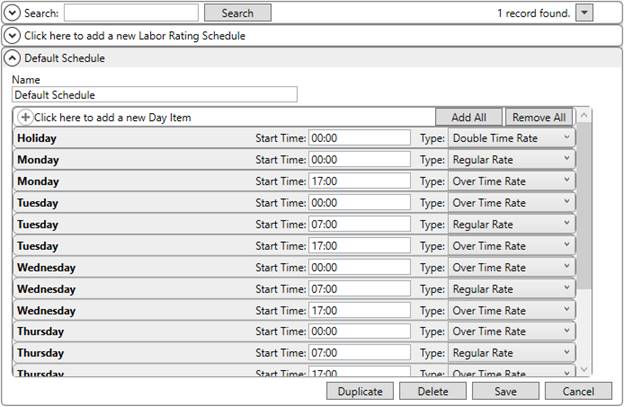
Figure 195: Labor Rating Schedule
This enhancement is part of our ongoing development of support for Office & Industrial Moves.
More information on using these two additional setup areas will be available in upcoming releases of MoversSuite.
|
SUMMARY (8259) |
|
Added to the Holiday Setup and Rate Schedule for Labor |
|
The following areas have been affected by this enhancement: Schema Changes Version 2016R20
|
RELEASE FIXES
This section lists any fixes made to MoversSuite for this release.
Administration
No error when duplicating Equipment Type records
You can add duplicate Equipment Type Setup records without receiving an error. (8309)
Username appears in application title bar
The name of the user logged into MoversSuite Administration appears in the window’s title bar. Prior to this release, the name of the user only appeared if the Custom Title was set (System Wide Options). (8398)
Local Dispatch
Filtering enabled when Filter by Role in effect
The filtering on the crew assignment grid within the Dispatch Center now allows filtering even when the Filter by Role option is turned on. Prior to this release, if the Filter by Role option was on, the grid did not allow you to filter by any column, such as selecting a particular Last Name. (8418)
Order Information
Create menu for quotes displays options correctly
The Create menu now displays options in the correct, alphanumeric order. (8412)
SCHEMA CHANGES
View the database changes that affect this release through the following link:
Schema Changes Version 2016R21
The following links allows you to navigate through all MoversSuite tables and data views and allows you to view field properties, such as type and maximum value size, etc.
MoversSuite Database Tables (2016R21)
MoversSuite Document Database Tables (2016R21)
MoversSuite Data Views (2016R21)
|
Version 2016 R20 |
|
RELEASE DATE: 9/26/2016
QUICK LINKS
Here is a table containing several commonly requested hyperlinks.
|
Link |
Description |
|
|
Watch a short video highlighting the changes we have made to MoversSuite at this version. |
|
View current release information through a PDF document. | |
|
Read up on the requirements for this version of MoversSuite. | |
|
Check out our Support page to read about the latest MoversSuite release and find links to other useful information. | |
|
See what other MoversSuite customers are requesting for changes to the MoversSuite application and submit your own suggestions. | |
|
Past Versions Information |
Look through a list of changes made to all other versions of MoversSuite. |
|
Access a list of overview videos for each release. | |
|
Pull up the database changes we made at various releases. |
RELEASE SUMMARY
The following is a table contains counts of the items affecting this release.
|
# |
Change Summary |
|
1 |
Release Requirements |
|
1 |
Known Issues |
|
0 |
New Product Features |
|
6 |
Release Enhancements |
|
3 |
Release Fixes |
|
2 |
Schema Changes (# of database tables affected) |
|
1 |
Admin Changes |
|
1 |
Standard Reports Affected |
RELEASE REQUIREMENTS
Please read the following announcements regarding functionality and hardware/software changes for this release of MoversSuite.
IMPORTANT DYNAMICS GP REQUIREMENTS
Refer to the System Requirements section for a complete list of hardware and software requirements.
MoversSuite is compatible with the following:
Microsoft Dynamics GP 2015 R2 (with ATIP Build 14.0.1)
Microsoft Dynamics GP ATIP Build 14.0.1
Microsoft Dynamics GP 2013 R2 (with ATIP Build 12.0.23)
Microsoft Dynamics GP ATIP Build 12.0.23
Refer to the following for information regarding additional requirements you may need to support Microsoft Dynamics GP 2015:
System Requirements for Microsoft Dynamics GP 2015
View the MoversSuite Compatibility topic for a list of products compatible with MoversSuite.
Refer to the System Requirements section for a complete list of hardware and software requirements.
KNOWN ISSUES
The following issues are problems that may affect your decision to upgrade to this version of MoversSuite. The following issue is not resolved for this release.
Citrix issue with phone number control
An issue that cannot be replicated is causing the phone numbers within the Shipper Contact Information section (Name, Address, Phone tab) to disappear and then reappear when a user clicks on that section, however, the user cannot edit them until they press Cancel (on the order) and then attempt to Edit again. (6409)
RELEASE ENHANCEMENTS
Dispatch Equipment by Quantity
You can dispatch a service by quantity as well as by service time.
Your company can define which Equipment Type Setup records are to be dispatched by quantity by setting the Dispatch based on quantity flag.

Figure 196: Equipment Type Setup
When assignments are made within Local Dispatch for resources to dispatch based on quantity, then dispatchers can confirm and modify the Quantity from within the Reserve Equipment screen.
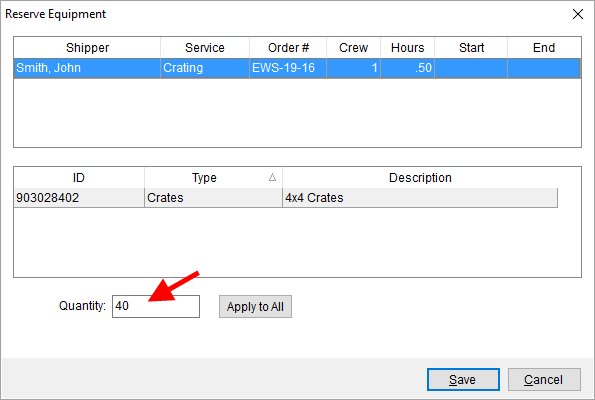
Figure 197: Reserve Equipment
The default Quantity value is based on the Requested Quantity set through the Equipment Request dialog (through Add Local Service).
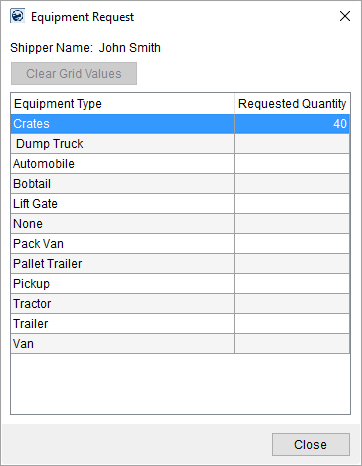
Figure 198: Equipment Request
When auto dispatching one or more services, the application automatically updates the quantity assignment based on what is set through the Equipment Request.
Services based on times continue to be dispatched by service times.
Within the Local Service Quick View, quantity values set within Equipment Request list under the Equipment Requirements section and list under the Assigned Quantity-based Equipment section when the service is assigned to a resource.
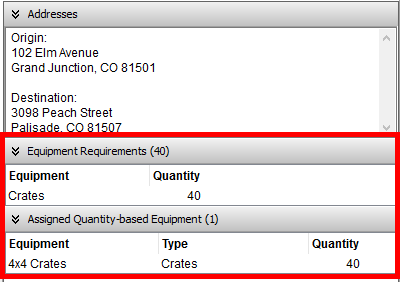
Figure 199: Local Service Quick View
A separate Assigned Hourly Equipment listing is now available for services dispatched by service time. See Local Service Quick View for more information.
Quantity values also appear on the Work Ticket Report under an Equipment listing. Each quantity-based assignment displays in its own Equipment section.
Figure 200: Work Ticket Report
This enhancement is part of our ongoing development of support for Office & Industrial Moves.
|
SUMMARY (8240) |
|
Dispatch based on quantity flag added to the Equipment Type Setup. |
|
Quantity added to Reserve Equipment for resources assigned to an Equipment Type with the Dispatch based on quantity flag set. |
|
Assigned Quantity-based Equipment and Assigned Hourly Equipment sections added to the Local Service Quick View. |
|
The following areas have been affected by this enhancement: Schema Changes Version 2016R20
|
Select Quote Item Code based on Rate Plan
When you select an Item Code for a quoted line item within the Quote tab, the application automatically filters the list of available Item Codes based on the Rate Plan assigned to the order (Rate Plan is assigned through the Billing Information tab). For example, if the Rate Plan on the order only includes Item Codes 100 through 300, then only these appear as options within the drop-down selector.
Figure 201: Item Code selector within the Quote tab

Also available is the ability to search through all mapped Item Codes (mapping is based on Type of Move, Authority, etc.). Pressing the lookup icon next to the Item Code selector opens the new Item Code Search dialog.
Figure 202: Item Code Search dialog
The Item Code Search dialog allows you to select from all mapped Item Codes by default. You can refine the list to view codes that exist under a particular Revenue Group and/or those that contain a particular word or phrase within the Filter By section.
Figure 203: Filter By section within Item Code Search
If there is no Rate Plan assigned to the order, then all appropriate rates are available, i.e. there is no filtering in effect.
This enhancement is part of our ongoing development of support for Office & Industrial Moves.
|
SUMMARY (8197) |
|
Item Code Search added to the Quote tab. |
|
Auto filtering of Item Code when selecting an Item Code within the Quote Details section on the Quote tab. |
|
The following areas have been affected by this enhancement:
|
Branch column added to Requested Services
The Branch of the service is now available through the Requested Services tab within the Requested Services screen.
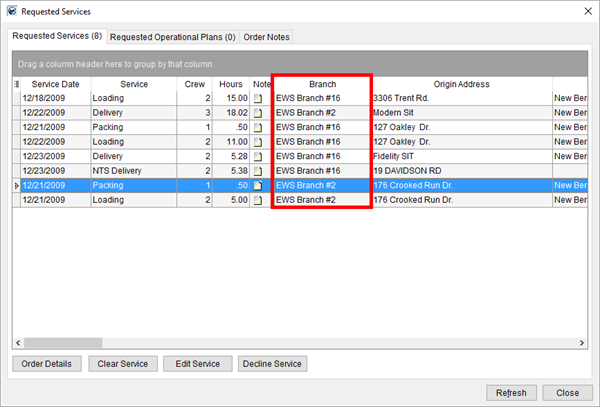
Figure 204: Requested Services screen
Many of you find this useful to assist you in identifying the exact branch owning the service under the Dispatching Common View.
|
SUMMARY (8383) |
|
Branch added to the Requested Services. |
|
The following areas have been affected by this enhancement:
|
Update Properties on Letter Management Templates
An Edit Properties option is now available to you through the Manage Letters screen.
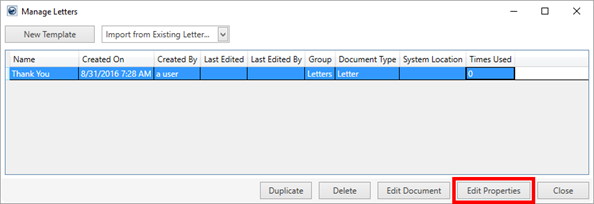
Figure 205: Manage Letters screen
This option allows you to access the dialog to update the Name, System Location, Report Group, and Document Type of a Letter Management template.
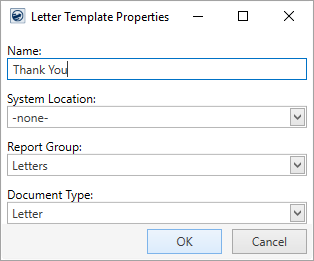
Figure 206: Letter Template Properties dialog
Prior to this release, to update the properties you had to update the template through the Report Setup.
The name of the Edit button within Manage Letters was changed to Edit Document to clarify its meaning.
|
SUMMARY (8370) |
|
Edit Properties added to the Manage Letters screen. |
|
Edit button label changed to Edit Document within the Manage Letters screen. |
|
The following areas have been affected by this enhancement:
|
Military/Government SSN Bookmark Added to Letter Management
The SSN bookmark is now available under the list of available Military Bookmarks for Letter Management templates.
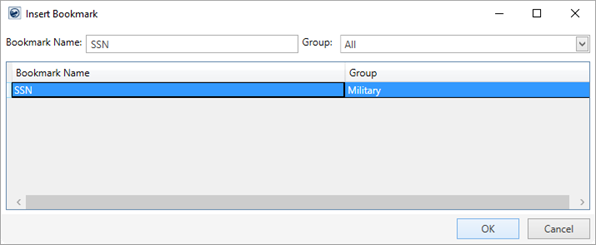
Figure 207: Insert Bookmark screen
Utilize the Insert Bookmark functionality within the Letter Designer to locate and add the SSN bookmark to your templates.
The bookmark displays the Social Security Number entered through the Military/Government tab in concealed format of “XXX-XX-9999” allowing only the last four-digits to display.
|
SUMMARY (8358) |
|
SSN added to the Military Bookmarks tab. |
|
The following areas have been affected by this enhancement:
|
Updated Quote Bookmarks for Letter Management
The Quote Bookmarks for Letter Management templates have been updated. We removed vendor and service provider information from the Quote Information bookmark. We also separated out the total amount of the quote into its own Quote Amount bookmark.
A Quote Number bookmark is also available.
All three bookmarks list under the Quotes group within the Insert Bookmark dialog available through the Letter Designer.
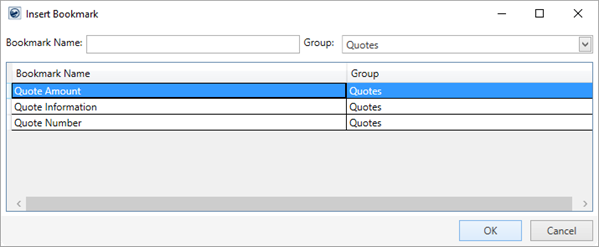
Figure 208: Insert Bookmark screen
Refer to the Quote Bookmarks topic for more information on these bookmarks.
|
SUMMARY (8103) |
|
Quote Amount and Quote Number added to the Quote Bookmarks. |
|
Quote Information modified to include only the Description, Charge, Rate, Quantity fields, Rate Type, and Item Code. |
|
The following areas have been affected by this enhancement:
|
RELEASE FIXES
This section lists any fixes made to MoversSuite for this release.
Connections
Third party errors show current order no matter which module you have open
If you are viewing an order that has a connection error with a third party, you can now access this same order through the Third Party Application Error Management screen no matter which module you have open. Prior to this release, some orders were not visible through the Third Party Application Error Management screen when viewed through the Revenue Entry module. (7452)
Local Dispatch
Clear service times
You now have the ability to clear out the service times within Set Service Time.
Clear either the Job Start Time or Job End Time field by highlighting the entire time value within the field and pressing the Delete key on your keyboard. This resets the time to 12:00 AM. Once you click to another field, such as the Job End Time, the time field is cleared or blanked out.
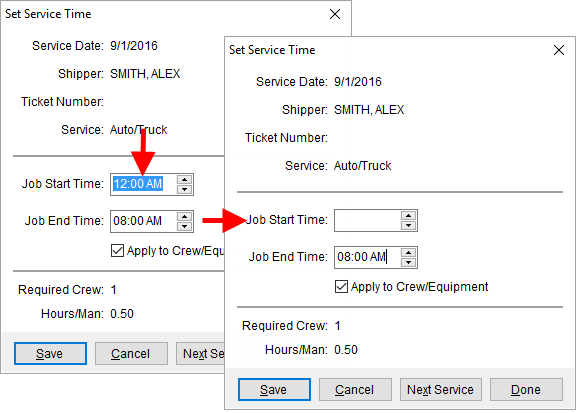
Figure 209: Set Service Time dialog
Additionally, you can clear a date and press Save and the date is cleared for the service.
(8352)
Order Information
Faster load times for MoversSuite Email
The MoversSuite Email Service is now faster when opening the new mail message window. You will encounter initial slowness upon the first time you open a message during a MoversSuite session. However, each subsequent opening should be much faster.
Please note that performance is affected by the number of mail windows that are open. To increase performance, minimize the number of MoversSuite Email Service windows you have open. (8395, 8396, 8428, 8437)
SCHEMA CHANGES
View the database changes that affect this release through the following link:
Schema Changes Version 2016R20
The following links allows you to navigate through all MoversSuite tables and data views and allows you to view field properties, such as type and maximum value size, etc.
MoversSuite Database Tables (2016R20)
MoversSuite Document Database Tables (2016R20)
MoversSuite Data Views (2016R20)
|
Version 2016 R19 |
|
RELEASE DATE: 9/12/2016
QUICK LINKS
Here is a table containing several commonly requested hyperlinks.
|
Link |
Description |
|
|
Watch a short video highlighting the changes we have made to MoversSuite at this version. |
|
View current release information through a PDF document. | |
|
Read up on the requirements for this version of MoversSuite. | |
|
Check out our Support page to read about the latest MoversSuite release and find links to other useful information. | |
|
See what other MoversSuite customers are requesting for changes to the MoversSuite application and submit your own suggestions. | |
|
Past Versions Information |
Look through a list of changes made to all other versions of MoversSuite. |
|
Access a list of overview videos for each release. | |
|
Pull up the database changes we made at various releases. |
RELEASE SUMMARY
The following is a table contains counts of the items affecting this release.
|
# |
Change Summary |
|
1 |
Release Requirements |
|
1 |
Known Issues |
|
0 |
New Product Features |
|
3 |
Release Enhancements |
|
3 |
Release Fixes |
|
9 |
Schema Changes (# of database tables affected) |
|
5 |
Admin Changes |
|
0 |
Standard Reports Affected |
RELEASE REQUIREMENTS
Please read the following announcements regarding functionality and hardware/software changes for this release of MoversSuite.
IMPORTANT DYNAMICS GP REQUIREMENTS
Refer to the System Requirements section for a complete list of hardware and software requirements.
MoversSuite is compatible with the following:
Microsoft Dynamics GP 2015 R2 (with ATIP Build 14.0.1)
Microsoft Dynamics GP ATIP Build 14.0.1
Microsoft Dynamics GP 2013 R2 (with ATIP Build 12.0.23)
Microsoft Dynamics GP ATIP Build 12.0.23
Refer to the following for information regarding additional requirements you may need to support Microsoft Dynamics GP 2015:
System Requirements for Microsoft Dynamics GP 2015
View the MoversSuite Compatibility topic for a list of products compatible with MoversSuite.
Refer to the System Requirements section for a complete list of hardware and software requirements.
KNOWN ISSUES
The following issues are problems that may affect your decision to upgrade to this version of MoversSuite. The following issue is not resolved for this release.
Citrix issue with phone number control
An issue that cannot be replicated is causing the phone numbers within the Shipper Contact Information section (Name, Address, Phone tab) to disappear and then reappear when a user clicks on that section, however, the user cannot edit them until they press Cancel (on the order) and then attempt to Edit again. (6409)
RELEASE ENHANCEMENTS
Default Address based on Account Profile
You have the ability to populate addresses and consignor/consignee or contact information based on the Account Profile assigned to the order. The Autofill Preset Address button is available wherever you assign key addresses, which includes the Name, Address, Phone tab.
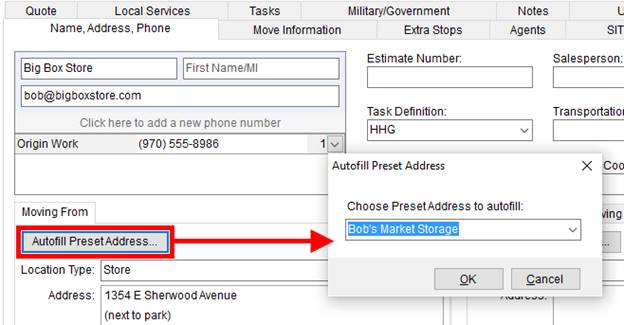
Figure 210: Autofill Preset Address dialog evoked from Name, Address, Phone tab
Choosing the Autofill Preset Address button opens an Autofill Preset Address dialog allowing you to choose an address associated to the Account Profile on the order. Once a selection is made, the application updates the associated address, e.g. Moving From address, with details set within the Account Profile, including updating the address, city, state, and postal code and updating the consignor/consignee of the order (Name, Address, Phone tab) or the contact information associated to an Extra Stops record (Add Extra Stop).
The Autofill Preset Address option is available through the following locations:
•Moving From, Moving To – Primary, and Moving To – Secondary addresses within the Name, Address, Phone tab. Consignor/Consignee data is updated as well the address.
•Add Extra Stop available through the Extra Stops tab from within Order Information and Order Information (Revenue Entry). Contact Information is updated as well the address.
•Add Extra Stop available when assigning a stop to a Local Services (see Add Local Service) or Container Management record (see Assign Location and Assign Order). Contact Information is updated as well the address.
The preset addresses available are linked to the profile through the new Preset Addresses tab within Account Profile Setup.
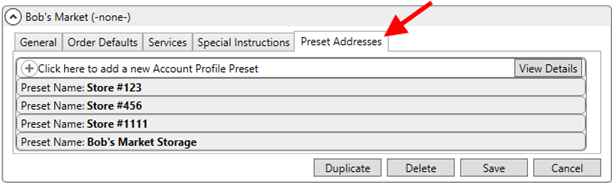
Figure 211: Account Profile Setup
Enter preset addresses for the profile through the new Add Account Profile Preset screen.
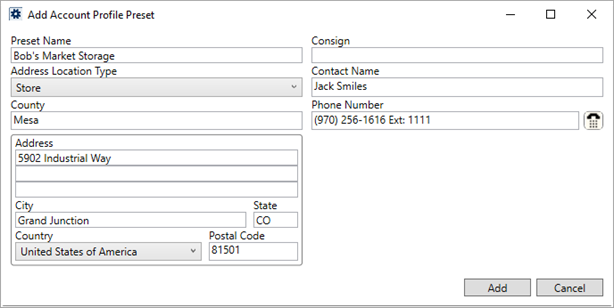
Figure 212: Add Account Profile Preset screen
This enhancement is part of our ongoing development of support for Office & Industrial Moves.
|
SUMMARY (7732, 8403) |
|
Added Autofill Preset Address to the ability to Add Extra Stop screen and to the Name, Address, Phone tab |
|
Added ability to define preset addresses for a profile through the Preset Addresses tab within Account Profile Setup. |
|
The following areas have been affected by this enhancement: Schema Changes Version 2016R19
|
Create and Apply Quote Templates
With this release, we introduce the ability to manage quote templates. You can create templates containing all the quote details you desire through MoversSuite Administration or directly from within the Quote tab. Two new options available to you include creating a quote from a template already stored on your system and the ability to create a template from the quote currently being viewed.
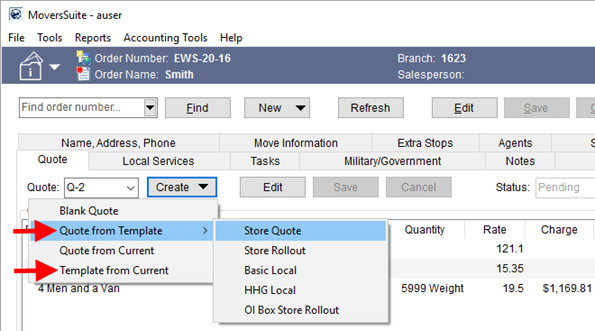
Figure 213: Quote tab
The Quote from Template option allows you to create a new quote based on an existing template.
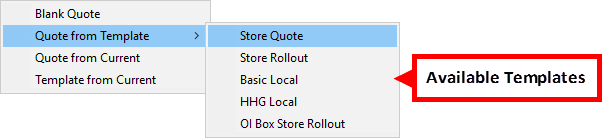
Figure 214: Create menu
This list includes templates created through the Template from Current option or through the Quote Template Setup.
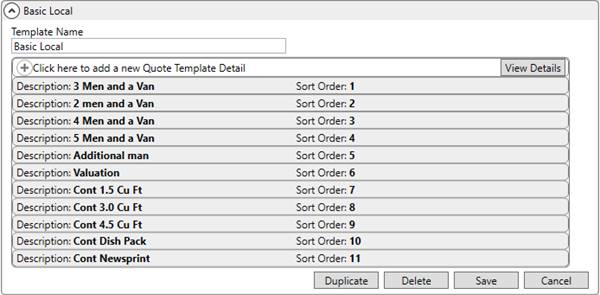
Figure 215: Quote Template Setup
Administrators can quickly create a quote template and add details or duplicate the details of an existing template. The options available when creating the detail items include selecting an Item Code, entering the Description, assigning a Rate Type to the item, and arranging the order in which the item appears in the list of Quote Details.
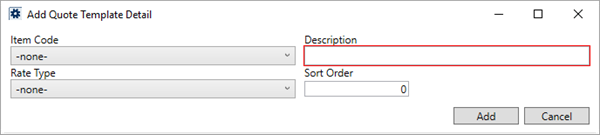
Figure 216: Add Quote Template Detail dialog
When a quote is created based on a template, all the details populate automatically.
No groups are saved to the template, therefore if groups are needed, they must be manually entered after the template populates.
To save an existing quote to a template, select the Template from Current option and provide a Template Name (up to 64 characters in length).
Figure 217: Create Template from Current Quote dialog
This enhancement is part of our ongoing development of support for Office & Industrial Moves.
|
SUMMARY (8193, 8406, 8407, 8408, 8413) |
|
Quote from Template and Template from Current options added to the Create function within the Quote tab. |
|
Quote Template Setup added. |
|
The following areas have been affected by this enhancement: Schema Changes Version 2016R19
|
Safety Fields Added to Personnel and Equipment
We added several data fields that you can track through the Safety System.
On the Safety Information (Personnel) screen, you can now view the License Number and License Class data. Additionally, we renamed the License Expires Date to License Expires.
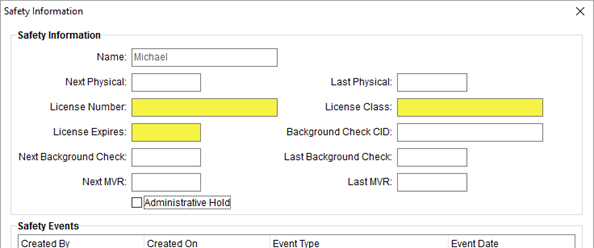
Figure 218: Safety Information (Personnel) screen
Administrators can set and manage this data through the updated Safety tab within Personnel Setup.
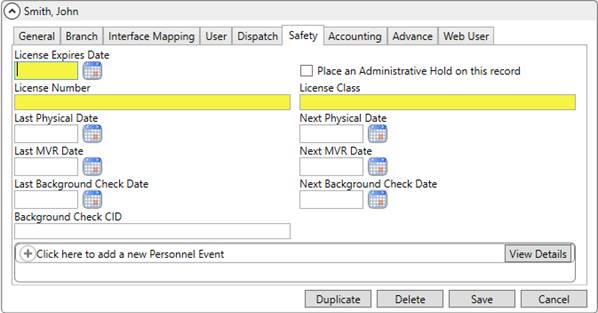
Figure 219: Safety tab within Personnel Setup
Several fields were added to the Safety Information (Equipment) screen as well. You now see the License Plate Number, DOT Inspection Expires and DOT Inspection Dates. And, License Plate Expiration Date is renamed from License Due Date.
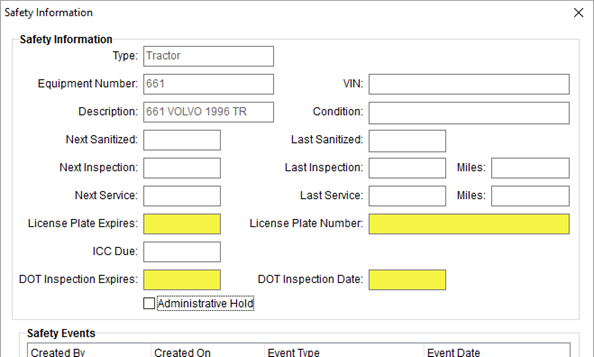
Figure 220: Safety Information (Equipment) screen
The DOT Inspection Expires date is a safety trigger date. This means that the safety indicator within the Safety System updates based on what is entered for this date.
Administrators can set and manage this data through the updated Safety tab within Equipment Setup.
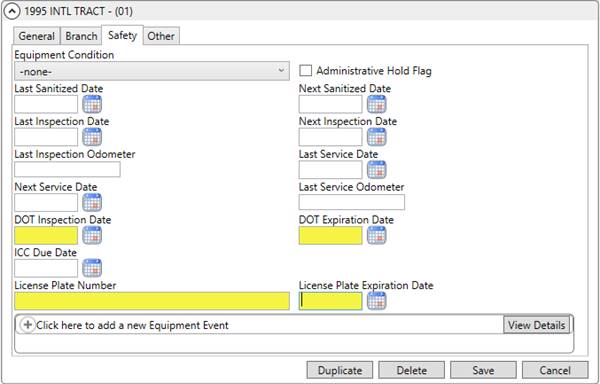
Figure 221: Safety tab within Equipment Setup
Two additional fields were added to Equipment Setup. You can now set the Registered Owner along with the Purchase Price on equipment records. This information will come into play with future development within Job Costing.
Figure 222: Other tab within Equipment Setup
|
SUMMARY (8343) |
|
License Number and License Class added to the Safety tab within Personnel Setup and within Safety Information (Personnel). |
|
Renamed License Expires Date to License Expires within the Safety tab within Personnel Setup and within the Safety Information (Personnel) screen. |
|
DOT Inspection Date, DOT Expires Date, and License Plate Number added to the Safety tab within Equipment Setup and within Safety Information (Equipment). |
|
Renamed License Due Date to License Plate Expiration Date within the Safety tab within Equipment Setup and within Safety Information (Equipment). |
|
Added Registered Owner and Purchase Price to the Other tab within Equipment Setup. |
|
The following areas have been affected by this enhancement: Safety Information (Equipment) Safety Information (Personnel) Schema Changes Version 2016R19
|
RELEASE FIXES
This section lists any fixes made to MoversSuite for this release.
Connections
Consistent System.Net.HTTP.Formatting across all projects
When installing MoversSuite products, we now check that the System.Net.HTTP.Formatting version is consistent for all projects including the MoversSuite API Service and MoversSuite Administration. (8395)
Long Distance Dispatch
Grouped data no longer causing error
You can now group data within the Current Driver Activity tab when the Show All option is on. Prior to this release, anytime you grouped the data and the Show All option was checked, the application returned an error. (8401)
Order Information
Quote tab grid alignment
The grid for Quote Details within the Quote tab now aligns the detail lines for a group along with the header row. Prior to this release and in Edit mode, the group details did not align with the column (and group) headers. (8410)
SCHEMA CHANGES
View the database changes that affect this release through the following link:
Schema Changes Version 2016R19
The following links allows you to navigate through all MoversSuite tables and data views and allows you to view field properties, such as type and maximum value size, etc.
MoversSuite Database Tables (2016R19)
MoversSuite Document Database Tables (2016R19)
MoversSuite Data Views (2016R19)
|
Version 2016 R18 |
|
RELEASE DATE: 8/29/2016
QUICK LINKS
Here is a table containing several commonly requested hyperlinks.
|
Link |
Description |
|
|
Watch a short video highlighting the changes we have made to MoversSuite at this version. |
|
View current release information through a PDF document. | |
|
Read up on the requirements for this version of MoversSuite. | |
|
Check out our Support page to read about the latest MoversSuite release and find links to other useful information. | |
|
See what other MoversSuite customers are requesting for changes to the MoversSuite application and submit your own suggestions. | |
|
Past Versions Information |
Look through a list of changes made to all other versions of MoversSuite. |
|
Access a list of overview videos for each release. | |
|
Pull up the database changes we made at various releases. |
RELEASE SUMMARY
The following is a table contains counts of the items affecting this release.
|
# |
Change Summary |
|
1 |
Release Requirements |
|
1 |
Known Issues |
|
0 |
New Product Features |
|
6 |
Release Enhancements |
|
2 |
Release Fixes |
|
5 |
Schema Changes (# of database tables affected) |
|
1 |
Admin Changes |
|
2 |
Standard Reports Affected |
RELEASE REQUIREMENTS
Please read the following announcements regarding functionality and hardware/software changes for this release of MoversSuite.
IMPORTANT DYNAMICS GP REQUIREMENTS
Refer to the System Requirements section for a complete list of hardware and software requirements.
MoversSuite is compatible with the following:
Microsoft Dynamics GP 2015 R2 (with ATIP Build 14.0.1)
Microsoft Dynamics GP ATIP Build 14.0.1
Microsoft Dynamics GP 2013 R2 (with ATIP Build 12.0.23)
Microsoft Dynamics GP ATIP Build 12.0.23
Refer to the following for information regarding additional requirements you may need to support Microsoft Dynamics GP 2015:
System Requirements for Microsoft Dynamics GP 2015
View the MoversSuite Compatibility topic for a list of products compatible with MoversSuite.
Refer to the System Requirements section for a complete list of hardware and software requirements.
KNOWN ISSUES
The following issues are problems that may affect your decision to upgrade to this version of MoversSuite. The following issue is not resolved for this release.
Citrix issue with phone number control
An issue that cannot be replicated is causing the phone numbers within the Shipper Contact Information section (Name, Address, Phone tab) to disappear and then reappear when a user clicks on that section, however, the user cannot edit them until they press Cancel (on the order) and then attempt to Edit again. (6409)
RELEASE ENHANCEMENTS
Associate Extra Stops to a Local Service Request
You now have the ability to link a service to one or more Extra Stops on the order. This allows you to refine what is truly required for a particular service request. Further, we updated the Work Ticket Report to display only those Extra Stops associated to the service; prior to this release all Extra Stops set for the order displayed on all work tickets.
The Add Local Service screen now features an Extra Stops button.
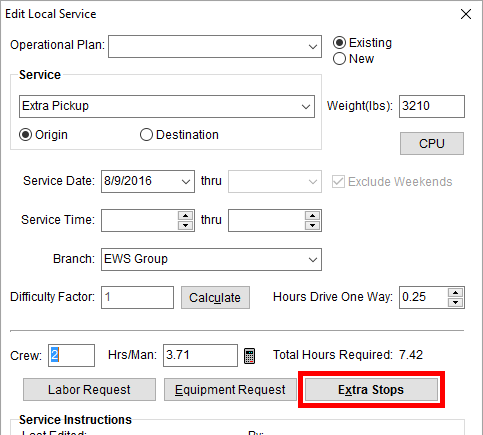
Figure 223: Add Local Services screen
Pressing Extra Stops opens a new Select Extra Stops dialog. Displayed in this
dialog are all the extra stops associated to the order, i.e. all those listed on
the Extra Stops tab. To link a
stop to the service, place a checkmark in the first column  associated to the stop.
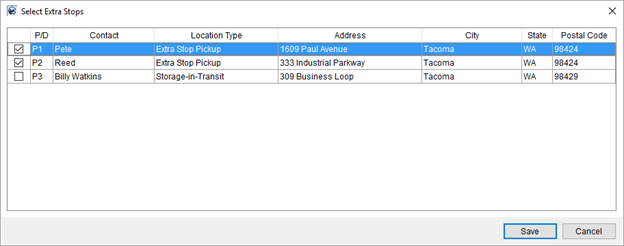
Figure 224: Select Extra Stops screen
Only selected stops link to the service and display on the Work Ticket Report. Note: Extra Stops do not appear on the Work Ticket Report unless they are linked to the service through the Select Extra Stops screen.

Figure 225: Extra Stops section of the Work Ticket Report
Refer to the Add Extra Stop topic for more information.
The Local Service Quick View displays Extra Stops associated to the selected service.
This enhancement is part of our ongoing development of support for Office & Industrial Moves.
|
SUMMARY (8242, 8377) |
|
Added the ability to associate one or more Extra Stops to a local service request. |
|
Extra Stops button added to Add Extra Stop, which opens the new Select Extra Stops dialog. |
|
Work Ticket Report updated to list only Extra Stops associated to the service through Add Extra Stop. |
|
Local Service Quick View displays Extra Stops linked to the particular service. |
|
The following areas have been affected by this enhancement: Schema Changes Version 2016R18
|
Define Start Day of the Work Week
Your company can define the starting day of the work week for local service crew assignments. Previously, MoversSuite assumed a work week that began on Sunday and ended on Saturday. With this enhancement, you can set the First Day of the Week within System Wide Options, which affects the total weekly hours calculated for crew within Local Dispatch.
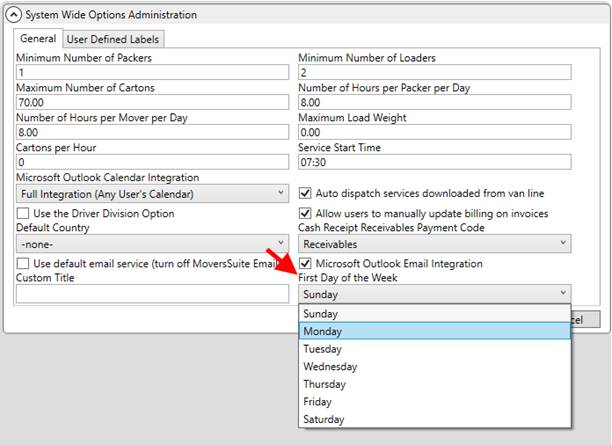
Figure 226: System Wide Options
By default, the First Day of the Week is Sunday. If this is changed to Tuesday, for example, then the total crew hours worked for the person computes starting on Tuesday and goes through the following Monday.
This change affects the WeekHrs calculation within the crew assignment grid within the Dispatch Center tab.
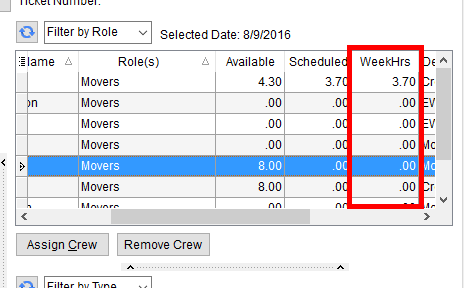
Figure 227: Crew Assignment grid
Read more about this functionality by referring to the WeekHrs field description within the Assign and Remove Crew topic.
This enhancement is part of our ongoing development of support for Office & Industrial Moves.
|
SUMMARY (8243) |
|
First Day of the Week selector added to the System Wide Options. |
|
The following areas have been affected by this enhancement: Schema Changes Version 2016R18
|
Ability to Add a Note to a Quote Line Item and Quote Group
The ability to add a note to a line item or group is available for a Quote.
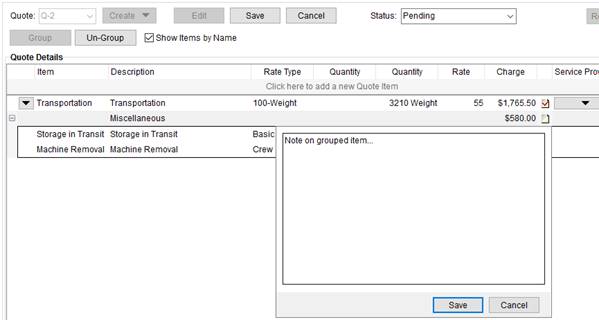
Figure 228: Quote tab
The Quote tab allows
you to add a note to a line item or group by clicking on the note icon:  . This opens a drop-down entry
form where you can type in the contents of your message and press Save.
. This opens a drop-down entry
form where you can type in the contents of your message and press Save.
The text of the note associated to a group or a detail line item can be up to 1,024 characters in length.
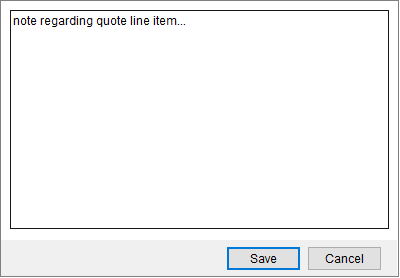
Figure 229: Note dialog from Quote tab
Once a note associates to a group or line item, the
application denotes this with a checked note icon:  . You can edit saved notes.
Saved notes also display on the Quote Form.
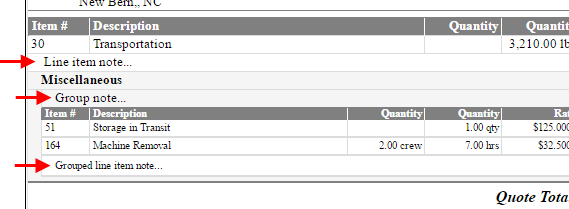
Figure 230: Note examples form the Quote Form
Refer to the Quote topic for more information on notes for quote items and groups.
This enhancement is part of our ongoing development of support for Office & Industrial Moves.
|
SUMMARY (8274, 8354) |
|
Added the ability to enter a note for a line item or group to a Quote. |
|
Line and group notes display on the Quote Form. |
|
The following areas have been affected by this enhancement: Schema Changes Version 2016R18
|
Upgraded Development Tools
The compiler and infrastructure behind the generation of the MoversSuite application executables has been upgraded to the latest supported toolset. The benefits of this upgrade include employing current products that offers features such as DPI awareness for HD rendering by MoversSuite and other forward-thinking technologies.
With this change some features may work a little differently. One notable change is with the Calendar Control.
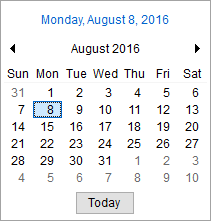
Figure 231: New Calendar Control
The current day displays at the top of the drop-down data selector. It is also a button that opens the month and year associated to the current date without closing the calendar.
Instead of having separate month and year selectors, the new control combines the month and year into one button. Clicking on the month and year button zooms the calendar out to cover a larger range. By default, the calendar displays the current month. Clicking on the current month/year link opens a list of all the months in the current year, each of which is a link to navigate to a particular month. Click this link again opens a decade view of each year. A last click of the date produces a listing of decades that you can use to zoom into.
|
Default display |
After clicking “August 2016” |
After clicking “2016” |
After clicking “2010-2019” |
|
|
|
|
|
At each calendar range, you can click on the arrow keys to navigate forward and backwards between values.
Refer to the Calendar Control topic for more information on this feature.
|
SUMMARY (8043) |
|
Updated compiler tools and environment. |
|
Updated Calendar Control is available. |
|
The following areas have been affected by this enhancement:
|
RELEASE FIXES
This section lists any fixes made to MoversSuite for this release.
Order Information
Updated Times Used counter in Letter Management
The Times Used counter in Manage Letters now increments on a template record each that it is referenced to generate a document. Prior to this release, the counter updated only when the document was saved to the Document Management System. (8220)
Stores bookmark working in Letter Management
The Stores bookmark, which is specific to Special Services orders, displays correctly when a document generates. Refer to Special Services Bookmarks. (8366)
SCHEMA CHANGES
View the database changes that affect this release through the following link:
Schema Changes Version 2016R18
The following links allows you to navigate through all MoversSuite tables and data views and allows you to view field properties, such as type and maximum value size, etc.
MoversSuite Database Tables (2016R18)
MoversSuite Document Database Tables (2016R18)
MoversSuite Data Views (2016R18)
|
Version 2016 R17 |
|
RELEASE DATE: 8/15/2016
QUICK LINKS
Here is a table containing several commonly requested hyperlinks.
|
Link |
Description |
|
|
Watch a short video highlighting the changes we have made to MoversSuite at this version. |
|
View current release information through a PDF document. | |
|
Read up on the requirements for this version of MoversSuite. | |
|
Check out our Support page to read about the latest MoversSuite release and find links to other useful information. | |
|
See what other MoversSuite customers are requesting for changes to the MoversSuite application and submit your own suggestions. | |
|
Past Versions Information |
Look through a list of changes made to all other versions of MoversSuite. |
|
Access a list of overview videos for each release. | |
|
Pull up the database changes we made at various releases. |
RELEASE SUMMARY
The following is a table contains counts of the items affecting this release.
|
# |
Change Summary |
|
1 |
Release Requirements |
|
1 |
Known Issues |
|
0 |
New Product Features |
|
7 |
Release Enhancements |
|
12 |
Release Fixes |
|
3 |
Schema Changes (# of database tables affected) |
|
3 |
Admin Changes |
|
1 |
Standard Reports Affected |
RELEASE REQUIREMENTS
Please read the following announcements regarding functionality and hardware/software changes for this release of MoversSuite.
IMPORTANT DYNAMICS GP REQUIREMENTS
Refer to the System Requirements section for a complete list of hardware and software requirements.
MoversSuite is compatible with the following:
Microsoft Dynamics GP 2015 R2 (with ATIP Build 14.0.1)
Microsoft Dynamics GP ATIP Build 14.0.1
Microsoft Dynamics GP 2013 R2 (with ATIP Build 12.0.23)
Microsoft Dynamics GP ATIP Build 12.0.23
Refer to the following for information regarding additional requirements you may need to support Microsoft Dynamics GP 2015:
System Requirements for Microsoft Dynamics GP 2015
View the MoversSuite Compatibility topic for a list of products compatible with MoversSuite.
Refer to the System Requirements section for a complete list of hardware and software requirements.
KNOWN ISSUES
The following issues are problems that may affect your decision to upgrade to this version of MoversSuite. The following issue is not resolved for this release.
Citrix issue with phone number control
An issue that cannot be replicated is causing the phone numbers within the Shipper Contact Information section (Name, Address, Phone tab) to disappear and then reappear when a user clicks on that section, however, the user cannot edit them until they press Cancel (on the order) and then attempt to Edit again. (6409)
RELEASE ENHANCEMENTS
Application UI background color set to white
The dark blue color that accentuated the MoversSuite Application is now white. This change provides better visibility of text labels and functions and the changes provides a “cleaner” look throughout.
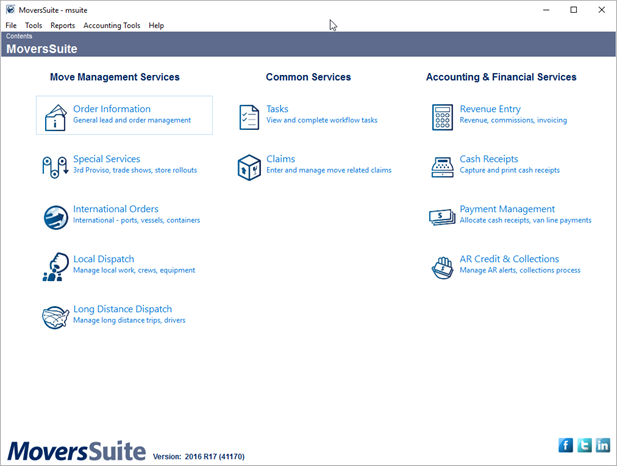
Figure 232: Contents Screen
|
SUMMARY (8318) |
|
UI background color changed to white. |
|
The following areas have been affected by this enhancement:
|
Dispatch Equipment Based on Quantity
Your company can now mark equipment as available to dispatch based on quantity, instead of by the hour. The new Dispatch based on quantity option is available within the Equipment Type Setup.

Figure 233: Equipment Type Setup
When this option is fully implemented on a future release of MoversSuite, the Dispatch based on quantity option, when checked, will instruct the application to dispatch this type of equipment on a quantity basis when making assignments through Local Dispatch.
Unchecking this option (the default), equipment is dispatched on an hourly basis.
This change is part of our continuing changes to better support O&I moves.
|
SUMMARY (8239) |
|
Dispatch based on quantity flag added to Equipment Type Setup. |
|
The following areas have been affected by this enhancement: Schema Changes Version 2016R17
|
Operational Plans functionality added to Requested Services
A new tab added to the Requested Services screen allows you to quickly view Operational Plan submissions along with all associated services submitted with the request to Local Dispatch.
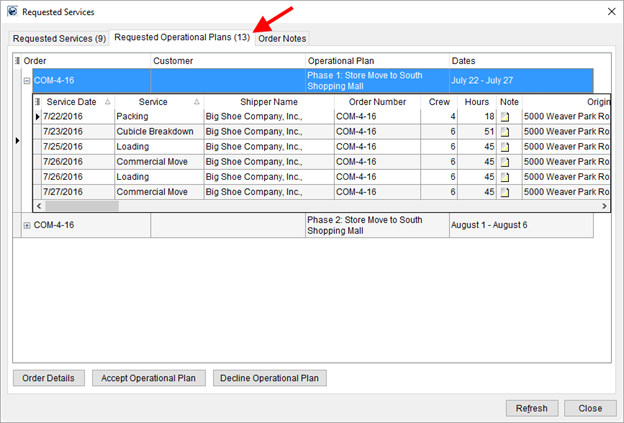
Figure 234: Requested Operational Plans tab within Requested Services screen

The Requested Operational Plans tab provides the Accept Operational Plan option allowing you to clear the plan for dispatching.

Likewise, the Decline Operational Plan option allows you to send the plan back to Local Services for review and corrections.
The count of all services displaying within the Requested Operational Plans tab displays within the tab title. In the example below, 13 services are associated to plans listed within the tab. Note: Services associated to an Operational Plan do not show in the Requested Services tab.
Figure 235: Requested Services screen
Read more about this functionality through the Requested Operational Plans and Operational Plan topics.
|
SUMMARY (8201) |
|
The following areas have been affected by this enhancement:
|
Import and Export through Letter Management
You now have the ability to export and import Word-formatted documents directly into Letter Management templates.
Two options are available to you through the File menu within the Letter Designer. They include the Import from File and Export to File options.
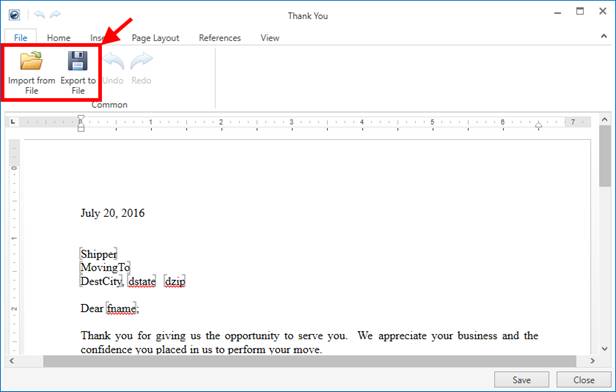
Figure 236: Letter Designer window

Use the Import from File option to import a Word file directly into the body of an open template. The application inserts the information into the template, replacing any data that may exist there. It also imports any Word Bookmarks from the file and converts them Letter Management Bookmarks.

You also have the ability to select the Export to File option to save the template to a Word file. This feature allows you to save the template as a file on your system and transfer it to another system, where it can be imported using the Import from File feature.
MoversSuite recommends that you import and export only Microsoft Word Document (.doc) or Word 2007 Document (.docx). Both of these formats fully support Letter Management Bookmarks.
Refer to the Letter Designer topic for more information.
|
NOTE |
|
If your company utilizes custom phone types (defined within Shipper Phone Type Setup and Claim Phone Type Setup), then the application attempts to convert these into active phone type bookmarks. For example, if you have “Cell Phone” defined on one system and attempt to import a document into a separate system that also utilizes this phone type, then the application attempts to match on the description with the setup area. If no match is made, the bookmark is not imported; the bookmark remains as the text that represented the bookmark that you can update appropriately.
Additionally, the Letter Management system does not support Word Bookmarks of “coordphoneext,” “bphonex,” “phonewext.” The phone number extension for the related phone numbers is included in the phone number of the new-style Letter Management Bookmarks. The text placeholder for these bookmarks remains in the converted document, so you can readily identify them and update your new template accordingly. |
|
SUMMARY (8199) |
|
Import from File and Export to File options added to the Letter Designer. |
|
The following areas have been affected by this enhancement:
|
Capture New Payment Method from the Accounting Tools menu
A Capture Credit Card Information option is available through the Accounting Tools Menu. This option allows you to access the Capture New Payment Method screen from which you can capture payment information for future Electronic Payments and Recurring Electronic Payments.
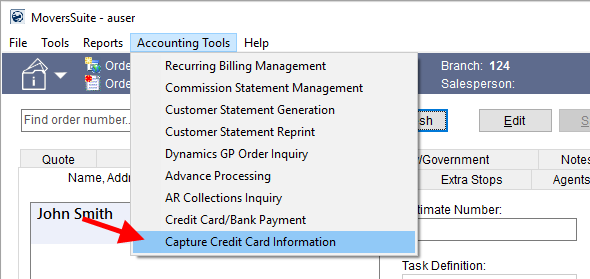
Figure 237: Contents Screen
Prior to this release, the Capture New Payment Method option to access the screen was available only through the Payment Setup tab.
|
SUMMARY (8308) |
|
Capture Credit Card Information option added to the Accounting Tools Menu. |
|
The following areas have been affected by this enhancement:
|
Limit Payment Types on Electronic Merchant
Your company can determine which payment types are available to users when capturing or processing Electronic Payments for a particular merchant service provider.
New options added to the Electronic Merchant Setup allow you to set which types are visible within the Credit Card/Bank Payment and Capture New Payment Method screens.
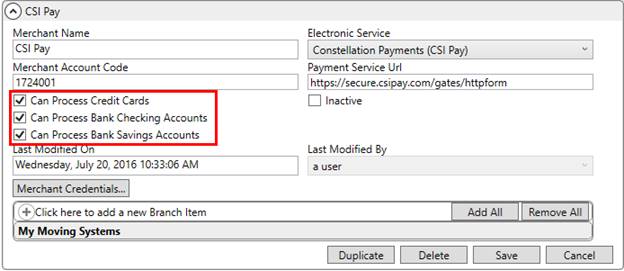
Figure 238: Electronic Merchant Setup
The new options available through this setup include:
Can Process Credit Cards
Can Process Bank Checking Accounts
Can Process Bank Savings Accounts
Example: If only the Can Process Credit Cards option is set, then only the Payment Type of “Credit Card” is available on either the Credit Card/Bank Payment and Capture New Payment Method screens.
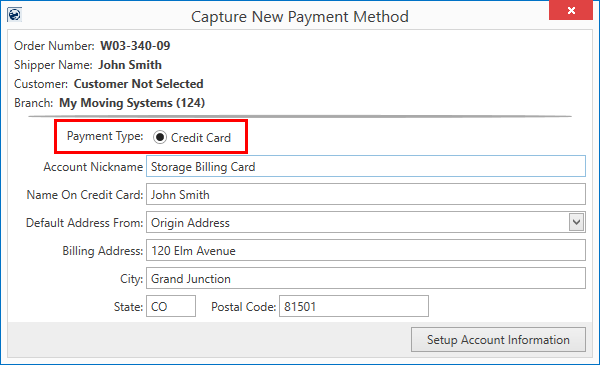
Figure 239: Capture New Payment Method screen
|
SUMMARY (8316) |
|
Options to determine which Payment Types display for a provider added to Electronic Merchant Setup. |
|
The following areas have been affected by this enhancement: Schema Changes Version 2016R17
|
Option added to associate Electronic Payment to Customer
We updated the Capture New Payment Method and Credit Card/Bank Payment screens by adding an Attach Credit Card To This Customer option that, when checked, stores the payment information for the customer.
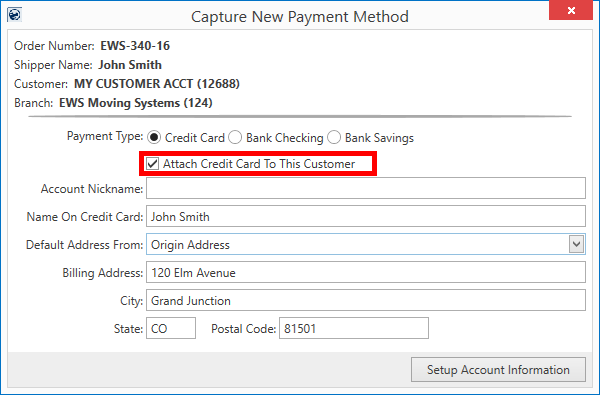
Figure 240: Capture New Payment Method
Prior to this release, payment information automatically associated to the customer, which, in certain situations such as a van line or COD customer, caused a large number of references under a particular customer; this made it difficult to navigate through the large list of Payment Information On Hand option (within Credit Card/Bank Payment).
The Attach Credit Card To This Customer option is also available through the Credit Card/Bank Payment screen.
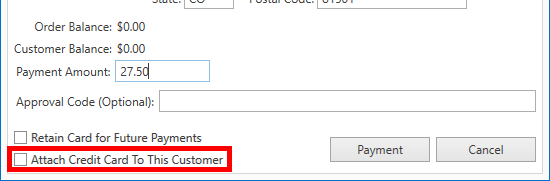
Figure 241: Credit Card/Bank Payment screen
Along with this change, we added a new option to the Credit Card/Bank Payment
screen allowing those of you with appropriate privileges access to the Payment Method Management
screen. Press the ellipses button  associated to the Payment
Information On Hand option to access the Payment Method Management screen.
associated to the Payment
Information On Hand option to access the Payment Method Management screen.
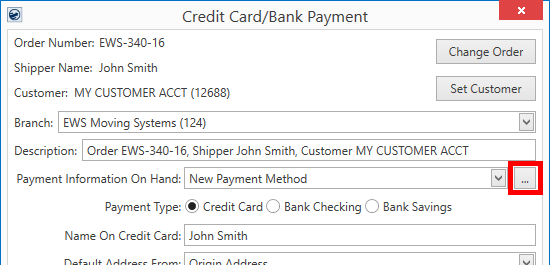
Figure 242: Credit Card/Bank Payment
MoversSuite also provides options to attach and remove a payment from a customer. These options are available through a right-click menu within the Payment Method Management screen.
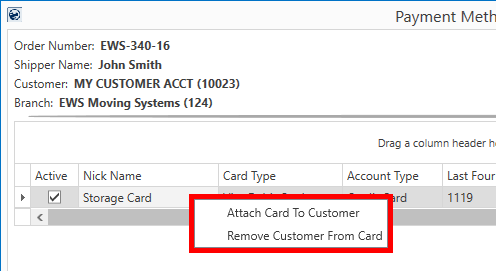
Figure 243: Payment Method Management screen
Refer to the Electronic Payments, Payment Method Management, and Recurring Electronic Payments topics for more information.
|
SUMMARY (8345) |
|
Attach Credit Card To Customer option added to Capture New Payment Method and Credit Card/Bank Payment. |
|
Attach Card To Customer and Remove Customer From Card added as right-click options within Payment Method Management. |
|
Access to the Payment Method Management screen available through Credit Card/Bank Payment. |
|
The following areas have been affected by this enhancement:
|
RELEASE FIXES
This section lists any fixes made to MoversSuite for this release.
Connections
Improved handling of <Type> tag on Pass Thru Connector
If an object that contains a <Type> property is encountered and the <Type> property is not set, the MoversConnect process now includes a NULL value for the <Type> property. This allows for the actual error, e.g. missing type, to return to the sending request. This change primarily affects the Pass Thru Connector. Refer to the NOTES section within Pass Thru Connector Upload Format for more information. (8307)
Electronic Payments
Improved error handling for Recurring Electronic Payments
The Recurring Electronic Payments process is improved to handle exceptions that result when the application encounters errors such as an incorrect URL or electronic merchant is not long configured correctly or active (Electronic Merchant Setup) and when a merchant service provider is non-responsive. When these types of errors are encountered, the application associates them to a MoversSuite error code and tracks them through the error handling system. This also allows for payments to be reprocessed through the Recurring Electronic Payments screen. (8327)
Local Dispatch and Long Distance Dispatch
Updated FastTrack CSV Email Eligibility
The application now checks the vanline associated to the order directly or by the branch set for the order to determine whether the service or trip associates to a UniGroup vanline (Mayflower, United) and is therefore eligible for the FastTrack CSV Email. Prior to this release, the check was only performed on the vanline associated to the order record (not the branch). (8266)
Order Information
Blank description on a quote group no longer causing error
When creating a group of Quote detail items, the application no longer allows you to leave the group description blank. On the previous release, this caused an error. Additionally, a new quote is automatically assigned a Quote Status of “Pending.” Previously, no status was assigned to the quote and a user had to manually set the status in order to save the record. (8317)
Support added for the bcsz bookmark in Letter Management
The old-style bcsz bookmark (Bookmarks) provides information on the branch city, state, and postal code (no street address) and is now supported by the new Letter Management system. The bcsz bookmark is included when old-style bookmark letters are imported into Letter Management (refer to the Import from existing Letter option within Manage Letters).
The bcsz bookmark is referenced in the new system under the title of Branch City, State, and Postal Code within the Insert Bookmark function. (8328)
Full phone number and extension display on reports
We modified a routine that retrieves order information for reports to account for larger phone numbers, such as the combined consignee phone number and phone number extension. The routine allows for phone numbers up to 30 characters, if there is no phone extension, and up to 42 characters, if the extension is included. This change affects several standard reports including the Work Ticket Report. (8213)
Order History shows actual user making Shipment Status History changes
Order History now shows the actual user that made changes within Shipment Status History (Set Shipment Status). Prior to this release, some of the changes made within Shipment Status History showed generically under the External Application user. (8205)
Payment Management
Negative Adjustments show on Payment Management Adjustments Report
Negative adjustment amounts created within Payment Application now show on the Payment Management Adjustments Report. (8186)
Revenue Entry
Reductions on reduced by other reductions calculates correctly
Calculations that include a reduction by other reductions now calculate correctly when the revenue item is added. Prior to this release, the calculation for reductions including other reductions only occurred if the revenue item reduction was edited. (8284).
Support for multiple third party vendors on same invoice
Microsoft Dynamics GP treats third party items separately and creates separate invoices and document numbers accordingly. This is true even if the third party items are on the same MoversSuite invoice. Prior to this release, if the application encountered multiple vendors on the same third party invoice, then they were combined into one invoice with one document number when imported into GP. MoversSuite now provides support for multiple vendors with the same invoice number and creates multiple document numbers accordingly.
To assist in this process, we updated the Add Third Party Item (Revenue Entry) dialog to allow the same invoice number to be assigned to multiple vendors. You now select the Vendor first.
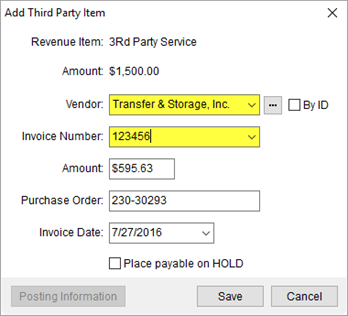
Figure 244: Add Third Party
And, once you select a vendor, the Invoice Number filter displays only invoices that the particular vendor is associated with. The Invoice Number selector also includes the vendor information when the menu options are viewed.
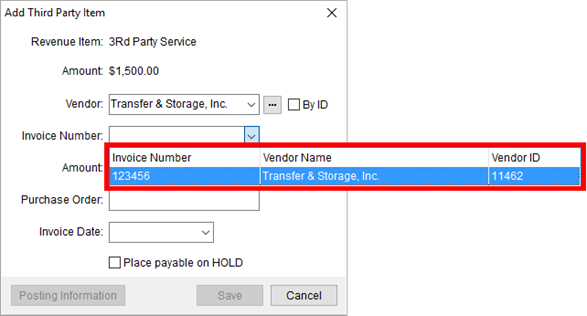
Figure 245: Add Third Party
And, on the Summary tab, separate lines appear for third party items that have multiple vendors for the same invoice. (8315, 8329, 8330)
SCHEMA CHANGES
View the database changes that affect this release through the following link:
Schema Changes Version 2016R17
The following links allows you to navigate through all MoversSuite tables and data views and allows you to view field properties, such as type and maximum value size, etc.
MoversSuite Database Tables (2016R17)
MoversSuite Document Database Tables (2016R17)
MoversSuite Data Views (2016R17)
|
Version 2016 R16 |
|
RELEASE DATE: 8/1/2016
QUICK LINKS
Here is a table containing several commonly requested hyperlinks.
|
Link |
Description |
|
|
Watch a short video highlighting the changes we have made to MoversSuite at this version. |
|
View current release information through a PDF document. | |
|
Read up on the requirements for this version of MoversSuite. | |
|
Check out our Support page to read about the latest MoversSuite release and find links to other useful information. | |
|
See what other MoversSuite customers are requesting for changes to the MoversSuite application and submit your own suggestions. | |
|
Past Versions Information |
Look through a list of changes made to all other versions of MoversSuite. |
|
Access a list of overview videos for each release. | |
|
Pull up the database changes we made at various releases. |
RELEASE SUMMARY
The following is a table contains counts of the items affecting this release.
|
# |
Change Summary |
|
1 |
Release Requirements |
|
1 |
Known Issues |
|
0 |
New Product Features |
|
5 |
Release Enhancements |
|
2 |
Release Fixes |
|
0 |
Schema Changes (# of database tables affected) |
|
1 |
Admin Changes |
|
0 |
Standard Reports Affected |
RELEASE REQUIREMENTS
Please read the following announcements regarding functionality and hardware/software changes for this release of MoversSuite.
IMPORTANT DYNAMICS GP REQUIREMENTS
Refer to the System Requirements section for a complete list of hardware and software requirements.
MoversSuite is compatible with the following:
Microsoft Dynamics GP 2015 R2 (with ATIP Build 14.0.1)
Microsoft Dynamics GP ATIP Build 14.0.1
Microsoft Dynamics GP 2013 R2 (with ATIP Build 12.0.23)
Microsoft Dynamics GP ATIP Build 12.0.23
Refer to the following for information regarding additional requirements you may need to support Microsoft Dynamics GP 2015:
System Requirements for Microsoft Dynamics GP 2015
View the MoversSuite Compatibility topic for a list of products compatible with MoversSuite.
Refer to the System Requirements section for a complete list of hardware and software requirements.
KNOWN ISSUES
The following issues are problems that may affect your decision to upgrade to this version of MoversSuite. The following issue is not resolved for this release.
Citrix issue with phone number control
An issue that cannot be replicated is causing the phone numbers within the Shipper Contact Information section (Name, Address, Phone tab) to disappear and then reappear when a user clicks on that section, however, the user cannot edit them until they press Cancel (on the order) and then attempt to Edit again. (6409)
RELEASE ENHANCEMENTS
Create New Template from Existing Word Letter
You now have the option to convert old-style bookmark Microsoft Word documents into new Letter Management templates. A new feature added to the Manage Letters screen allows you to select from a list of reports formatted as a report type of “Letter;” these documents typically utilize the old-style Bookmark Fields.
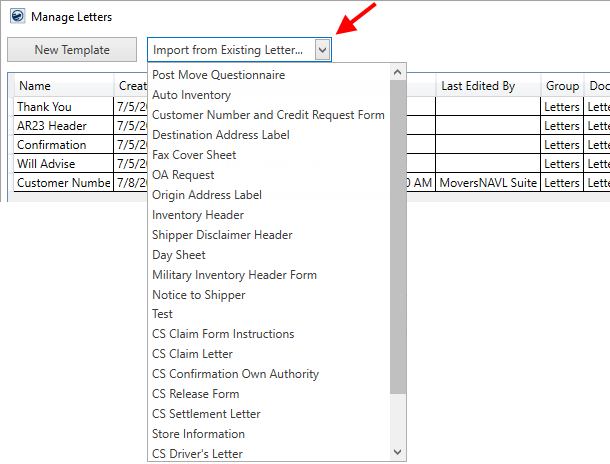
Figure 246: Manage Letters screen
Once you select one of these existing documents, MoversSuite prompts you to enter the Letter Template Properties for a new document. The application then converts this document into a template and makes it immediately available, i.e. users that have access to the report prior to conversion have access to the newly converted one without administration changes.
The import process not only generates a new template based on the pre-existing letter, but also supports existing bookmarks. For example, if your letter contains the “coord” bookmark, then the text of the converted bookmark continues to remain “coord,” however the conversion links to the supported Transportation Coordinator (Order Information) bookmark (found under the Order Information Bookmarks).
Of note, the following Bookmark Fields (old style) are not supported as Letter Management Bookmarks (new style). These bookmarks are not replaced, so please take appropriate steps to make corrections to your documents after they import.
Bookmarks not supported by the Letter Management system and not imported into converted templates:
|
Unsupported Bookmark |
Description |
|
bcsz |
Displays the city, state, and zip of the branch associated to the order. This information is available in Letter Management as separate bookmark fields (refer to Branch Address and related bookmarks within the Order Information Bookmarks listing). Note: The bcsz bookmark will be supported in MoversSuite Version 2016 R17 release. |
|
bphonex |
Evokes the phone number extension associated to the branch of the order. This value is available within the Letter Management as a separate bookmark field (refer to Branch Phone within the Order Information Bookmarks listing, which includes the phone number and phone extension of the branch). |
|
coordphoneext |
Displays the extension for the work phone of the transportation coordinator on the order. This information is available in Letter Management as separate bookmark field (the phone extension is included in the Transportation Coordinator Work Phone bookmark listed within the Order Information Bookmarks). |
|
phonewext |
Displays the extension for the work phone of the shipper on the order. This information is available in Letter Management as separate bookmark field (the phone extension is included in the Origin Work Phone bookmark listed within the Order Information Bookmarks). |
|
Did you know? |
|
You can select any non-bookmarked text within the Letter Designer and convert it into a bookmark.
Example: If you select “Any word” and link it to the Shipper Name bookmark, the text continues to read “Any word,” however when a document generates based on this template, the text is replaced with the actual name of the shipper. |
|
SUMMARY (8271) |
|
Import from Existing Letter option added to Manage Letters. |
|
The following areas have been affected by this enhancement:
|
More Letter Management Bookmarks Available
29 new bookmarks have been added to the Letter Management system. The following is a list of new fields ordered by the group they list under.
Added to the list of Military Bookmarks:
Destination Base Address Line 1
Destination Base Address Line 2
Destination Base Address Line 3
Destination Base City
Destination Base Country Name
Destination Base Fax
Destination Base Name
Destination Base Phone
Destination Base Postal Code
Destination Base State
Added to the list of Order Information Bookmarks:
Booking Agent City
Booking Agent Contact Name
Booking Agent Country Name
Booking Agent Phone
Booking Agent Postal Code
Booking Agent State
Booking Agent Street Address
Destination Agent Contact Name
Hauling Agent City
Hauling Agent Contact Name
Hauling Agent Country Name
Hauling Agent ID
Hauling Agent Name
Hauling Agent Phone
Hauling Agent Postal Code
Hauling Agent State
Hauling Agent Street Address
Special Instructions – Destination
Special Instructions - Origin
|
SUMMARY (8206, 8211) |
|
29 new bookmarks added to those available through the Insert Bookmark function. |
|
The following areas have been affected by this enhancement:
|
O&I: Filter and Synchronize Crew and Equipment Based on their Role or Type
Those of you working in Local Dispatch now have the option to filter the
list of crew and equipment by the person’s role or by the equipment type. You
also have the ability to synchronize the filter to match what is requested for
the selected service by pressing the synchronize button  .
.
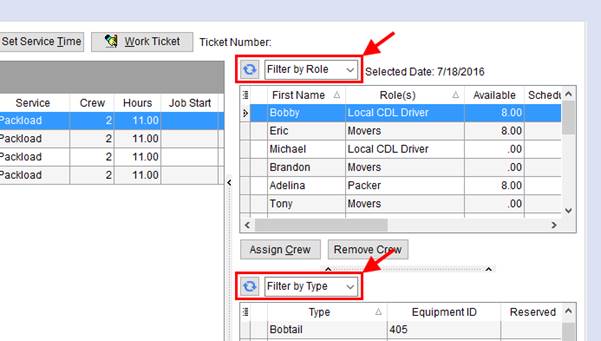
Figure 247: Assignment grids within the Dispatch Center
The filter menu for crew assignments allows you to select which personnel list in the crew grid. This reduces the number of crew members displaying in the grid to just those associated to the selected role or roles.
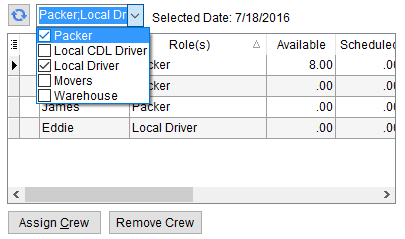
Figure 248: Crew assignment grid
Further, pressing the synchronize button automatically performs the role
filtering based on what is requested for the selected service, based on what is
entered for the Labor Request
within Add Local Service. For
example, if a service request includes roles for Packer and Local Driver, then
only those crew members that have corresponding roles display in the crew
assignment grid.
The equipment filtering and synchronization works the same way as that for the crew assignment grid. The filtering is based on the equipment type and the synchronization is based on what is set for the selected services through the Equipment Request within Add Local Service.
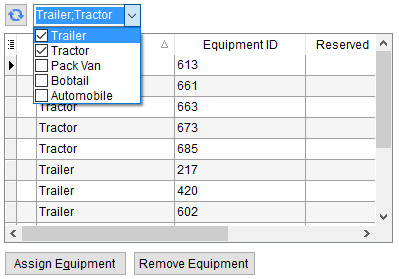
Figure 249: Equipment assignment grid
This change is part of our continuing changes to better support O&I moves.
|
SUMMARY (8234) |
|
Filtering and synchronization functions added to the crew and equipment assignment grids within Local Dispatch. |
|
The following areas have been affected by this enhancement:
|
O&I: Default Branch and Hire Date added to Crew Assignment Grid
The Default Branch set for the employee along wither Hire Date have been added to the crew assignment grid within Local Dispatch.
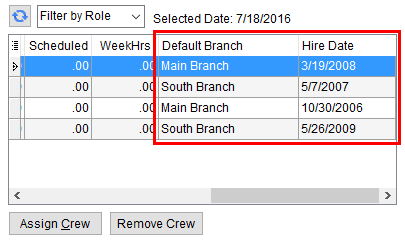
Figure 250: Crew Assignment grid
The Default Branch and Hire Date are set for employees through Personnel Setup.
This change is part of our continuing changes to better support O&I moves.
|
SUMMARY (8233) |
|
Default Branch and Hire Date added to the crew assignment grid within Local Dispatch. |
|
The following areas have been affected by this enhancement:
|
Turn On/Off MoversSuite Email Service
Your company can turn on the MoversSuite Email Service by unchecking the Use default email service (turn off MoversSuite Email) option within the System Wide Options.
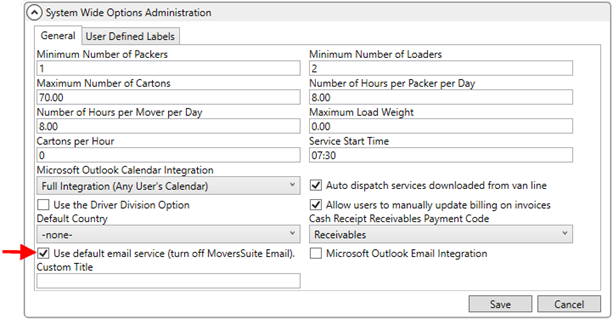
Figure 251: System Wide Options
When this option is checked, the mail service referenced to send email messages from MoversSuite relies on the default mail server loaded onto the application server of the one referenced through SMTP Setup.
Refer to MoversSuite Email Service for more information.
|
SUMMARY (8305) |
|
Use default email service (turn off MoversSuite Email) option added to System Wide Options. |
|
The following areas have been affected by this enhancement:
|
RELEASE FIXES
This section lists any fixes made to MoversSuite for this release.
Connections Fixes
Equipment Import Scripts Added
Scripts are available to import equipment and related safety records directly into the MoversSuite database from a spreadsheet. The scripts affect the Equip and SafetySystemEquipment tables (Equipment Setup records). These scripts are primarily used for MoversSuite personnel to import these records as part of a new installation. (7729)
Order Information Fixes
Updated Save option added to Letter Designer
The option to Save and Close now replace the Save Template and Cancel options within the Letter Designer window. Additionally, if the application recognizes that changes have been made, you receive a prompt confirmation if you attempt to close the screen without saving.
Figure 252: Save Changes prompt
Prior to this release, pressing Save Template closed the screen as well. (8272)
SCHEMA CHANGES
NO SCHEMA CHANGES FOR THIS RELEASE
The following links allows you to navigate through all MoversSuite tables and data views and allows you to view field properties, such as type and maximum value size, etc.
MoversSuite Database Tables (2016R16)
MoversSuite Document Database Tables (2016R16)
MoversSuite Data Views (2016R16)
|
Version 2016 R15 |
|
RELEASE DATE: 7/18/2016
QUICK LINKS
Here is a table containing several commonly requested hyperlinks.
|
Link |
Description |
|
|
Watch a short video highlighting the changes we have made to MoversSuite at this version. |
|
View current release information through a PDF document. | |
|
Read up on the requirements for this version of MoversSuite. | |
|
Check out our Support page to read about the latest MoversSuite release and find links to other useful information. | |
|
See what other MoversSuite customers are requesting for changes to the MoversSuite application and submit your own suggestions. | |
|
Past Versions Information |
Look through a list of changes made to all other versions of MoversSuite. |
|
Access a list of overview videos for each release. | |
|
Pull up the database changes we made at various releases. |
RELEASE SUMMARY
The following is a table contains counts of the items affecting this release.
|
# |
Change Summary |
|
1 |
Release Requirements |
|
1 |
Known Issues |
|
2 |
New Product Features |
|
2 |
Release Enhancements |
|
6 |
Release Fixes |
|
7 |
Schema Changes (# of database tables affected) |
|
2 |
Admin Changes |
|
0 |
Standard Reports Affected |
RELEASE REQUIREMENTS
Please read the following announcements regarding functionality and hardware/software changes for this release of MoversSuite.
IMPORTANT DYNAMICS GP REQUIREMENTS
Refer to the System Requirements section for a complete list of hardware and software requirements.
MoversSuite is compatible with the following:
Microsoft Dynamics GP 2015 R2 (with ATIP Build 14.0.1)
Microsoft Dynamics GP ATIP Build 14.0.1
Microsoft Dynamics GP 2013 R2 (with ATIP Build 12.0.23)
Microsoft Dynamics GP ATIP Build 12.0.23
Refer to the following for information regarding additional requirements you may need to support Microsoft Dynamics GP 2015:
System Requirements for Microsoft Dynamics GP 2015
View the MoversSuite Compatibility topic for a list of products compatible with MoversSuite.
Refer to the System Requirements section for a complete list of hardware and software requirements.
KNOWN ISSUES
The following issues are problems that may affect your decision to upgrade to this version of MoversSuite. The following issue is not resolved for this release.
Citrix issue with phone number control
An issue that cannot be replicated is causing the phone numbers within the Shipper Contact Information section (Name, Address, Phone tab) to disappear and then reappear when a user clicks on that section, however, the user cannot edit them until they press Cancel (on the order) and then attempt to Edit again. (6409)
NEW PRODUCT FEATURES
Standalone MoversSuite Email
Service 
MoversSuite offers an integrated email service that provides email messaging directly from the MoversSuite application. The new MoversSuite Email Service allows MoversSuite to operate without relying on a full integration to an external mail service, such as Microsoft Outlook.
You can utilize the MoversSuite Email Service to open an email dialog from several locations throughout the application. Further, the service makes order personnel and others tied to the order available to you to assign as email recipients. Order Number and Shipper Name display directly within the email form for quick reference and, another big improvement, is the ability to attach order documents directly to the email message.
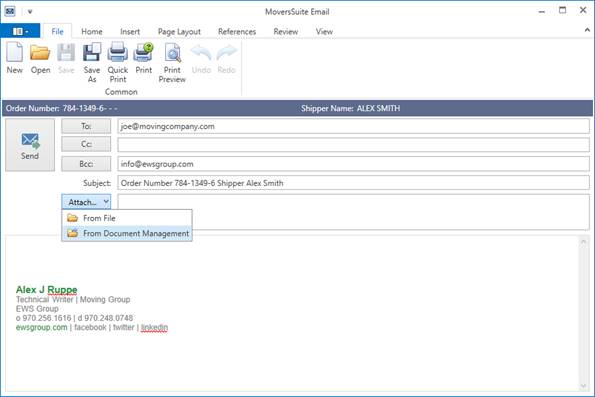
Figure 253: MoversSuite Email
The MoversSuite Email form contains many features common in most mail forms, such as the ability to insert text and images, print, add a signature, check spelling, and more.
Unique to MoversSuite Email is that the Order Number and Shipper Name of the specific order record being viewed display within the mail form. This allows you to open multiple email forms for multiple orders and not lose track of which one you are on.
Further, clicking one of the recipient buttons (To, Cc, Bcc) opens the Add Email Address dialog allowing you to select one or more personnel associated to the order and add them to the list of recipients on the email.
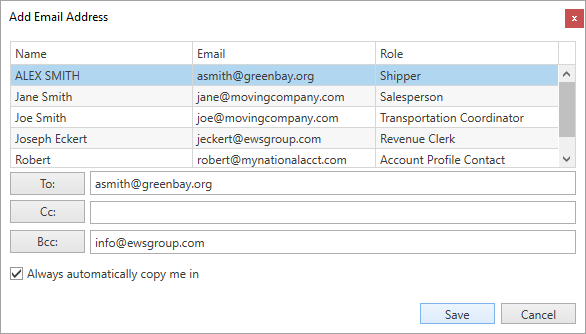
Figure 254: Add Email Address
You can access the new email form from the Email option available through the Tools Menu and through key locations within MoversSuite, such as through reports, clicking on the shipper email within Name, Address, Phone tab, and from the Agents tab.
Specific to the Agents
tab, is access to various contacts for the agent when the mail icon ( ) is clicked.
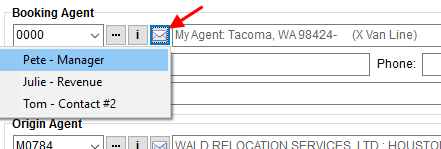
Figure 255: Email option within Agents tab
The MoversSuite Email Service works independent of any email service you may have running locally, such as Microsoft Outlook. The impetus behind this change is to provide a low cost solution for our Cloud customers. In future releases, MoversSuite will entail a bookmark and Microsoft Word replacement as part of our Production Pack. This pack will allow our customers to have all the primary communication tools they need without relying and paying for additional software.
View the MoversSuite Email Service topic for more information.
|
SUMMARY (7363, 8155) |
|
MoversSuite Email Service added. |
|
Send emails directly from various locations throughout MoversSuite:
|
|
New Tools Menu option of Email added. |
|
Added the ability to add contacts to agent records through Agent Setup. |
|
The following areas have been affected by this feature:
|
Automatic Recurring Billing
Email
Available for Recurring Billing and Storage and Recurring Electronic Payments is now the ability to automatically email invoices and cash receipts generated through a billing run to the email address or addresses associated to the Recurring Billing record.
You assign an email address or addresses to the billing record through the Payment Setup tab. This enables the record for emails to generate automatically through a billing run.
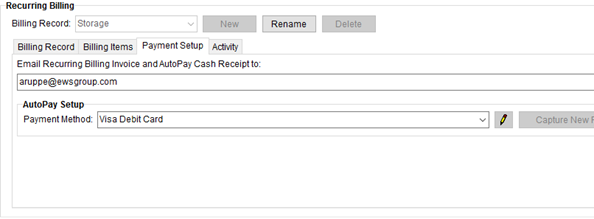
Figure 256: Payment Setup tab
When Recurring Billing and Storage generates payments, invoices for those payments are attached to an email and automatically sent to the email address or addresses specified on the Payment Setup tab.
Additionally, if the Billing Record is setup for Electronic Payments and the Payment Method is sent, an email including the cash receipt for the Recurring Electronic Payments item is also sent as part of the billing run.
A sample invoice email message generated automatically through this system displays below.
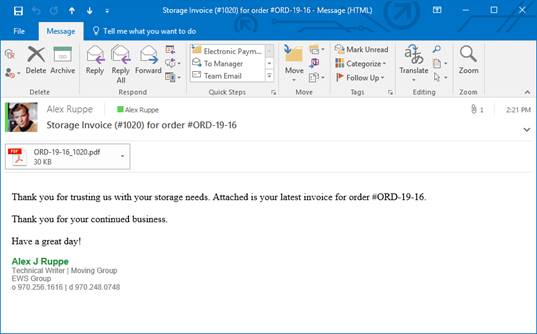
Figure 257: Sample automatic email for storage
The system also updates Document Management with a copy of the invoice and cash receipt generated.
An updated Report Viewer provides options for the invoices and cash receipts. Two separate Report Viewer windows open for each type of report generated for the billing run (one for invoices and one for cash receipts, if processing Electronic Payments).
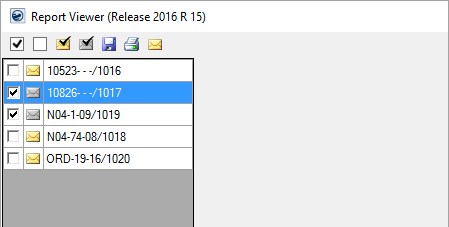
Figure 258: Report Viewer options
Additional information and options are available through the
Report Viewer. They include the
ability to see which records have at least one email address associated to the
billing record ( ) and those
that have none (
) and those
that have none ( ). You can
also select all invoices that are setup for recurring billing email (
). You can
also select all invoices that are setup for recurring billing email ( ) or select all that are
not (
) or select all that are
not ( ). The application
combines all selected records into a single email, complete with all invoices
(or cash receipts) attached. If you wish to generate an email for a single
payment, then verify that only one record is selected and press the email button
(
). The application
combines all selected records into a single email, complete with all invoices
(or cash receipts) attached. If you wish to generate an email for a single
payment, then verify that only one record is selected and press the email button
( ).
).
When the Report Viewer initially appears, all the invoices associated to records setup for recurring billing email are unselected. This informs you that email message have already been sent out for these records.
Your company also has the ability to set the content of the
email message. A new System
Email Setup allows you to set the default subject and body of the email
messages generated through Recurring Billing and Storage run
complete with placeholders ( )
for placement of up to four order attributes:
)
for placement of up to four order attributes:
Cash Receipt Number
Invoice Amount
Invoice Number
Order Number
The following image is the default System Email Setup settings provided for each email type generated through a billing run. The Recurring Billing section details the subject and body of the message issued for a recurring billing invoice and the Recurring Cash Receipts outlines the subject and body of the email for an electronic payment generated during the billing run.
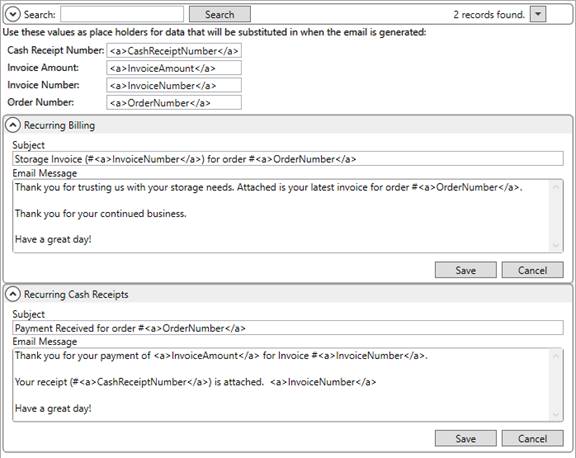
Figure 259: System Email Setup
Read more about this subject through the Electronic Payments Setup and Administration, Payment Setup, Report Viewer, System Email Setup topics.
|
SUMMARY (8222, 8252) |
|
Added System Email Setup to customize the text of the message sent to customers for invoices and cash receipts generated through Recurring Billing and Storage. |
|
New options added to the Report Viewer to identify which invoices and cash receipts associate to billing records setup for email. |
|
Duplicate Prefix values no longer allowed within Cash Receipt Numbers Setup. |
|
The following areas have been affected by this enhancement: Electronic Payments Setup and Administration
|
RELEASE ENHANCEMENTS
Streamline Quote Entry

The Quote tab allows you to quickly add and edit line items and groups in a streamlined manner. Instead of opening a separate dialog screens to manage and add quotes items, the updated Quote tab provides an inline add and edit ability directly from the main grid.
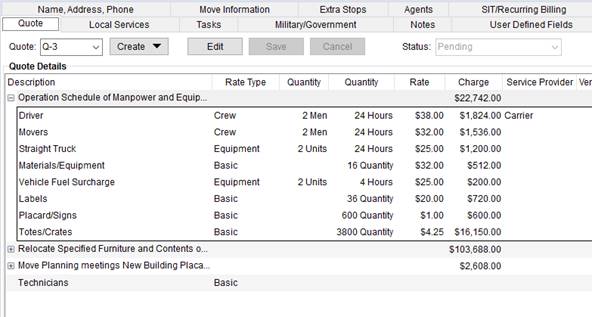
Figure 260: Quote tab
New options added to this tab allow you to create a blank quote or to duplicate an existing quote.
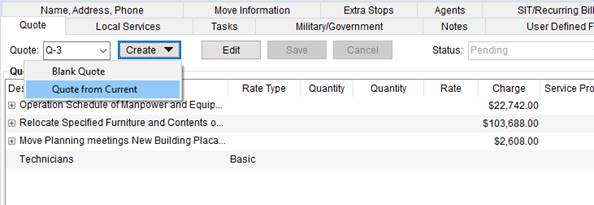
Figure 261: Create option within Quote tab
Press Edit to places the grid in edit mode and enter new records by clicking in the Item column and beginning making selections to the row. Navigate between columns by pressing the Tab key.
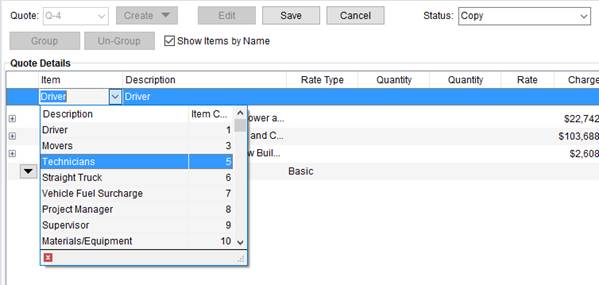
Figure 262: Item selector in Edit mode within Quote tab
Select one or more items and press Group to create a
grouped listing of line items. Use a new line menu ( ) to create duplicates or to remove line
items.
) to create duplicates or to remove line
items.
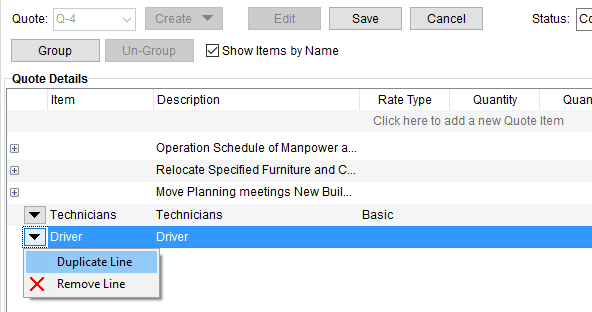
Figure 263: Right-click option within Edit mode within Quote tab
View the Quote topic for more information on this feature.
|
SUMMARY (8164) |
|
Updated Quote tab. |
|
The following areas have been affected by this enhancement:
|
Security added to Recurring
Electronic Payments
Users with “Full” security access to the Electronic Payment Management module have the option to update the Payment Method of a Recurring Billing record through the Payment Setup tab.

Figure 264: Security Profile Setup
With this module enabled for a particular branch, users have
access to the Payment
Method Management screen available through the edit button (  ) within the Payment Setup tab; this button does not display if
the user does not have appropriate security privileges.
) within the Payment Setup tab; this button does not display if
the user does not have appropriate security privileges.
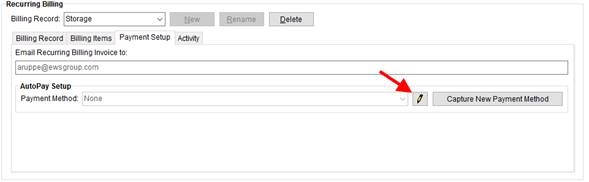
Figure 265: Payment Setup tab
The Payment Method Management screen lists all payment methods saved for the order.
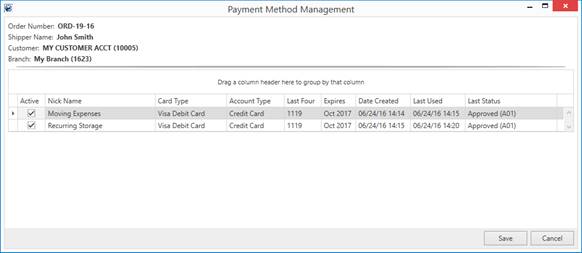
Figure 266: Payment Method Management screen
From this screen, you can mark a payment method as active or inactive and update the nickname.
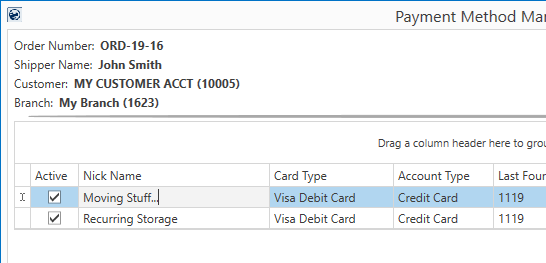
Figure 267: Payment Method Management screen
Users must have “Full” access to the Electronic Payment Management module to access this screen. Refer to Electronic Payments Setup and Administration and Security Modules for more information.
The Nick Name assists those making an assignment to through the Payment Setup tab.
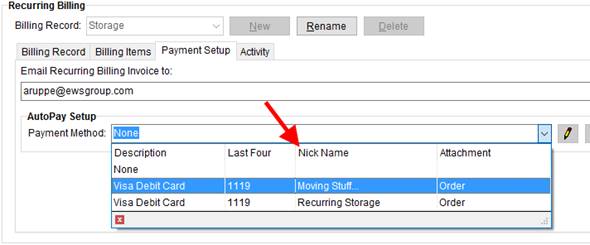
Figure 268: Payment Method sample options
|
SUMMARY (8254) |
|
New Payment Method Management screen available through Payment Setup. |
|
The following areas have been affected by this enhancement:
|
RELEASE FIXES
This section lists any fixes made to MoversSuite for this release.
Connections Fixes
Order Information Data View updated to pull correct agent information
The vOrderInformation Data View now pulls the correct agent information for all four agent types (Booking, Hauling, Destination, Origin). (8214)
Convert MSS External Interface to Windows service
The process that monitors and transfers messages for external application integrations now utilizes a standard Windows API service. Prior to this release, the processes were managed through the Internet Information Services (IIS) for Windows.
This changes provides a more robust way of managing services for external application integrations. (6718)
Electronic Payments Fixes
Electronic Payments available through Current Driver Activity tab
Dispatchers working in Long Distance Dispatch now have the right-click option of Credit Card/Bank Payment allowing them to process an electronic payment for the selected order. (8277)
Manager Flag needed to issue refund or void electronic payment
If your company utilizes Electronic Payments functionality, then the users you wish to refund or void electronic payments must have the Manager Flag set on the Cash Receipts security module for each branch (refer to the Security Profile Setup section within Electronic Payments Setup and Administration for more information). (8237)
Local Dispatch and Local Services Fixes
Service date not available for crew and equipment assignments in Quick View
MoversSuite does not store the service dates to individual crew and equipment records, therefore the service date was removed from the Local Service Quick View. (8257)
Order Information Fixes
Updated format for saved Letter Management templates
The application now saves document templates created through the Letter Management system as a Microsoft Word Open XML (DOCX) formatted file internally within MoversSuite. This change allows for improved compatibility for formatting between the template and the documents generated from the template.
Note that an option within the Letter Management screen allows you to convert and save any documents created using the old format to the new format. The option appears automatically when you select a document saved using the old format. (8270)
SCHEMA CHANGES
Schema Changes Version 2016R15
The following links allows you to navigate through all MoversSuite tables and data views and allows you to view field properties, such as type and maximum value size, etc.
MoversSuite Database Tables (2016R15)
MoversSuite Document Database Tables (2016R15)
MoversSuite Data Views (2016R15)
|
Version 2016 R13 |
|
RELEASE DATE: 6/20/2016
QUICK LINKS
Here is a table containing several commonly requested hyperlinks.
|
Link |
Description |
|
|
Watch a short video highlighting the changes we have made to MoversSuite at this version. |
|
View current release information through a PDF document. | |
|
Read up on the requirements for this version of MoversSuite. | |
|
Check out our Support page to read about the latest MoversSuite release and find links to other useful information. | |
|
See what other MoversSuite customers are requesting for changes to the MoversSuite application and submit your own suggestions. | |
|
Past Versions Information |
Look through a list of changes made to all other versions of MoversSuite. |
|
Access a list of overview videos for each release. | |
|
Pull up the database changes we made at various releases. |
RELEASE SUMMARY
The following is a table contains counts of the items affecting this release.
|
# |
Change Summary |
|
1 |
Release Requirements |
|
1 |
Known Issues |
|
2 |
New Product Features |
|
3 |
Release Enhancements |
|
6 |
Release Fixes |
|
9 |
Schema Changes (# of database tables affected) |
|
1 |
Admin Changes |
|
0 |
Standard Reports Affected |
RELEASE REQUIREMENTS
Please read the following announcements regarding functionality and hardware/software changes for this release of MoversSuite.
IMPORTANT DYNAMICS GP REQUIREMENTS
Refer to the System Requirements section for a complete list of hardware and software requirements.
MoversSuite is compatible with the following:
Microsoft Dynamics GP 2015 R2 (with ATIP Build 14.0.1)
Microsoft Dynamics GP ATIP Build 14.0.1
Microsoft Dynamics GP 2013 R2 (with ATIP Build 12.0.23)
Microsoft Dynamics GP ATIP Build 12.0.23
Refer to the following for information regarding additional requirements you may need to support Microsoft Dynamics GP 2015:
System Requirements for Microsoft Dynamics GP 2015
View the MoversSuite Compatibility topic for a list of products compatible with MoversSuite.
Refer to the System Requirements section for a complete list of hardware and software requirements.
KNOWN ISSUES
The following issues are problems that may affect your decision to upgrade to this version of MoversSuite. The following issue is not resolved for this release.
Citrix issue with phone number control
An issue that cannot be replicated is causing the phone numbers within the Shipper Contact Information section (Name, Address, Phone tab) to disappear and then reappear when a user clicks on that section, however, the user cannot edit them until they press Cancel (on the order) and then attempt to Edit again. (6409)
NEW PRODUCT FEATURES
Recurring Electronic
Payments http://www.ewsgroup.com/moverssuite/support/onlinehelp/2016R12/index.htm
If your company is setup for Electronic Payments, then you can utilize the new Recurring Electronic Payments system to setup and process electronic payments automatically through a storage billing run.
A new Payment Setup tab is available within Recurring Billing allows to capture the electronic payment information.
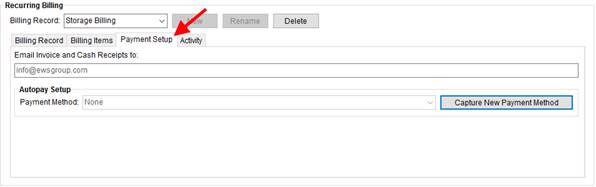
Figure 269: Recurring Billing section of the SIT/Recurring Billing tab
This tab allows you to select a method of payment to apply for the billing record. If the option you need is not already defined as a Payment Method, then you can add a new payment option through the
Capture New Payment Method screen.
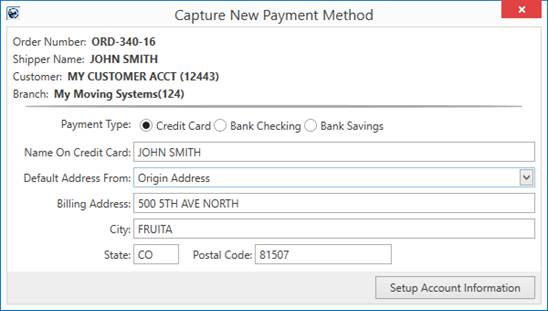
Figure 270: Capture New Payment Method screen
Once payment data is established, you can run storage billing as you typically do, and those accounts that you have setup for Electronic Payments process in a separate Recurring Payment Processing screen. This screen automatically appears once the batch generates.
From the Recurring Payment Processing screen, you can monitor the progress of the payment processing, export the details of the payments, and reprocess any or all payments that received a processing error.
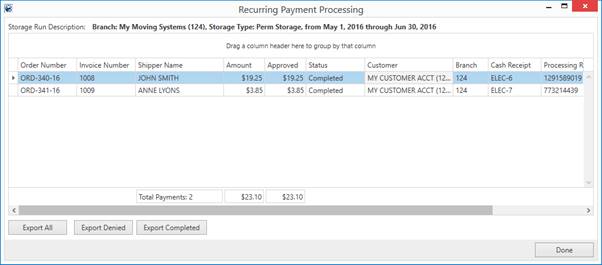
Figure 271: Recurring Payment Processing
.
The Recurring Payment Processing screen is available for any storage run that contains Electronic Payments and is available through the View Payments option available from within Recurring Billing Management. A count of the number of autopay items is also available from this screen.
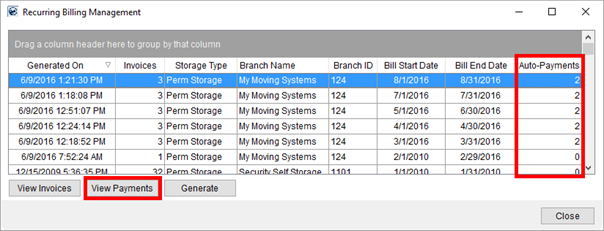
Figure 272: Recurring Billing Management
As with other Electronic Payments, a cash receipt generates for each payment item and is available through Cash Receipts and Payment Management modules for further processing.
Please see the Recurring Electronic Payments topic
and watch the video () on this subject for more
information.
|
SUMMARY (7971) |
|
Recurring Electronic Payments available within MoversSuite. |
|
Payment Setup added to Recurring Billing. |
|
Recurring Payment Processing (View Payments option) and Auto-Payments column dded to Recurring Billing Management. |
|
The following areas have been affected by this enhancement: Electronic Payments Setup and Administration Schema Changes Version 2016R13
|
Quick View of Local Service Information is now available
We modified the Local Services tab in Order Information to offer a quick view of service data directly from the tab. Many of you have requested additional columns be added to the Local Services grid, instead we thought that it would be more effective to produce a viewing pane that displays the most useful information in an easy-to-read pane with collapsible sections.
The new Local Service Quick View section displays automatically when you open the Local Services tab.
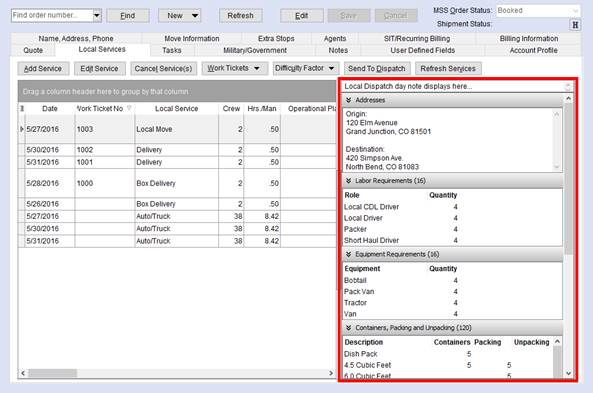
Figure 273: Local Services tab
The following table lists the sections containing information available through the Local Service Quick View.
|
Section |
Field Location |
|
Day Note |
The Day Note for the service date displays. |
|
Addresses |
Moving From, Moving To – Primary or Moving To – Secondary address from Name, Address, Phone tab display |
|
Labor Requirements |
Number of requested personnel by role display. This data pulls from the Labor Request screen. |
|
Equipment Requirements |
Number of requested items by equipment type display. This data pulls from the Equipment Request screen. |
|
Containers, Packing and Unpacking |
Estimated quantities specified through Update Containers, Packing and Unpacking display. |
|
Assigned Crew |
This section lists the personnel assigned to the service through Local Dispatch. |
|
Assigned Equipment |
This section lists the equipment assignments made to the service through Local Dispatch. |
A section displays only if data exists. For example, if there are no crew assignments, then the Assigned Crew section does not display.
The count of items for the particular section also appears in the title in parenthesis. For example, if there is a total of 16 items requested through Equipment Request for the service, then title displays as “Equipment Requirement (16).”
Figure 274: Equipment Requirements section
You can also access the Local Service Quick View through Local Dispatch. The option is available through a new right click option of Local Service Quick View.
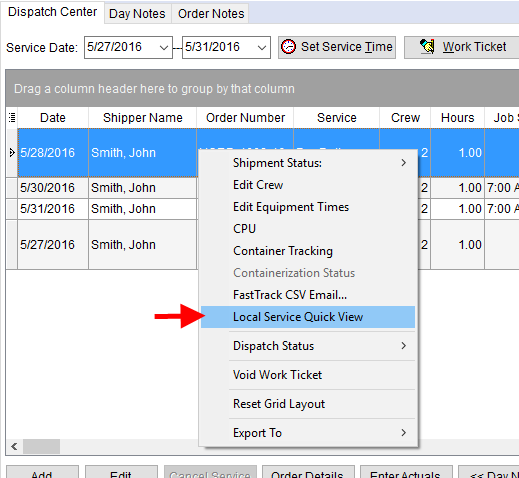
Figure 275: Right-click options within the Dispatch Center
In Local Dispatch, the Local Service Quick View opens as a separate screen that remains open while you work. The screen switches automatically to reflect the current service selected within the Dispatch Center grid.
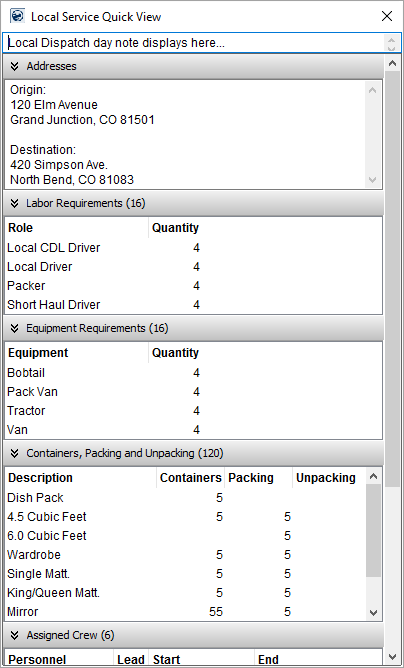
Figure 276: Local Service Quick View
View the Local Service Quick View topic for more information.
|
SUMMARY (8183, 8200) |
|
Local Service Quick View added to Local Services and Local Dispatch. |
|
The following areas have been affected by this enhancement:
|
RELEASE ENHANCEMENTS
Item Code Mapping option added to MoversSuite Administration
The option to launch the Item Code Generation screen is available
through Item Code Setup within
MoversSuite
Administration. The Item Code Mapping option, which opens Item Code Generation screen,
is now available when in Item Code
Setup and you click listing options menu ( ).
).
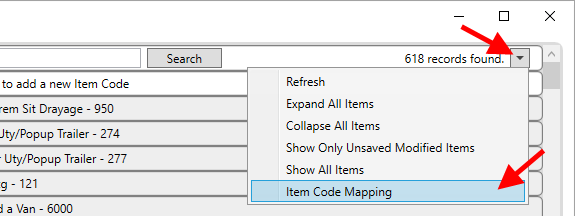
Figure 277: Listing Options within Item Code Setup
Users must have appropriate security access to the Item Code role through MoversSuite Administration in order to access this feature.
|
IMPORTANT |
|
With changes made to this version of MoversSuite, the installation/upgrade process now installs the MoversSuiteAdmin.exe and MoversSuiteAdmin.udl files automatically for you. Therefore, you no longer need to manually copy these files. |
|
SUMMARY (7928) |
|
Item Code Mapping option added to Item Code Setup. |
|
The following areas have been affected by this enhancement:
|
Shipper Name and Customer added to Container Management
We added the name and customer associated to an order to list of available columns within the Container Management data grid.
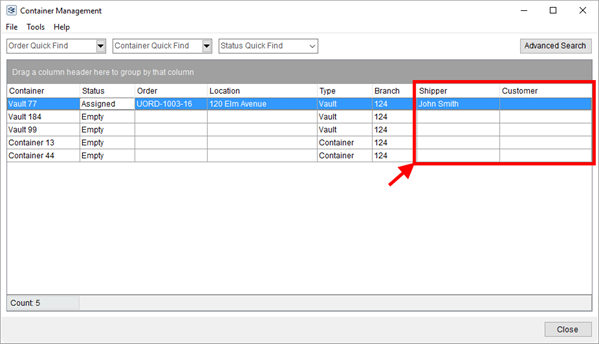
Figure 278: Container Management screen
The following columns are now available that you can group and sort by:
|
Column |
Field Location |
|
Shipper |
Name, Address, Phone > First Name/MI and Last Name/Company Name |
|
Customer |
Billing Information > Customer Name (Number) |
|
SUMMARY (8091) |
|
Shipper (name) and Customer (name and number) added to the data grid within New Container Management. |
|
The following areas have been affected by this enhancement:
|
Load records in main Claims grid based on Claim Status
Your company can define which claim records you see when you press Find to load the main Claims data grid. A new Load by Default flag is available within Claim Status Setup that, when checked, instructs MoversSuite to always display claims with this status.

Figure 279: Example Claim Status Setup record
When you initially access the Claims module and press Find to build your list of claims to work, only those records with a status that has the Load By Default flag set.
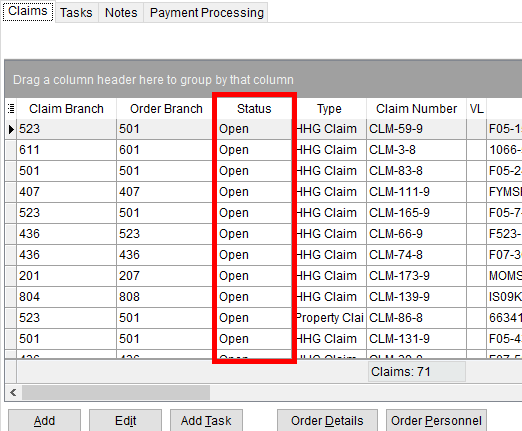
Figure 280: Claims tab
Leaving the Load By Default option unchecked instructs MoversSuite not to display certain claim records, such as those that you consider closed.

Figure 281: Example Claim Status Setup record
The Find utilized within the Claims module only returns records with a Claim Status that is checked to Load By Default. Otherwise, you must implicitly select the status values you wish to include in your search. In the example below (Figure 282: Find in Claims), if you wish to include “Closed” claims in your search and your company does not load this type by default, then check this option within the Claim Status setting within the Find. Otherwise, claims associated to status values that do not load by default do not show in the search results.
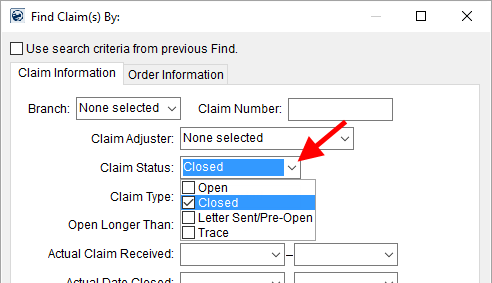
Figure 282: Find in Claims
MoversSuite checks this flag for all existing Claim Status Setup records. It is up to your company to decide which status values you wish to not load by default.
|
SUMMARY (8229) |
|
Load by Default option added to Claim Status Setup. |
|
The following areas have been affected by this enhancement: Schema Changes Version 2016R13
|
RELEASE FIXES
This section lists any fixes made to MoversSuite for this release.
Connections Fixes
Lead flag set on download
If a lead downloads into MoversSuite, through processes such as SIRVA QLAB Lead/Opportunity Download and UniGroup Quotes to Go, MoversSuite sets the appropriate flag to indicate a lead. Prior to this fix, on some downloads the lead flag was not set, which caused reporting to be off (Closing Ratios Report). (7801)
Order dates not updated on EasyDPS download
A new flag is available that instructs the Pass Thru Connector to not update order dates if set. The new flag is titled KeepExistingDates and is set to “1” by default on all EasyDPS download request. Therefore, the application sets the order dates on the initial download but does not on any subsequent download. Refer to the KeepExistingDates description within the Pass Thru Connector Upload Format topic for more information. (8221)
SIT data handling updated on downloads
Several changes are available that affect how SIT data is handled when downloaded into MoversSuite. One of the changes includes recognizing if the inbound agency includes a leading van line affiliation or not. If it does, the affiliation is removed for agency identification. Refer to the OverwriteExistingSitData description (under SitInfos section) within the Pass Thru Connector Upload Format topic for more information.
Another change includes recognizing when a date field should be set to null. For example, if the incoming data includes a date of “1900-01-01”, then application interprets this as a NULL date within MoversSuite. Refer to the Notes section at the top of the Pass Thru Connector Upload Format topic for more information. (8228)
Local Dispatch Fixes
Services in Local Dispatch no longer change position
Prior to this release, certain actions on a service, such as generating a work ticket on assigning crew, caused the selected service to move down in the grid and become unselected. This issue is now fixed and now only the sorting in effect on the grid affects the data display. (7536)
Dispatchers can assign crew with last name only
MoversSuite now allows you to assign crew members with only the last name set within their Personnel Setup record to a service. Prior to this change, users received an error attempting to assign a crew member that did not have the first name set. (8185)
Recurring Billing Fixes
Only create Recurring Billing for non-lead records
MoversSuite only allows you to establish a Recurring Billing and Storage record on an order. If the record is a lead, the New button within the Recurring Billing section is disabled. (5420)
SCHEMA CHANGES
Schema Changes Version 2016R13
The following links allows you to navigate through all MoversSuite tables and data views and allows you to view field properties, such as type and maximum value size, etc.
MoversSuite Database Tables (2016R13)
MoversSuite Document Database Tables (2016R13)
MoversSuite Data Views (2016R13)
|
Version 2016 R12 |
|
RELEASE DATE: 6/6/2016
QUICK LINKS
Here is a table containing several commonly requested hyperlinks.
|
Link |
Description |
|
|
Watch a short video highlighting the changes we have made to MoversSuite at this version. |
|
View current release information through a PDF document. | |
|
Read up on the requirements for this version of MoversSuite. | |
|
Check out our Support page to read about the latest MoversSuite release and find links to other useful information. | |
|
See what other MoversSuite customers are requesting for changes to the MoversSuite application and submit your own suggestions. | |
|
Past Versions Information |
Look through a list of changes made to all other versions of MoversSuite. |
|
Access a list of overview videos for each release. | |
|
Pull up the database changes we made at various releases. |
RELEASE SUMMARY
The following is a table contains counts of the items affecting this release.
|
# |
Change Summary |
|
1 |
Release Requirements |
|
1 |
Known Issues |
|
1 |
New Product Features |
|
2 |
Release Enhancements |
|
5 |
Release Fixes |
|
2 |
Schema Changes (# of database tables affected) |
|
0 |
Admin Changes |
|
0 |
Standard Reports Affected |
RELEASE REQUIREMENTS
Please read the following announcements regarding functionality and hardware/software changes for this release of MoversSuite.
IMPORTANT DYNAMICS GP REQUIREMENTS
Refer to the System Requirements section for a complete list of hardware and software requirements.
MoversSuite is compatible with the following:
Microsoft Dynamics GP 2015 R2 (with ATIP Build 14.0.1)
Microsoft Dynamics GP ATIP Build 14.0.1
Microsoft Dynamics GP 2013 R2 (with ATIP Build 12.0.23)
Microsoft Dynamics GP ATIP Build 12.0.23
Refer to the following for information regarding additional requirements you may need to support Microsoft Dynamics GP 2015:
System Requirements for Microsoft Dynamics GP 2015
View the MoversSuite Compatibility topic for a list of products compatible with MoversSuite.
Refer to the System Requirements section for a complete list of hardware and software requirements.
KNOWN ISSUES
The following issues are problems that may affect your decision to upgrade to this version of MoversSuite. The following issue is not resolved for this release.
Citrix issue with phone number control
An issue that cannot be replicated is causing the phone numbers within the Shipper Contact Information section (Name, Address, Phone tab) to disappear and then reappear when a user clicks on that section, however, the user cannot edit them until they press Cancel (on the order) and then attempt to Edit again. (6409)
NEW PRODUCT FEATURES
Operational Plans are now
available http://www.ewsgroup.com/moverssuite/support/onlinehelp/2016R12/index.htm
Your company can now manage services as part of operation plans linked to single MoversSuite order. You can define multiple operational plans for the order each containing any number of local service requests.
The Operational Plan option is available when creating or editing local services through the Add Local Service screen. Simply enter a new plan name to create an Operational Plan or select from the list of existing ones for the particular order.
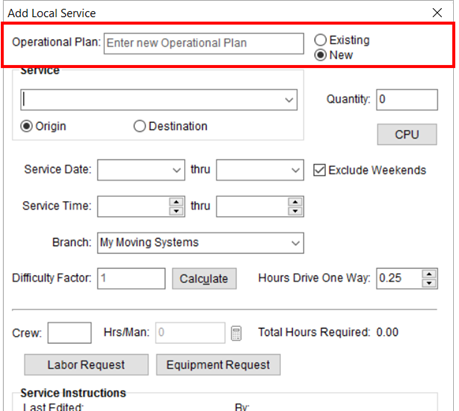
Figure 283: Add Local Service screen
Operational Plans are order-specific, meaning that the plan names you enter for one or more services are only available for that order. You can view all the services associated to a particular plan through the new Operational Plan column within the Local Services data grid.
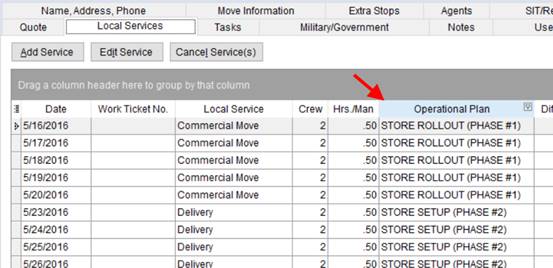
Figure 284: Local Services tab
You can send the entire plan or plans for an order to Local Dispatch at one time. The Send to Dispatch dialog provides a new option to include all services linked to a plan.
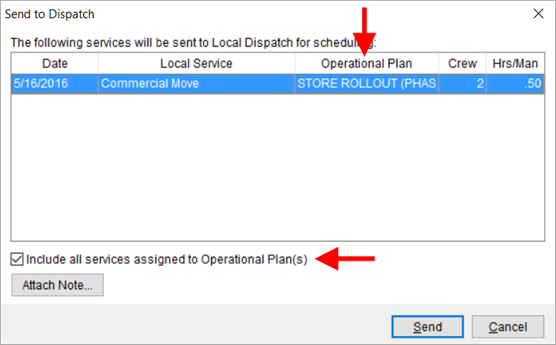
Figure 285: Send to Dispatch dialog
Dispatchers can readily identify the plans and assign accordingly.
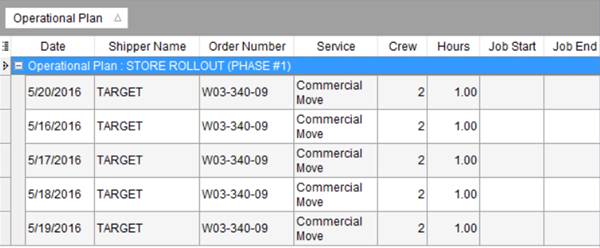
Figure 286: Dispatch Center grid in Local Services
Read more about this subject through the Operational Plan topic.
|
SUMMARY (8182) |
|
Operational Plan available within MoversSuite for Local Services. |
|
Operational Plan column added to the grids in Dispatch Center, Local Services, and Requested Services. |
|
The following areas have been affected by this enhancement: Schema Changes Version 2016R12
|
RELEASE ENHANCEMENTS
Set Service Request Times for Local Services
You now have the ability to request the start and end times of a service. The new Service Time setting within Add Local Service allows you provide this information along with the service sent to dispatch.
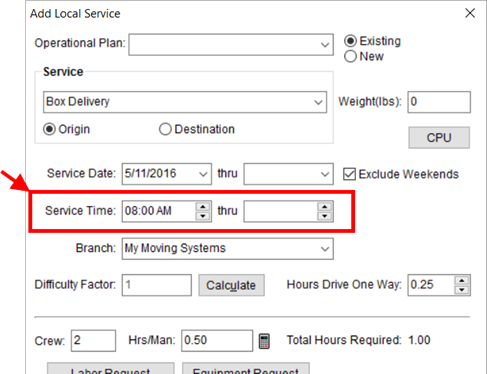
Figure 287: Add Local Service screen
This information lists within data grids in Local Services and within Local Dispatch.
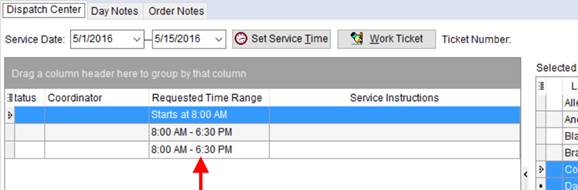
Figure 288: Dispatch Center data grid
Of note, if there is a starting time and no ending time specified, the application indicates this with “Starts at” phrasing for the new Requested Time Range column. Likewise, if no starting time is specified with an end time, the application displays “Ends at.”
These requested service times also appear as the default times provided to the dispatcher through the Set Service Time function.
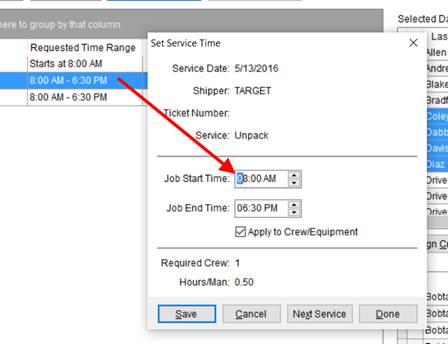
Figure 289: Dispatch Center featuring the Set Service Time dialog
|
SUMMARY (8181) |
|
Service Time fields added to Add Local Service. These times provide defaults within the Set Service Time dialog. |
|
Requested Time Range column added to the grids in Dispatch Center, Local Services, and Requested Services. |
|
The following areas have been affected by this enhancement: Schema Changes Version 2016R12
|
New Military Scores Data View available
The vPRMilitaryScores Data View is now part of the list of those available through MoversSuite Data Views. This view provides the details of military move, including the TSP Score, for a military order with a completed survey date (based on the CSS Completion Date found on the Military/Government tab).
View the vPRMilitaryScores Data View topic for specifics on this view.
|
NOTE |
|
If your company currently has a view with the same name installed on your system, then the application overwrites this view with the new, official view when you upgrade to this version of MoversSuite. |
|
SUMMARY (8119) |
|
New MoversSuite Data Views view titled vPRMilitaryScores Data View is available. |
|
The following areas have been affected by this enhancement:
|
RELEASE FIXES
This section lists any fixes made to MoversSuite for this release.
Claims Fixes
Claims allows orders with per pound valuation
You can now add a claim for an order with valuation based on a per pound amount. Prior to this release, users attempting to create a claim record through Claims received an error if the order contained Per Pound valuation or if the valuation was not associated to a van line. (6161)
Integrations Fixes
Hauling Agent contact information updates on UniGroup Dispatch Downloads
The contact information for the hauling agent on an order now updates upon a Dispatch Download from UniGroup. This data includes the contact name and phone number, etc. for the Hauling Agent managed through the Agents tab. (7990)
Queue Service no longer locks up
If the Queue Service references the physical configuration file instead of relying on the database configuration information, the Queue Service would lock up. The Queue Service no longer hangs or locks up when references a configuration file as its source. (8215)
Local Services and Dispatching Fixes
CPU button displays in bold font
The CPU button within now displays in a bold-weighted font when counts are set for the service. (8188)
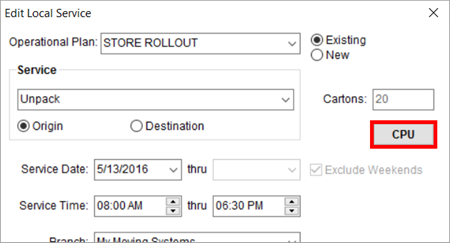
Figure 290: Add/Edit Local Service dialog
Order Information Fixes
Phone numbers included on new duplicate orders
The Create Duplicate Order function now includes all phone numbers associated to a copied order into the new order. (8125)
SCHEMA CHANGES
Schema Changes Version 2016R12
The following links allows you to navigate through all MoversSuite tables and data views and allows you to view field properties, such as type and maximum value size, etc.
MoversSuite Database Tables (2016R12)
MoversSuite Document Database Tables (2016R12)
MoversSuite Data Views (2016R12)
|
Version 2016 R11 |
|
RELEASE DATE: 5/23/2016
QUICK LINKS
Here is a table containing several commonly requested hyperlinks.
|
Link |
Description |
|
|
Watch a short video highlighting the changes we have made to MoversSuite at this version. |
|
View current release information through a PDF document. | |
|
Read up on the requirements for this version of MoversSuite. | |
|
Check out our Support page to read about the latest MoversSuite release and find links to other useful information. | |
|
See what other MoversSuite customers are requesting for changes to the MoversSuite application and submit your own suggestions. | |
|
Past Versions Information |
Look through a list of changes made to all other versions of MoversSuite. |
|
Access a list of overview videos for each release. | |
|
Pull up the database changes we made at various releases. |
RELEASE SUMMARY
The following is a table contains counts of the items affecting this release.
|
# |
Change Summary |
|
1 |
Release Requirements |
|
1 |
Known Issues |
|
1 |
New Product Features |
|
2 |
Release Enhancements |
|
6 |
Release Fixes |
|
14 |
Schema Changes (# of database tables affected) |
|
1 |
Admin Changes |
|
0 |
Standard Reports Affected |
RELEASE REQUIREMENTS
Please read the following announcements regarding functionality and hardware/software changes for this release of MoversSuite.
IMPORTANT DYNAMICS GP REQUIREMENTS
Refer to the System Requirements section for a complete list of hardware and software requirements.
MoversSuite is compatible with the following:
Microsoft Dynamics GP 2015 R2 (with ATIP Build 14.0.1)
Microsoft Dynamics GP ATIP Build 14.0.1
Microsoft Dynamics GP 2013 R2 (with ATIP Build 12.0.23)
Microsoft Dynamics GP ATIP Build 12.0.23
Refer to the following for information regarding additional requirements you may need to support Microsoft Dynamics GP 2015:
System Requirements for Microsoft Dynamics GP 2015
View the MoversSuite Compatibility topic for a list of products compatible with MoversSuite.
Refer to the System Requirements section for a complete list of hardware and software requirements.
KNOWN ISSUES
The following issues are problems that may affect your decision to upgrade to this version of MoversSuite. The following issue is not resolved for this release.
Citrix issue with phone number control
An issue that cannot be replicated is causing the phone numbers within the Shipper Contact Information section (Name, Address, Phone tab) to disappear and then reappear when a user clicks on that section, however, the user cannot edit them until they press Cancel (on the order) and then attempt to Edit again. (6409)
NEW PRODUCT FEATURES
MoversSuite now supports
Electronic Payments
Your company now has the ability to process electronic payments, such as credit cards or bank payment. The new Electronic Payments system allows you capture payment information and process it through a MoversSuite provided electronic merchant provider.
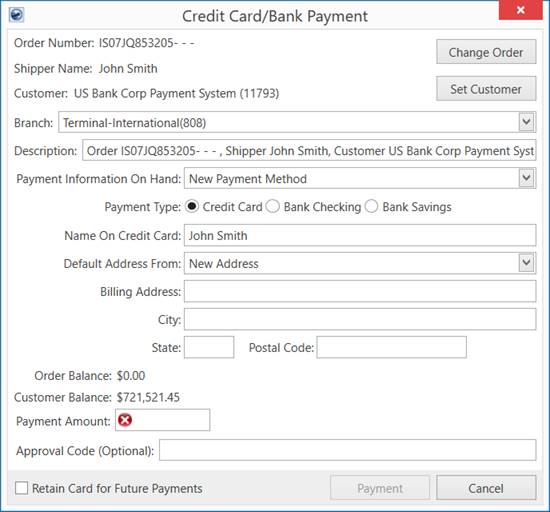
Figure 291: Credit Card/Bank Payment screen
Please refer to the Electronic Payments topic to
learn more about this subject. A video is also available that provides an
overview of Electronic
Payments system ().
A modified version of the Customer Find is now available through the Credit Card/Bank Payment screen that allows you to update the customer on the order based on what customer you select and add to the payment.
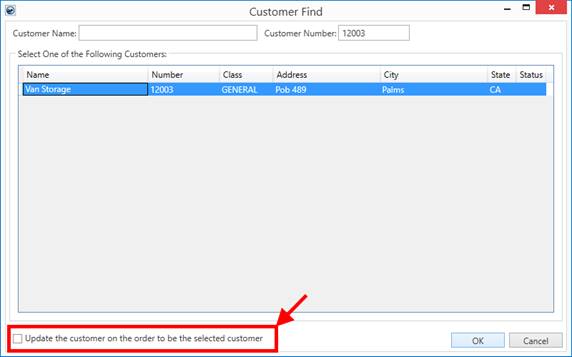
Figure 292: Customer Find opened through Credit Card/Bank Payment screen
|
SUMMARY (7936) |
|
Electronic Payments system and related Electronic Merchant Setup added. |
|
Customer Find updated to include the Update the customer on the order to be the selected customer option. This option is only available when evoking the through the Set Customer button from within the Credit Card/Bank Payment screen. |
|
The following areas have been affected by this enhancement: Schema Changes Version 2016R11
|
RELEASE ENHANCEMENTS
Request Equipment and Labor through Local Services
Those of you working in Local Services now have the ability to request personnel and equipment for a service request. The application passes this information along with the service request to the dispatcher where they can utilize this information to make correct crew and equipment assignments.
This is the first development in working towards providing solutions for O&I moves.
Two new buttons are available to you through Add Local Service: Labor Request and Equipment Request.
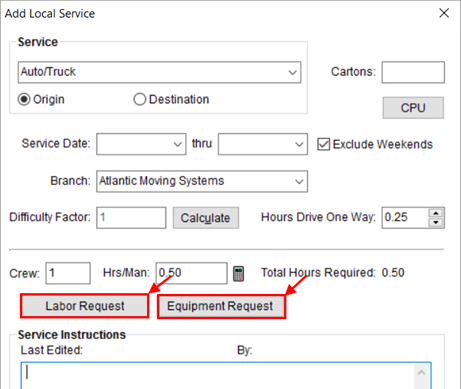
Figure 293: Add Local Service screen
The Labor Request opens a new Labor Request dialog. From here, you can enter the anticipated number of people to assign to the service based on role (active Labor Types available for the Local Dispatch module).
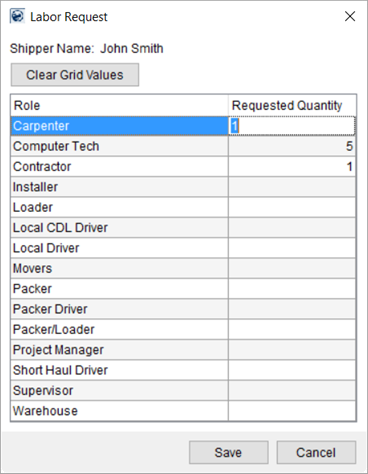
Figure 294: Labor Request dialog
A similar dialog is available for Equipment Request. Pressing Equipment Request from Add Local Service allows you to enter the anticipated number of items you feel are necessary for the service (from Equipment Types defined on your system).
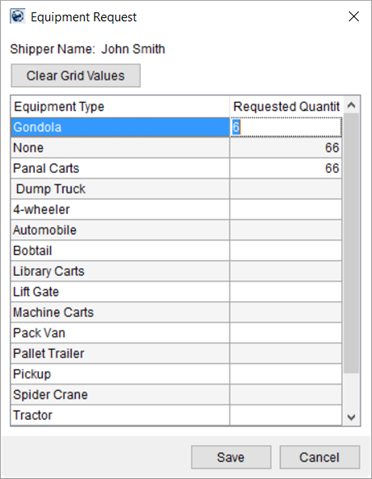
Figure 295: Equipment Request dialog
This information is available to dispatchers by editing the service from the Dispatch Center grid.
|
SUMMARY (7941) |
|
Labor Request and Equipment Request functionality added to Add Local Service window. |
|
The following areas have been affected by this enhancement: Schema Changes Version 2016R11
|
Additional Letter Management Bookmarks
We have added over 100 new bookmarks that you can access for your custom letters and forms created through Letter Management. New bookmarks include those for military and SIT information.
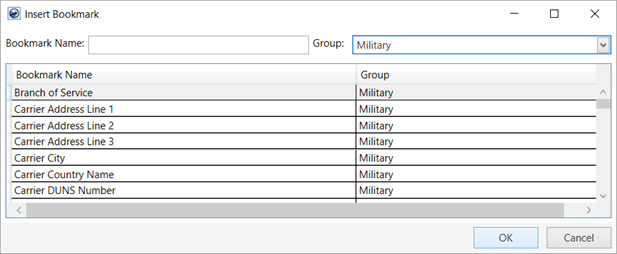
Figure 296: Insert Bookmark dialog
These new bookmarks are only available through Letter Management. View the Letter Management Bookmarks topic for a complete list of available bookmarks.
|
SUMMARY (7635) |
|
Additional Letter Management Bookmarks added to the Letter Management system. |
|
The following areas have been affected by this enhancement:
|
RELEASE FIXES
This section lists any fixes made to MoversSuite for this release.
Integrations Fixes
UniGroup Dispatch Downloads show in Order History
Updates affecting an order from changes made through a dispatch downloads from UniGroup now show in the Order History. Prior to this release, Order History recorded that a field changed but did not list the source of the change, e.g. “UniGroup Dispatch Download.” (8104)
Order Information Fixes
Equipment hours update correctly in Job Costing
Updated equipment hours for service times reflect correctly within Job Costing. Prior to this release, updates to the number of hours for an equipment reservation did not show up. (8041)
Extra space in bookmarks removed
No longer is there an extra space after a Letter Management Bookmarks when replaced by MoversSuite data upon document generation. (8192)
Payment Management Fixes
Correct transactions display on the Payment Management Adjustments Report
The Payment Management Adjustments Report now displays adjustment transactions, rather than showing the original transaction associated to the adjustment. (8095)
Inactive GL accounts no longer available
Users working within the Payment Application screen no longer can select an inactive GL account within the Journal Entry section. (8063)
Revenue Entry Fixes
Change information on generated revenue items
A user can modify data for several fields for generated revenue items provided the item is not on an invoice. However, a recent change to the Save menu within Add Revenue Item prevented users from updating the Invoice Description, EDI Description, and the Invoice flag. With this release, users can change these three fields for non-invoiced, generated revenue items. (8097)
SCHEMA CHANGES
Schema Changes Version 2016R11
The following links allows you to navigate through all MoversSuite tables and data views and allows you to view field properties, such as type and maximum value size, etc.
MoversSuite Database Tables (2016R11)
MoversSuite Document Database Tables (2016R11)
MoversSuite Data Views (2016R11)
|
Version 2016 R10 |
|
RELEASE DATE: 5/9/2016
QUICK LINKS
Here is a table containing several commonly requested hyperlinks.
|
Link |
Description |
|
|
Watch a short video highlighting the changes we have made to MoversSuite at this version. |
|
View current release information through a PDF document. | |
|
Read up on the requirements for this version of MoversSuite. | |
|
Check out our Support page to read about the latest MoversSuite release and find links to other useful information. | |
|
See what other MoversSuite customers are requesting for changes to the MoversSuite application and submit your own suggestions. | |
|
Past Versions Information |
Look through a list of changes made to all other versions of MoversSuite. |
|
Access a list of overview videos for each release. | |
|
Pull up the database changes we made at various releases. |
RELEASE SUMMARY
The following is a table contains counts of the items affecting this release.
|
# |
Change Summary |
|
1 |
Release Requirements |
|
1 |
Known Issues |
|
1 |
New Product Features |
|
0 |
Release Enhancements |
|
3 |
Release Fixes |
|
3 |
Schema Changes (# of database tables affected) |
|
2 |
Admin Changes |
|
0 |
Standard Reports Affected |
RELEASE REQUIREMENTS
Please read the following announcements regarding functionality and hardware/software changes for this release of MoversSuite.
IMPORTANT DYNAMICS GP REQUIREMENTS
Refer to the System Requirements section for a complete list of hardware and software requirements.
MoversSuite is compatible with the following:
Microsoft Dynamics GP 2015 R2 (with ATIP Build 14.0.1)
Microsoft Dynamics GP ATIP Build 14.0.1
Microsoft Dynamics GP 2013 R2 (with ATIP Build 12.0.23)
Microsoft Dynamics GP ATIP Build 12.0.23
Refer to the following for information regarding additional requirements you may need to support Microsoft Dynamics GP 2015:
System Requirements for Microsoft Dynamics GP 2015
View the MoversSuite Compatibility topic for a list of products compatible with MoversSuite.
Refer to the System Requirements section for a complete list of hardware and software requirements.
KNOWN ISSUES
The following issues are problems that may affect your decision to upgrade to this version of MoversSuite. The following issue is not resolved for this release.
Citrix issue with phone number control
An issue that cannot be replicated is causing the phone numbers within the Shipper Contact Information section (Name, Address, Phone tab) to disappear and then reappear when a user clicks on that section, however, the user cannot edit them until they press Cancel (on the order) and then attempt to Edit again. (6409)
NEW PRODUCT FEATURES
Integrated MoversSuite Letter Design and Management Tools Available

MoversSuite provides an integrated letter creation and generation product with the introduction of the Letter Management system. This system allows your company to design document templates that contain MoversSuite data directly from within the MoversSuite application. These templates are available to users to generate well-formed and useful letters and forms that can be printed, emailed, and attached to the Document Management system.
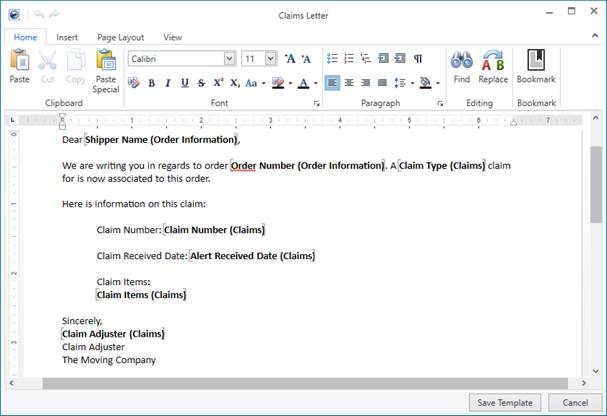
Figure 297: Letter Designer with bookmarks
Read more about this new system through the Letter Management topic.
|
SUMMARY (7506) |
|
New Letter Management system containing Letter Designer and Manage Letters. |
|
Manage Letter Templates option added to the Tools Menu. |
|
New System Location setting in Report Setup, which replaces System Report ID. |
|
New Report Type of MoversSuite Letters is available in Report Setup, which is a type specific to the templates created through Manage Letters. |
|
Letter Management module added to Security Modules added (assignable through Security Profile Setup) |
|
The following areas have been affected by this enhancement:
|
RELEASE ENHANCEMENTS
No new product enhancements introduced with this version.
RELEASE FIXES
This section lists any fixes made to MoversSuite for this release.
Dispatching Fixes
Access Violation error in Local Dispatch Fixed
Users accessing the module encountered an Access Violation error periodically when opening the module. This issue was a result of the user having a Default Branch (Branch tab within Personnel Setup) that was not set up to access the Local Dispatch module (Security Profile Setup). Now, if the Default Branch is not set, MoversSuite defaults the Service Branch within Local Dispatch to the first branch having access to the Local Dispatch module. (4219)
Integrations Fixes
“Mobile” phone type referenced correctly on FastTrack CSV
The application now includes “mobile” as a supported phone type when generating a FastTrack CSV Email. Prior to this fix, the application checked for the a type of “cell” only within the list of phone numbers for an order (Name, Address, Phone) for inclusion as a Origin Phone Number within the CSV file. (8111)
Revenue Entry Fixes
Timeout on adding commissions
O&I-related moves under one order linked to 25 or more sub-orders (under POS segments) no longer cause a timeout in Revenue Entry when adding commissions. Additionally, the performance of adding commissions to an order is improved. (8166)
SCHEMA CHANGES
Schema Changes Version 2016R10
The following links allows you to navigate through all MoversSuite tables and data views and allows you to view field properties, such as type and maximum value size, etc.
MoversSuite Database Tables (2016R10)
MoversSuite Document Database Tables (2016R10)
MoversSuite Data Views (2016R10)
|
Version 2016 R09 |
|
RELEASE DATE: 4/25/2016
QUICK LINKS
Here is a table containing several commonly requested hyperlinks.
|
Link |
Description |
|
View current release information through a PDF document. | |
|
Read up on the requirements for this version of MoversSuite. | |
|
Check out our Support page to read about the latest MoversSuite release and find links to other useful information. | |
|
See what other MoversSuite customers are requesting for changes to the MoversSuite application and submit your own suggestions. | |
|
Past Versions Information |
Look through a list of changes made to all other versions of MoversSuite. |
|
Access a list of overview videos for each release. | |
|
Pull up the database changes we made at various releases. |
RELEASE SUMMARY
The following is a table contains counts of the items affecting this release.
|
# |
Change Summary |
|
1 |
Release Requirements |
|
1 |
Known Issues |
|
0 |
New Product Features |
|
0 |
Release Enhancements |
|
3 |
Release Fixes |
|
0 |
Schema Changes (# of database tables affected) |
|
0 |
Admin Changes |
|
0 |
Standard Reports Affected |
RELEASE REQUIREMENTS
Please read the following announcements regarding functionality and hardware/software changes for this release of MoversSuite.
IMPORTANT DYNAMICS GP REQUIREMENTS
Refer to the System Requirements section for a complete list of hardware and software requirements.
MoversSuite is compatible with the following:
Microsoft Dynamics GP 2015 R2 (with ATIP Build 14.0.1)
Microsoft Dynamics GP ATIP Build 14.0.1
Microsoft Dynamics GP 2013 R2 (with ATIP Build 12.0.23)
Microsoft Dynamics GP ATIP Build 12.0.23
Refer to the following for information regarding additional requirements you may need to support Microsoft Dynamics GP 2015:
System Requirements for Microsoft Dynamics GP 2015
View the MoversSuite Compatibility topic for a list of products compatible with MoversSuite.
Refer to the System Requirements section for a complete list of hardware and software requirements.
KNOWN ISSUES
The following issues are problems that may affect your decision to upgrade to this version of MoversSuite. The following issue is not resolved for this release.
Citrix issue with phone number control
An issue that cannot be replicated is causing the phone numbers within the Shipper Contact Information section (Name, Address, Phone tab) to disappear and then reappear when a user clicks on that section, however, the user cannot edit them until they press Cancel (on the order) and then attempt to Edit again. (6409)
NEW PRODUCT FEATURES
No new product features introduced with this version.
RELEASE ENHANCEMENTS
No new product enhancements introduced with this version.
RELEASE FIXES
This section lists any fixes made to MoversSuite for this release.
Dispatching Fixes
Display issues with Local Dispatch grids
The data grids within Local Dispatch now display assigned crew correctly. Prior to this fix, the data grids did not render correctly in certain scenarios depending on which version of Microsoft SQL Server was in use. (8036)
Integrations Fixes
Order data not updated on Atlas Rating Import
Order information, such as the shipper name, no longer updates when revenue imports through an Atlas Revenue Import. Now, only revenue information updates on such imports. (8084)
Discounted Linehaul set on UniGroup Rating Order Download
MoversSuite now sets the Discounted Linehaul on all UniGroup Rating Order Downloads. Prior to this change, if a special method of calculating the invoice amount was in use, the Discounted Linehaul was not set on the Rating Order download (it was set correctly on the Rating download). (8028)
SCHEMA CHANGES
No schema changes for this version.
The following links allows you to navigate through all MoversSuite tables and data views and allows you to view field properties, such as type and maximum value size, etc.
MoversSuite Database Tables (2016R09)
MoversSuite Document Database Tables (2016R09)
MoversSuite Data Views (2016R09)
|
Version 2016 R08 |
|
RELEASE DATE: 4/11/2016
QUICK LINKS
Here is a table containing several commonly requested hyperlinks.
|
Link |
Description |
|
|
Watch a short video highlighting the changes we have made to MoversSuite at this version. |
|
View current release information through a PDF document. | |
|
Read up on the requirements for this version of MoversSuite. | |
|
Check out our Support page to read about the latest MoversSuite release and find links to other useful information. | |
|
See what other MoversSuite customers are requesting for changes to the MoversSuite application and submit your own suggestions. | |
|
Past Versions Information |
Look through a list of changes made to all other versions of MoversSuite. |
|
Access a list of overview videos for each release. | |
|
Pull up the database changes we made at various releases. |
RELEASE SUMMARY
The following is a table contains counts of the items affecting this release.
|
# |
Change Summary |
|
1 |
Release Requirements |
|
1 |
Known Issues |
|
0 |
New Product Features |
|
2 |
Release Enhancements |
|
1 |
Release Fixes |
|
1 |
Schema Changes (# of database tables affected) |
|
1 |
Admin Changes |
|
0 |
Standard Reports Affected |
RELEASE REQUIREMENTS
Please read the following announcements regarding functionality and hardware/software changes for this release of MoversSuite.
IMPORTANT DYNAMICS GP REQUIREMENTS
Refer to the System Requirements section for a complete list of hardware and software requirements.
MoversSuite is compatible with the following:
Microsoft Dynamics GP 2015 R2 (with ATIP Build 14.0.1)
Microsoft Dynamics GP ATIP Build 14.0.1
Microsoft Dynamics GP 2013 R2 (with ATIP Build 12.0.23)
Microsoft Dynamics GP ATIP Build 12.0.23
Refer to the following for information regarding additional requirements you may need to support Microsoft Dynamics GP 2015:
System Requirements for Microsoft Dynamics GP 2015
View the MoversSuite Compatibility topic for a list of products compatible with MoversSuite.
Refer to the System Requirements section for a complete list of hardware and software requirements.
KNOWN ISSUES
The following issues are problems that may affect your decision to upgrade to this version of MoversSuite. The following issue is not resolved for this release.
Citrix issue with phone number control
An issue that cannot be replicated is causing the phone numbers within the Shipper Contact Information section (Name, Address, Phone tab) to disappear and then reappear when a user clicks on that section, however, the user cannot edit them until they press Cancel (on the order) and then attempt to Edit again. (6409)
NEW PRODUCT FEATURES
No new product features introduced with this version.
RELEASE ENHANCEMENTS
Application Title Message
You company can define a message that displays on the title bar of the MoversSuite application.
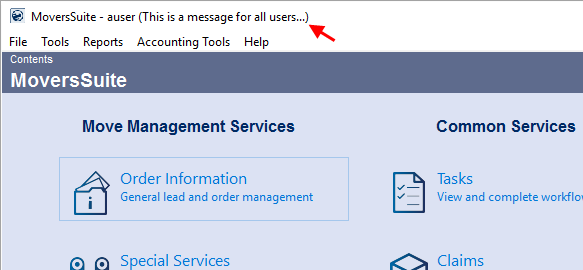
Figure 298: MoversSuite Contents screen
A new setting within the System Wide Options allows you to set a message up to 120 characters that display on all stand-alone MoversSuite windows.
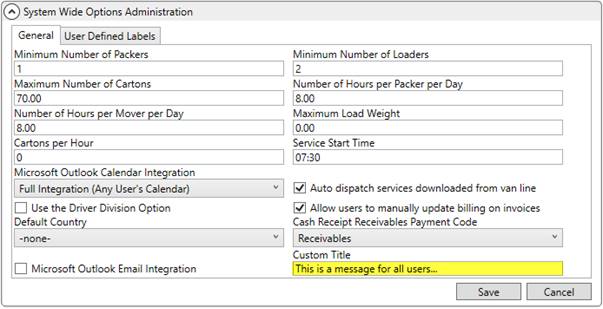
Figure 299: System Wide Options
The Custom Title appears on the following MoversSuite screens:
|
SUMMARY (8047, 8128) |
|
Custom Title added to System Wide Options. |
|
MoversSuite updated to display the Custom Title within windows title. |
|
The following areas have been affected by this enhancement: Schema Changes Version 2016R08
|
Reports Setup Area
We modified MoversSuite Administration by moving all report-related setup areas to list under the new Reports category.
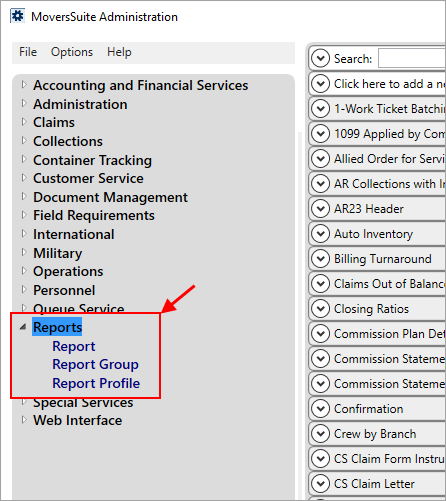
Figure 300: MoversSuite Administration
Prior to this release, the setup areas related to reports listed under Personnel.
|
SUMMARY (8045) |
|
Reports category added to MoversSuite Administration tab. |
|
The following areas have been affected by this enhancement:
|
RELEASE FIXES
This section lists any fixes made to MoversSuite for this release.
Revenue Entry Fix
Update to third party adjustment/reversals
MoversSuite now allows a partial apply if the Apply To document is not on hold. This affects only third party adjustments and reversals. Specifically, the third party adjustment/reversal posts with associated Apply To documents when the amount of the adjustment/reversal is less than the current amount of the item and the third party item is not on hold. (8098)
SCHEMA CHANGES
Schema Changes Version 2016R08
The following links allows you to navigate through all MoversSuite tables and data views and allows you to view field properties, such as type and maximum value size, etc.
MoversSuite Database Tables (2016R08)
MoversSuite Document Database Tables (2016R08)
MoversSuite Data Views (2016R08)
|
Version 2016 R07 |
|
RELEASE DATE: 3/28/2016
QUICK LINKS
Here is a table containing several commonly requested hyperlinks.
|
Link |
Description |
|
|
Watch a short video highlighting the changes we have made to MoversSuite at this version. |
|
View current release information through a PDF document. | |
|
Read up on the requirements for this version of MoversSuite. | |
|
Check out our Support page to read about the latest MoversSuite release and find links to other useful information. | |
|
See what other MoversSuite customers are requesting for changes to the MoversSuite application and submit your own suggestions. | |
|
Past Versions Information |
Look through a list of changes made to all other versions of MoversSuite. |
|
Access a list of overview videos for each release. | |
|
Pull up the database changes we made at various releases. |
RELEASE SUMMARY
The following is a table contains counts of the items affecting this release.
|
# |
Change Summary |
|
1 |
Release Requirements |
|
1 |
Known Issues |
|
1 |
New Product Features |
|
2 |
Release Enhancements |
|
7 |
Release Fixes |
|
11 |
Schema Changes (# of database tables affected) |
|
3 |
Admin Changes |
|
0 |
Standard Reports Affected |
RELEASE REQUIREMENTS
Please read the following announcements regarding functionality and hardware/software changes for this release of MoversSuite.
IMPORTANT DYNAMICS GP REQUIREMENTS
Refer to the System Requirements section for a complete list of hardware and software requirements.
MoversSuite is compatible with the following:
Microsoft Dynamics GP 2015 R2 (with ATIP Build 14.0.1)
Microsoft Dynamics GP ATIP Build 14.0.1
Microsoft Dynamics GP 2013 R2 (with ATIP Build 12.0.23)
Microsoft Dynamics GP ATIP Build 12.0.23
Refer to the following for information regarding additional requirements you may need to support Microsoft Dynamics GP 2015:
System Requirements for Microsoft Dynamics GP 2015
View the MoversSuite Compatibility topic for a list of products compatible with MoversSuite.
Refer to the System Requirements section for a complete list of hardware and software requirements.
KNOWN ISSUES
The following issues are problems that may affect your decision to upgrade to this version of MoversSuite. The following issue is not resolved for this release.
Citrix issue with phone number control
An issue that cannot be replicated is causing the phone numbers within the Shipper Contact Information section (Name, Address, Phone tab) to disappear and then reappear when a user clicks on that section, however, the user cannot edit them until they press Cancel (on the order) and then attempt to Edit again. (6409)
NEW PRODUCT FEATURES
UniGroup Connection now supports FastTrack driver updates
FastTrack CSV Email is now available for our UniGroup customers. This new feature provides a dispatcher a quick way to send FastTrack data to a driver or crew lead via email.
Available through a right-click menu within Local Dispatch and Long Distance Dispatch, the new FastTrack CSV Email option opens an email to the driver or crew lead as the recipient.
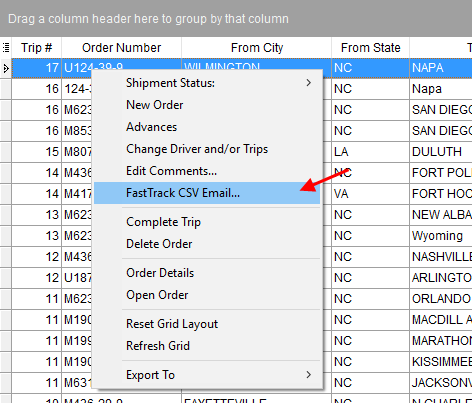
Figure 301: Right-click options on the Current Driver Activity tab
The email contains some basic order information and provides FastTrack data as an attachment in CSV format. The driver or crew lead can import the information directly into the FastTrack system.
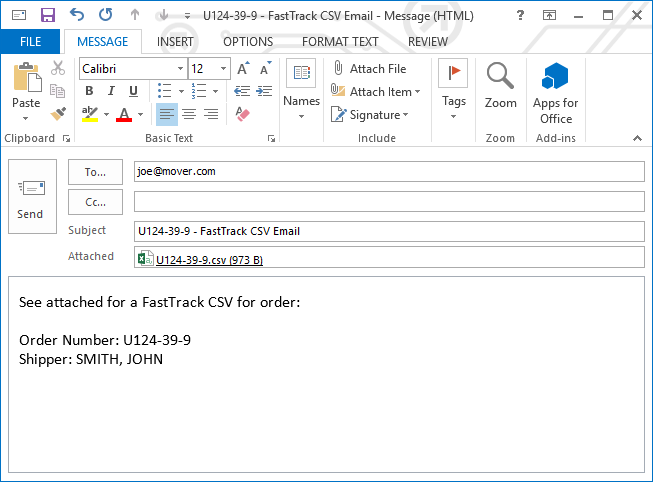
Figure 302: Sample FastTrack CSV email message
View the FastTrack CSV Email topic for more information on this new feature.
|
SUMMARY (7259) |
|
FastTrack CSV Email is now available to UniGroup customers. |
|
The following areas have been affected by this enhancement: Right-Click Options (Local Dispatch) Right-Click Options (Long Distance Dispatch)
|
RELEASE ENHANCEMENTS
Subtotal active invoice amount for customers
The Invoicing section within the Summary tab in Revenue Entry has been updated to include a sub-total at the bottom of the Amount column. This amount includes the total of all active, open invoices for each customer displaying within the grid.
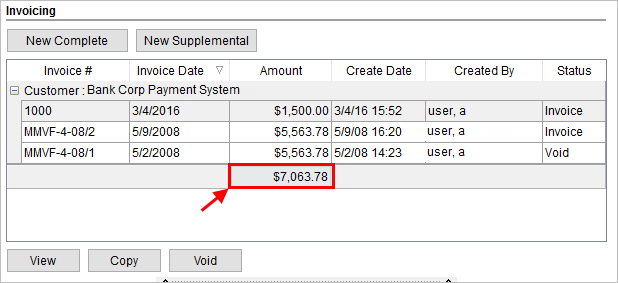
Figure 303: Invoicing section within the Summary tab
|
SUMMARY (7997) |
|
Customer sub-total of active invoice amounts added to the Invoice section within the Summary tab. |
|
The following areas have been affected by this enhancement:
|
Search by National Account within AR Collections Inquiry
You now have the ability to search by and filter data by the National Account of an order through the AR Collections Inquiry module.
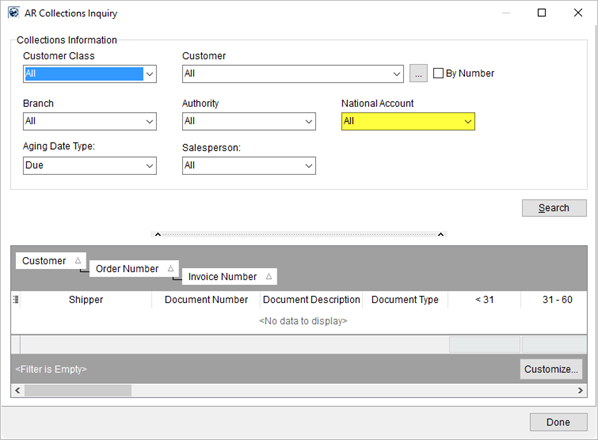
Figure 304: AR Collections Inquiry screen
|
SUMMARY (7996) |
|
National Account added to the search parameters and to the data grid within AR Collections Inquiry. |
|
The following areas have been affected by this enhancement:
|
RELEASE FIXES
This section lists any fixes made to MoversSuite for this release.
Administration Changes
Compatibility check added
MoversSuite Administration now performs a compatibility check on the database it is attempting to load. If the database is not compatible with the particular version of MoversSuite Administration, then the user receives an error and the application prevents them from accessing the tool.
Figure 305: Database Connection Problem dialog
As indicated in the image below, the Database Connection error displays the version numbers for database and for the administration tool. (8044)
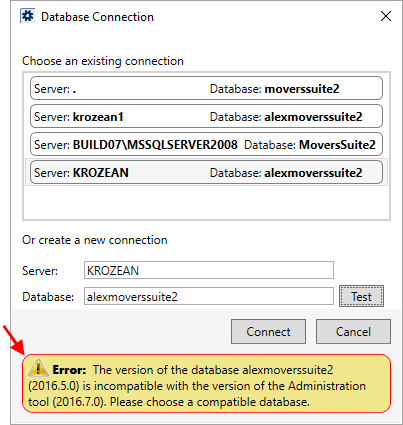
Figure 306: Database Connection dialog
SMTP Encryption Support
In response to more users switching to Office 365 for email hosting, MoversSuite now supports TLS encryption for SMTP connections, which is a requirement of Office 365 and several other email-hosting platforms.
To enable the TLS encryption support, check the new Enable SSL option is available through SMTP Setup. This option instructs MoversSuite to create and send emails within TLS encryption. (7574)
Update Email Options within System Wide Options
We created a new option titled Microsoft Outlook Email Integration within the System Wide Options. When checked, this flag instructs MoversSuite to utilize Outlook fully for its mail management. Turning this flag off, instructs MoversSuite to not recognize Outlook as the primary mail service for sending messages from MoversSuite. (8061)
Integrations Changes
UniGroup Message Queue Support
MoversSuite is compatible with UniGroup Message Queue (MQ) 7.0.1 and 7.1.0.3. (8000)
Local Dispatch Changes
Sort Service Branch by ID
The Service Branch selector within Local Dispatch now defaults to a sort by the branch ID. Prior to this version of MoversSuite, an ambiguous sort was in place on this selector. Clicking on the ID or the Name column heading causes the menu to sort by the data within that column. (7952)
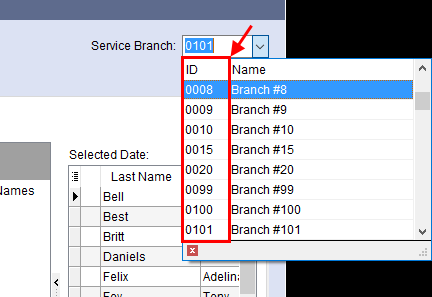
Figure 307: Service Branch selector within Local Dispatch
Order Information Changes
Full Driver Number displays in Shipment Status History
The Driver Number set within a Personnel Setup record can be up to 15 characters, therefore we updated the Shipment Status History screen display this entire field’s value. Prior to this change, the application only recognized the first six characters of a manually entered driver number. (8011)
Revenue Entry Changes
Third party payables not importing
Reversals associated to third party payables on auto-generated invoices do not show up in Dynamics GP. MoversSuite no longer allows you to select auto-generated invoices for third party items related to adjustments or reversals for any new entry made through the Add Third Party Item (Revenue Entry) screen. (8037)
SCHEMA CHANGES
Schema Changes Version 2016R07
The following links allows you to navigate through all MoversSuite tables and data views and allows you to view field properties, such as type and maximum value size, etc.
MoversSuite Database Tables (2016R07)
MoversSuite Document Database Tables (2016R07)
MoversSuite Data Views (2016R07)
|
Version 2016 R06 |
|
RELEASE DATE: 3/14/2016
QUICK LINKS
Here is a table containing several commonly requested hyperlinks.
|
Link |
Description |
|
|
Watch a short video highlighting the changes we have made to MoversSuite at this version. |
|
View current release information through a PDF document. | |
|
Read up on the requirements for this version of MoversSuite. | |
|
Check out our Support page and read about the latest MoversSuite release and find links to other useful information. | |
|
See what other MoversSuite customers are requesting for changes to the MoversSuite application and submit your own suggestions. | |
|
Past Versions Information |
Look through a list of changes made to all other versions of MoversSuite. |
|
Access a list of overview videos for each release. | |
|
Pull up the database changes we made at various releases. |
RELEASE SUMMARY
The following is a table contains counts of the items affecting this release.
|
# |
Change Summary |
|
1 |
Release Requirements |
|
1 |
Known Issues |
|
1 |
Release Enhancements |
|
6 |
Release Fixes |
|
1 |
Schema Changes (# of database tables affected) |
|
0 |
Admin Changes |
|
0 |
Standard Reports Affected |
RELEASE REQUIREMENTS
Please read the following announcements regarding functionality and hardware/software changes for this release of MoversSuite.
IMPORTANT DYNAMICS GP REQUIREMENTS
Refer to the System Requirements section for a complete list of hardware and software requirements.
MoversSuite is compatible with the following:
Microsoft Dynamics GP 2015 R2 (with ATIP Build 14.0.1)
Microsoft Dynamics GP ATIP Build 14.0.1
Microsoft Dynamics GP 2013 R2 (with ATIP Build 12.0.23)
Microsoft Dynamics GP ATIP Build 12.0.23
Refer to the following for information regarding additional requirements you may need to support Microsoft Dynamics GP 2015:
System Requirements for Microsoft Dynamics GP 2015
View the MoversSuite Compatibility topic for a list of products compatible with MoversSuite.
Refer to the System Requirements section for a complete list of hardware and software requirements.
KNOWN ISSUES
The following issues are problems that may affect your decision to upgrade to this version of MoversSuite. The following issue is not resolved for this release.
Citrix issue with phone number control
An issue that cannot be replicated is causing the phone numbers within the Shipper Contact Information section (Name, Address, Phone tab) to disappear and then reappear when a user clicks on that section, however, the user cannot edit them until they press Cancel (on the order) and then attempt to Edit again. (6409)
RELEASE ENHANCEMENTS
This section lists the enhancements made to MoversSuite for this release.
New Retained Revenue tab in Dynamics GP Order Inquiry
Several MoversSuite customers that record third party
expenses in Microsoft Dynamics GP (and not in MoversSuite) have no way of
knowing the amounts that may affect an order while working in MoversSuite.
MoversSuite now offers a new Retained Revenue tab within the Dynamics GP Order Inquiry to allow a user to view accurate, up-to-date amounts posted in Microsoft Dynamics GP, which may include transactions for customer and vendors not available within MoversSuite.
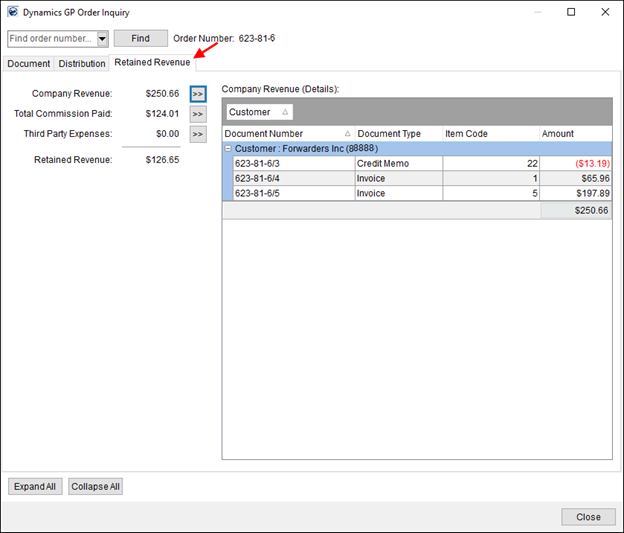
Figure 308: Dynamics GP Order Inquiry
This information is summarized into three totals with options
to view the details of the amounts in the adjacent data grid. Pressing the Next
button ( ) displays the
details in the grid for the corresponding total. The customers and vendors
listed include those defined in either MoversSuite and/or Microsoft Dynamics
GP.
) displays the
details in the grid for the corresponding total. The customers and vendors
listed include those defined in either MoversSuite and/or Microsoft Dynamics
GP.
|
Company Revenue |
Total original amount of all AR documents that are not payments, excludes Cash Receipts and any transaction coming from Payment Management. Detail breakdown includes all customers related to the order. |
|
Commissions Paid |
Total original amount of all AP documents that are a result of commissions generated through Revenue Entry, excluding any payments/checks. Detail breakdown includes all vendors related to the order. |
|
Third Party Expenses |
Total of the remaining AP expenses associated to the order, excluding payments. Detail breakdown includes all vendors related to the order. |
|
Retained Revenue |
The posted amount of Company Revenue less Commissions Paid less Third Party Expenses. |
Refer to the Dynamics GP Order Inquiry topic for more information.
|
SUMMARY (7730) |
|
Retained Revenue tab and related data added to the Dynamics GP Order Inquiry. |
|
The following areas have been affected by this enhancement:
|
RELEASE FIXES
This section lists any fixes made to MoversSuite for this release.
Cash Receipts Fixes
Invoices for manually added orders not displaying
Prior to this release, if a user manually added an order to a cash receipt, either through the Quick Find or Add Order button, invoices associated to the order failed to show up in the grid. Now, when a user adds an order to the Associated Orders grid manually or through the Customer assignment, all invoices associated to the order display. (7987)
No amount included on some invoices
An issue with invoices showing up in the Associated Orders grid without an amount is resolved. (8003)
Claims Fixes
Error on Claims invoice
A fix made during release 2016 R05 causes an error in the Claims module when a user attempts to create an invoice. A correction to the previous fix is available in this release: Users no longer receive an “Error encountered building invoice” error in Claims. (8031)
Integration Fixes
Update to allocation percent calculations on Atlas imports
We updated the way allocations compute for Transportation items imported through an Atlas Revenue Import. Since the total allocation typically does not add up to 100%, MoversSuite employs a factor variable to achieve the desired allocation percentage. This only affects revenue items imported from the Atlas Van Line system. (8025)
Revenue Entry Fixes
GoTo Reduction causing error
When editing an item through Add Revenue Item that is a result of an addback reduction and the user presses the GoTo Reduction button, prior to this release MoversSuite produced an error indicating that the “RecordIndex out of range.” Now MoversSuite opens the correct addback item. (7998)
Voiding an invoice reverses sales tax
With a recent change to the MoversSuite invoice number format, a reversal of the sales tax on the invoice was not occurring. With this release, reversing the invoice also reverses the sales tax associated to invoices generated with the old invoice number format. This release of MoversSuite provides a script that identifies any invoice in a partially voided state and creates the necessary sales tax reversal. (8029)
SCHEMA CHANGES
Schema Changes Version 2016R06
The following links allows you to navigate through all MoversSuite tables and data views and allows you to view field properties, such as type and maximum value size, etc.
MoversSuite Database Tables (2016R06)
MoversSuite Document Database Tables (2016R06)
MoversSuite Data Views (2016R06)
|
Version 2016 R05 |
|
RELEASE DATE: 2/29/2016
QUICK LINKS
Past Versions Information
RELEASE SUMMARY
The following is a table contains counts of the items affecting this release.
|
# |
Change Summary |
|
1 |
Release Requirements |
|
1 |
Known Issues |
|
3 |
Release Enhancements |
|
6 |
Release Fixes |
|
3 |
Schema Changes (# of database tables affected) |
|
1 |
Admin Changes |
|
0 |
Standard Reports Affected |
RELEASE REQUIREMENTS
Please read the following announcements regarding functionality and hardware/software changes for this release of MoversSuite.
IMPORTANT DYNAMICS GP REQUIREMENTS
Refer to the System Requirements section for a complete list of hardware and software requirements.
MoversSuite is compatible with the following:
Microsoft Dynamics GP 2015 R2 (with ATIP Build 14.0.1)
Microsoft Dynamics GP ATIP Build 14.0.1
Microsoft Dynamics GP 2013 R2 (with ATIP Build 12.0.23)
Microsoft Dynamics GP ATIP Build 12.0.23
Refer to the following for information regarding additional requirements you may need to support Microsoft Dynamics GP 2015:
System Requirements for Microsoft Dynamics GP 2015
View the MoversSuite Compatibility topic for a list of products compatible with MoversSuite.
Refer to the System Requirements section for a complete list of hardware and software requirements.
KNOWN ISSUES
The following issues are problems that may affect your decision to upgrade to this version of MoversSuite. The following issue is not resolved for this release.
Citrix issue with phone number control
An issue that cannot be replicated is causing the phone numbers within the Shipper Contact Information section (Name, Address, Phone tab) to disappear and then reappear when a user clicks on that section, however, the user cannot edit them until they press Cancel (on the order) and then attempt to Edit again. (6409)
RELEASE ENHANCEMENTS
This section lists the enhancements made to MoversSuite for this release.
New Document Management Database
Physical memory issues and backup performance issues regarding storage of image files within the MoversSuite database caused us to move document storage to its own database.
As of this release, a separate document database is available. The documents database on your system contains the same name as your MoversSuite database along with “Docs” appended to it.
New document database name format:
[DATABASE ]+Docs
Where [DATABASE] is your MoversSuite database. For example, if your database is named MoversSuite2 then your document storage database is named MoversSuite2Docs.
Figure 309: Explorer window within Microsoft SQL Server Management
This new database must reside on the same server as your MoversSuite database, i.e. there is no support yet for storing documents on a separate server.
All new documents added to your system will be stored within the new document database.
All exisiting documents will reside in the MSSDocumentImage table within the MoversSuite database. A separate tool has been added to the MoversSuite Deploy Tool that will allow your company to move all exisitng documents to the new database after the upgrade process has completed; the deploy process does not perform this function automatically.
The Deploy Tool also generates a new MssDocExec role and grants appropriate priviledges to all current MoversSuite roles.
Those customers utilizing Sharepoint document storage are also impacted by this change. All new documents continue to be stored within the Sharepoint document library. Additionally, your company can migrate these document to the new document database using the new option within the Deploy Tool.
Meta information on documents will continue to reside within the MSSDocument table in MoversSuite.
|
SUMMARY (5557) |
|
New document database added to store all image files. |
|
Deploy Tool update to create appropriate access controls to the new database and provide a tool that allows a company to migrate existing documents to the new document database. |
|
The following areas have been affected by this enhancement: Schema Changes Version 2016R05
|
Upgrade Tool
The Upgrade Tool streamlines all the functions of the deploy process into a simple dialog with a few prompts and performs all necessary tasks including requirements check, database backup, and the installation of the MoversSuite application and related products.
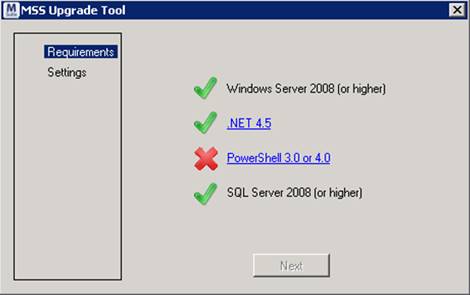
Figure 310: MoversSuite Upgrade Tool
Read more about this through the Upgrade Tool topic.
|
SUMMARY (7406) |
|
New Upgrade Tool is available for customers wishing to perform a MoversSuite upgrade on their own. |
|
The following areas have been affected by this enhancement:
|
Update Coordinator on Orders from Account Profile Setup
MoversSuite now provides your company the ability to update the coordinators on orders associated to a particular Account Profile. Administrators have a new option within the Order Defaults section in Account Profile Setup allowing them to Update Coordinator on Orders.
Figure 311: Account Profile Setup
Pressing this new button opens the Update Coordinator on Orders screen. Orders selected within this screen, by placing a checkmark in the box corresponding to the record, will have the Transportation Coordinator (Name, Address, Phone tab) set to the Coordinator specified as the default within Account Profile Setup.
Figure 312: Update Coordinator on Orders screen
Order records only appear within this screen for qualified matches on the selected Shipment Status value or values and for the first date in the load date spread (in Range tab on Move Information) specified.
|
SUMMARY (7647) |
|
New Update Coordinator on Orders screen available to set the coordinator for all orders associated to a particular Account Profile Setup record. |
|
The following areas have been affected by this enhancement:
|
RELEASE FIXES
This section lists any fixes made to MoversSuite for this release.
General Fixes
Limit on number of records returned to the Find
Sizeable queries using the Find were causing slowdowns and other performance issues. Therefore, the Find now returns only 1,000 records. A warning displays at the bottom of the dialog when 1,000 records match the search criteria.
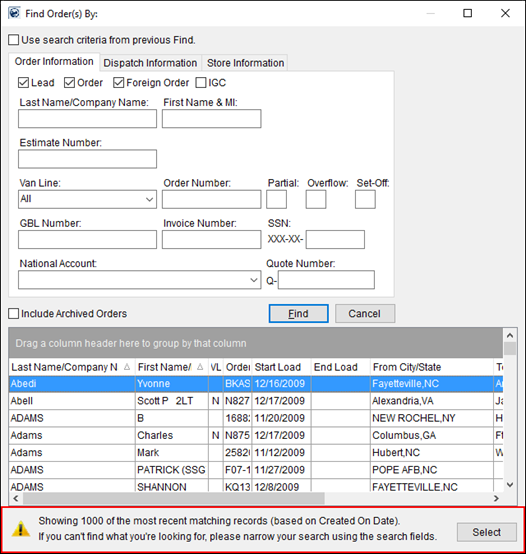
Figure 313: Find dialog
The search results returned are based on the 1,000 newest records existing in the system and the sort is by Last Name/Company Name first and then the First Name/MI column second.
All Find dialogs throughout MoversSuite now return no more than 1,000 records. (7864)
Update to Create Duplicate Order functionality
MoversSuite now reverses the Consignor and Consignee data from the Move Information tab when the Basic Information (Reverse Addresses) option is on within the Create Duplicate Order dialog. Prior to this release, the Consignor and Consignee did not change though the application reversed the Moving To and Moving From addresses. (7917)
Integrations Fix
SIRVA QLAB no longer updates registered orders
Once a QLAB lead is booked/registered within MoversSuite, i.e. has an Order Number, all subsequent updates through a SIRVA QLAB Lead/Opportunity Download will be ignored. (7981)
Revenue Entry Fix
Set invoice Created Date appropriately
Historically, the Created Date of an invoice was set at the time that a draft of the invoice was created. This can lead to confusion especially if there was considerable time between when the draft was created and when the actual invoice was generated. Now, MoversSuite updates the Created Date at the time the invoice generates. (7958)
Duplicate keys in Avalara causing Unique Constraint Error
The new invoice numbering system enacted by MoversSuite caused duplicate key values between drafts that existed prior to the change and new invoice numbers. We updated MoversSuite to ensure that no duplicates invoice keys exist under any circumstance. (8014)
Hidden line items no longer sent to Avalara
Line items with no subtotal amount are no longer sent to Avalara as part of the Sales Tax Integration. Group items with no amount or a zero amount are also not sent to the sales tax service. Prior to this fix, revenue items and groups with no amount showed on invoices. (8015)
SCHEMA CHANGES
Schema Changes Version 2016R05
The following links allows you to navigate through all MoversSuite tables and data views and allows you to view field properties, such as type and maximum value size, etc.
MoversSuite Database Tables (2016R05)
MoversSuite Document Database Tables (2016R05)
MoversSuite Data Views (2016R05)
|
Version 2016 R04 |
|
RELEASE DATE: 2/15/2016
QUICK LINKS
Past Versions Information
RELEASE SUMMARY
The following is a table contains counts of the items affecting this release.
|
# |
Change Summary |
|
1 |
Release Requirements |
|
1 |
Known Issues |
|
4 |
Release Enhancements |
|
10 |
Release Fixes |
|
6 |
Schema Changes (# of database tables affected) |
|
5 |
Admin Changes |
|
0 |
Standard Reports Affected |
RELEASE REQUIREMENTS
Please read the following announcements regarding functionality and hardware/software changes for this release of MoversSuite.
IMPORTANT DYNAMICS GP REQUIREMENTS
Refer to the System Requirements section for a complete list of hardware and software requirements.
MoversSuite is compatible with the following:
Microsoft Dynamics GP 2015 R2 (with ATIP Build 14.0.1)
Microsoft Dynamics GP ATIP Build 14.0.1
Microsoft Dynamics GP 2013 R2 (with ATIP Build 12.0.23)
Microsoft Dynamics GP ATIP Build 12.0.23
Refer to the following for information regarding additional requirements you may need to support Microsoft Dynamics GP 2015:
System Requirements for Microsoft Dynamics GP 2015
View the MoversSuite Compatibility topic for a list of products compatible with MoversSuite.
Refer to the System Requirements section for a complete list of hardware and software requirements.
KNOWN ISSUES
The following issues are problems that may affect your decision to upgrade to this version of MoversSuite. The following issue is not resolved for this release.
Citrix issue with phone number control
An issue that cannot be replicated is causing the phone numbers within the Shipper Contact Information section (Name, Address, Phone tab) to disappear and then reappear when a user clicks on that section, however, the user cannot edit them until they press Cancel (on the order) and then attempt to Edit again. (6409)
RELEASE ENHANCEMENTS
This section lists the enhancements made to MoversSuite for this release.
Click to watch MoversSuite Overview Video
Watch this video to see an overview of the changes we made at this release.
Cancelled Local Services Remain
When you cancel a serrvice through Local Services, MoversSuite no longer deletes this record. Instead, the record remains visible within the data grid along with a new status value of “Cancelled.”
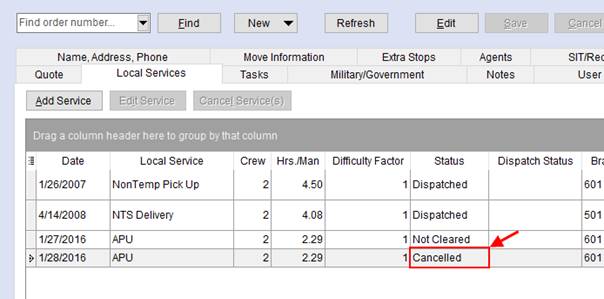
Figure 314: Local Services tab
Additionally, the Local Services grid displays the user that cancelled the service along with the date and time of the cancel.
|
NOTE |
|
Services cancelled through Local Dispatch continue to display in the Local Services data grid with a Status of “Not Cleared.” |
|
SUMMARY (7603) |
|
Services cancelled through Local Services remain visible within the data grid with a Status of “Cancelled.” |
|
Cancelled On and Cancelled By added to the Local Services data grid. |
|
A new Local Services Status of “Cancelled” is available. |
|
The following areas have been affected by this enhancement:
|
Local Service Type Classifiction
Your company now has the ability to group or classify local services into logical categories for reporting. The new Classification setting that you can assign to a service type allows your company the ability to report services under a particular category, such as Household Goods or Commercial moves.
The Classification field is assigned to a service through Local Service Type Setup.
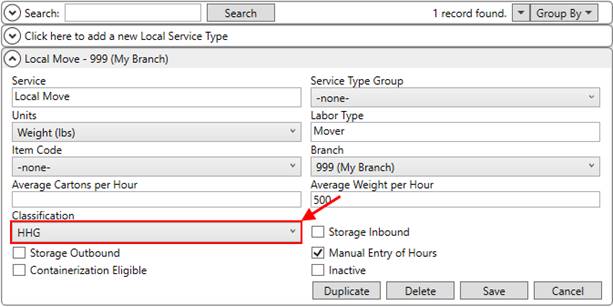
Figure 315: Local Service Type Setup
A mass classify feature is also available through the group function in the upper righthand corner of the Local Service Type Setup. This function allows you to set the Classification for all displayed Service Type records at one time.
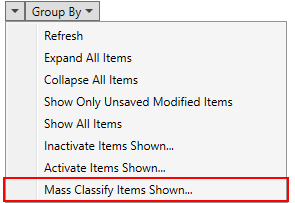
Figure 316: Group functions in Local Service Type Setup
Your company can define its own Classification values within the new Local Service Classification Setup. A classification description of up to 64 characters can be defined.
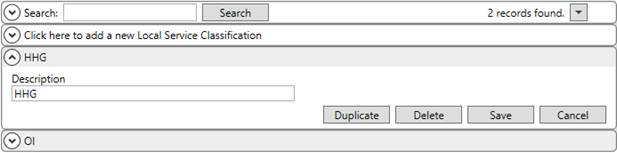
Figure 317: Local Service Classification Setup
We also include the new Classification setting as a reportable field within the LocalServicesWithinNextWeek data view; this view allows your company the ability to report on Local Services occurring within the next seven days.
|
SUMMARY (7900) |
|
New Local Service Classification Setup added. |
|
Classification added to Local Service Type Setup and to the LocalServicesWithinNextWeek data view. |
|
The following areas have been affected by this enhancement: Local Service Classification Setup Schema Changes Version 2016R04
|
Branch Location
Your company now has the ability to assign a location to a branch for reporting purposes. The new Location field is assignable to a Branch Setup record and provides your company a means of grouping branches by a particular category or geographic area.
This categorization is similar to but different than a Dispatching Common View. With the common view, your company can group similar agents together to restrict access to a particular dispatcher. With the branch location, your company can group across a particular area that may include multiple agent and/or branch locations.
A new Branch Location Setup is available allowing you to create locations. This setup allows you to assign the location record to branches as well.
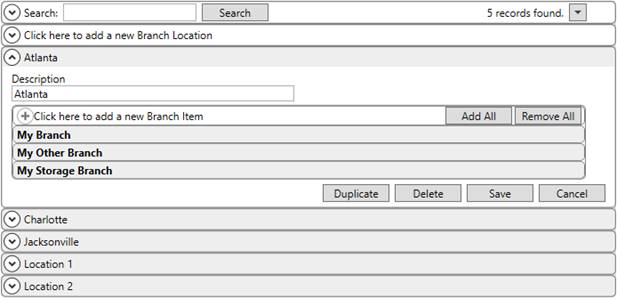
Figure 318: Branch Location Setup
Additionally, your company can assign the Location to a Branch Setup record directly.
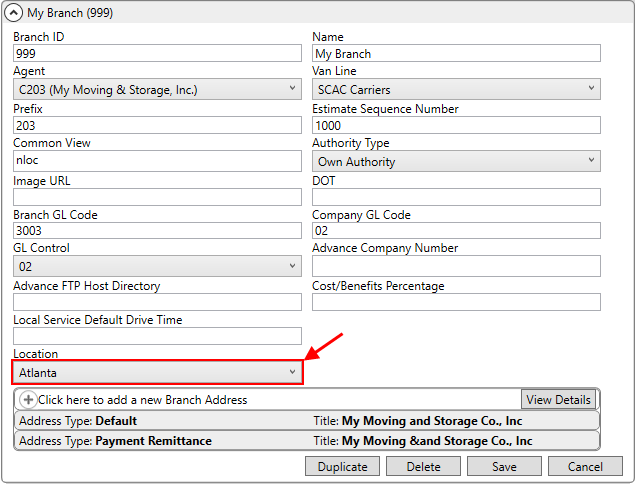
Figure 319: Branch Setup
The Group By functions available for multiple Branch Setup records provides a convienent way to set the Location on all displayed branches.
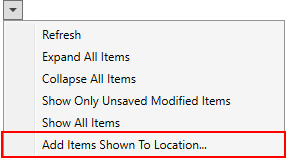
Figure 320: Group functions under Branch Setup
We also include a new BranchLocation setting as a reportable field within the LocalServicesWithinNextWeek data view; this view allows your company the ability to report on Local Services occurring within the next seven days.
|
SUMMARY (7901) |
|
New Branch Location Setup added. |
|
Location added to Branch Setup. |
|
BranchLocation added to the LocalServicesWithinNextWeek data view. |
|
The following areas have been affected by this enhancement: Schema Changes Version 2016R04
|
Shipper added to Accept Self Haul email
The automated email that generates when a self-haul request is accepted now includes the name of the shipper. The text of this email appears in the following format:
User [USERNAME] has given self haul authorization for order number [ORDER NUMBER].
Shipper: [SHIPPER NAME]
The subject of the email is labeled, “Self Haul authorization.”
Refer to Email Options Templates for details on the email notification.
|
SUMMARY (7908) |
|
Shipper added to the Accept Self Haul email generated through Email Services. |
|
The following areas have been affected by this enhancement:
|
RELEASE FIXES
This section lists any fixes made to MoversSuite for this release.
Administrative Fix
Label change in Queue Service Server Setup
A confusing label within the edit screen for a Queue Service Server Queue (within Queue Service Server Setup) has been relabeled to “Queue Folder Name.” This option is present only for detail item with a Queue Type of “File System Folder.” (7969)
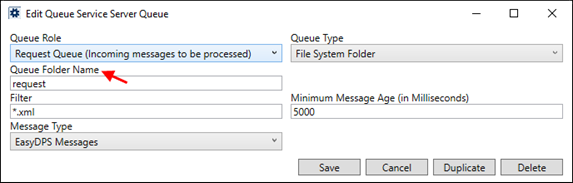
Figure 321: Queue Service Server Queue setup
Cash Receipts Fix
Associated Orders grid updates
The data grid for the Associated Order(s) now lists the Order Number and Invoice Number in two separate columns. Prior to this release, the Order Number field displayed a combined order and invoice entry.
Additionally, the grid now allows for column sorting, column rearrangement, offers right-click options menu, and separates out master and detail items, if present. Additionally, any changes a user makes to the grid is saved and available the next time they access Cash Receipts. (7670, 8001)
General Fixes
Order History update
The Order History now tracks changes made directly through the SQL database that affect MoversSuite data. Changes made either by a person accessing the database or through any external application are now tracked by the Order History logic and are included in the list of changes under the user the Module/Interface of “Direct SQL.” (7925)
Include Revenue Clerk on Duplicate Order
MoversSuite now copies the Revenue Clerk of an order to a new order through the Create Duplicate Order functionality no matter what options are selected. Prior to this release, the new order only included the Revenue Clerk when the Complete Order option was selected. (7854)
Credit Warning note created for New Account Order
When a user creates a new MoversSuite order through the New Account Order function (refer to Order-Level Functions) and they receive a credit warning for the customer associated to the Account Profile, MoversSuite now creates a credit warning note attached to the new order. Prior to this fix, a note was not being created when a user received the credit warning. (7887)
Integrations Fixes
SIT Days being cleared on UniGroup download
MoversSuite updates SIT information through a UniGroup SIT Information (Registration) download only if the data does not exist in MoversSuite. Prior to this release, subsequent downloads of SIT Information were overwriting data previously set on an order. For example, if the Days field was set to 7, then an updated Registration send was clearing out this field, i.e. setting Days to 0. (7897)
Third Party Application performance issue
The Third Party Application Error Management screen no longer loads all data related to an error. We found that loading the data, which includes the raw XML data associated to the import, was causing performance issues. Now the application loads the data when a user specifically requests it, i.e. selects View Data from the right click menu options. (4304)
Trade Show import no longer produces error
An issue where an import of the trade show data produced an error is fixed. Prior to this release, if a UniGroup import of trade show information came in and the import contained a Show Code that matched that of the existing record and the description for the show were different, then MoversSuite produced an error (specifically, the Error Code of 2000 was returned). (7825)
Recurring Billing Fix
Billing Items Total no longer includes Finalized items
The Total for all Billing Items listed for an order within Recurring Billing now only includes the total amount of all active items, i.e. the Total does not include any finalized billing items. In the example below, the $75 Filing amount is not included in the total of $430.95, since it is marked Final (End Billing). (7915)
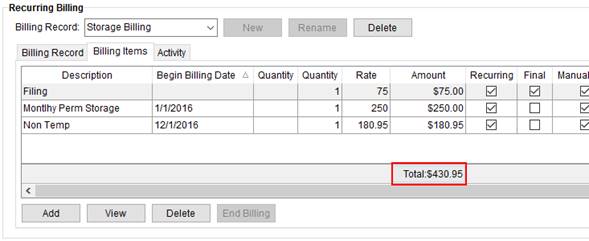
Figure 322: Billing Items tab
Revenue Entry Fixes
Slowness when adding items with auto commissions
MoversSuite encountered slow response times when users added revenue items with auto commissions. This was especially apparent when there were a large number of records within the Transactions grid. The issue of slowness has been addressed. (7562)
SCHEMA CHANGES
Schema Changes Version 2016R04
The following links allows you to navigate through all MoversSuite tables and data views and allows you to view field properties, such as type and maximum value size, etc.
MoversSuite Database Tables (2016R04)
MoversSuite Data Views (2016R04)
|
Version 2016 R03 |
|
RELEASE DATE: 2/1/2016
QUICK LINKS
Past Versions Information
RELEASE SUMMARY
The following is a table contains counts of the items affecting this release.
|
# |
Change Summary |
|
1 |
Release Requirements |
|
1 |
Known Issues |
|
2 |
Release Enhancements |
|
12 |
Release Fixes |
|
1 |
Schema Changes (Database Schema Tables Affected) |
|
0 |
Admin Changes |
|
1 |
Standard Reports Affected |
RELEASE REQUIREMENTS
Please read the following announcements regarding functionality and hardware/software changes for this release of MoversSuite.
IMPORTANT DYNAMICS GP REQUIREMENTS
Refer to the System Requirements section for a complete list of hardware and software requirements.
MoversSuite is compatible with the following:
Microsoft Dynamics GP 2015 R2 (with ATIP Build 14.0.1)
Microsoft Dynamics GP ATIP Build 14.0.1
Microsoft Dynamics GP 2013 R2 (with ATIP Build 12.0.23)
Microsoft Dynamics GP ATIP Build 12.0.23
Refer to the following for information regarding additional requirements you may need to support Microsoft Dynamics GP 2015:
System Requirements for Microsoft Dynamics GP 2015
View the MoversSuite Compatibility topic for a list of products compatible with MoversSuite.
Refer to the System Requirements section for a complete list of hardware and software requirements.
KNOWN ISSUES
The following issues are known problems that may affect your decision to upgrade to this version of MoversSuite. The following are not fixed for this release.
Citrix issue with phone number control
An issue that cannot be replicated is causing the phone numbers within the Shipper Contact Information section (Name, Address, Phone tab) to disappear and then reappear when a user clicks on that section, however, the user cannot edit them until they press Cancel (on the order) and then attempt to Edit again. (6409)
RELEASE ENHANCEMENTS
This section lists the enhancements made to MoversSuite for this release.
Click to watch MoversSuite Overview Video
Watch this video to see an overview of the changes we made at this release.
Service Instructions
You can now add service specific notes to each local service. This note follows the service from Local Services to Local Dispatch all the way to the Work Ticket Report.
The Add Local Service dialog has been updated to include a new Service Instructions section.
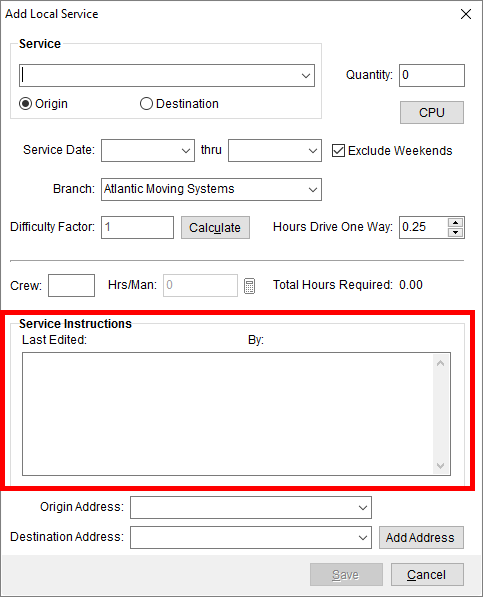
Figure 323: Add Local Service dialog
Options from a right-click menu allow you to paste text from another location and allow you to copy instructions from the Move Information tab as well. The text of the message is limited 1,024 characters, which is the same number allowed for the Special Instructions and Driving Instructions set for the order.
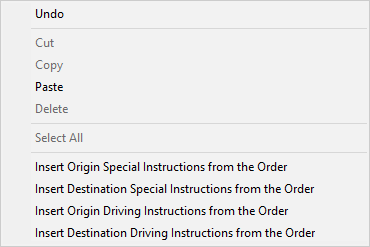
Service Instructions are also available to be viewed from the following grids:
Of note, the application displays three lines of text of the message within each of these grids. To view the entire message, you must add or edit the services, i.e. view it from the Add Local Service dialog.
We updated the Work Ticket Report as well to include any Service Instructions for all services associated to the ticket. These instructions appear on the report below the Special Instructions and Directions listings.
|
SUMMARY (7355) |
|
Service Instructions added. |
|
The following areas have been affected by this enhancement: Schema Changes Version 2016R03
|
New 1099 Applied by Commission Statement Date Report
A new, standard report has been added to this list of available reports. The 1099 Applied by Commission Statement Date Report provides a breakdown of 1099 amounts by statement date for a given driver over a given date range.
Refer to 1099 Applied by Commission Statement Date Report for an output listing for this new report.
|
TECHNICAL NOTE |
|
A new category has been added to the Reporting Services listing that includes reporting projects specific to Dynamics GP (i.e. reporting services\gp reports\GP Reports.rptproj). The specifical name of assoicated to the new report is titled 1099 Applied By Comm Stmt Date.rdl and can be added to profiles through Report Profile Setup. |
(7927)
RELEASE FIXES
This section lists any fixes made to MoversSuite for this release.
Collections Fixes
Cleaner note for Customer Credit Verification
The note set for an order when a credit warning is produced has been cleaned up by removing redundant information, such as the Order Number and date (this information is automatically included as part of a note). The credit warning note now contains the following format:
“User USERNAME received a warning prompt regarding customer CUSTOMER NAME (CUSTOMER NUMBER). WARNING.”
Where:
USERNAME is the MoversSuite user receiving the warning.
CUSTOMER/CUSTOMER NUMBER is the name of the customer prompting the warning along with their customer number.
WARNING is the one of four warning messages:
Customer is on hold
Customer has exceeded their credit limit
Customer is near their credit limit
Customer has no credit
(7889)
General Fixes
Order History updates
The Order History functionality now captures the Estimate Number of a copied order when an order is duplicated. The change that is recorded to the copied order indicates what the Estimate Number was before the copy and that it was “(unset).” Refer to Create Duplicate Order for more information on this functionality. (7827)
Additionally, Order History now captures the changes made to the National Account Name. This setting within the Billing Information tab allows a user to modify the Name set for the National Account (not just the default name), so now MoversSuite tracks any changes made to modify the name as well as when the account is changes. (7829)
The Bill Date, also known as an order release date, is now included in the list of fields tracked by Order History. Refer to Order History Fields for a complete list of settings tracked by Order History. (7869)
Required Fields updates
The look of the text within the Field Requirements dialog has been updated. A consistent font style has been employed along with a padding.
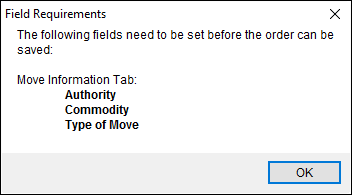
Figure 324: Updated Field Requirements dialog
(7844)
Integrations Fixes
UniGroup SIT Information download agent error
MoversSuite now checks for and validates an agent when inserting SIT Information as a part of a UniGroup download. Prior to this fix, a blank agent included in the SIT portion of the download would be added to MoversSuite along with the SIT data resulting in a third party application error. (7884)
UniGroup SIT agent update
MoversSuite now references the Origin Agent or Destination Agent (depending on the source) if the agent is not specified on an SIT download (EGI). Prior to this fix, if the agent was not explicitly defined for the SIT, then MoversSuite added a “System Generated Agent” to the database. (7855)
PSI:Cature Import UTF-8 Formatted Files
The TransDocs Integration now supports importing of documents in the UTF-8 format. Prior to this release, attempts to import UTF-8 format file caused an exception while parsing mssDocs. (7973)
EasyDPS Queue Service Handler Fix
The MoversSuite Queue Service handler for EasyDPS Integration has been corrected. Prior to this release, the Queue Services threw an error at runtime. (7970)
QLAB Lead Upload Fix
An error with the SIRVA QLAB Integration that was related to the QuickBooks Integration has been fixed. This was Known Issue for release 5.34 through 2016R02. (7956)
Revenue Entry Fixes
Reductions no longer causing Revenue Item error
In cases where there were multiple reductions on an item and a revenue amount was entered manually, users were getting a typical “Existing percentage based reductions will be removed” prompt but which was also followed by an error of “The amount is larger than what the database can store. Please correct the entered value.” The issue causing this error was identified (not all percentage based reductions were removed prior to the manual revenue entry) and corrected. (7918)
Permissions granted to MSS10500 table
MoversSuite now grants execute permissions on the MSS10500 table allowing revenue transactions to generate without error. Prior to this fix, the application returned the following error to the Error Report Log:
A SQL Exception has occurred while generating transactions. Error: The SELECT permission was denied on the object ‘MSS10500’, database… (error code 1042).
(7946)
SCHEMA CHANGES
Schema Changes Version 2016R03
The following links allows you to navigate through all MoversSuite tables and data views and allows you to view field properties, such as type and maximum value size, etc.
MoversSuite Database Tables (2016R03)
MoversSuite Data Views (2016R03)
|
Version 2016 R02 |
|
RELEASE DATE: 1/18/2016
QUICK LINKS
Past Versions Information
RELEASE SUMMARY
The following is a table contains counts of the items affecting this release.
|
# |
Change Summary |
|
1 |
Release Requirements |
|
2 |
Known Issues |
|
3 |
Release Enhancements |
|
6 |
Release Fixes |
|
1 |
Schema Changes (Database Schema Tables Affected) |
|
0 |
Admin Changes |
|
0 |
Standard Reports Affected |
RELEASE REQUIREMENTS
Please read the following announcements regarding functionality and hardware/software changes for this release of MoversSuite.
IMPORTANT DYNAMICS GP REQUIREMENTS
Refer to the System Requirements section for a complete list of hardware and software requirements.
MoversSuite is compatible with the following:
Microsoft Dynamics GP 2015 R2 (with ATIP Build 14.0.1)
Microsoft Dynamics GP ATIP Build 14.0.1
Microsoft Dynamics GP 2013 R2 (with ATIP Build 12.0.23)
Microsoft Dynamics GP ATIP Build 12.0.23
Refer to the following for information regarding additional requirements you may need to support Microsoft Dynamics GP 2015:
System Requirements for Microsoft Dynamics GP 2015
View the MoversSuite Compatibility topic for a list of products compatible with MoversSuite.
Refer to the System Requirements section for a complete list of hardware and software requirements.
KNOWN ISSUES
The following issues are known problems that may affect your decision to upgrade to this version of MoversSuite. The following are not fixed for this release.
SIRVA QLAB Lead Upload Issue
Issues in version 5.34 of MoversSuite and higher are causing an error with SIRVA QLAB Lead Uploads. This issue affects those utilizing the SIRVA QLAB Integration and a workaround is available, if desired. If contacting our Support Team, please reference case 7956 and a fix is to be addressed under case 7811. (7956, 7811)
Citrix issue with phone number control
An issue that cannot be replicated is causing the phone numbers within the Shipper Contact Information section (Name, Address, Phone tab) to disappear and then reappear when a user clicks on that section, however, the user cannot edit them until they press Cancel (on the order) and then attempt to Edit again. (6409)
RELEASE ENHANCEMENTS
This section lists the enhancements made to MoversSuite for this release.
Click to watch MoversSuite Overview Video
Watch this video to see an overview of the changes we made at this release.
Order identifying values now tracked by Order History
The following fields have been added to the list of fields tracked by Order History. These are the key values referenced when identifying a MoversSuite such as through the Find or through an integration with an external application.
|
Field |
|
Order Number |
|
Order Segment |
|
Partial Segment |
|
Overflow Segment |
|
Set-Off Segment |
|
Van Line |
Refer to Order Number and Order Number Setup for more information.
|
SUMMARY (7873) |
|
Fields added to the list of those tracked through the Order History screen. |
|
The following areas have been affected by this enhancement: Schema Changes Version 2016R02
|
Additional check added to UniGroup Rating/Distribution downloads
In the case when there is no carton code provided, MoversSuite now checks additional values included in a rating or distribution download from UniGroup to determine the code needed to identify the carton. MoversSuite now interprets the following when attempting to identify a carton code:
asrl_carton_code
asrl_code_item
|
SUMMARY (7605) |
|
New check added for carton code validation within UniGroup Downloads. |
|
The following areas have been affected by this enhancement: UniGroup Distribution Download Contents UniGroup Rating Download Contents
|
Sort option added to Payment Application Screen
A new item has been added to the Options menu within the Payment Application screen. When the Sort Records By Order Number option is checked, the records display sorted by the Order Number in ascending order. When this option is not checked, which is the default, then the records display in the order in which they were added to the payment (newest records listed at the top).
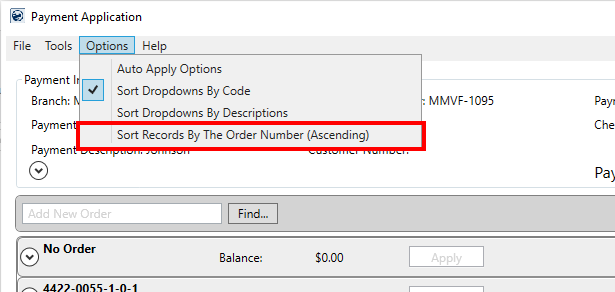
Figure 325: Payment Application
|
SUMMARY (7835, 7924) |
|
New option of Sort Records By Order Number added to the Option menu within the Payment Application screen. |
|
Sort option settings for the Options menu now saved to a user’s system data (SysUserSettings table) (7924) |
|
The following areas have been affected by this enhancement:
|
RELEASE FIXES
This section lists any fixes made to MoversSuite for this release.
Claims Fixes
Import matching phone types into new claims record
When creating a new claim record, MoversSuite automatically populates the phone numbers within the Claim Detail screen with those defined for the order through Name, Address, Phone. For example, if “Cell Phone” is defined as a phone type within both the Claims module and within the Order Information module and is set for the order, then when a claim is created then the phone number for the Cell Phone is automatically set for the claim.
|
TECHNICAL NOTES |
|
The phone type must match in both the Claim Phone Type Setup and Shipper Phone Type Setup and cannot be either “Home Phone” or “Work Phone,” since the application already pulls in data for the claim for these two types through the Shipper Phone Types of “Moving To Home” and “Moving To Work” already. Refer to Claim Phone Type Setup for more information. |
|
Administrators can update phone types defined within Claim Phone Type Setup to match those set within Shipper Phone Type Setup to streamline data entry. |
(7803)
Integrations Fixes
SIRVA download now includes remarks
SIRVA notes, such as those for remarks from Allied Van Lines, are now downloaded correctly. Prior to this release, MoversSuite was not translating the note body from SIRVA Download Request and the note text was therefore not set. (7756)
UniGroup Registration no driver error
MoversSuite no longer attmept to verify that a driver exists if one is not provided as part of a UniGroup Registraion Download. Prior to this release, MoversSuite would produce an error when no driver is provided; the error was #2092, “The Employee does not exist (or is inactive or does not have the correct labor type) in Personnel Setup. Order: not provided Employee Type: Driver.” (7911)
Payment Management & Cash Receipts Fixes
Update to Cash Receipt Find by Created On date
MoversSuite now ignores the time associated to a date when a search on Created On date is referenced on Find searches through the Cash Receipts module. Prior to this release, the application compared time values when including records in the search, which excluded some records based on the time of day the search was performed. (7765)
Recurring Billing & Storage Fixes
Improved exception handling on storage runs
MoversSuite has improved the way in which it handles errors occurring during a storage billing run. In previous releases, if an exception was encountered during a billing run, MoversSuite continued processing. With this release, MoversSuite halts the storage billing run any time an exception is encountered. These exceptions will be shown to the user and logged. Additionally, anytime a run has been halted and a user attempts to re-start the storage run, the errors from the failed run will appear again and prevent the user from re-starting until the issues have been corrected.
Additionally, the timeout for processing a storage billing run has been increased from one hour to 24 hours. There is a lot of processing that occurs during a storage run and an hour may not be enough time, depending on the size of data and amount of records needing to be processed. On prior releases, the application would abort the storage run if the one hour processing time was exceeded. (7856)
Revenue Entry Fixes
Update to hold logic on third party payables
A hold on a third party payable is only removed during the BAT process and if the document is fully applied. Prior to this release, a document remained on hold if a user deleted a reversing entry of payable. (7870)
SCHEMA CHANGES
Schema Changes Version 2016R02
The following links allows you to navigate through all MoversSuite tables and data views and allows you to view field properties, such as type and maximum value size, etc.
MoversSuite Database Tables (2016R02)
MoversSuite Data Views (2016R02)
|
Version 2016 R01 |
|
RELEASE DATE: 1/4/2016
QUICK LINKS
Schema Changes Version 2016R01
Past Versions Information
RELEASE SUMMARY
The following is a table contains counts of the items affecting this release.
|
# |
Change Summary |
|
3 |
Release Requirements |
|
2 |
Known Issues |
|
4 |
Release Enhancements |
|
6 |
Release Fixes |
|
2 |
Schema Changes (Database Schema Tables Affected) |
|
2 |
Admin Changes |
|
0 |
Standard Reports Affected |
RELEASE REQUIREMENTS
Please read the following announcements regarding functionality and hardware/software changes for this release of MoversSuite.
IMPORTANT RELEASE REQUIREMENTS
MoversSuite is compatible with the following:
Microsoft Windows 10
Microsoft Dynamics GP 2015 R2 (with ATIP Build 14.0.1)
Microsoft Dynamics GP ATIP Build 14.0.1
Refer to the following for information regarding additional requirements you may need to support Microsoft Dynamics GP 2015:
System Requirements for Microsoft Dynamics GP 2015
View the MoversSuite Compatibility topic for a list of products compatible with MoversSuite.
The following requirements are needed for this release:
Microsoft Dynamics GP 2013 R2 (with ATIP Build 12.0.23)
Microsoft Dynamics GP ATIP Build 12.0.23
|
NOTE |
|
Refer to the Hardware Requirements topic in our System Requirements for more information on the requirements for Microsoft Dynamics. |
KNOWN ISSUES
The following issues are known problems that may affect your decision to upgrade to this version of MoversSuite. The following are not fixed for this release.
SIRVA QLAB Lead Upload Issue
Issues in version 5.34 of MoversSuite and higher are causing an error with SIRVA QLAB Lead Uploads. This issue affects those utilizing the SIRVA QLAB Integration and a workaround is available, if desired. If contacting our Support Team, please reference case 7956 and a fix is to be addressed under case 7811. (7956, 7811)
Citrix issue with phone number control
An issue that cannot be replicated is causing the phone numbers within the Shipper Contact Information section (Name, Address, Phone tab) to disappear and then reappear when a user clicks on that section, however, the user cannot edit them until they press Cancel (on the order) and then attempt to Edit again. (6409)
RELEASE ENHANCEMENTS
This section lists the enhancements made to MoversSuite for this release.
Click to watch MoversSuite Overview Video
Watch this video to see an overview of the changes we made at this release.
New Software Versioning
From this release forward, MoversSuite will version using the following format:
CCYY R99 (49999)
Where CCYY is the four-digit year, R99 is the release number ranging from R01 TO R26, and (49999) is the specific build number for the release.
For example, this release of MoversSuite is the first for the year and has a build number for 41015, therefore it displays as “2016 R01 (41015)” within the About MoversSuite option from the Help Menu.
Figure 326: About dialog
For quicker reference to this number, we’ve also made it available from the Contents Screen.

Figure 327: Contents screen
|
SUMMARY (7748) |
|
New MoversSuite versioning system employed and visible from the Contents Screen and through the About dialog. |
|
The following areas have been affected by this enhancement:
|
Updated MoversSuite Desktop Icons
The MoversSuite desktop icons that display for quick access to launch MoversSuite and related products have been updated. Smaller versions of these icons also display in the title bar of the application window. The following table displays the new MoversSuite desktop icons.
|
Desktop Icon |
References |
|
|
|
|
|
|
|
|
|
SUMMARY (7712) |
|
New desktop icons to represent the three launchable MoversSuite applications. |
Field Requirement Updates
More reactive user interface
MoversSuite now provides a more reactive flow to the behavior of the Required Fields. Users working in MoversSuite will instantly see required fields highlighted in the application when setting a field that affects field requirements. For example, if Required Fields has been setup to require that the Authority be set when the Actual Load Date, then the application automatically highlights the Authority when the load date is set.
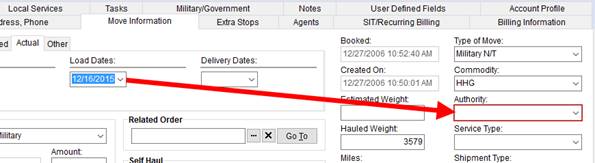
Figure 328: Move Information tab
Of note, MoversSuite still produces a warning dialog in the event that Save is pressed and required field are not set. (7839)
Check required fields when booking the order
Required Fields now verifies field requirements upon booking an order. MoversSuite now prevents a user from booking an order when field requirements based on the On Book trigger (Field Requirements Setup) are not set on the order. (7848)
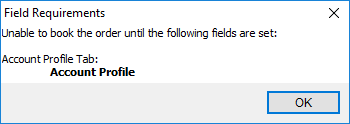
Figure 329: Field Requirements dialog
Check required fields when adding first service
When a user attempts to add the first local service to an order with Required Fields, MoversSuite produces a warning dialog that prevents the user from accessing the Add Local Service dialog when field requirements based on the On First Service trigger (Field Requirements Setup) are not set. (7840)
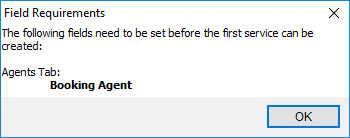
Figure 330: Field Requirements dialog
|
SUMMARY (7839, 7840, 7848) |
|
Added logic to enforce field requirements for the On Book and On First Service triggers (Field Requirements Setup) |
|
Real-time field highlighting of required fields when a trigger field is set. |
|
The following areas have been affected by this enhancement:
|
New MoversSuite Data View
A new, standard MoversSuite Data Views titled “LocalServicesWithinNextWeek” is available that can provide raw data listing all Local Services for the current system date up to seven days into the future.
See the details of the entire view through the following link:
LocalServicesWithinNextWeek Data View
See all views for this release:
Standard MoversSuite Data Views
|
SUMMARY (7880) |
|
New LocalServicesWithinNextWeek added to MoversSuite Data Views. |
|
The following areas have been affected by this enhancement: MoversSuite Data Views (2016R01)
|
RELEASE FIXES
This section lists any fixes made to MoversSuite for this release.
General Fixes
MoversSuite is compatible with Windows 10
With this release, MoversSuite announces its compatibility with the Windows 10 operating system. Refer to System Requirements for more information. (7792)
Field Requirements Label Update
The title labels for several of the setup events under the Field Requirements Setup have been updated to clarify their meaning. The following label changes have been made to this setup:
|
Label Changed From |
Label Changed To |
|
On Actual Load Set |
On Actual Load Date Set |
|
On Actual Delivery Set |
On Actual Delivery Date Set |
|
On Order Status Changed |
On Order Status Change |
|
On Shipment Status Changed |
On Shipment Status Change |
(7849)
Order History now capture order address removal
The Order History now captures a when an order address (Name, Address, Phone) is completely blanked-out by a user. (7800)
Added ability to enter manual email addresses for credit warning
The Credit Warning Lockdown Setup has been updated to allow your company to send an email notification to one or more manually entered recipients. Prior to this correction, users entered the email through a dialog within the MoversSuite application. Now, administrators have control over this list. (7876)
Local Services & Dispatching Fixes
Default service start time corrected
A potential issue related to a bad start time being associated to a service start time has been corrected. The service start time is now set accordingly. (7907)
Payment Management & Cash Receipts Fixes
CSV Import no longer applies twice
Payment Application issues involving a CSV import auto applying a statement twice have been fixed. Additionally, the record listing of the grid after the apply displays in the same order as the import file. (7866)
SCHEMA CHANGES
Schema Changes Version 2016R01
The following links allows you to navigate through all MoversSuite tables and data views and allows you to view field properties, such as type and maximum value size, etc.
MoversSuite Database Tables (2016R01)
MoversSuite Data Views (2016R01)