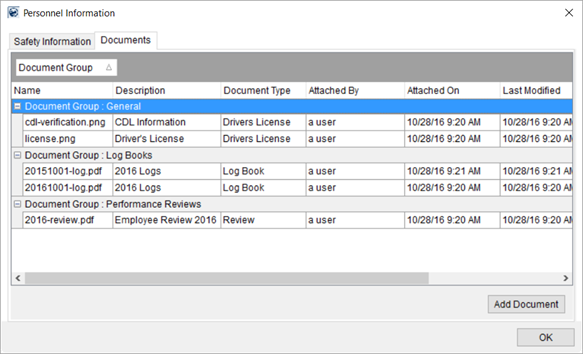
You can add and view documents for personnel through the Documents (Personnel) tab within the Personnel Information screen.
Figure 19: Personnel Information screen
This screen is available through the View Personnel Information option found through a right-click menu within crew assignment grid within the Dispatch Center in Local Dispatch. It is also available by clicking on the safety indicator icon within the Current Driver Activity tab in Long Distance Dispatch. Refer to Right-Click Options (Local Dispatch) and Right-Click Options (Long Distance Dispatch).
You can view the contents of a document by double-clicking on a record or by selecting View Documents, available as a right-click option.
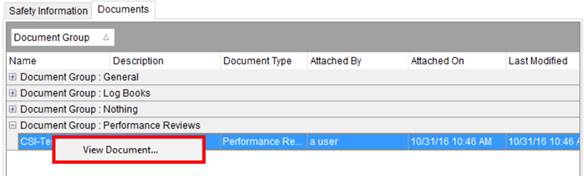
Figure 20: Documents tab
You can add a document to a personnel record through the Add Document button available through the Documents (Personnel) tab.
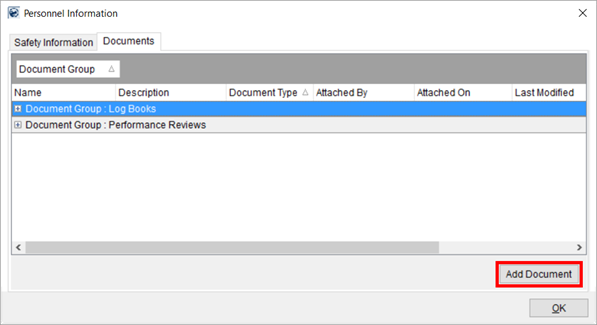
Figure 21: Documents tab within Personnel Information
Refer to the Documents (Personnel) and to Personnel Documents Setup topics for more information on usage and functionality available.