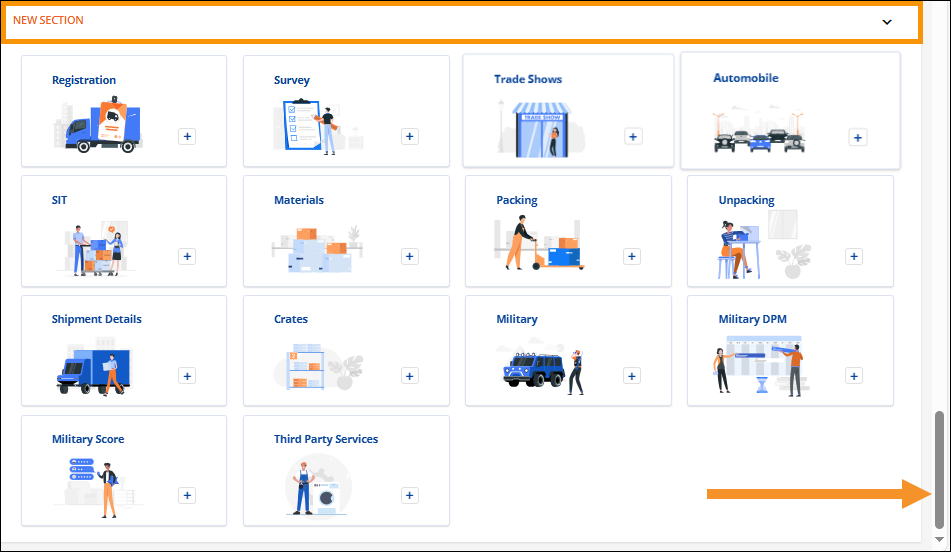
Order Information > Move Information > New Section
To add services to a transaction, go to the New Section within MSWeb Move Information, which is located at the bottom of the page. Notice in Figure 32 that the webpage has been scrolled to the bottom. New Section is where additional information and services are added to a lead or order through the use of “tiles,” such as Survey or SIT. Click on a tile to add that detail the order being viewed. For details on using tiles, see MSWeb Tiles.
Figure 32: New Section is a collapsible/expandable section located at the bottom of Move Information.
The tiles located within New Section include the following which list with their corresponding Online Help topic names:
|
Tile Name |
MoversSuite Online Help Topic |
|
Additional Charges |
|
|
Automobile |
|
|
Billing Information |
|
|
Crates |
|
|
Locations |
|
|
Materials |
|
|
Military |
|
|
Military DPM |
|
|
Military Score |
|
|
Packing |
|
|
Registration |
|
|
Shipment Details |
|
|
SIT |
|
|
Survey |
|
|
Third Party Services |
|
|
Trade Shows |
|
|
Unpacking |
The image below (Figure 33) shows the tiles available within New Section. If a tile is located within New Section, that service or information has yet to be added to the transaction. Once a tile is in use, that tile’s information becomes its own expandable/collapsible section within Move Information (or Local Services.) Should all information entered within a section be deleted, that section will disappear and that tile will return to the New Section or Additional Details sections. New Section or Additional Details are only for tiles that have not been added to the order.
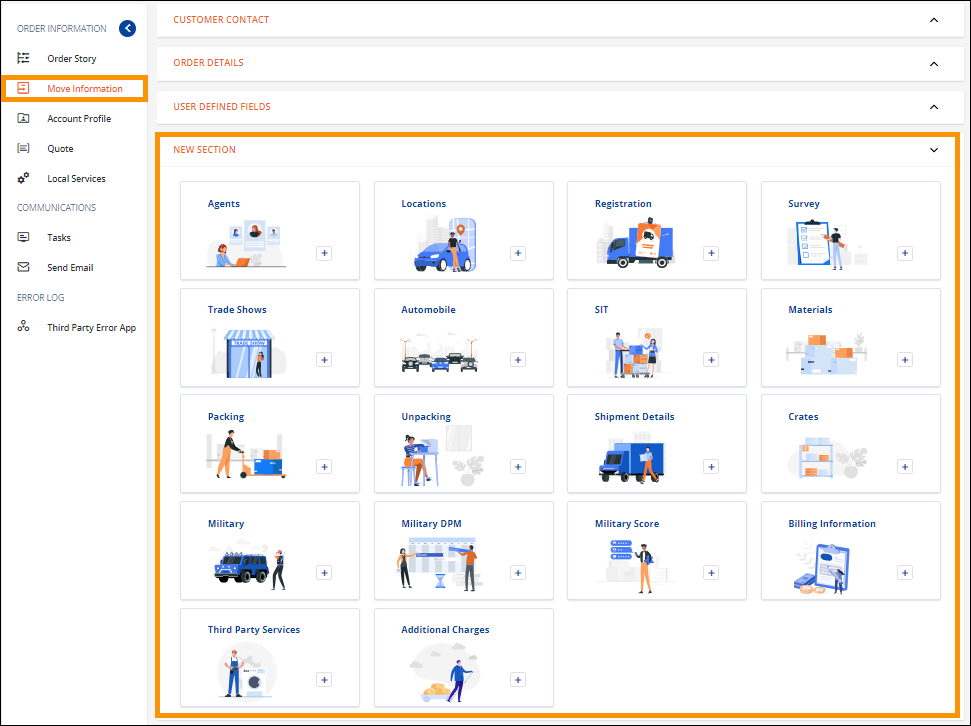
Figure 33: Within New Section, new services are added by clicking on a tile, such as Agents or Unpacking.