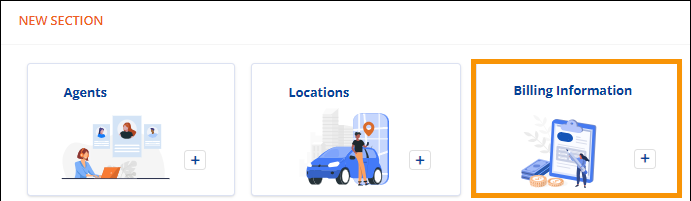
Order Information > Move Information > New Section > Billing Information tile
If section has been added: Order Information > Move Information > Billing Information
To enter Billing Information on an order or lead originating within MSWeb, click the Billing Information tile located within Move Information > New Section, which is located at the bottom of Move Information.
Figure 45: Move Information > New Section > Billing Information tile
Enter information within the “Add Billing Information” screen. For information on any of the fields within MSWeb Billing Information, see Billing Information. When completed, click Save.
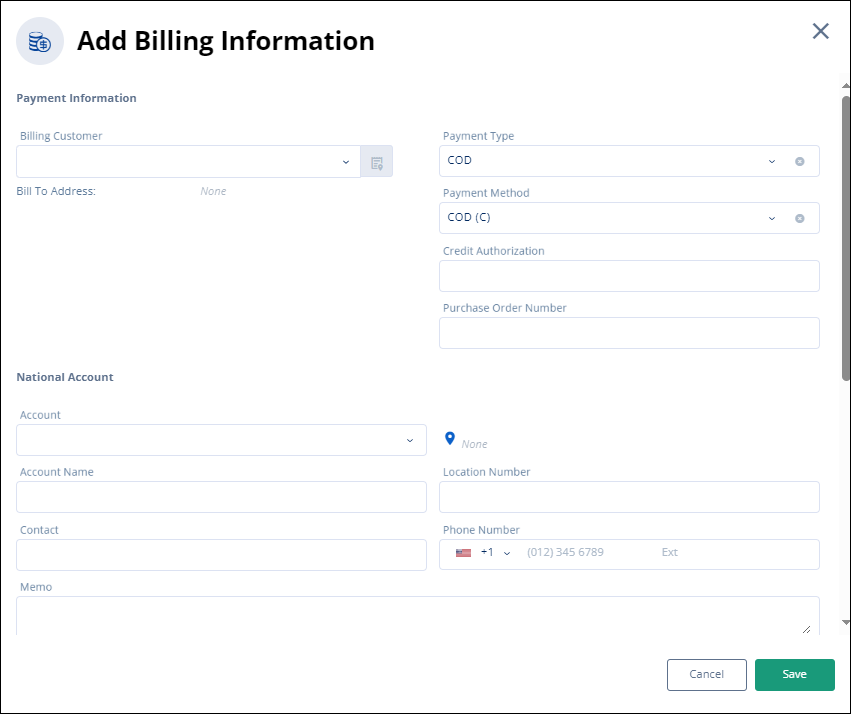
Figure 46: Add Billing Information screen
After data is entered and saved, Billing Information will then list within its own section within Move Information. The section is expandable and collapsible. To edit or add information, refer to MSWeb Edit Fields to details.
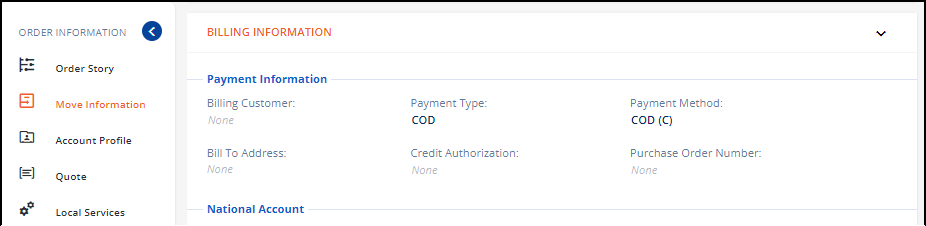
Figure 47: Move Information > Billing Information section
RELATED INFORMATION:
MSWeb New Section
MSWeb Move Information