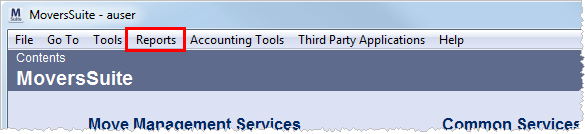
MoversSuite offers a variety of options to generate documents, forms, letters, invoices, etc., all of which are classified as “Reports” due in part that users can generate the various output from the Reports Menu.
Figure 1: Reports menu option
Additionally, MoversSuite integrates with Microsoft SQL Server Reporting Services reporting tools to produce the results in a Report Viewer screen, which allows users to view, print, save, email, etc. the generated output.
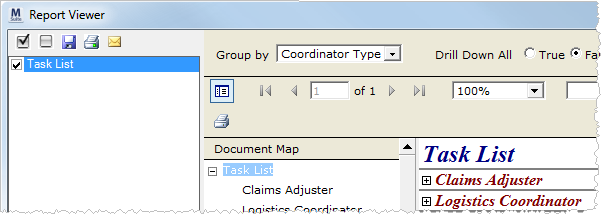
Figure 2: Report Viewer window
A full range of provided standard report is available, as well as the ability to produce customized documents through Crystal Reports and Microsoft Word as well as Reporting Services.
Throughout the application, users will reference print functionality through various print buttons and options, such as the Print Label button in Name, Address, Phone.
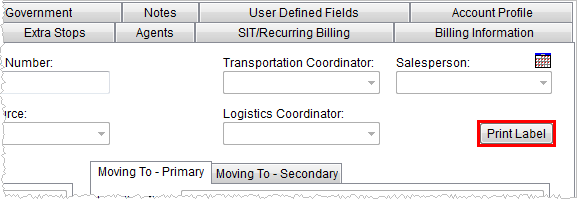
Figure 3: Print Label button
A full range of provided standard report is available, as well as the ability to produce customized documents through
The following table describes the methods in which users can
access reports, letters, documents, etc.
|
Access Method |
Description |
|
Letter Menu |
Letter menus available through the Reports Menu and Claims generate output using Bookmarks through the Microsoft Word application. |
|
The Report Manager provides direct access to the Reporting Service allowing users to run reports outside of MoversSuite. | |
|
Available from the main tool bar in MoversSuite provides a list of reports available to the user as assigned to the Report Profile in their Personnel Setup. | |
|
This administrative setting within Report Setup determines what report or reports display through the various menus, fields, buttons, etc. |
RELATED TOPICS:
Standard Report and Document Listing