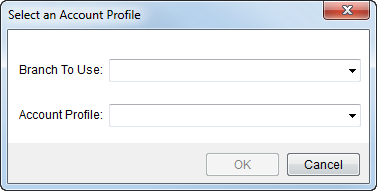
The Select an Account Profile screen prompts a user to enter a branch of service and to select an account profile to base a new order on.
Users will access this screen when creating a new order through the New Account Order (see Order-Level Functions).
Figure 5: Select an Account Profile screen
The following table lists the fields and functions available within this screen.
|
Field/Function |
Description |
|
Branch To Use |
Select a branch from the list of those defined within Branch Setup. The new order will be associated to this branch. |
|
Account Profile |
Select a profile form the list of those defined within Account Profile Setup. The profile automatically sets many order properties. |
|
|
OK Press OK to proceed with creating a new account order based on the selected branch and profile. |
|
|
Cancel This function discards the request to create a new order and closes the screen. |

