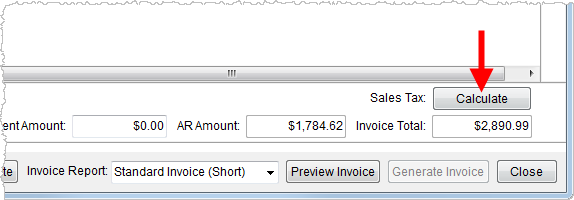
MoversSuite integrates with Avalara (http://www.avalara.com/) to offer a sales tax computation within Invoicing. The system can compute the tax on items automatically or users will find a Calculate button to generate sales tax on the listed line items.
Figure 21: Calculate button
The Sales Tax field and Calculate button will appear within the New Complete Invoice screen (available for both a new or supplemental invoice) for branches setup for the Sales Tax functionality.
When the system is computing Sales Tax, a progress bar will appear.
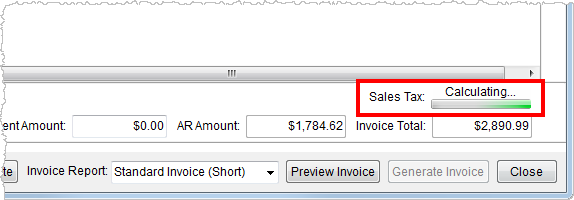
Figure 22: Sales Tax progress bar
The computed tax displays above the Invoice Total field.
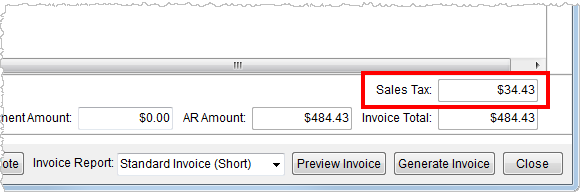
Figure 23: Computed Sales Tax
The computed tax amount appears on invoices (see Standard Invoices).
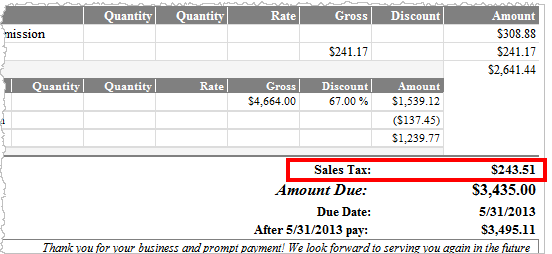
Figure 24: Sales Tax on invoice report
Additionally, a Tax column displays within the Invoicing section on the Summary tab and within the Invoice Management screen when an invoice has a sales tax associated to it. Note: Users can hover over the Tax field to see the tax amount assessed for the invoice.
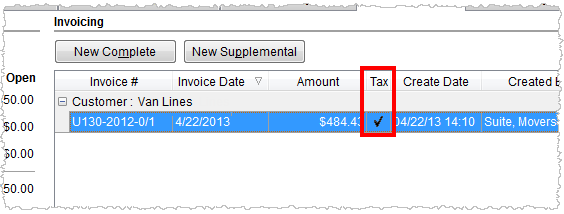
Figure 25: Tax column within the Summary tab
Revenue generated by Sales Taxes will appear under appropriate grouping (assigned Revenue Group) within the Transactions tab.
RELATED TOPIC:
Refer to the Sales Tax field description within New Complete Invoice more information.