 ) and allow a
user to quickly set a value for a field adjacent to the icon.
) and allow a
user to quickly set a value for a field adjacent to the icon. Several quick finds are available in MoversSuite. They are
denoted by a find icon () and allow a
user to quickly set a value for a field adjacent to the icon.
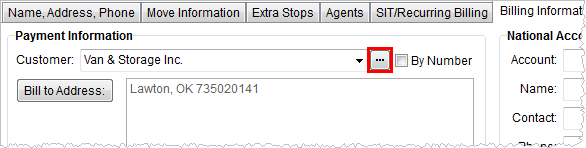
Figure 16: Quick Find on Customer
Pressing the find icon will open one of three finds depending on whether the field being set is for an agent, a customer, or vendor. Each quick find dialog is similar in that there are two search fields at the top, full-function data grid, and OK and Cancel options.
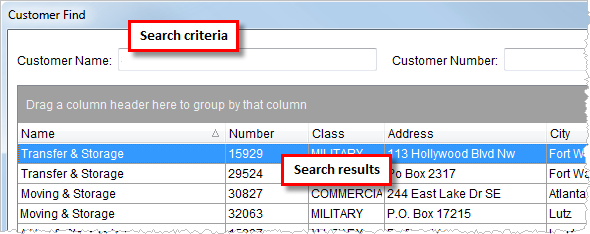
Figure 17: Customer Find dialog
The application automatically narrows the listed results down when the user enters data in name and/or number fields (all quick finds include a number and number field). Users can filter and customize the data using the features of the full-function grid (see Data Grids).
Once a user selects a record, they can press OK to access it.
The following quick finds are available within MoversSuite: