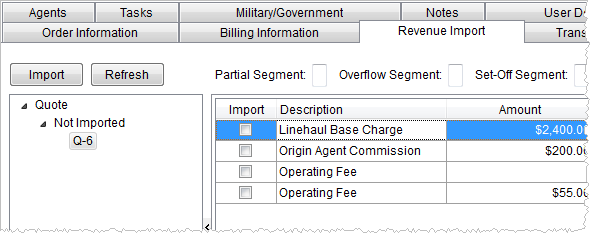
Quotes based on item codes will appear within Revenue Import and will display under its own category titled “Quote.” Only quotes with a Status of “Accepted” in Manage Quote will display.
Figure 7: Revenue Import tab
As with other imported items, quote items will display in either an Imported or Not Imported subfolder in Revenue Import. Imported items will be available in Transactions and group based on their revenue classification.
Note:
The Invoice Number and Invoice Date must be set prior to generating transactions for third party items; this data is required in Microsoft Dynamics GP. See Add Third Party Item for related information.
RELATED TOPICS: