Claims > Add or Edit buttons > Claim Detail > Other Information section.
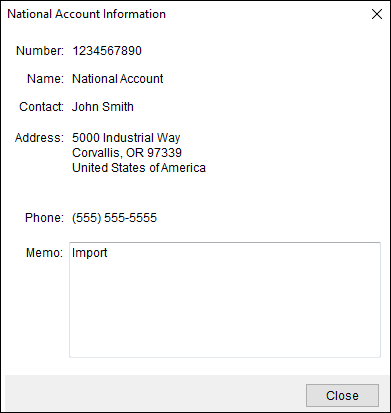
The National Account Information screenprovides basic data for a selected account.
Figure 17: National Account Information screen
Access the National Account Information screen by clicking
the information icon  next to
National Account within Claim
Detail, as shown in Figure 18.
next to
National Account within Claim
Detail, as shown in Figure 18.
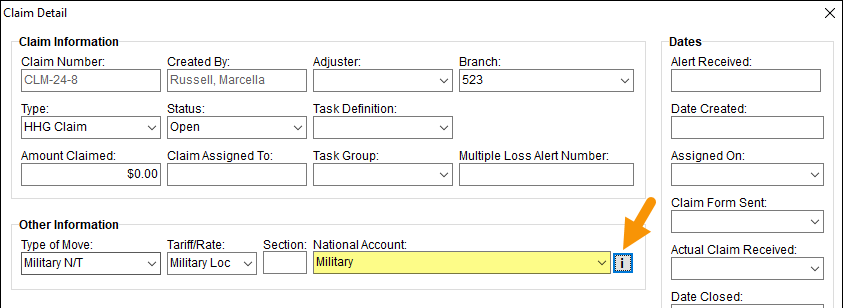
Figure 18: Access National Account Information screen by clicking the information icon indicated.
Users can manage account data through Account Setup.