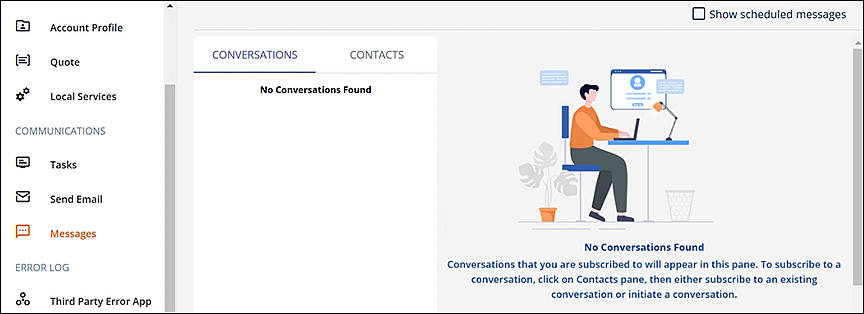
MSWeb Navigation Menu > Communications > Messages > Conversations tab
MSWeb Navigation Menu > Global Messages
After clicking Messages and if there are no messages for that order, the “No Conversation Found” screen appears. To start a conversations, go to the Contacts tab and use instructions detailed within MSWeb Initiate Conversation for getting started.
Figure 205: This screen indicates no messages have been sent or received within Messages (order level).
When “No Conversation Found” appears on MSWeb Global Messages (Figure 206), the logged in user is not subscribed to any conversations on any order. Conversations cannot be started within MSWeb Global Messages. Conversations can only be started on the order level within MSWeb Messages.
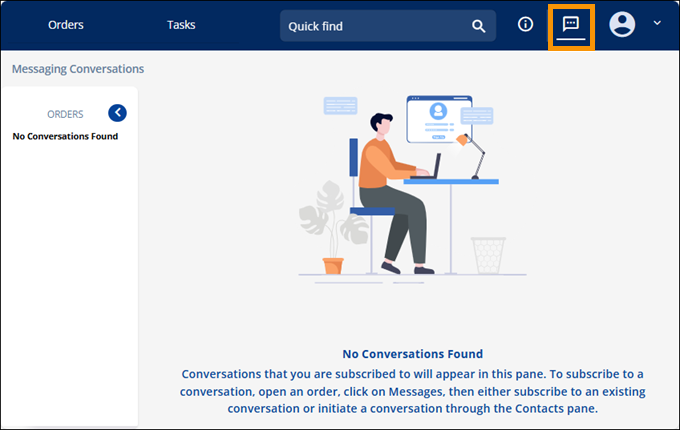
Figure 206: "No Conversation Found" within Global Messages.
RELATED INFORMATION: