
A videos on this topic is located within Administration Videos. Click the link below to view the video that relates to this topic.
Administration > Accounts & Permissions
|
|
A videos on this topic is located within Administration Videos. Click the link below to view the video that relates to this topic.
|
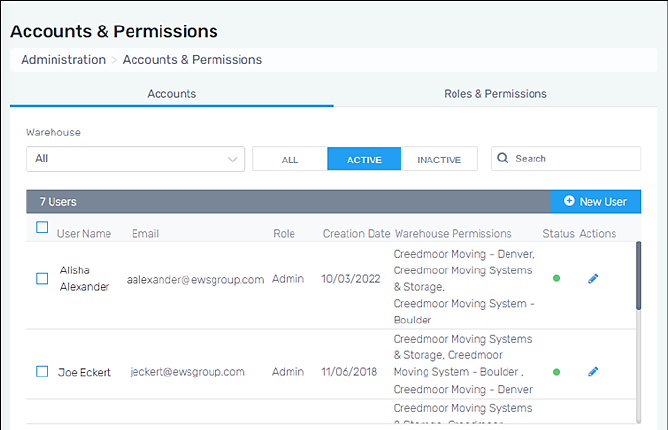
Manage users, Roles, and Permissions within this section. This section organizes information within two tabs: Accounts and Roles & Permissions. By default, the screen opens to the Accounts tab and lists the current users enrolled within MSWhse.
Notice the blue “Active” button which is set. Use the “All” button to list active and inactive users and “Inactive” to include just inactive users.
To add a new user, see the video listed above.
RELATED INFORMATION