MoversSuite Administration > Claims > Claim Status
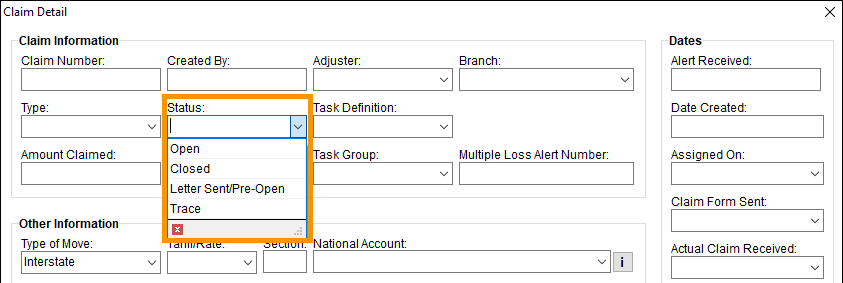
Use this setup to define the dropdown options available within the Status field in Claim Detail.
Figure 67: Status options are set within Claim Status Setup.
This is an example of a Claims Status Setup record. This record will list the option “Closed” within the Status dropdown.

The following technical table describes the details for each field.
|
Field |
Description |
|
Status |
Enter the names of the options available within the Status field in Claim Detail (up 128 characters). Examples: Open Closed In Progress On Hold
|
To create a new Claim Status Setup record:
1. At the top of the Claim Status Setup screen, use Click here to add new Claim Status.
2. Enter the name of the Claim Status within Status.
3. Click Add to save.
