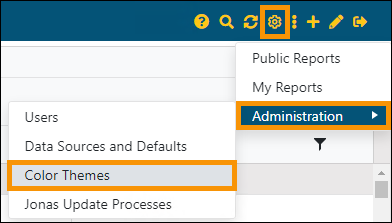
BI Tool > Settings > Administration > Color Themes
Set the Color Themes used throughout the BI Tool within BI Tool Administration. Choosing Color Themes opens the Application Color Theme screen, where Preset color combinations are available and custom Color Themes can be created and set, as well. See BI Tool Application Color Themes and BI Tool Adding and Editing a Color Theme for details and instructions.
Figure 49: Settings > Administration > Color Themes