MoversSuite Administration > Claims > Claim Handling Type
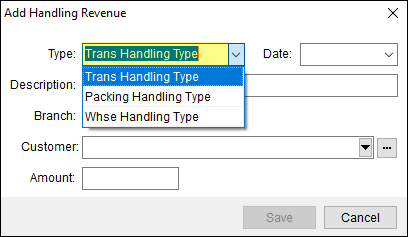
Use this setup to define the drop down menu options available within the Type field in Add Handling Expense and Add Handling Revenue screens.
The record that created the option selected in the above image is this one:

To create a new Claim Handling Type Setup record:
1. Use Click here to add a new Claim Handling Type at the top of the Claim Handling Type Setup screen.
2. Select the Item Code.
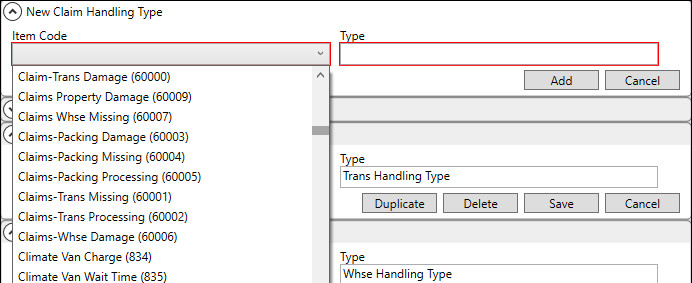
3. Enter the Description. The Description will be the name of the record and what lists within the Type dropdown menu within the Add Handling Expense and Add Handling Revenue screens.
4. Click Add to save the record.
The following technical table details the fields in this setup:
|
Field |
Description |
|
Item Code |
Link the entry to a transaction processing code from the list defined in Item Code Setup. |
|
Type |
Provide a description for the values available within the Type field in Add Handling Expense and Add Handling Revenue screens (up to 128 characters). Examples: Handling Fee Packing Fee Warehouse Fee
|