To delete a report:
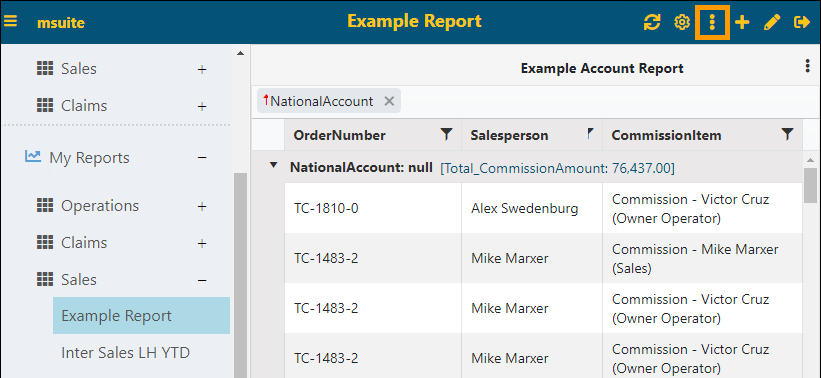
1. Click the report to be deleted in the Report Listing and then click on the Functions icon (Figure 126).
Figure 129: Functions icon on the header
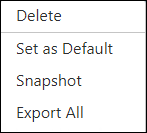
2. From the menu, click Delete.
3. From the confirmation screen, click the checkmark to confirm the deletion. To back out of the screen without deleting the report, click the X.
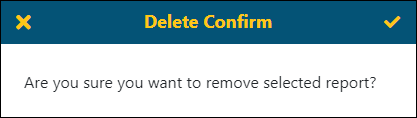
Figure 130: Delete Confirm screen