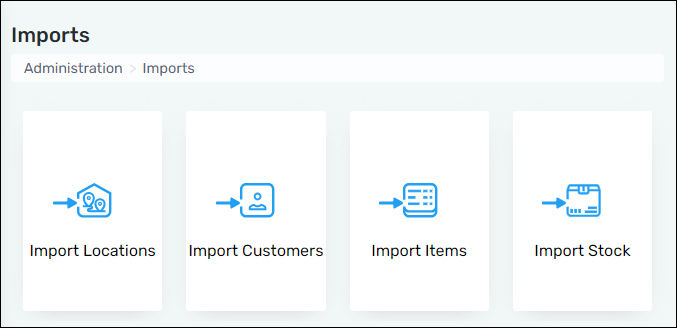
Administration > Imports
This tab provides the ability to import multiple Locations, Vault Numbers, customers, Item Numbers, and/or product stock within your warehouse.
To do so click on the data to be imported, download the template, complete the template and upload. Instructions are available to download as well. These provide required details and the information requested for each column of the templates.
Upon importing, if data does not match current data within MSWhse errors will generate on the right side of the computer screen with details for each error.
Figure 13: Administration > Imports