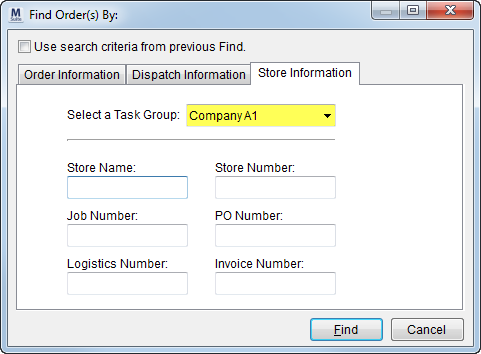
Users can select orders based on task definitions for a particular company name. Systems with defined task groups for specific companies allow users to set the company name, often referred to as “store rollouts,” as a Task Group for the order (Name, Address, Phone tab). This setting is then provides a the user a means to filter search results by the company name using the Select a Task Group field in a Find.
Figure 34: Specifying a Task Group in Find
Using the example above, all orders that have “Company A” for a Task Group will be included in the Find search results.
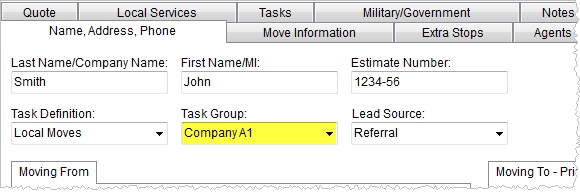
Figure 35: Task Definition and Task Group settings
Administrators can define an unlimited number of groups to a Task Definition within Tasks Setup.
Administrator Note:
MoversSuite recommends that the Account setting within the Tasks Setup be set to the “Generic Account” for this type of Task Definition.
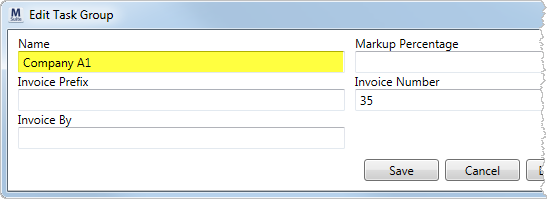
Figure 36: Add/Edit Task Group dialog
|
Note |
|
Task Groups also provide account access via the Customer Web Portal. |