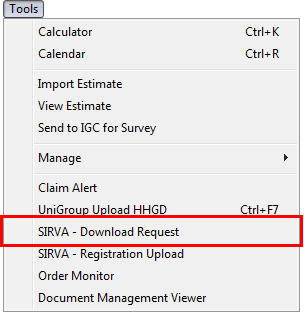
The SIRVA Download Request allows a user to download an order registered on the SIRVA sHub mainframe into MoversSuite. This option is available through the Tools Menu.
Figure 4: Tools Menu
When evoked, the system will contact SIRVA sHub and request data for active order. The request will require that the user enter a valid SIRVA sHub Login and Password.
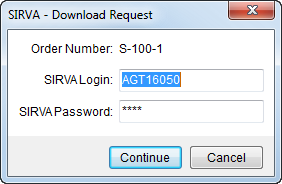
Figure 5: SIRVA - Download Request screen
The application will retrieve data from SIRVA sHub and update the order opened in MoversSuite. Users will view errors encountered during the process through the Third Party Interface Order Monitor.
Data within the active order will update upon a successful SIRVA sHub download request. See MoversSuite Fields Referenced by SIRVA and reference the SIRVA Download Request Content section for a listing of fields updated by SIRVA downloads.
Important:
Downloaded orders from any external system will overwrite data in a MoversSuite order.