 button within Step 1 in the Generic Revenue Import
window, this feature allows you to save and update the parameters defined within
Step 1.
button within Step 1 in the Generic Revenue Import
window, this feature allows you to save and update the parameters defined within
Step 1.
Available by pressing the button within Step 1 in the Generic Revenue Import
window, this feature allows you to save and update the parameters defined within
Step 1.
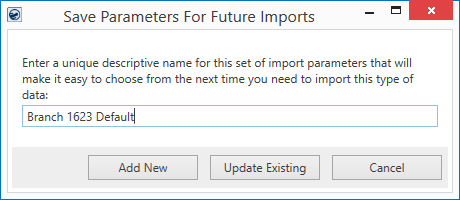
Figure 3: Save Parameters for Future Imports prompt

Upon an initial save, you prompted to Save the first
parameter list. After the first save, you can optionally create new parameter
lists by changing the parameters within the Generic Revenue Import window and pressing
. If you change the name of the
parameter list, you can optionally save it as a new one by pressing Add New.

To save changes made to the list of parameters within the Generic Revenue Import
window, press and press Update
Existing store the updates.

Closes the screen without saving any changes made.