Setup Area: BI Tool Data Sources > Main, Second or Third > Customization
The Column Customization screen is an option from the BI Tool Data Sources screen. The functionality of this screen also applies to the BI Tool Data Sources and Defaults Administration screen, when the Customization icon is selected.
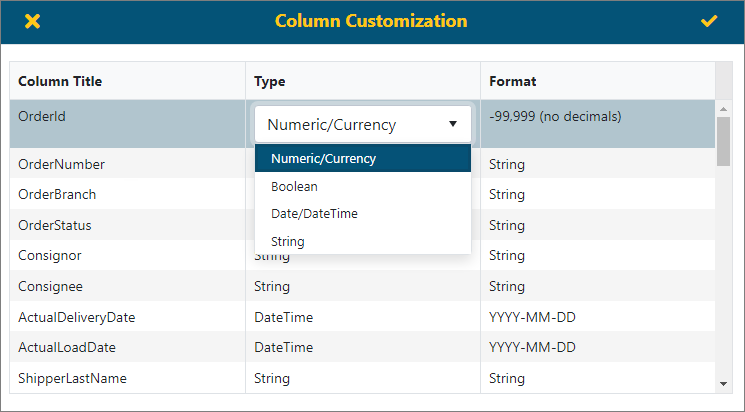
The Customization option allows you to control the column Title to display in the current report, as well as the Type of data. The Format will allow choices for date fields and numbers.
To edit a field, click on the field and a dropdown menu icon appears within that field. Click the icon to open the menu options. Choose an option and click on that option. Click the checkmark in the upper right corner of the screen to save the changes. Click the X in the upper left corner of the screen to exit without saving the changes.