BI Tool > Settings > Administration > Color Themes
Color Themes are the color combinations used within the BI Tool.
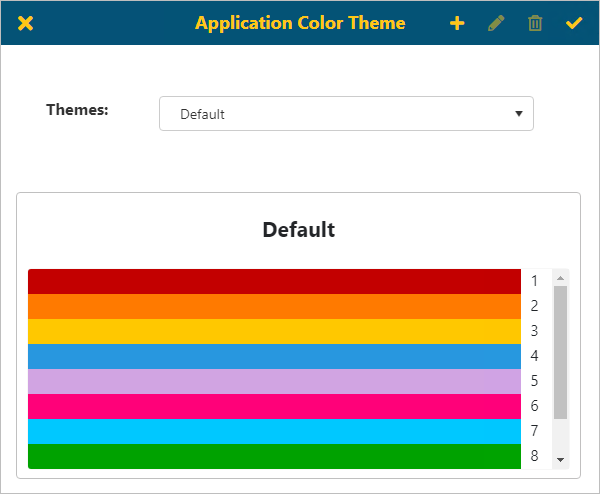
Administrators can use the Application Color Theme screen to setup the color combinations used across the system, in reports and dashboards, and as well as individual components with the BI Tool.
NOTE: Color Themes set within a report will override the Color Theme set within Settings on that individual report.
The Application Color Theme setup is accessed from Settings > Administration > Color Themes.
Figure 44: Application Color Theme screen
The Themes selection will default the theme that is used across the BI Tool in all reports/dashboards. Click the dropdown to scroll through other options available.
See BI Tool Adding and Editing a Color Theme for details on how to use this feature.