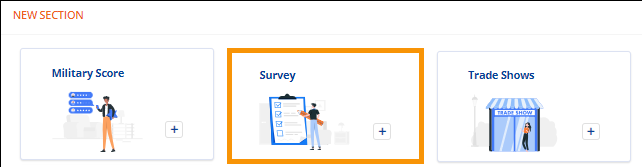
Move Information > New Section > Survey tile
If section has been added: Move Information > Survey section
To add Survey information to the order, click the Survey tile in the New Section, located at the bottom of the Move Information.
Figure 76: New Section > Survey tile
When the tile is clicked, the Survey screen opens. Enter the survey information. Details about the fields can be found within Agents > OA & Survey Information section of the Technical Table. Though the image references the Legacy desktop app, the information regarding the fields is still relevant. Click Save (or Cancel to not save entries).
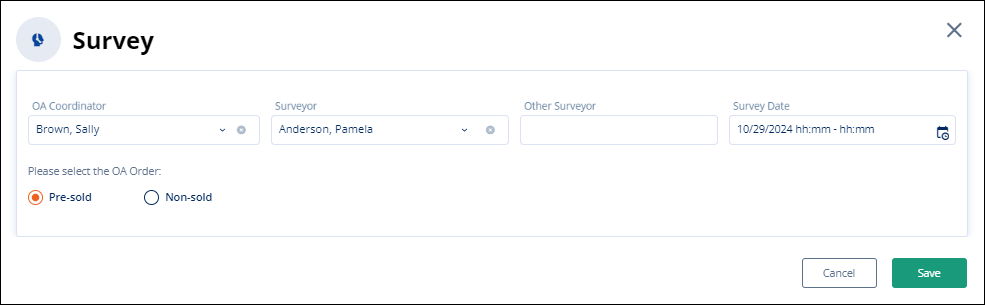
Figure 77: Survey section
If saved, the Survey tile is removed from the New Section and the data lists within the Survey section within Move Information.
RELATED INFORMATION: