Navigation Menu > Tasks
To utilize Multi-Select Options, the tasks selected must all be in the same section. This is because the section determines the options available within the Multi-Select options menu.
To update several tasks at one time:
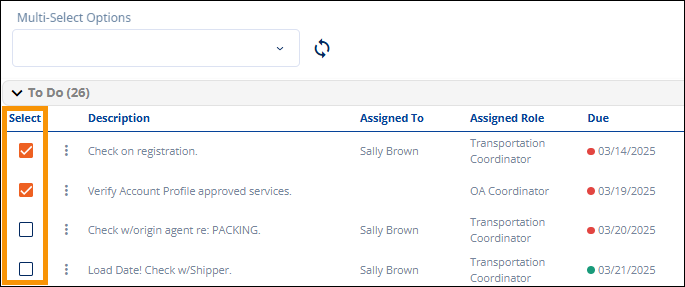
1. Check the box under Select for the tasks to be updated.
Figure 159: Select tasks from within the same section.
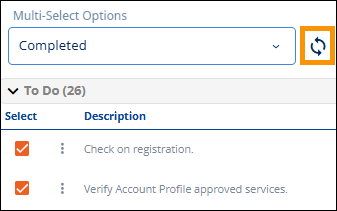
2. Click the dropdown within Multi-Select Options. Options correspond the section of the tasks being updated. Select an option.
3. Click the Update icon to apply the updates.