Account Screen
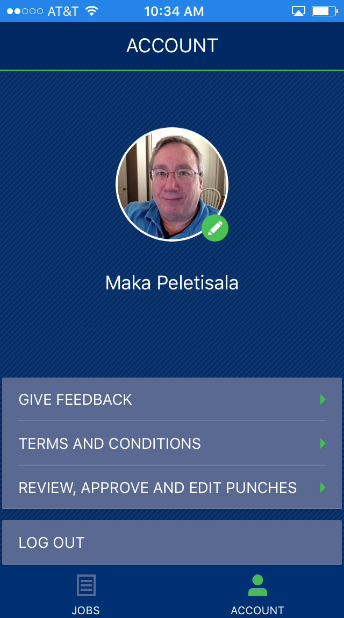
Access to this screen is through the ACCOUNT icon available through the JOBS screen.
Options from this screen include the following:
Open the MoversSuite feedback site through the http://feedback.moverssuite.com/forums/9118-moverssuite-enhancements link.
View the Terms and Conditions of using the mobile application.
Review, edit, and approve punches through the MoversSuiteCrew Crew Time feature within MoversConnect. NOTE: MoversSuite users have access to the ability to update and approve crew time activity through the Mobile Crew Time screen, as well.
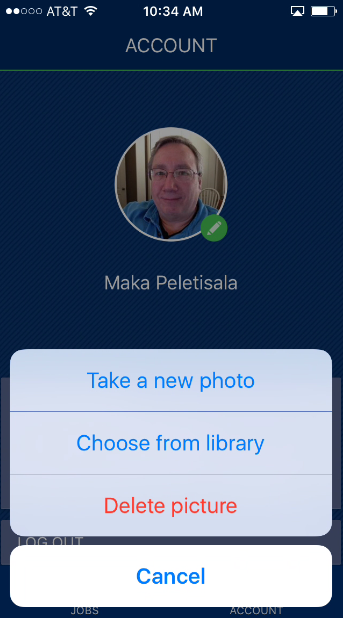
Set or update your profile photo.
Log out of MSCrew.
To update your profile image, tap on your photo and choose from the options that include using the camera on your device or by choosing from a list of existing images on your device.