STEP
DESCRIPTION
1.
On the customer card, set the terms to be 60 Days (or whatever the appropriate terms would be)
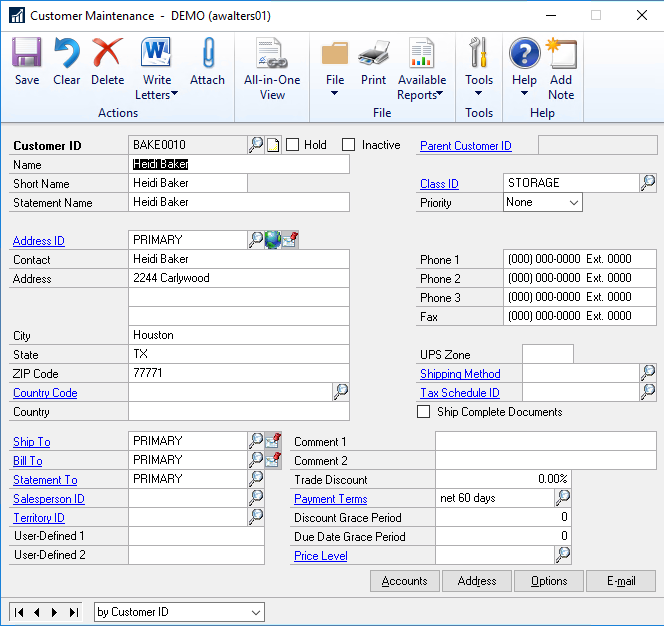
Figure 22: Customer maintenance screen
2.
Click on Options – in Finance Charge, set it to be Percent or Amount (it cannot be left at None).
Then enter the % or amount even if it is 0.
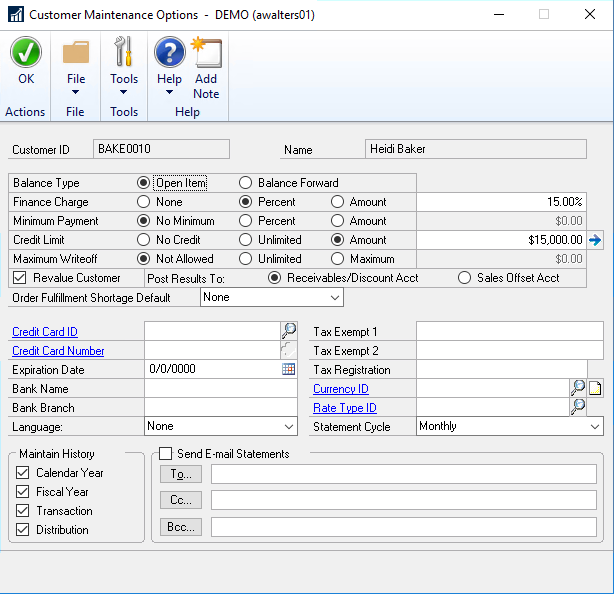
Figure 23: Customer Maintatinance Options screen
3.
When creating the Invoice, select from Customer under Invoice Terms. If you are using an account profile on the order, the customer terms can be setup there and will default in to this screen.
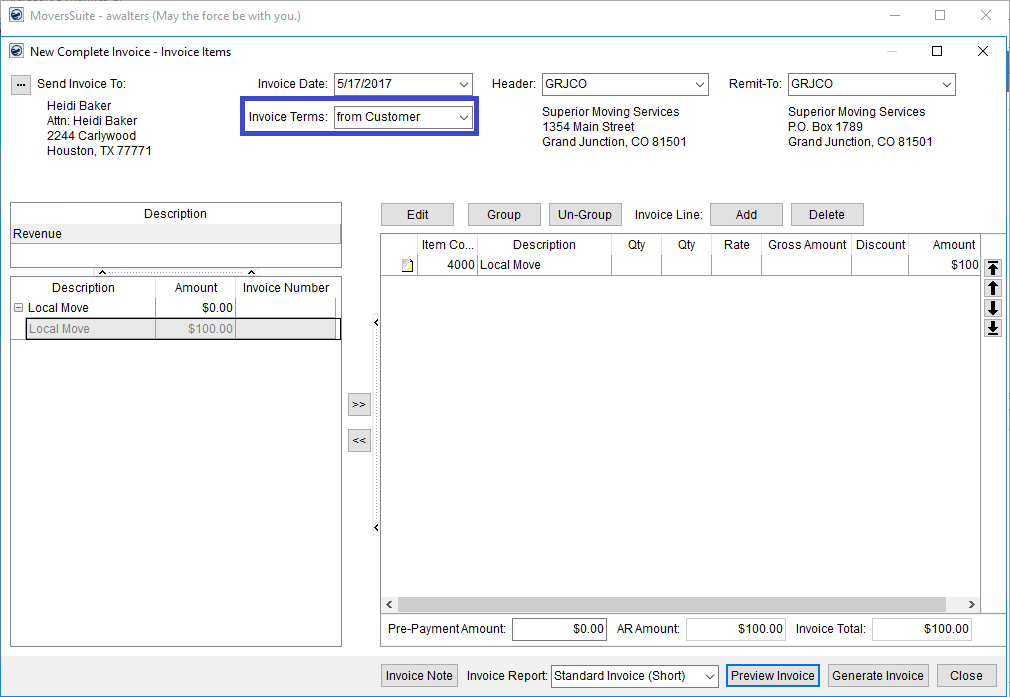
Figure 24: New Complete Invoice screen
4.
The due date and after due date pay are based on the customer card settings.
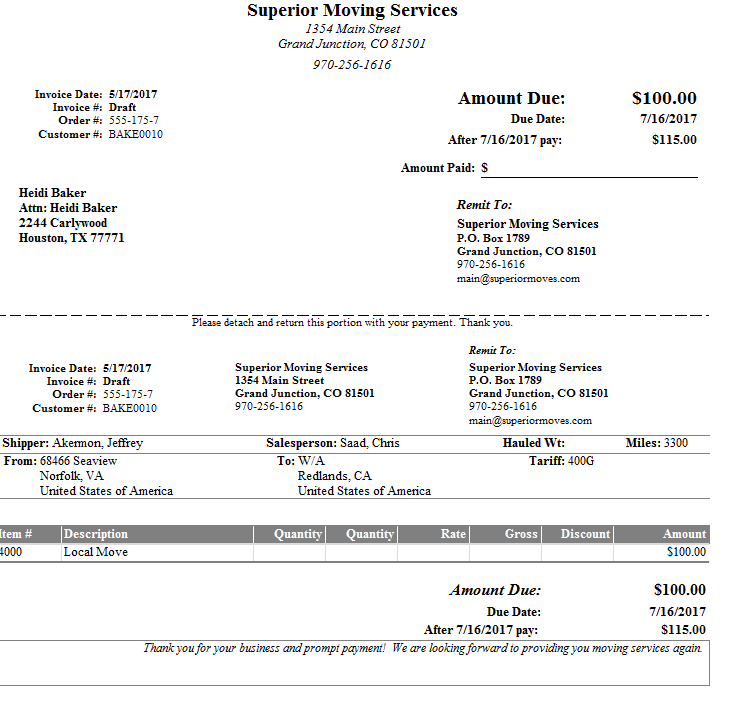
Figure 25: Invoice with Terms