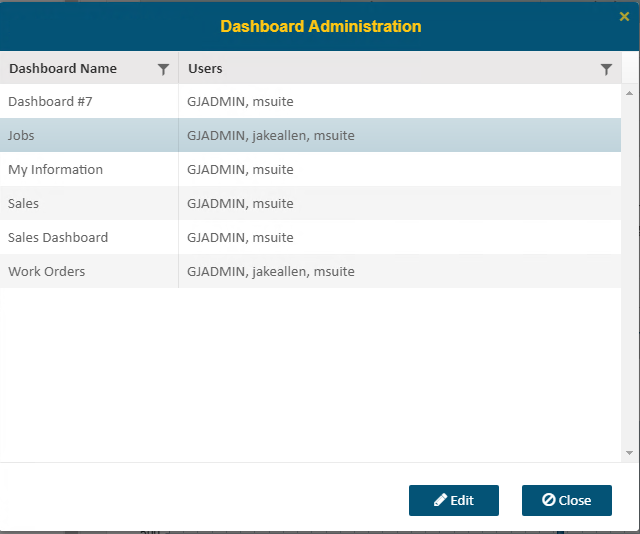
In Administration > Dashboards, you can view and assign permissions for each dashboard. Select the dashboard you want to edit and click ‘Edit’ to continue.
A list of Enterprise BI users will be displayed.
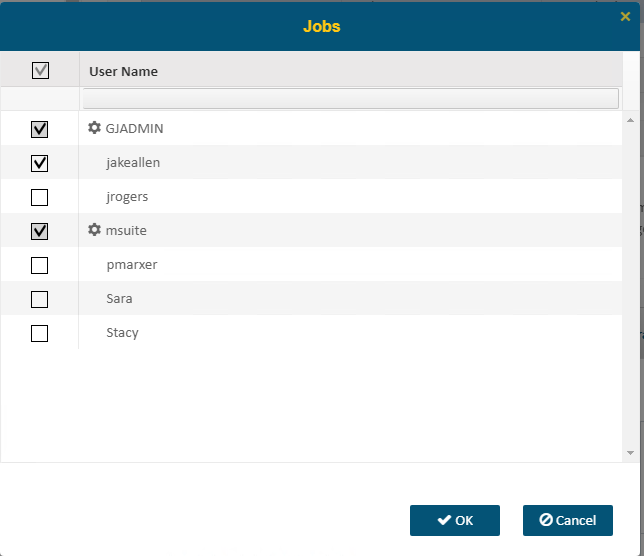
The icons to the left of each user will denote whether they have Admin access or No Access based on the user’s setup for business categories. Those without an icon do have access to the associated business category, but they are not Admins.
Click OK to save or Cancel to exit without saving the change.