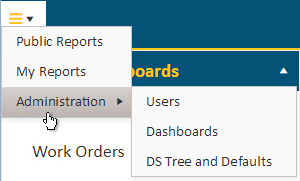
Users with Administration access will see the Administration menu option.
As an administrator, you will be able to assign business categories, reports and dashboards that you want users to have access to.
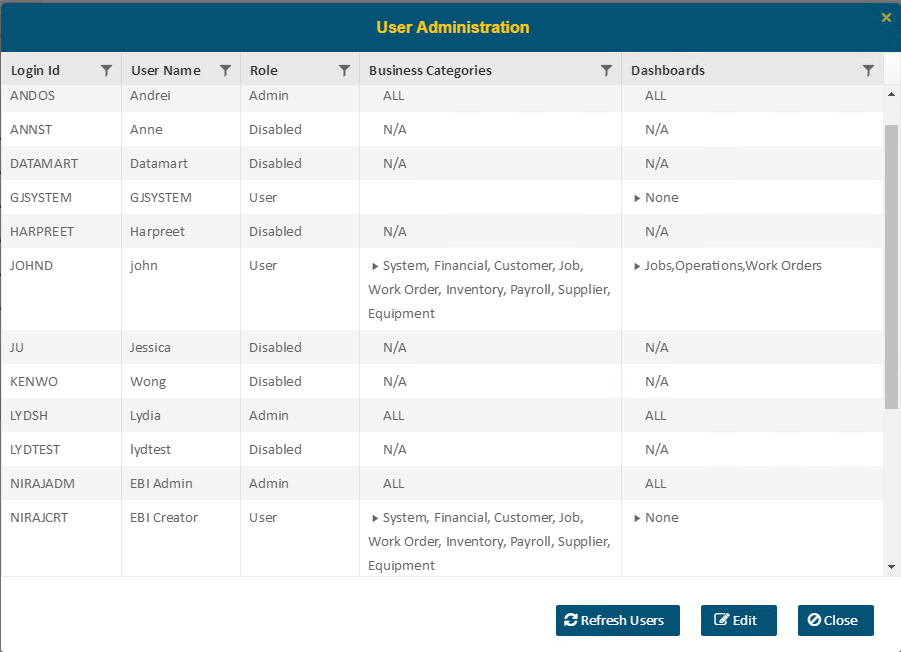
Select (highlight) the user and then press the Edit button. A list of business categories will be shown which you can assign for access.
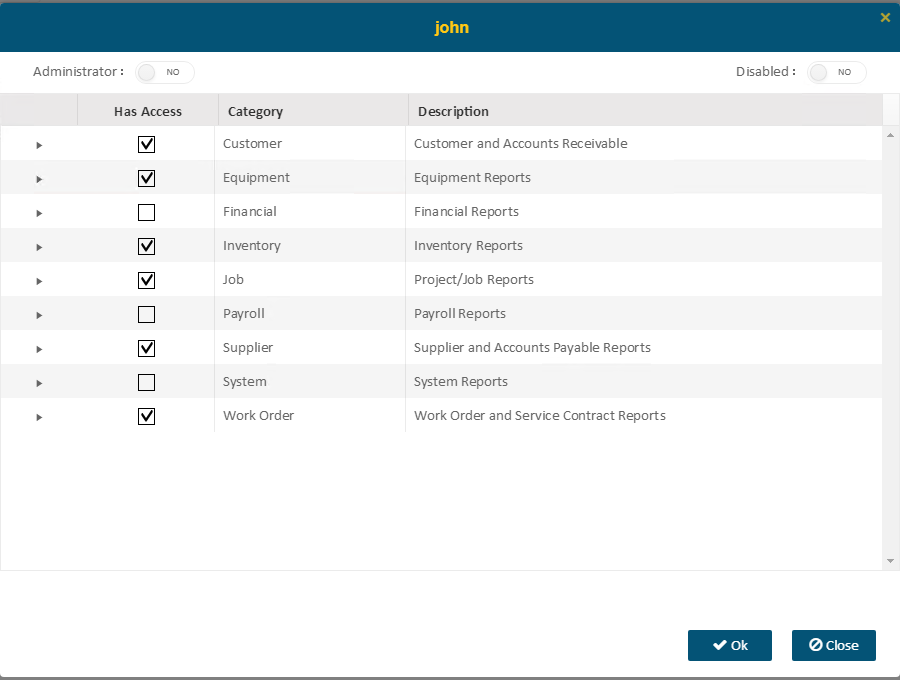
If you want to set a user as an administrator, turn on the ‘Administrator’ switch and ensure the ‘Disabled’ switch is set to NO.

To disable a user from logging into Enterprise BI, set the Disable switch to ‘Yes’. To assign View Only access to a user, set both switches to NO.
NOTE: The Disabled switch should only be turned on (set to YES) when you want to prevent the user from logging in to Enterprise BI. If both the Administrator and Disabled switches are set to YES, then the user’s role will be set to Disabled.