Logging In
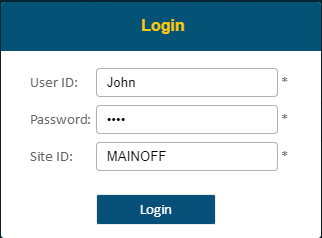
Provide the following through the Login prompt:
•User ID and Password are defined in Jonas
•Client ID is supplied by your Jonas Installer/Consultant
Logging Off
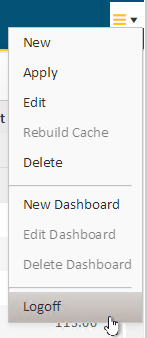
Click on the button in the top-right corner and navigate to Logoff from the drop-down menu. The application will then return to the Login screen.