You can view details of a base through the  button
adjacent to one of the Ordering, Origin, and Destination
settings within the Bases section on the Military/Government tab. This button opens
the Base Information screen allowing you to view information on the base, such
as address, phone number, identification number, and a list of contacts.
button
adjacent to one of the Ordering, Origin, and Destination
settings within the Bases section on the Military/Government tab. This button opens
the Base Information screen allowing you to view information on the base, such
as address, phone number, identification number, and a list of contacts.
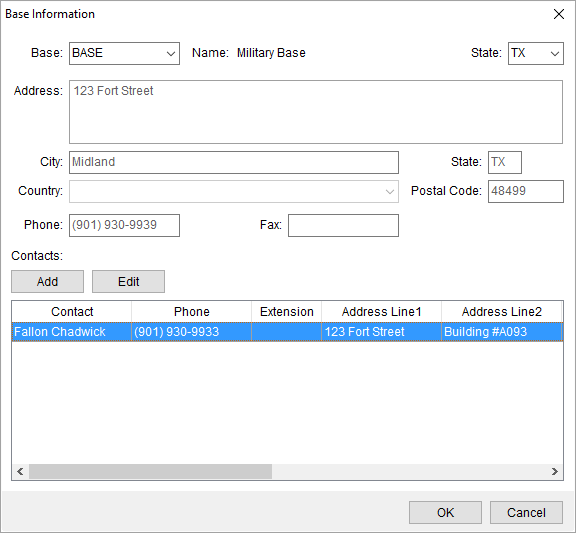
Figure 5: Base Information
screen
Options available to you through this screen include the
ability to add and edit contacts for the base. Pressing Add or
Edit options the Add Contact
dialog where you can update contact information.
The contact information is also managed through Base Setup, along with other base
data, and the option to delete a contact.
Refer to Base
Setup for all field descriptions.
The option to send an email to a contact is available through
the right-click option of Send
Email. This opens a new mail window with the email of the contact set as the
recipient.
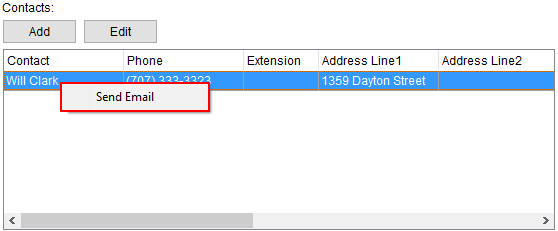
Figure 6: Contacts section within
Base Information