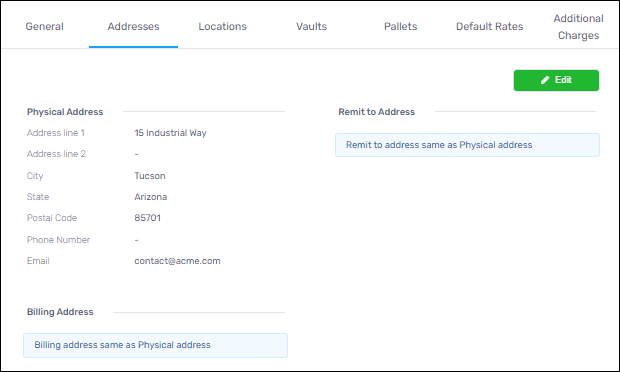
Administration > Warehouses >Addresses tab
This tab contains the ability to list the physical address, the billing address, and a Remit-to address, if necessary. Use the green Edit button to edit or update information on this tab. If the Billing Address or Remit-to address is different from the physical address, click the Edit button which opens the Edit warehouse screen. Click the Addresses tab and then check the “Different billing address” or “Different remit to address” to open the fields to do so.
Figure 4: Addresses tab