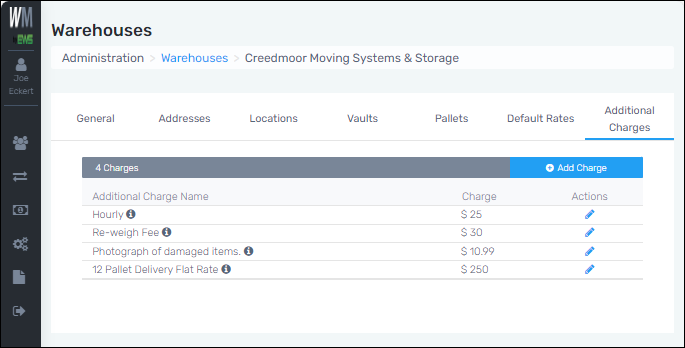
Administration > Warehouses > Additional Charges tab
The Additional Charges tab displays the additional charges available for the warehouse to have the ability to select. Additional Charges are the charges that are applied to all Customers, unless otherwise set for a specific Customer or Customers by editing charges within Customers > choose a Customer > Additional Charges.
To edit an existing charge:
Click the blue pen icon under the “Actions” column to open the Edit Additional Charges screen. Edit as needed and save. Required fields remain required.
To add a new charge:
Click the blue “Add Charge” button. Enter the Additional Charge name, the Charge amount, and a description. All these fields show in the Additional Charges listing.